Flow Graph Editor
Build Interactive Scenes Without Writing Flow Graph Code
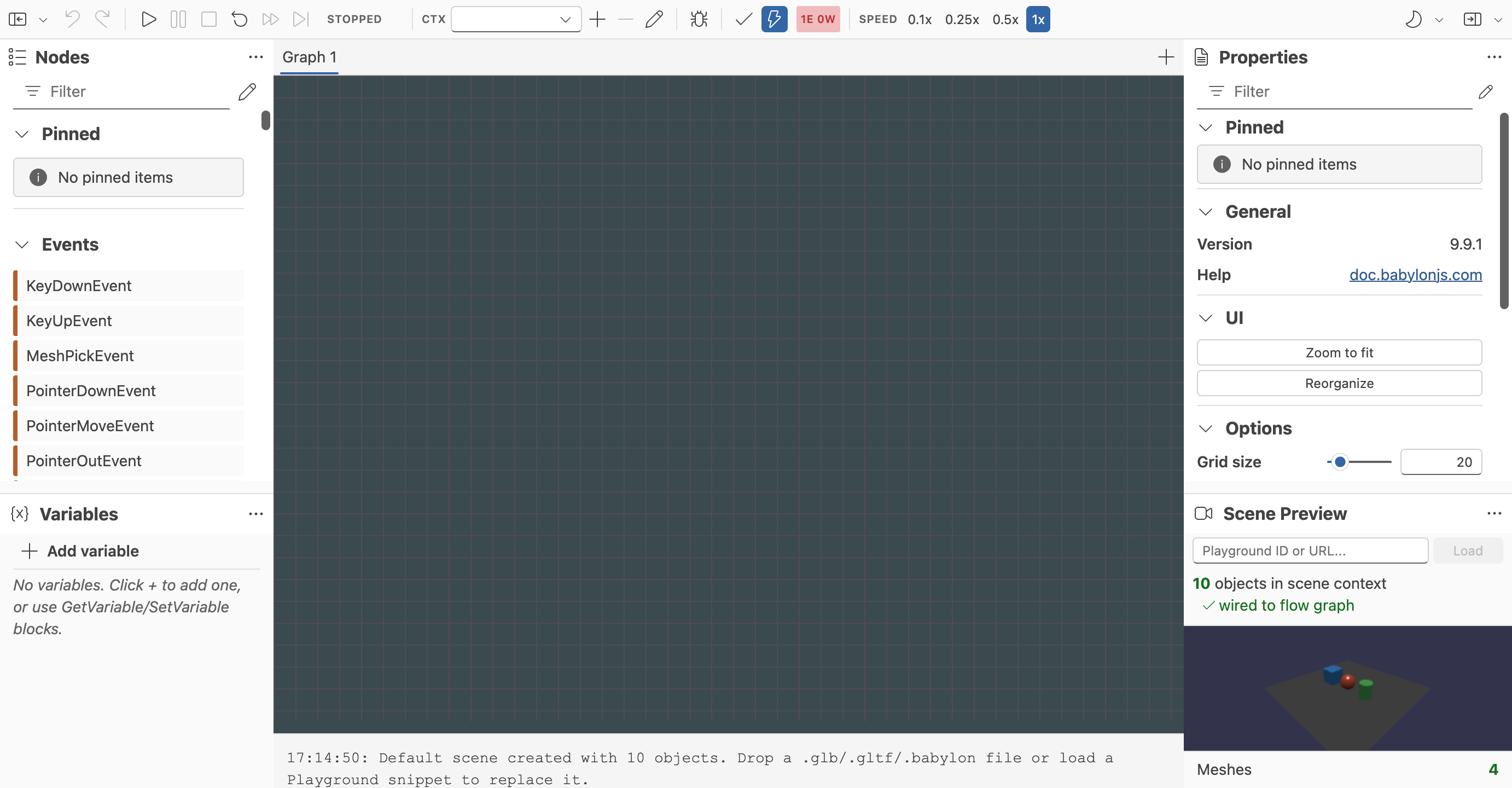
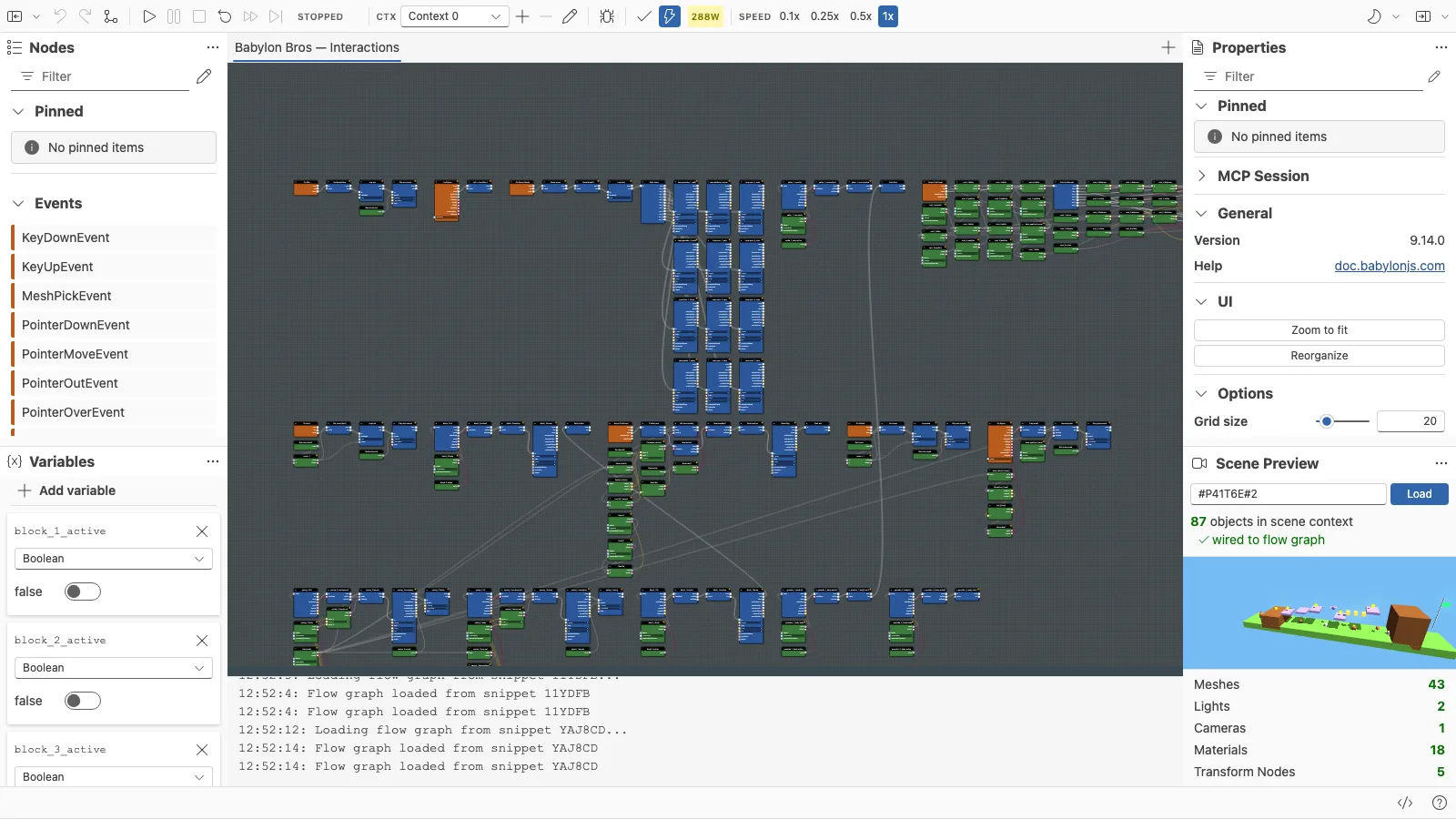
The Flow Graph Editor is a visual authoring tool for Babylon.js flow graphs. It lets you create interactions, logic, and event-driven behavior by connecting blocks in a node graph instead of writing the graph by hand in code.
This makes the editor a practical companion to the core Flow Graph documentation:
- Use the feature deep-dive pages to understand the runtime concepts and APIs.
- Use the Flow Graph Editor to assemble, test, and debug those graphs visually.
The editor is designed for rapid iteration. You can load a scene, wire logic together, run it immediately, inspect values, pause on breakpoints, and save the graph for later use.
You can try the hosted build here: Flow Graph Editor
What The Editor Covers Today
The current editor focuses on the full authoring loop:
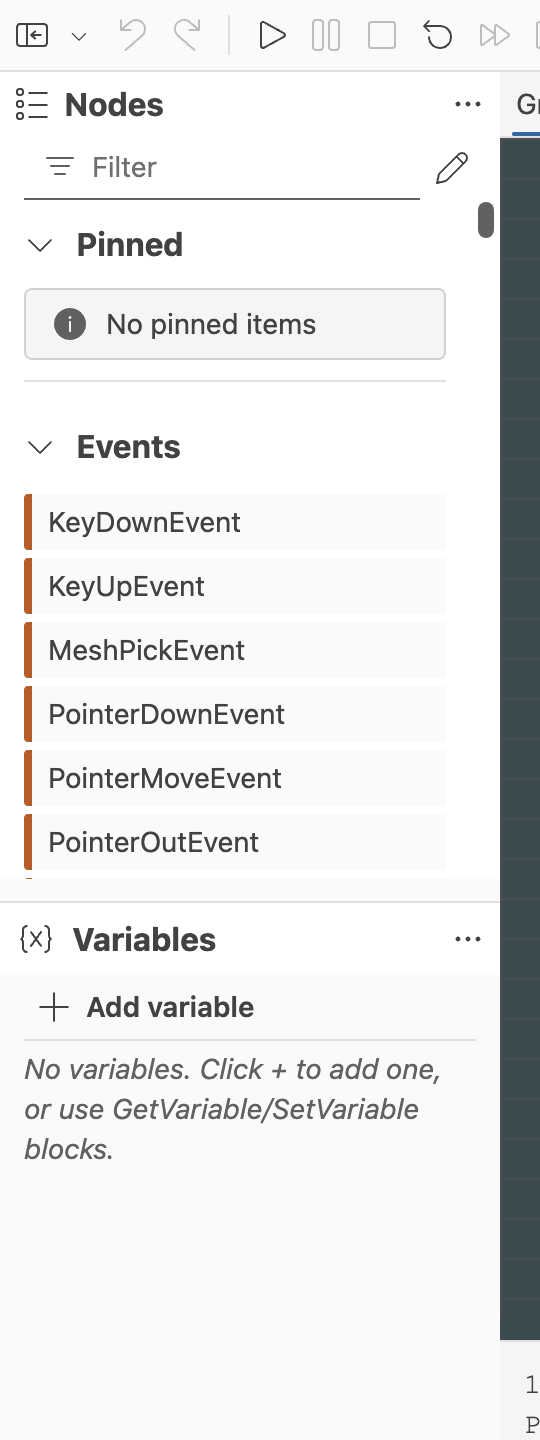
- Creating graphs with execution and data blocks
- Managing multiple graphs in one editor session
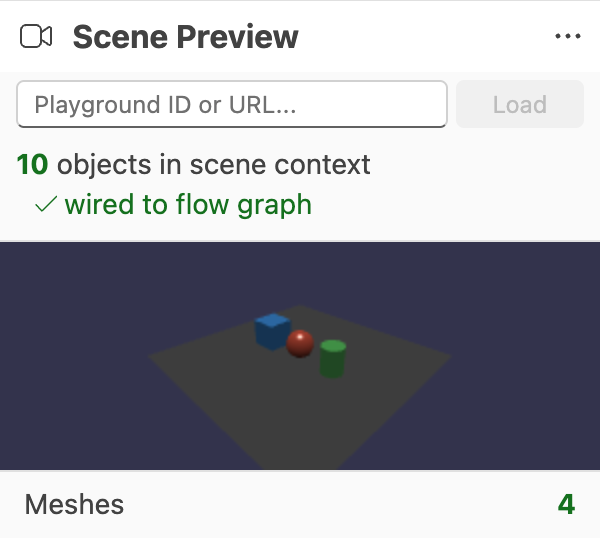
- Loading a test scene from a Playground snippet or local scene file
- Saving and restoring graphs from files or the Babylon.js snippet server
- Running, pausing, stopping, and resetting graph execution
- Managing multiple execution contexts for the same graph definition
- Visual debugging with execution highlights, flow animation, and breakpoints
- Validating graphs while you edit
- Organizing complex graphs with groups, sticky notes, and search
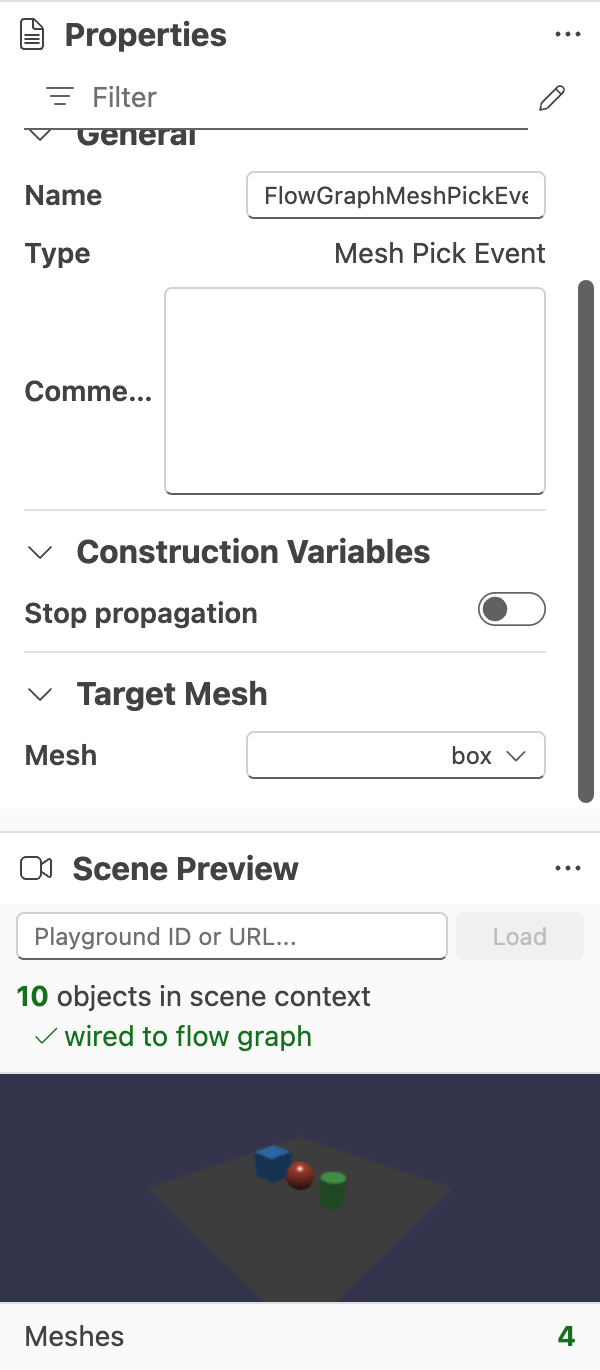
- Editing block configuration and scene-aware references in a property panel
The feature set is growing quickly, so this section is intentionally structured as a living set of pages rather than a single static article.
Start Here
- Getting Started With The Flow Graph Editor
- Example - Your First Runnable Graph
- Example - Click A Mesh And Log It
- Example - Babylon Bros Platformer
- Tutorial - Build Babylon Bros
- Multiple Graphs In One Editor
- Execution Contexts
- Authoring, Validation, and Debugging
- Editor Operations and Shortcuts
- Validation and Property Editing
- Supported Block Families
- Block Reference
- Event Blocks
- Animation Blocks
- Physics Blocks
- Audio Blocks
- Control Flow Blocks
- Data Access Blocks
- Utility Blocks
Relationship To The Flow Graph System
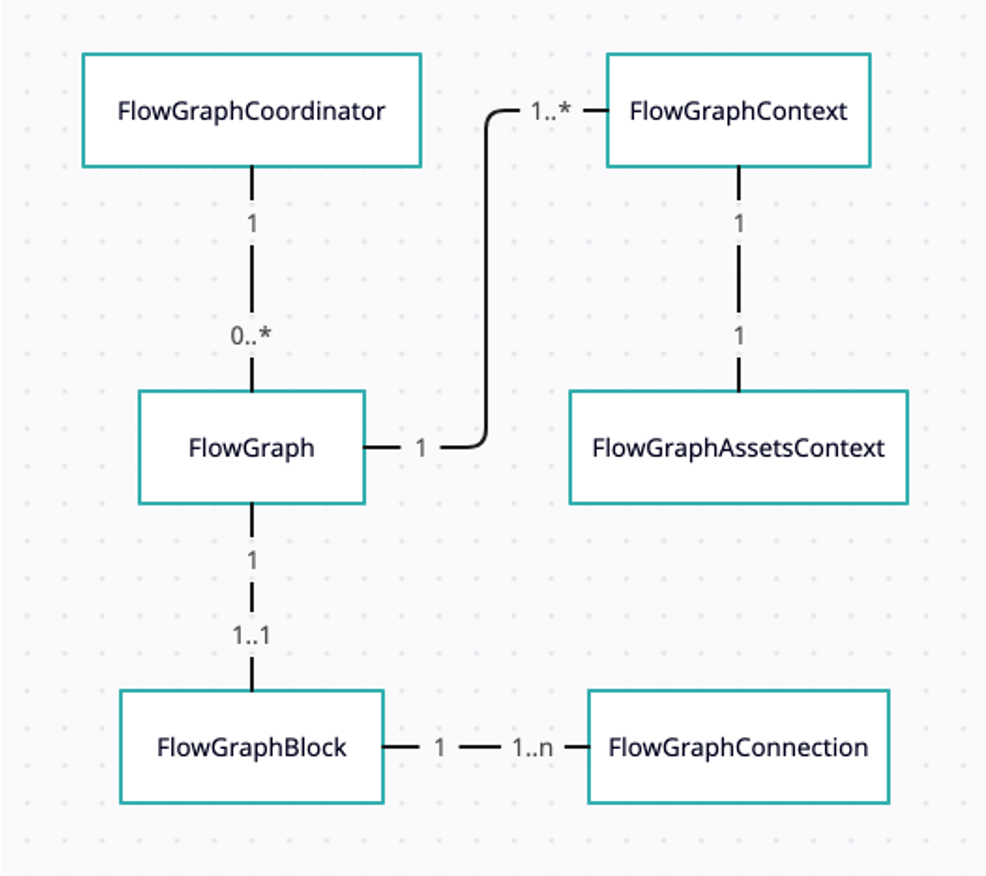
The editor does not replace the Flow Graph runtime. It is a visual front end for building and inspecting graphs that still run on Babylon.js Flow Graph primitives.
If you are new to flow graphs, read Flow Graph Basic Concepts first. If you already understand the runtime model and want a faster workflow for building interactive logic, continue with the editor pages in this section.
A Living Documentation Set
New editor features land regularly. This documentation section is organized so it can grow in place as the tool evolves. Expect additional pages over time for topics such as block catalogs, scene integration workflows, graph reuse patterns, and new debugging capabilities.
Further reading
Flow Graph
Learn all about the Babylon.js Flow Graph system.

Flow Graph Basic Concepts and Getting Started
Learn all about the Babylon.js Flow Graph system.
Coming next
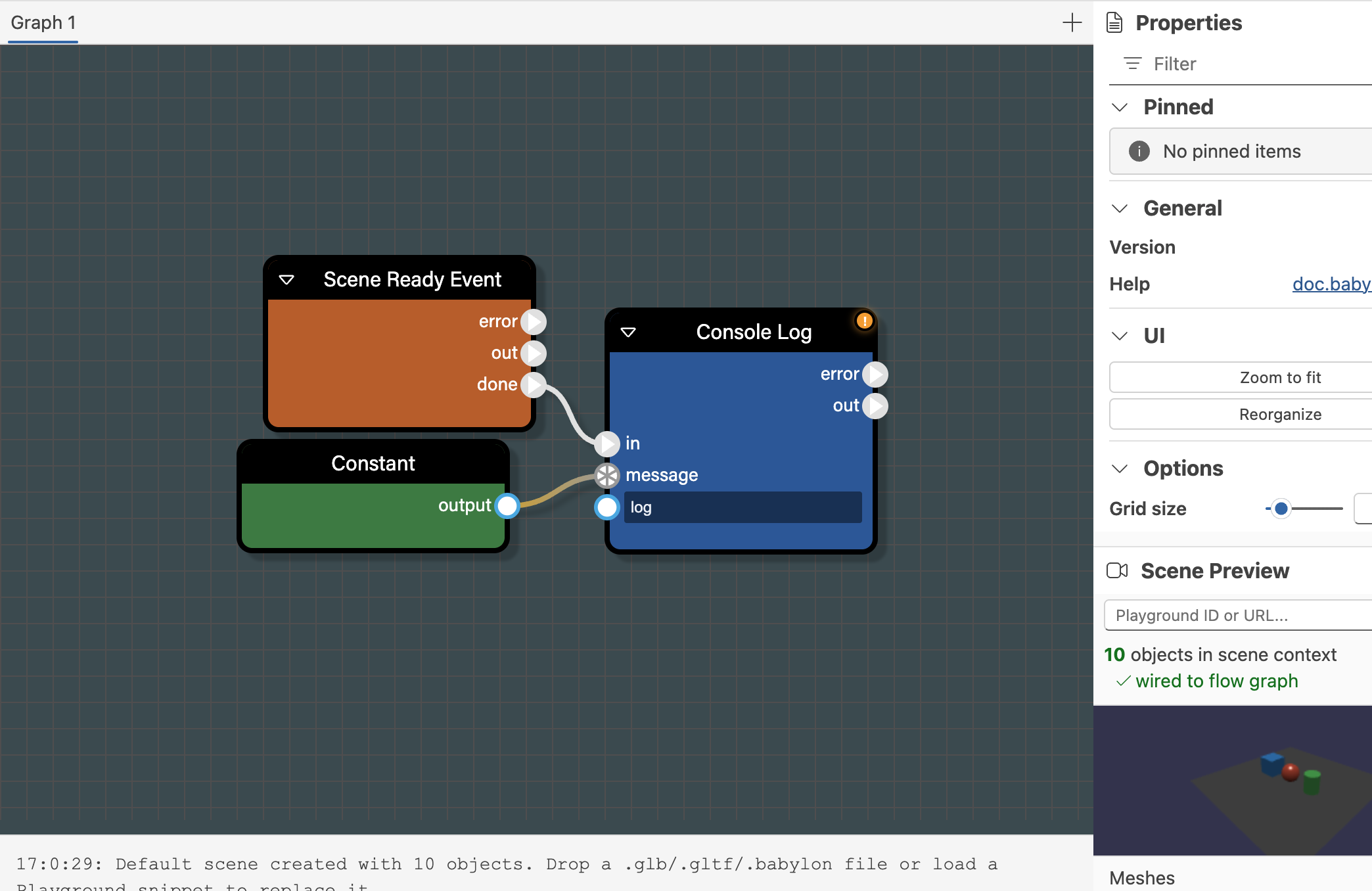
Example - Your First Runnable Graph
Build a first runnable graph in the Babylon.js Flow Graph Editor using the default scene and a minimal set of blocks.
Getting Started With The Flow Graph Editor
Learn the basic workflow for creating, testing, saving, and restoring flow graphs in the Babylon.js Flow Graph Editor.
Example - Click A Mesh And Log It
Build a simple interactive graph that reacts when a mesh is picked in the Babylon.js Flow Graph Editor.
Example - Babylon Bros Platformer
A complete, physics-driven flow graph demo that powers a Mario-style platformer in Babylon.js, ready to open and edit in the Flow Graph Editor.
Tutorial - Build Babylon Bros
A complete, step-by-step tutorial that builds the Babylon Bros platformer entirely in the Flow Graph Editor, from scene setup to a published demo.
Multiple Graphs In One Editor
Learn how to work with multiple flow graphs in a single Babylon.js Flow Graph Editor session.

Execution Contexts
Learn how multiple execution contexts work in the Babylon.js Flow Graph Editor.
Authoring, Validation, and Debugging
Learn how to run, inspect, validate, and organize graphs in the Babylon.js Flow Graph Editor.
Editor Operations and Shortcuts
Reference for the Babylon.js Flow Graph Editor toolbar, keyboard shortcuts, grouping, search, notes, and canvas operations.
Validation and Property Editing
Reference for graph validation, type compatibility, and the property panel in the Babylon.js Flow Graph Editor.
Supported Block Families
Overview of the current block families available in the Babylon.js Flow Graph Editor.
Block Reference
First-pass reference for the current blocks available in the Babylon.js Flow Graph Editor.
Event Blocks
Detailed reference for the Event family in the Babylon.js Flow Graph Editor.
Animation Blocks
Detailed reference for the Animation family in the Babylon.js Flow Graph Editor.
Physics Blocks
Detailed reference for the Physics families in the Babylon.js Flow Graph Editor.
Audio Blocks
Detailed reference for the Audio families in the Babylon.js Flow Graph Editor.
Control Flow Blocks
Detailed reference for the Control Flow family in the Babylon.js Flow Graph Editor.
Data Access Blocks
Detailed reference for the Data Access family in the Babylon.js Flow Graph Editor.
Utility Blocks
Detailed reference for the Utility family in the Babylon.js Flow Graph Editor.