Tutorial - Build Babylon Bros
What You Will Build
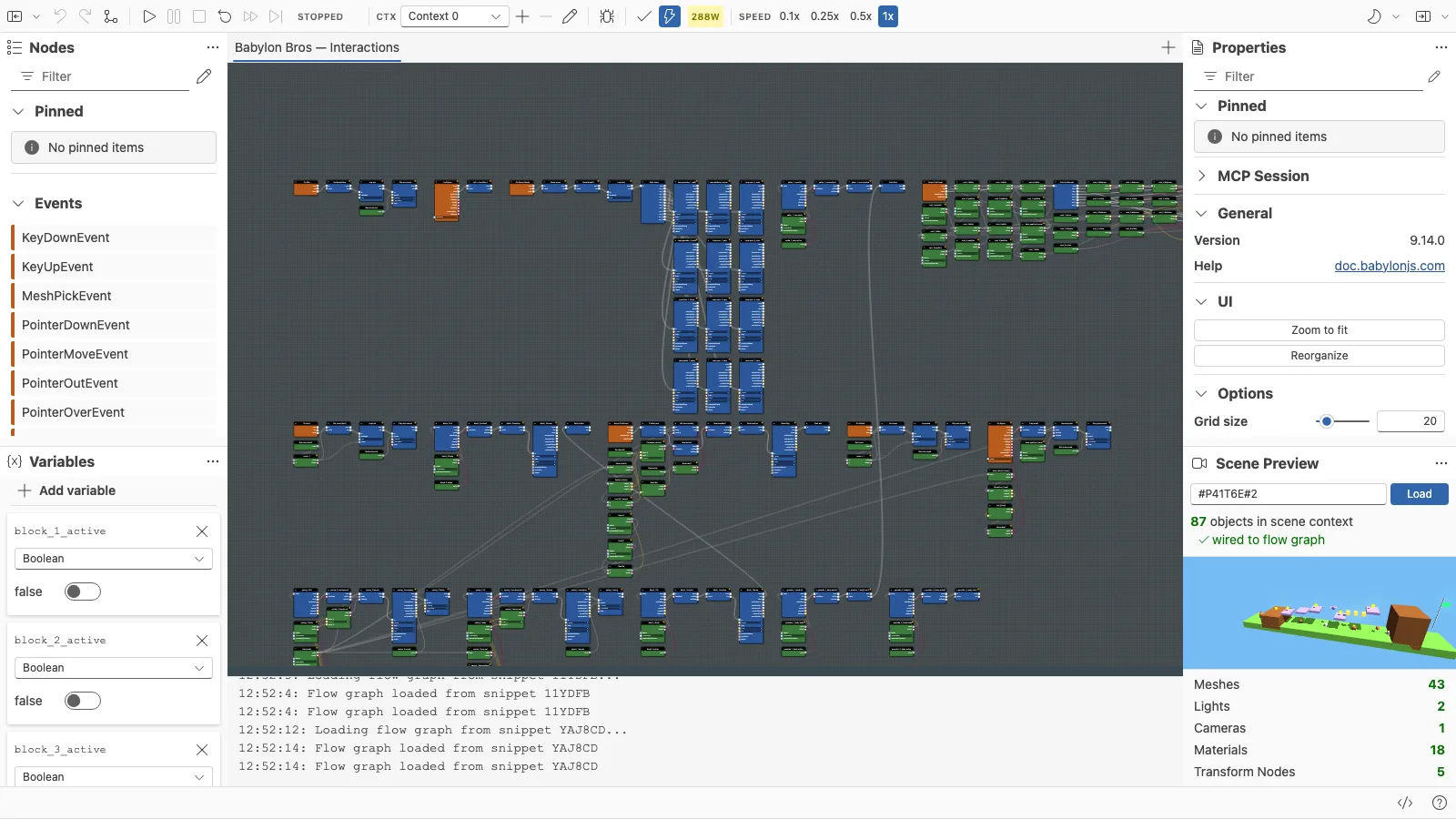
This tutorial builds Babylon Bros, a small physics-driven platformer, entirely in the Flow Graph Editor. You start from a finished scene that does nothing on its own and add every interaction as a flow graph: running, jumping, coin pickups, spring bounces, enemies, and a win condition.
The point of the tutorial is the editor workflow. Each step uses real editor features: the node palette, the scene preview, the property panel, validation, execution contexts, debug mode, and the snippet server.
How The Series Works
Each step ends with a saved flow graph snippet that includes everything from the previous steps. You can open any step directly in the editor and continue from there:
| Step | Snippet |
|---|---|
| Move the hero | #1CUUOO |
| Add jumping | #LI45XB |
| Collect coins | #W0H5RG |
| Spring bounces | #YCDRLC |
| Enemies | #CMWMAN |
| Win condition (final) | #HUA46E |
The scene is loaded from Playground snippet #P41T6E#2 throughout, so every step shares the same preview scene.
Steps
- Step 0 - Prepare The Assets
- Step 1 - Set Up The Editor
- Step 2 - Move The Hero
- Step 3 - Add Jumping
- Step 4 - Collect Coins
- Step 5 - Spring Bounces
- Step 6 - Enemies
- Step 7 - Win Condition
- Step 8 - Save And Publish
Before You Start
Read Getting Started and build Your First Runnable Graph first. You will be more comfortable with the palette, the preview, and the run controls before tackling a full game.
Further reading
Example - Babylon Bros Platformer
A complete, physics-driven flow graph demo that powers a Mario-style platformer in Babylon.js, ready to open and edit in the Flow Graph Editor.

Getting Started With The Flow Graph Editor
Learn the basic workflow for creating, testing, saving, and restoring flow graphs in the Babylon.js Flow Graph Editor.
Coming next
Step 1 - Set Up The Editor
Load the Babylon Bros scene into the Flow Graph Editor, confirm physics, and create an empty graph ready for logic.
Step 0 - Prepare The Assets
Prepare the still Babylon Bros scene with meshes, materials, ready-but-not-playing animation groups, sounds, and physics before adding any flow graph logic.
Step 2 - Move The Hero
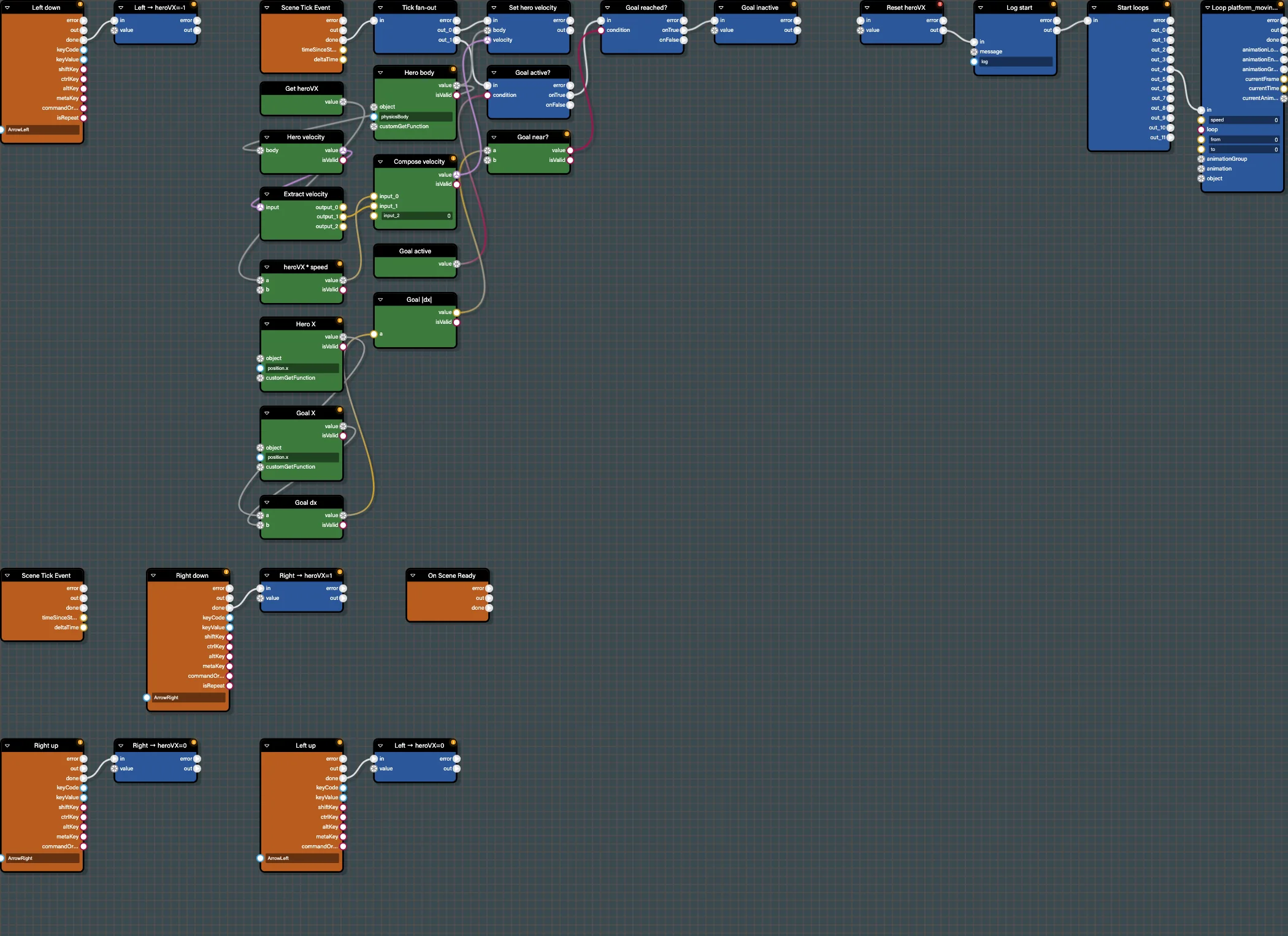
Drive the Babylon Bros hero left and right with keyboard events, a velocity variable, and a per-frame physics update in the Flow Graph Editor.
Step 3 - Add Jumping
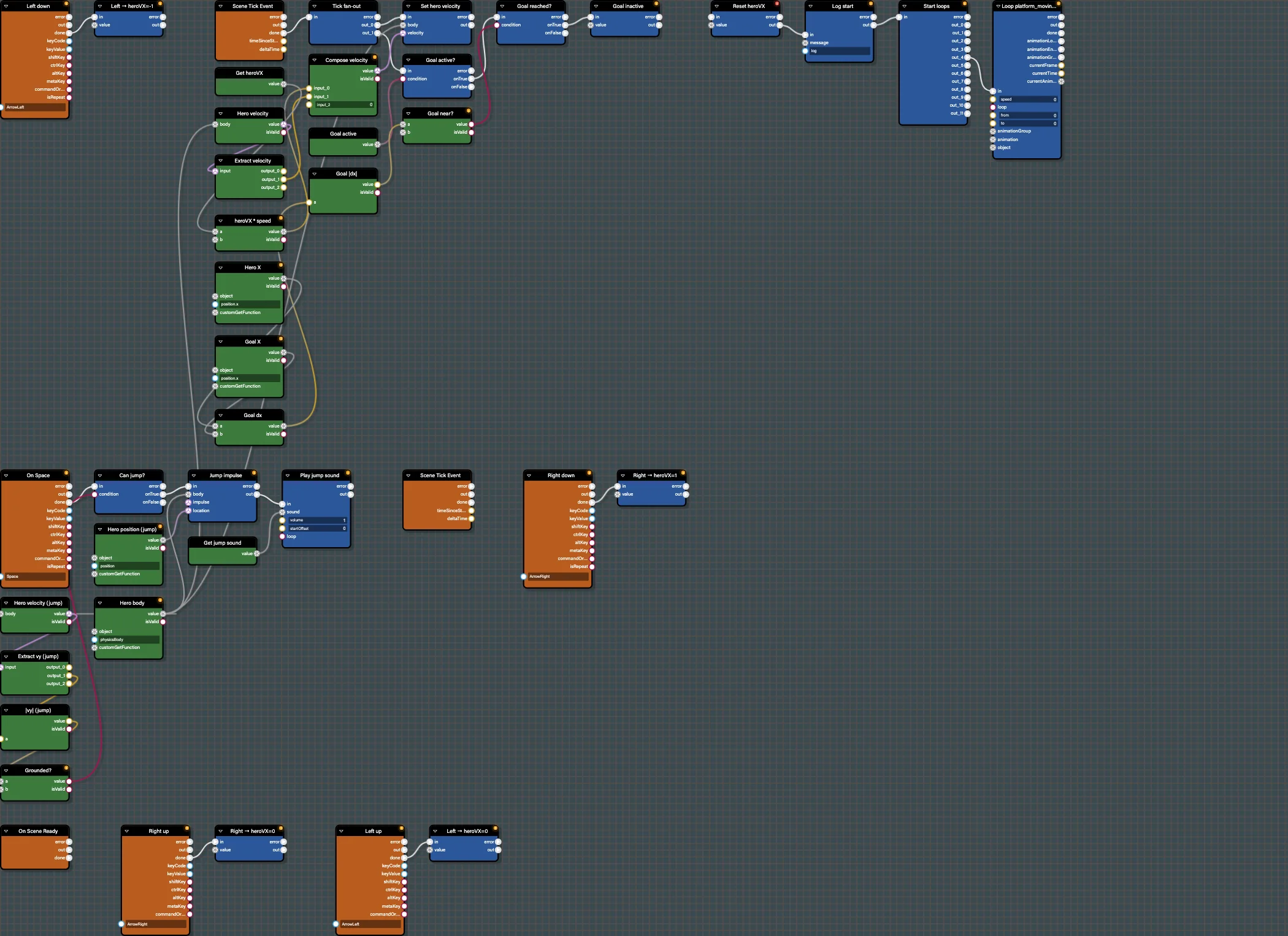
Add a grounded jump to Babylon Bros using a key event, a ground check branch, an upward impulse, and a sound in the Flow Graph Editor.
Step 4 - Collect Coins
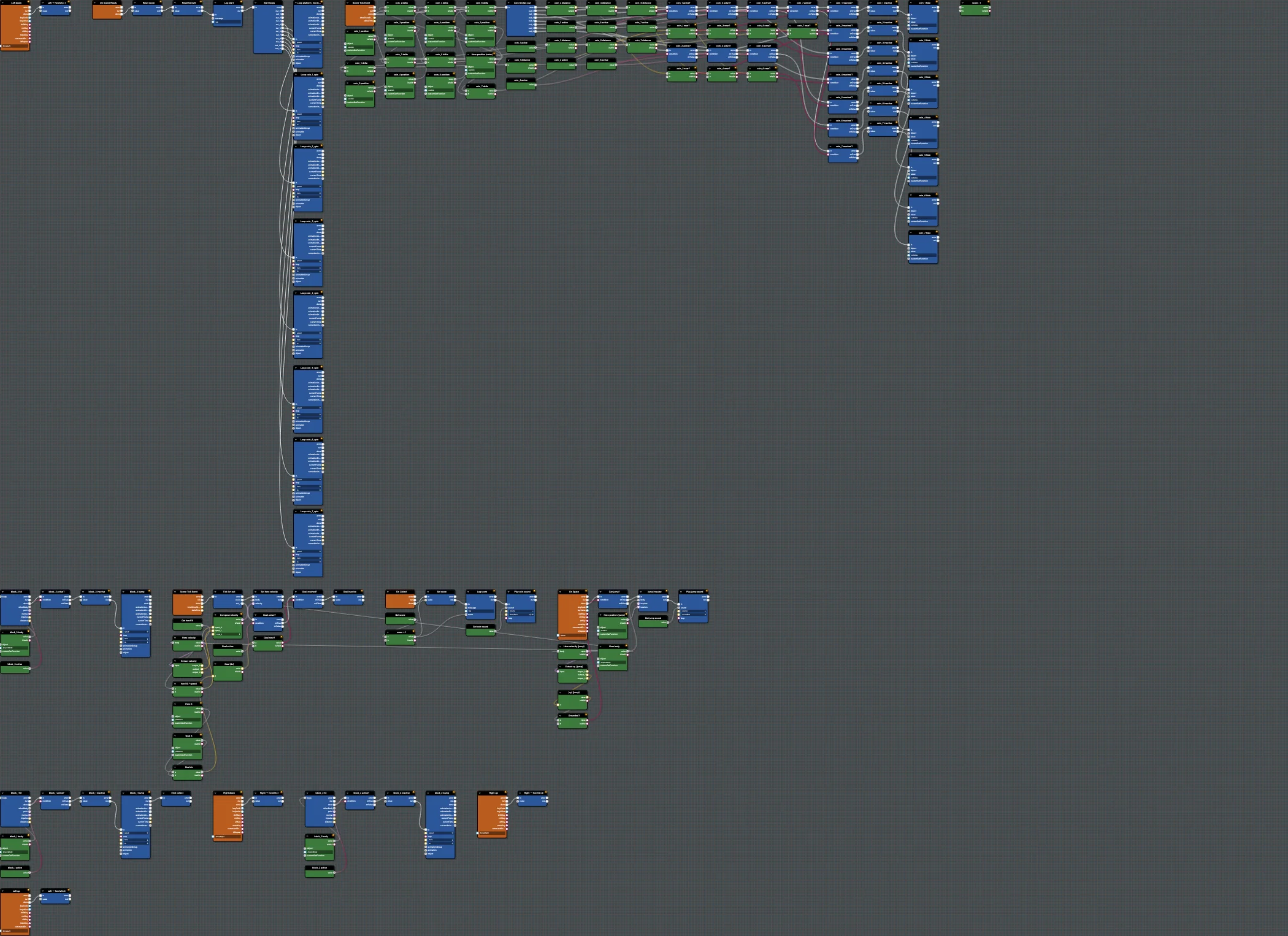
Add coin collection to Babylon Bros using physics collision events, a score variable, custom events, and sound in the Flow Graph Editor.
Step 5 - Spring Bounces
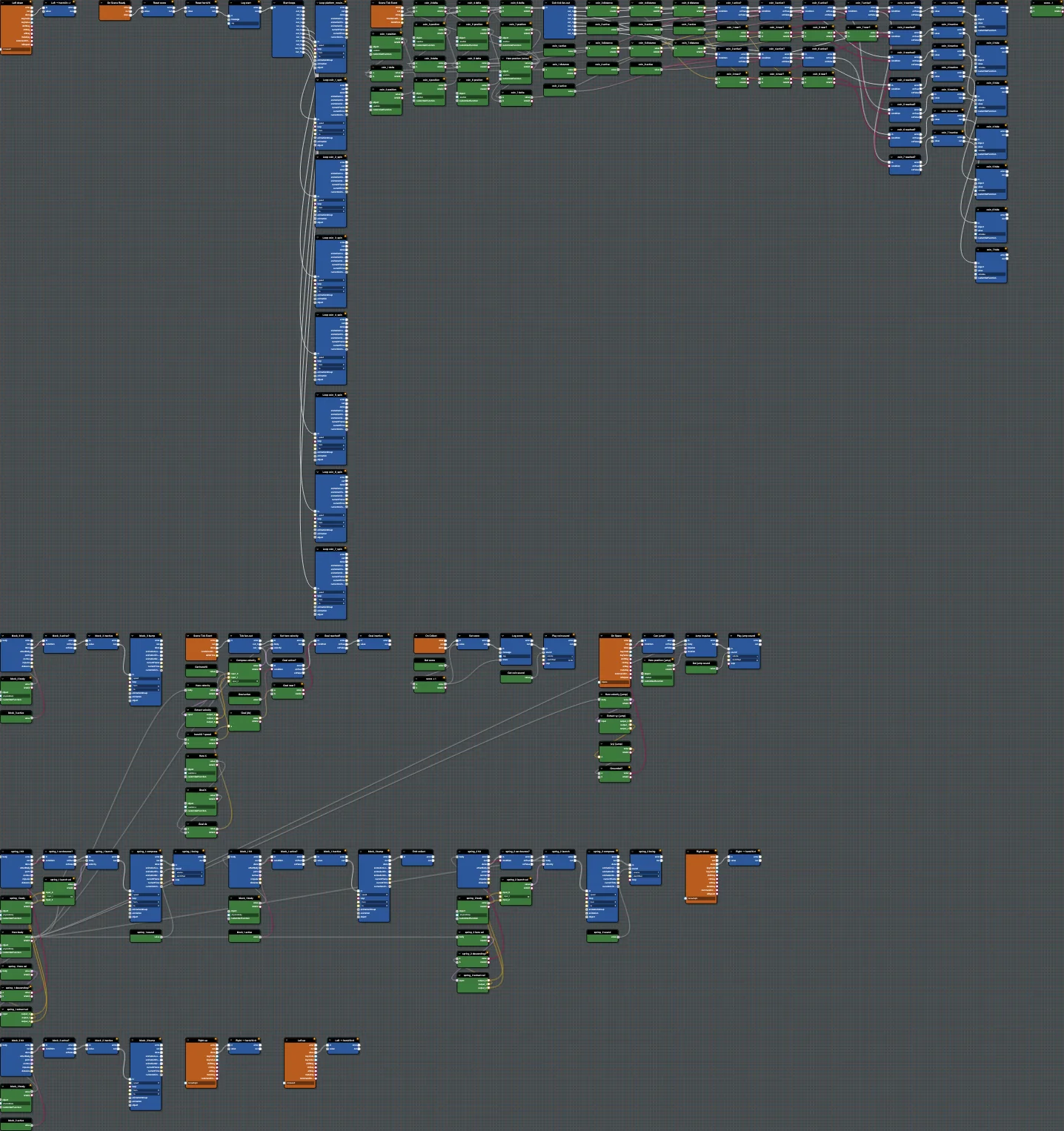
Add spring pads to Babylon Bros that launch the hero upward on collision when descending, with a compress animation and sound.
Step 6 - Enemies
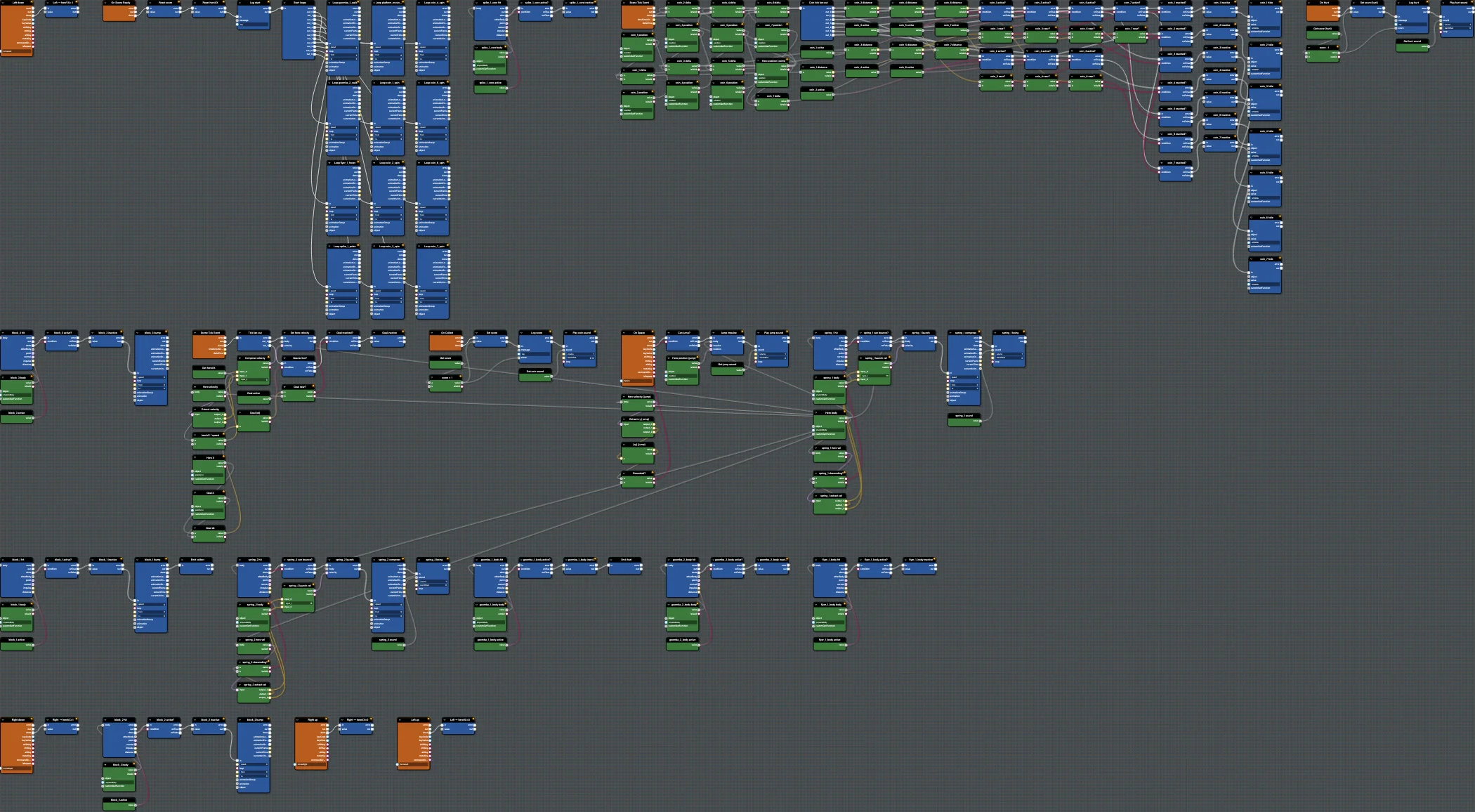
Add enemy interactions to Babylon Bros - stomp from above to defeat, touch from the side to get hurt - using collision events and custom events.
Step 7 - Win Condition
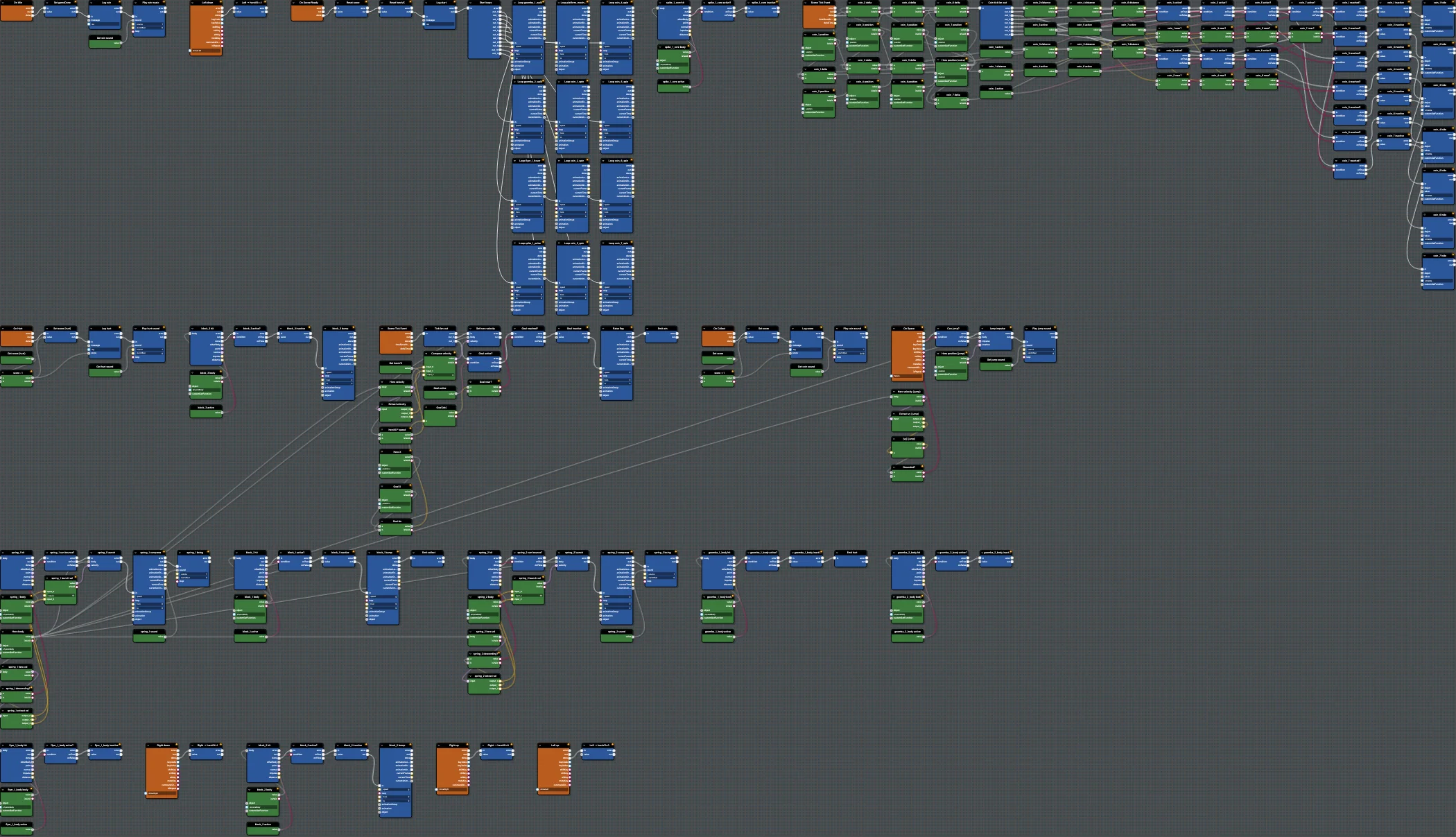
Finish Babylon Bros by reaching the flag - raise it, play victory music, and lock the game as done using a custom event in the Flow Graph Editor.
Step 8 - Save And Publish
Save the finished Babylon Bros flow graph to a snippet and load it from a Playground scene to ship the full demo.