Animation Blocks
Why Animation Blocks Matter
Animation blocks connect authored graph logic to time-based scene changes.
They are useful when the graph should start, pause, stop, or interpolate values over time instead of reacting only as discrete steps.
Core Animation Blocks
PlayAnimation
Use PlayAnimation when the graph should start a configured animation group.
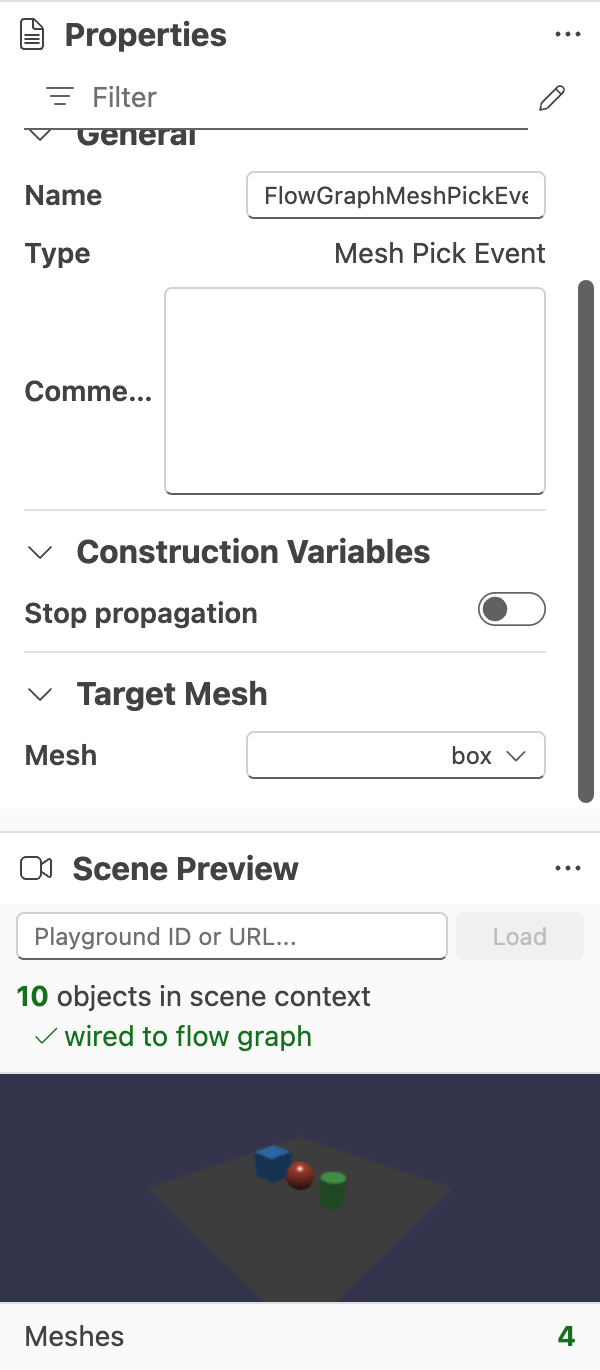
This block is most useful when the loaded scene already contains animation groups that can be selected from the property panel.
PauseAnimation
Use PauseAnimation when a running animation should be paused without being fully reset.
StopAnimation
Use StopAnimation when animation playback should stop entirely.
Interpolation
Use Interpolation when the graph should move a value over time rather than jump directly between states.
This block is especially helpful in graphs driven by SceneTickEvent or other time-sensitive flows.
Choosing The Right Block
- Use
PlayAnimation,PauseAnimation, andStopAnimationfor animation-group control. - Use
Interpolationwhen the graph should shape a value over time.
Further reading
Block Reference
First-pass reference for the current blocks available in the Babylon.js Flow Graph Editor.

Validation and Property Editing
Reference for graph validation, type compatibility, and the property panel in the Babylon.js Flow Graph Editor.
Getting Started With The Flow Graph Editor
Learn the basic workflow for creating, testing, saving, and restoring flow graphs in the Babylon.js Flow Graph Editor.