Block Reference
About This Reference
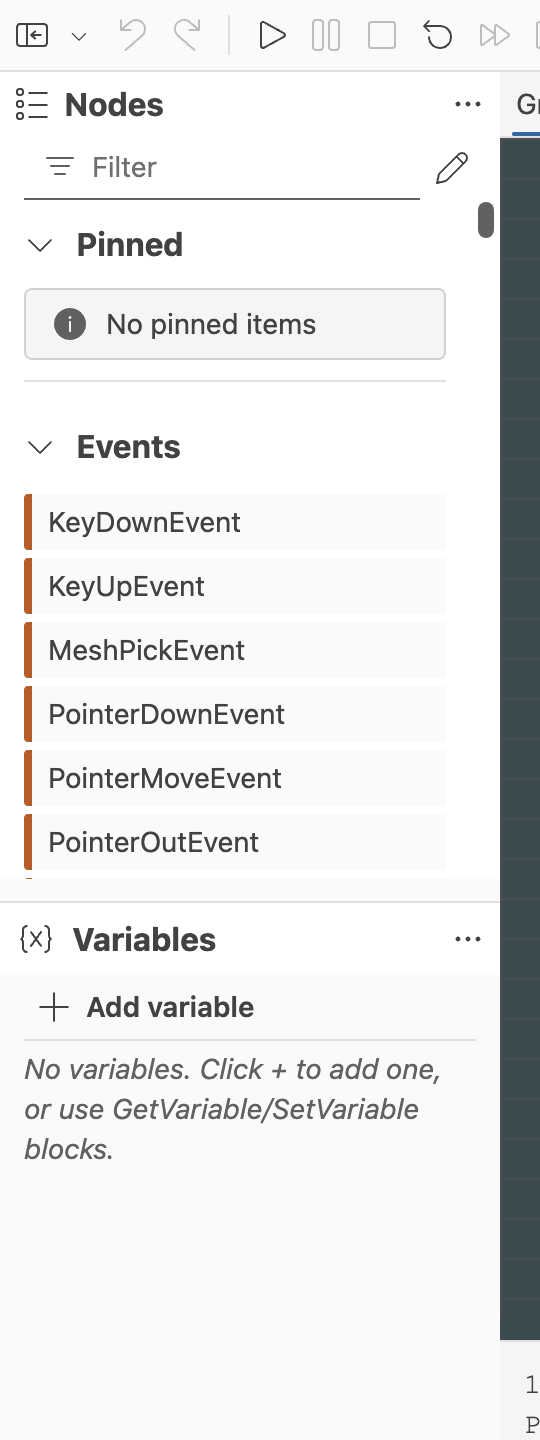
This page is a first-pass reference for the current block surface of the Flow Graph Editor. It is organized by the same broad families used by the editor palette.
The descriptions here are intentionally short. Their purpose is to help you identify the right block quickly, not to replace the runtime Flow Graph documentation.
For deeper write-ups on the largest authoring families, continue with Event Blocks, Control Flow Blocks, Animation Blocks, Physics Blocks, Audio Blocks, Data Access Blocks, and Utility Blocks.
Events
| Block | Description |
|---|
SceneReadyEvent | Fires once the scene is ready for graph interaction. |
SceneTickEvent | Fires every scene tick, making it useful for per-frame logic. |
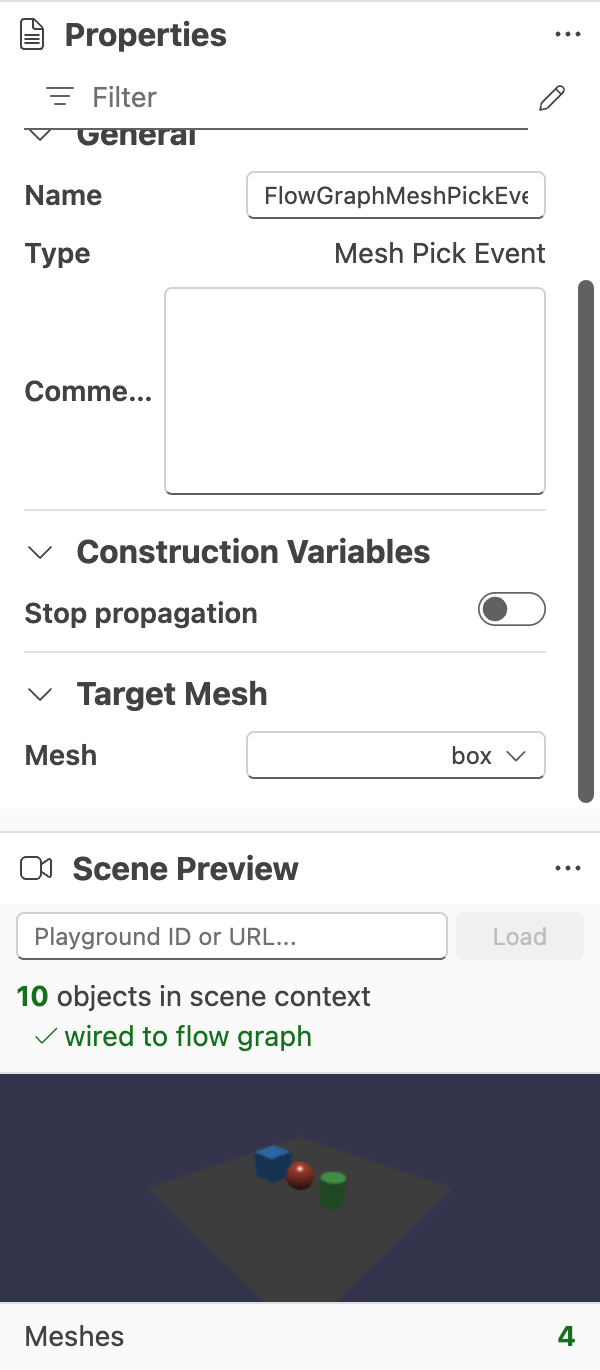
MeshPickEvent | Fires when a configured mesh is picked. |
PointerDownEvent | Fires when a pointer-down interaction occurs. |
PointerUpEvent | Fires when a pointer-up interaction occurs. |
PointerMoveEvent | Fires while the pointer moves. |
PointerOverEvent | Fires when the pointer moves over a target. |
PointerOutEvent | Fires when the pointer leaves a target. |
ReceiveCustomEvent | Starts logic in response to a named custom event and payload. |
SendCustomEvent | Emits a named custom event with optional payload data. |
Control Flow
| Block | Description |
|---|
Branch | Routes execution based on a boolean condition. |
ForLoop | Repeats execution over a numeric range with a loop index. |
WhileLoop | Repeats execution while a condition remains true. |
Switch | Routes execution to case-specific outputs. |
Sequence | Fires multiple outputs in sequence from a single trigger. |
MultiGate | Distributes repeated triggers across multiple outputs according to gate state. |
FlipFlop | Alternates between outputs on successive activations. |
DoN | Allows execution only a limited number of times. |
WaitAll | Waits for multiple required signals before continuing. |
SetDelay | Schedules execution to continue after a delay. |
CancelDelay | Cancels a previously scheduled delay. |
CallCounter | Counts how many times the block has been triggered. |
Debounce | Suppresses rapid repeat triggers until activity settles. |
Throttle | Limits how often execution is allowed to continue. |
Animation
| Block | Description |
|---|
PlayAnimation | Starts a configured animation group. |
StopAnimation | Stops the configured animation group. |
PauseAnimation | Pauses a running animation group. |
Interpolation | Interpolates values or states over time. |
Physics
Physics Events
| Block | Description |
|---|
PhysicsCollisionEvent | Fires when the configured physics body collides and exposes collision details. |
Physics Actions
| Block | Description |
|---|
ApplyForce | Applies a continuous force at a world-space location. |
ApplyImpulse | Applies an instantaneous impulse to a physics body. |
SetLinearVelocity | Sets the body's linear velocity directly. |
SetAngularVelocity | Sets the body's angular velocity directly. |
SetPhysicsMotionType | Switches the body between supported motion types. |
Physics Data
| Block | Description |
|---|
GetLinearVelocity | Reads the current linear velocity of a physics body. |
GetAngularVelocity | Reads the current angular velocity of a physics body. |
GetPhysicsMassProperties | Reads mass, center of mass, and inertia information. |
Audio
Audio Actions
| Block | Description |
|---|
PlaySound | Starts audio playback with configurable playback options. |
StopSound | Stops the sound immediately. |
PauseSound | Pauses a playing sound or resumes a paused one. |
SetSoundVolume | Sets the sound's volume. |
Audio Events
| Block | Description |
|---|
SoundEndedEvent | Fires when a sound finishes playback. |
Audio Data
| Block | Description |
|---|
GetSoundVolume | Reads the sound's current volume. |
IsSoundPlaying | Returns whether the sound is currently playing or starting. |
Math
Constants
| Block | Description |
|---|
E | Outputs Euler's number. |
PI | Outputs π. |
Inf | Outputs an infinity value. |
NaN | Outputs a not-a-number value. |
Random | Outputs a random numeric value. |
Arithmetic
| Block | Description |
|---|
Add | Adds two values. |
Subtract | Subtracts one value from another. |
Multiply | Multiplies values together. |
Divide | Divides one value by another. |
Modulo | Returns the remainder of a division. |
Negation | Negates the input value. |
Abs | Returns the absolute value. |
Sign | Returns the sign of the input. |
Min | Returns the smaller of the inputs. |
Max | Returns the larger of the inputs. |
Clamp | Restricts a value to a min/max range. |
Saturate | Clamps a value to the 0 to 1 range. |
MathInterpolation | Interpolates between numeric values. |
Power | Raises a value to a power. |
SquareRoot | Returns the square root of the input. |
CubeRoot | Returns the cube root of the input. |
Rounding
| Block | Description |
|---|
Floor | Rounds down to the nearest lower integer. |
Ceil | Rounds up to the nearest higher integer. |
Round | Rounds to the nearest integer. |
Trunc | Removes the fractional component. |
Fract | Returns the fractional component only. |
Trigonometry
| Block | Description |
|---|
Sin | Returns the sine of the input. |
Cos | Returns the cosine of the input. |
Tan | Returns the tangent of the input. |
ASin | Returns the inverse sine. |
ACos | Returns the inverse cosine. |
ATan | Returns the inverse tangent. |
ATan2 | Returns the angle derived from two directional components. |
Sinh | Returns the hyperbolic sine. |
Cosh | Returns the hyperbolic cosine. |
Tanh | Returns the hyperbolic tangent. |
ASinh | Returns the inverse hyperbolic sine. |
ACosh | Returns the inverse hyperbolic cosine. |
ATanh | Returns the inverse hyperbolic tangent. |
DegToRad | Converts degrees to radians. |
RadToDeg | Converts radians to degrees. |
Logarithmic
| Block | Description |
|---|
Exponential | Raises Euler's number to the given power. |
Log | Returns the natural logarithm. |
Log2 | Returns the base-2 logarithm. |
Log10 | Returns the base-10 logarithm. |
Comparison
| Block | Description |
|---|
Equality | Compares two values for equality. |
LessThan | Returns whether the first value is less than the second. |
LessThanOrEqual | Returns whether the first value is less than or equal to the second. |
GreaterThan | Returns whether the first value is greater than the second. |
GreaterThanOrEqual | Returns whether the first value is greater than or equal to the second. |
IsNaN | Returns whether the input is NaN. |
IsInf | Returns whether the input is infinite. |
Conditional | Selects between outputs based on a condition. |
Vector And Matrix
| Block | Description |
|---|
Length | Returns the magnitude of a vector-like input. |
Normalize | Normalizes a vector input. |
Dot | Computes the dot product. |
Cross | Computes the cross product. |
Rotate2D | Rotates a 2D value by an angle. |
Rotate3D | Rotates a 3D value using a rotation input. |
Transpose | Transposes a matrix. |
Determinant | Computes the determinant of a matrix. |
InvertMatrix | Inverts a matrix when possible. |
MatrixMultiplication | Multiplies matrices together. |
Bitwise
| Block | Description |
|---|
BitwiseAnd | Applies a bitwise AND operation. |
BitwiseOr | Applies a bitwise OR operation. |
BitwiseXor | Applies a bitwise XOR operation. |
BitwiseNot | Inverts the bits of the input. |
BitwiseLeftShift | Shifts bits left by the given amount. |
BitwiseRightShift | Shifts bits right by the given amount. |
LeadingZeros | Counts leading zero bits. |
TrailingZeros | Counts trailing zero bits. |
OneBitsCounter | Counts the number of set bits. |
Data Conversion
| Block | Description |
|---|
CombineVector2 | Builds a Vector2 from component inputs. |
CombineVector3 | Builds a Vector3 from component inputs. |
CombineVector4 | Builds a Vector4 from component inputs. |
ExtractVector2 | Breaks a Vector2 into its components. |
ExtractVector3 | Breaks a Vector3 into its components. |
ExtractVector4 | Breaks a Vector4 into its components. |
CombineMatrix | Builds a matrix from matrix-oriented inputs. |
ExtractMatrix | Extracts matrix-oriented data from a matrix input. |
TransformVector | Transforms a vector using a transform input. |
TransformCoordinates | Transforms coordinates through a matrix or transform context. |
TransformCoordinatesSystem | Converts coordinates between supported coordinate systems. |
CombineMatrix2D | Builds a 2D-oriented matrix representation. |
CombineMatrix3D | Builds a 3D-oriented matrix representation. |
ExtractMatrix2D | Extracts 2D transform components. |
ExtractMatrix3D | Extracts 3D transform components. |
Conjugate | Computes the conjugate of a supported input such as a quaternion. |
AngleBetween | Computes the angle between compatible directional inputs. |
QuaternionFromAxisAngle | Builds a quaternion from an axis-angle representation. |
AxisAngleFromQuaternion | Extracts axis-angle data from a quaternion. |
QuaternionFromDirections | Builds a quaternion from directional inputs. |
MatrixDecompose | Decomposes a matrix into transform components. |
MatrixCompose | Composes a matrix from transform components. |
BooleanToFloat | Converts a boolean to a float representation. |
BooleanToInt | Converts a boolean to an integer representation. |
FloatToBoolean | Converts a float to a boolean representation. |
IntToBoolean | Converts an integer to a boolean representation. |
IntToFloat | Converts an integer to a float. |
FloatToInt | Converts a float to an integer. |
Data Access
| Block | Description |
|---|
Constant | Outputs a configured constant value of a chosen type. |
GetProperty | Reads a property from a target object. |
SetProperty | Writes a property value to a target object. |
GetVariable | Reads a graph variable. |
SetVariable | Writes one or more graph variables. |
GetAsset | Retrieves a named asset from the loaded scene. |
JsonPointerParser | Reads structured data using a JSON pointer path. |
ArrayIndex | Returns the item at a configured array index. |
IndexOf | Returns the index of an item inside a collection. |
DataSwitch | Routes or selects data based on configured cases. |
Keyboard
| Block | Description |
|---|
IsKeyPressed | Reports whether a specific key is currently pressed. |
Utility
| Block | Description |
|---|
ConsoleLog | Writes a value or message to the console for debugging. |
Easing | Applies a supported easing function to a value. |
BezierCurveEasing | Evaluates a Bezier-based easing curve. |
Context | Exposes flow-graph context data to the graph. |
CodeExecution | Bridges a graph step to a code-driven execution hook. |
FunctionReference | Holds or exposes a function reference for other graph logic. |
DebugBlock | Passes data through while recording and displaying observed values. |
Keeping This Reference Fresh
This page should evolve together with the palette.
- Add new blocks as they land in the editor.
- Keep descriptions short and behavior-oriented.
- Split very large families into dedicated pages if a family outgrows a single section.
Further reading