Step 0 - Prepare The Assets
Why The Scene Comes First
This tutorial is about authoring interactions in the editor, not about modeling. So the assets are prepared up front and treated as a fixed starting point. This step explains what the scene already contains so the later flow graph steps make sense, but you do not build it block by block.
You can run the finished scene here:
Babylon Bros SceneThe Scene Does Nothing On Its Own
Nothing in the scene moves by itself. The animations are loaded but not playing, the sounds are loaded but silent, and the physics is set up but nothing tells the hero to move. Every behavior is added later as a flow graph, which is exactly what makes this a good editor tutorial.
What Is Already Built
- Hero - a mesh named
herowith a Havok physics body, the player you will drive. - Terrain -
ground,terrain_step_1,terrain_step_2, all static physics bodies. - Coins - collectible meshes with trigger bodies.
- Springs -
spring_1,spring_2pads with compress animations that are ready but not playing. - Enemies -
goomba_1,goomba_2,flyer_1, and a spiky hazard, each with patrol/hover animations that are ready but not playing. - Question blocks -
block_1toblock_3with bump animations that are ready but not playing. - Flag - the goal, with a raise animation that is ready but not playing.
- Sounds - jump, coin, spring, stomp, and win, registered for Audio V2.
- Physics - Havok enabled with gravity, so the hero falls and collides.
Naming Matters
The flow graph references scene objects by name. Mesh pickers, animation-group pickers, and physics body lookups all resolve against the loaded scene, so consistent names like hero, spring_1, and block_1 are what make the graph readable in later steps.
Next
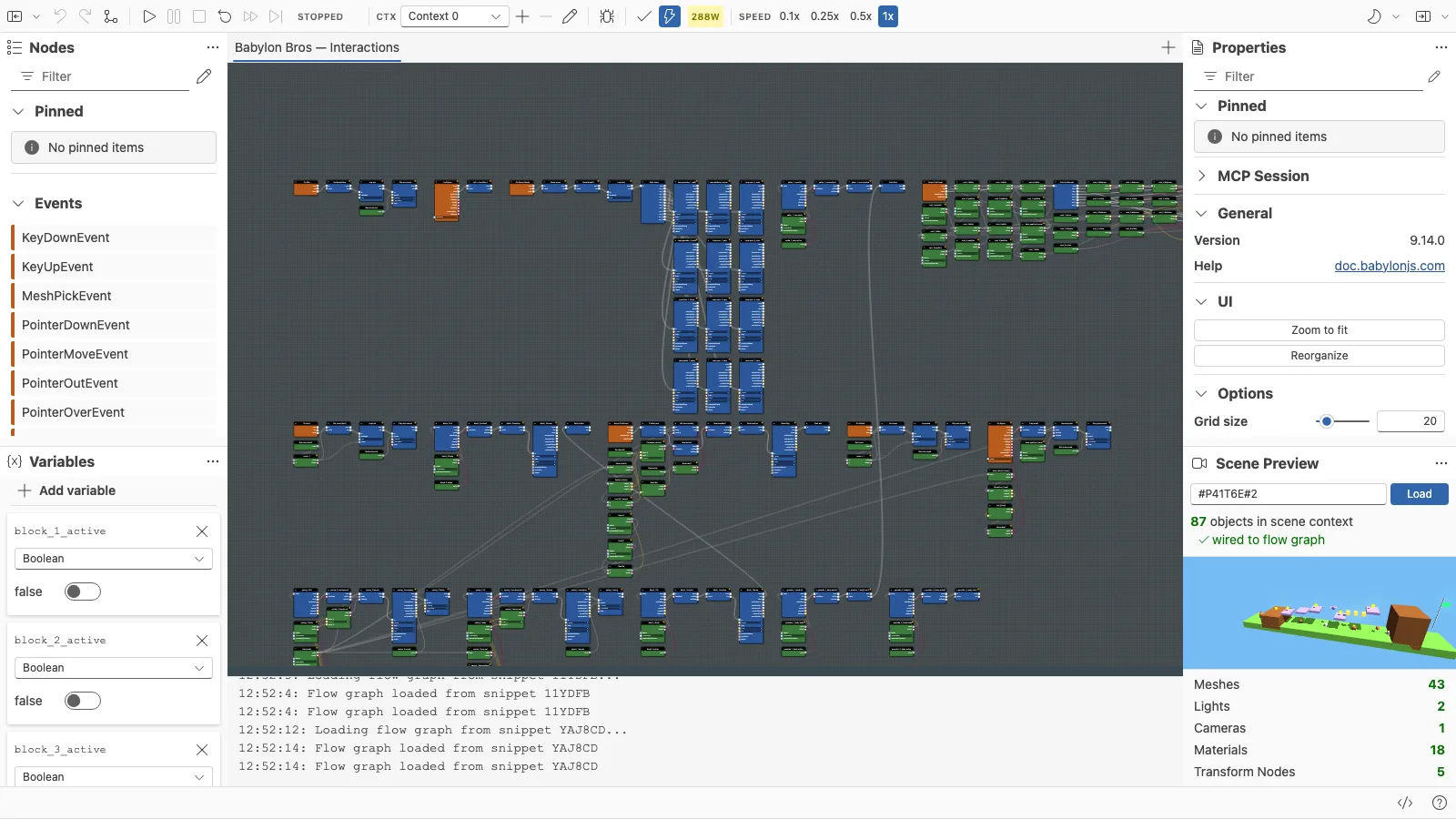
With the scene ready, continue to Step 1 - Set Up The Editor to load it into the Flow Graph Editor.
Further reading
Tutorial - Build Babylon Bros
A complete, step-by-step tutorial that builds the Babylon Bros platformer entirely in the Flow Graph Editor, from scene setup to a published demo.
Step 1 - Set Up The Editor
Load the Babylon Bros scene into the Flow Graph Editor, confirm physics, and create an empty graph ready for logic.
