Step 6 - Enemies
Goal
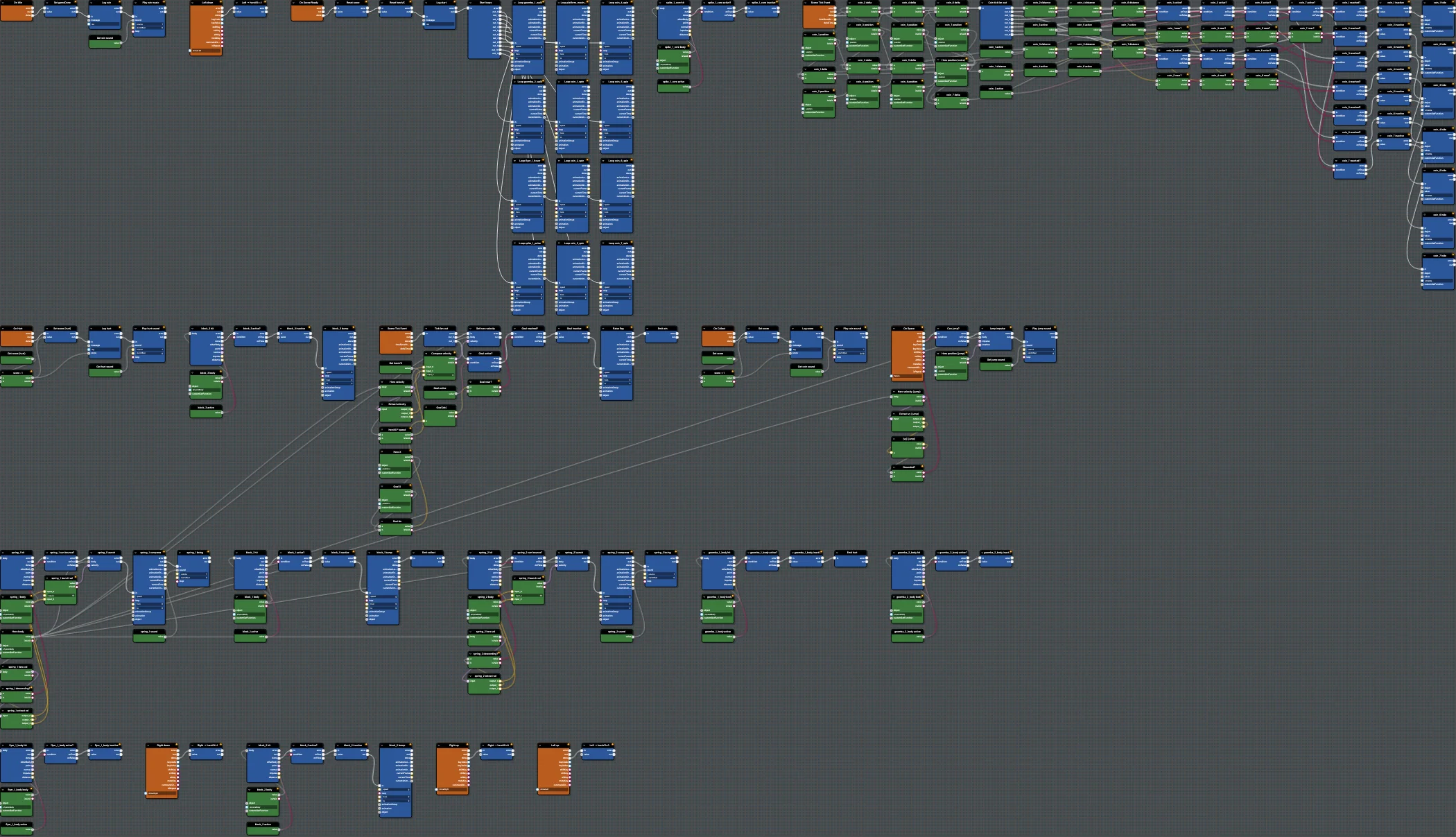
Enemies (goomba_1, goomba_2, flyer_1, the spiky hazard) react two ways: a stomp from above defeats them and bounces the hero, while a side touch hurts the hero. This reuses the collect/hurt custom-event pattern.
Open this step in the editor: #CMWMAN (scene P41T6E#2).
Run this step:
Babylon Bros - EnemiesBlocks Used
PhysicsCollisionEvent(per enemy body)GetLinearVelocity,ExtractVector3,LessThan(falling onto enemy?)Branch(stomp vs hurt),Abs,SubtractSendCustomEvent/ReceiveCustomEvent(hurt)PlayAnimation,PlaySound,SetLinearVelocity
Step By Step
1. Hurt Handler
Add ReceiveCustomEvent On Hurt that decreases score, logs it, and plays the hurt sound - the opposite of the coin collect handler.
2. Stomp Versus Hurt
For each enemy, add PhysicsCollisionEvent and an active Branch. Check whether the hero is descending and above the enemy: if so, defeat it (deactivate, play its inactive animation, bounce the hero up). Otherwise SendCustomEvent hurt.
3. Scale It Up
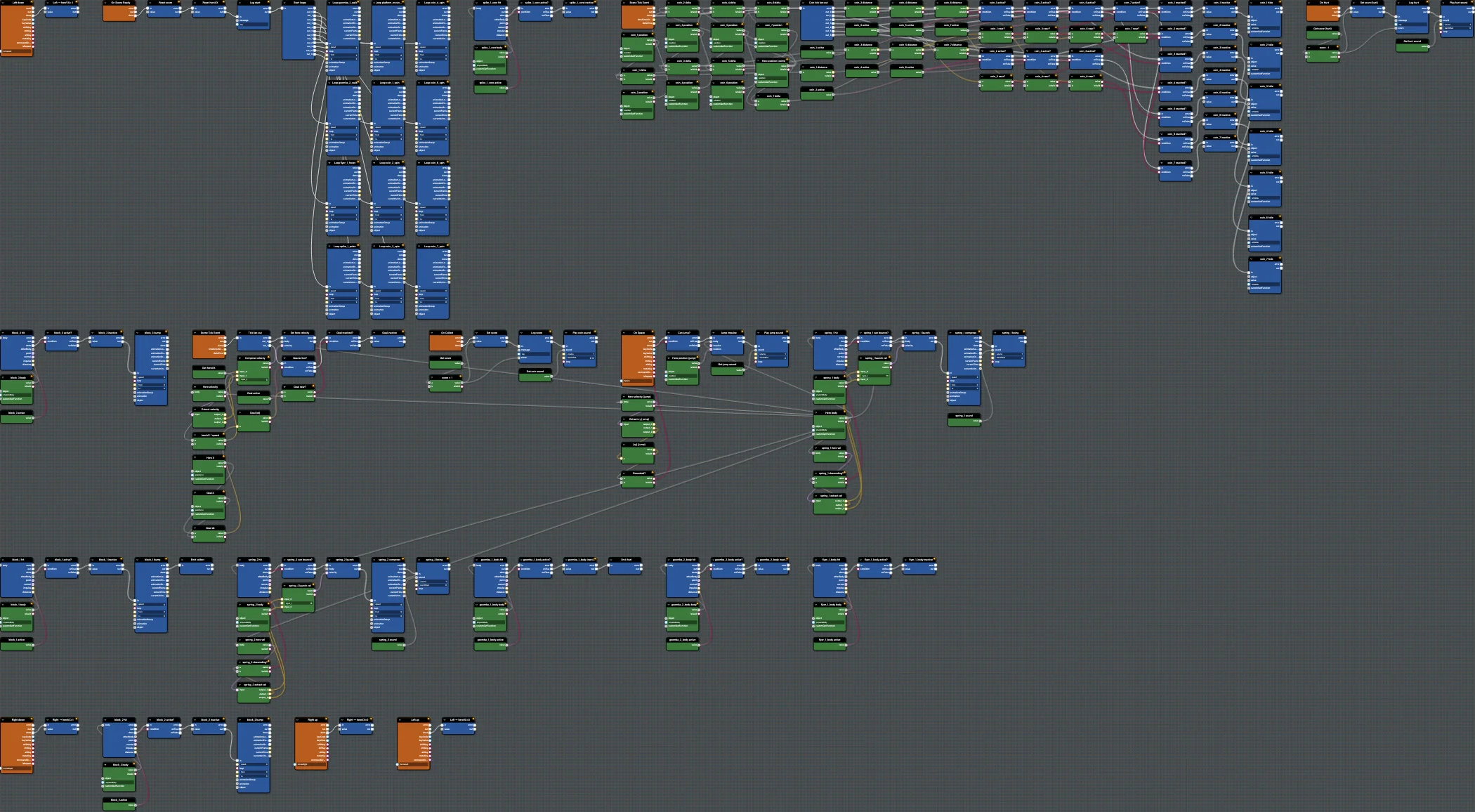
You now have many near-identical clusters. Use copy/paste, smart groups, and Ctrl/Cmd+F search to keep the canvas manageable. This is where the editor's organization features become really helpful.
Editor Features
- Use breakpoints on each
active?branch to debug stomp detection. - Use the minimap to navigate; the graph is now large.
Test And Save
Run and try stomping vs side-hitting enemies. Save; match #CMWMAN. Continue with Step 7 - Win Condition.
Further reading
Step 5 - Spring Bounces
Add spring pads to Babylon Bros that launch the hero upward on collision when descending, with a compress animation and sound.
Step 7 - Win Condition
Finish Babylon Bros by reaching the flag - raise it, play victory music, and lock the game as done using a custom event in the Flow Graph Editor.