Step 5 - Spring Bounces
Goal
Make spring_1 and spring_2 launch the hero when he lands on them. Bounce only when the hero is descending, so it feels like a real spring.
Open this step in the editor: #YCDRLC (scene P41T6E#2).
Run this step:
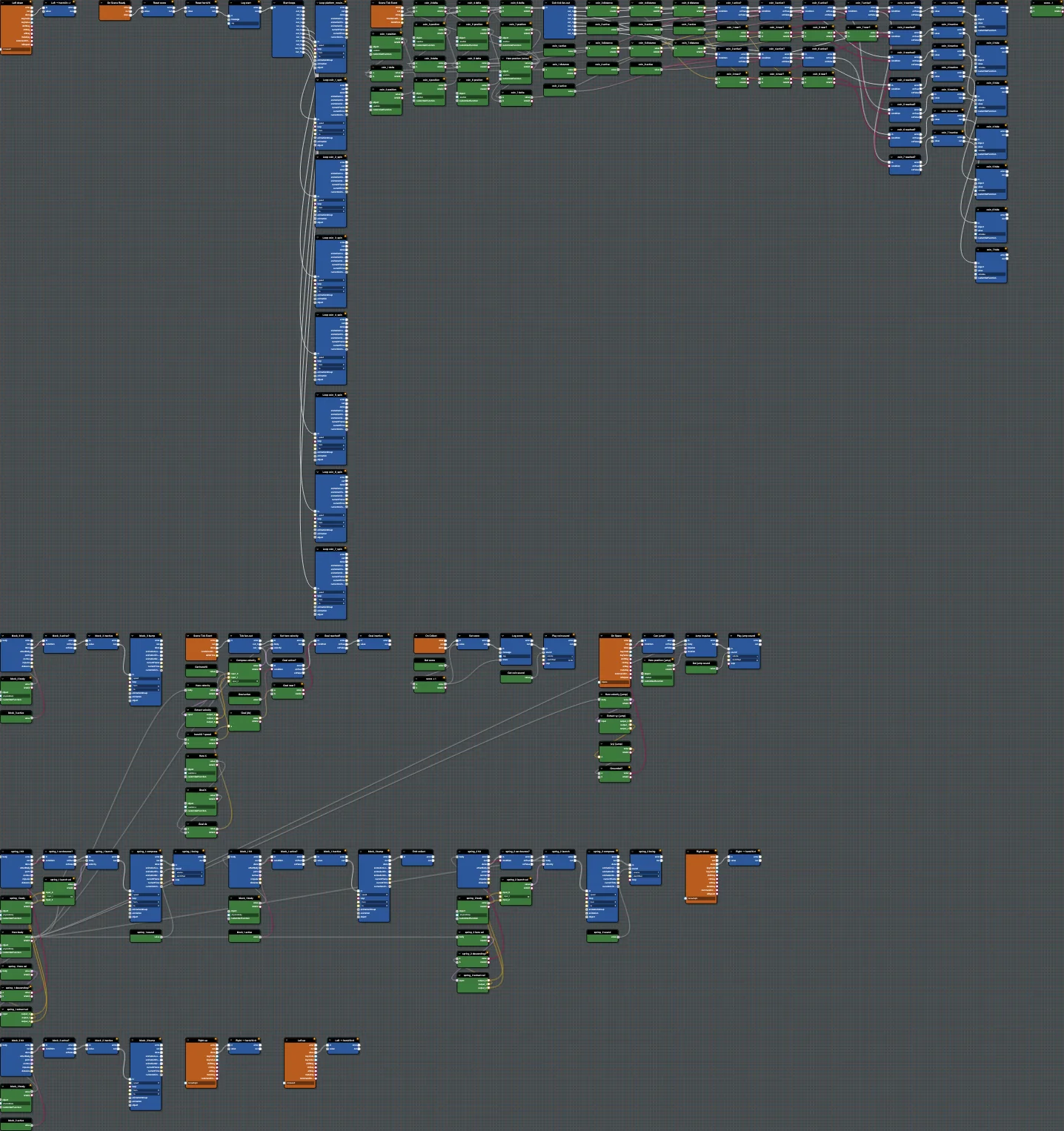
Babylon Bros - SpringsBlocks Used
PhysicsCollisionEvent(spring body)GetLinearVelocity,ExtractVector3,LessThan(descending check)Branch("can bounce?")SetLinearVelocity(launch)PlayAnimation(compress),PlaySound(boing)
Step By Step
1. Detect The Landing
Add PhysicsCollisionEvent on spring_1. Read the hero velocity, extract y, and test LessThan 0 so it bounces only while descending. Feed into a Branch.
2. Launch
On true, build a launch velocity with CombineVector3 (keep x, set a strong positive y) and apply it with SetLinearVelocity. Trigger the compress PlayAnimation and the boing PlaySound.
3. Duplicate
Group the spring logic and paste it for spring_2, re-targeting the collision body and animation. This is the same reuse pattern from the coin step.
Editor Features
- Lower the time scale to watch the bounce frame by frame.
- Add a
DebugBlockon the launch velocity to confirm the value flowing through.
Test And Save
Run and bounce on a spring. Save; match #YCDRLC. Continue with Step 6 - Enemies.
Further reading
Step 4 - Collect Coins
Add coin collection to Babylon Bros using physics collision events, a score variable, custom events, and sound in the Flow Graph Editor.
Step 6 - Enemies
Add enemy interactions to Babylon Bros - stomp from above to defeat, touch from the side to get hurt - using collision events and custom events.