Step 7 - Win Condition
Goal
Reaching the flag wins the game: raise the flag, play victory music, and set a gameDone flag so input stops mattering.
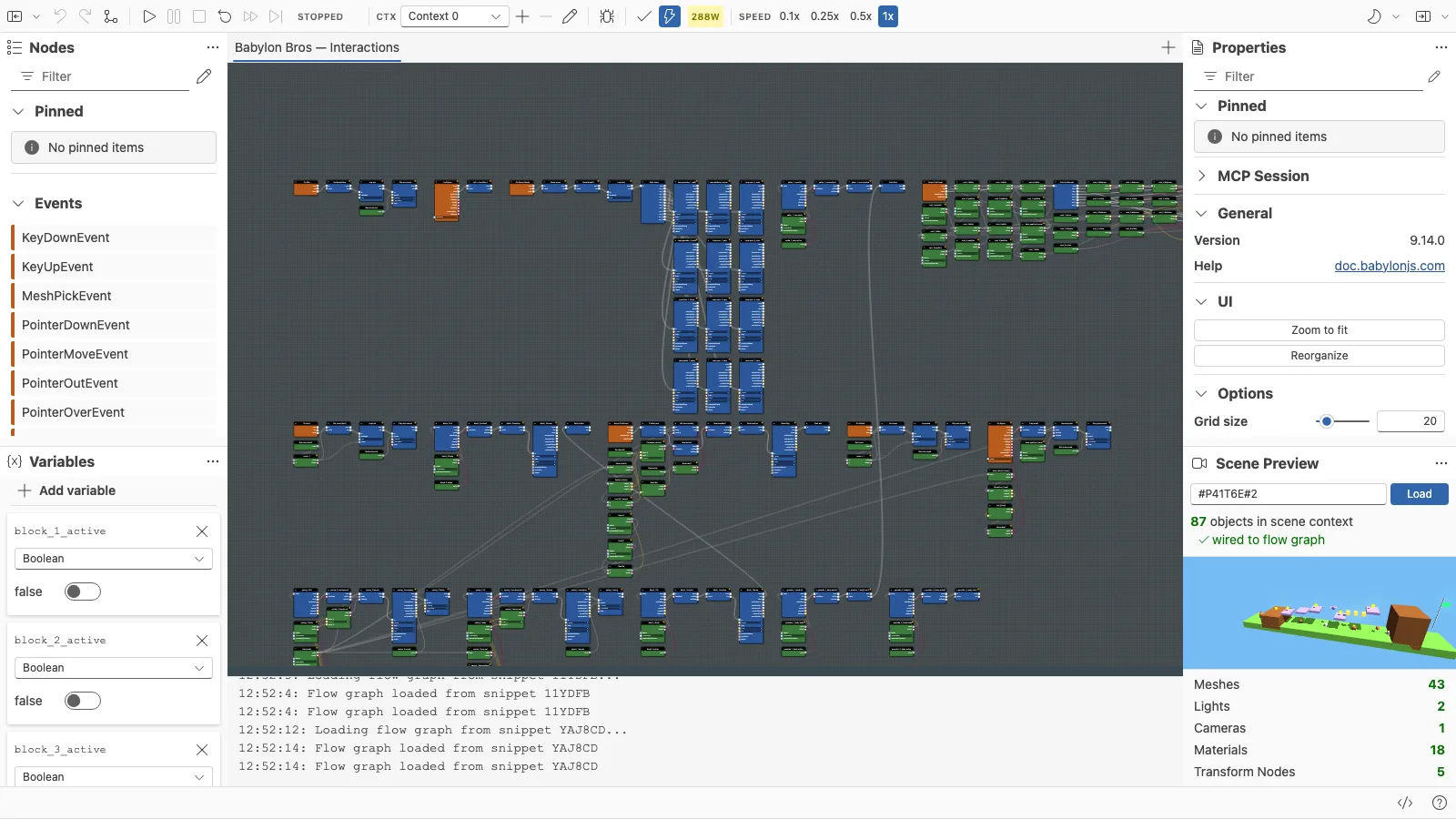
Open this step in the editor: #HUA46E (scene P41T6E#2). This is the complete graph.
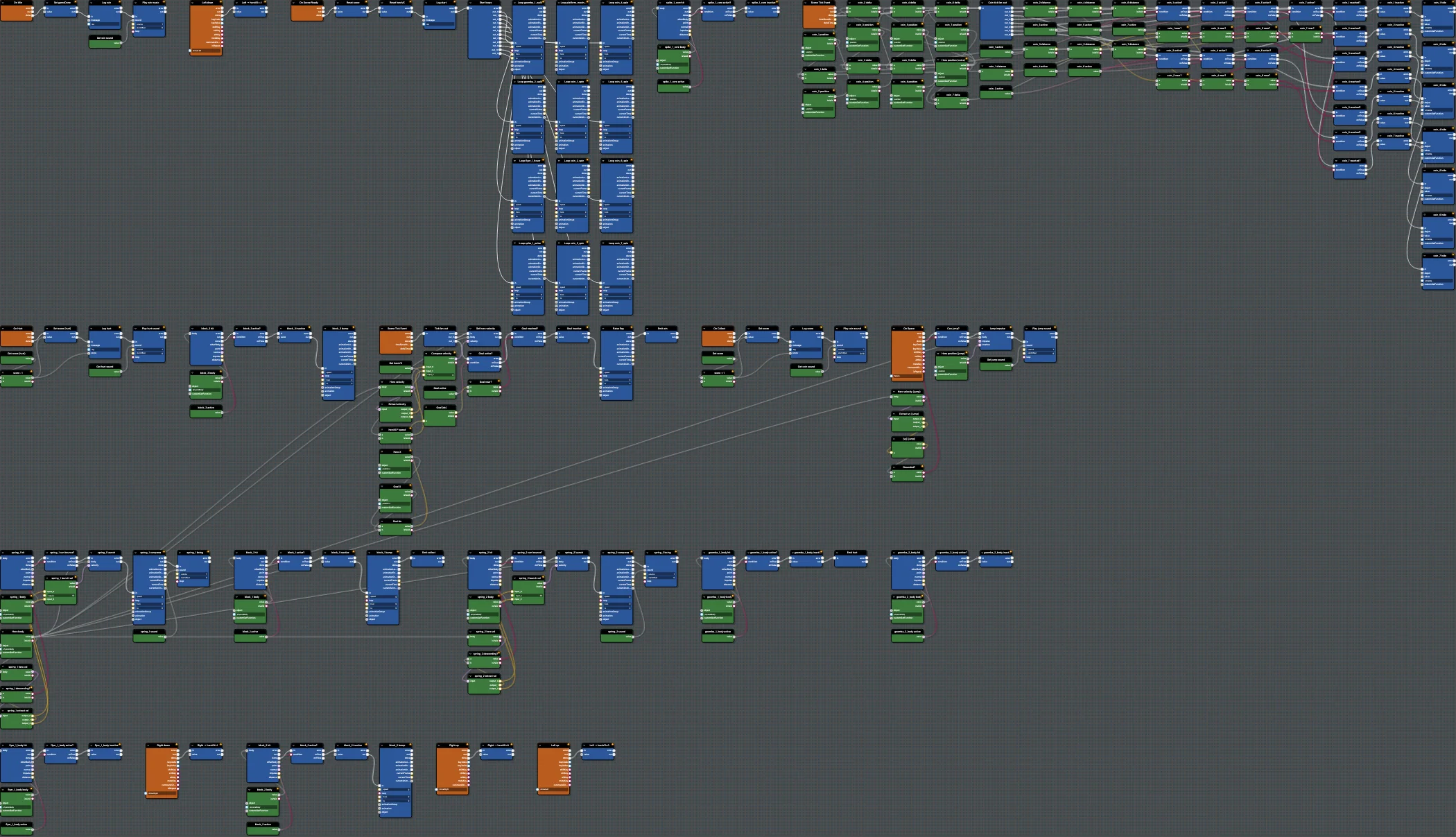
Run this step:
Babylon Bros - WinBlocks Used
PhysicsCollisionEvent(flag)ReceiveCustomEvent/SendCustomEvent(win)SetVariable(gameDone = true)PlayAnimation(raise flag),PlaySound(win),ConsoleLog
Step By Step
1. Detect The Flag
Add PhysicsCollisionEvent on the flag, sending a win custom event.
2. Win Handler
Add ReceiveCustomEvent On Win: set gameDone to true, log the win, run the flag raise PlayAnimation, and play victory music.
3. Respect Game State
Only run the movement and jump branches when gameDone is false, so input is ignored after winning. A single GetVariable + Branch at the top of those chains is enough.
Editor Features
- Use the Variables panel to watch
gameDoneturn true on win. - Run one final manual validation pass before publishing.
Test And Save
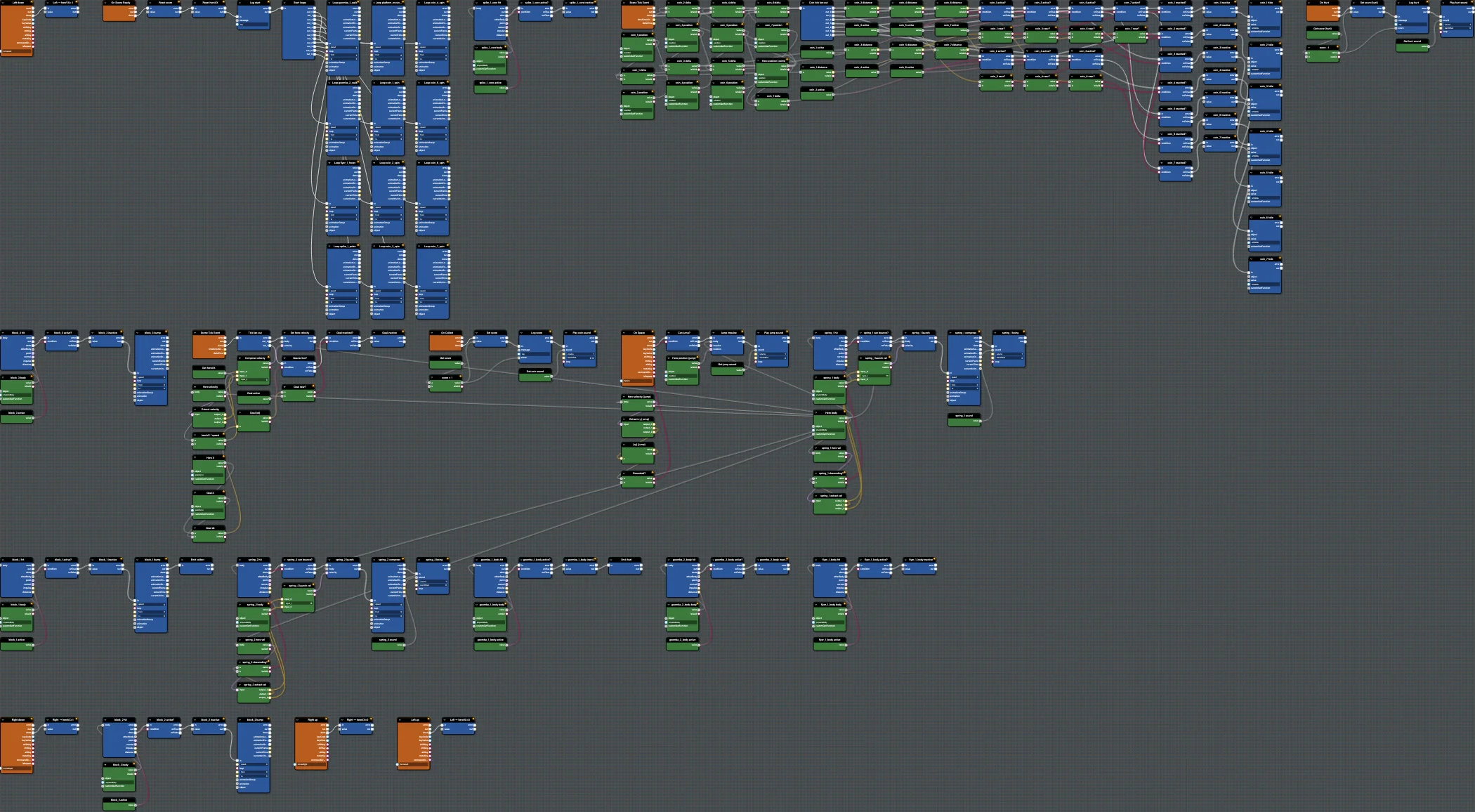
Run and reach the flag. Save; this is #HUA46E. Finish with Step 8 - Save And Publish.
Further reading
Step 6 - Enemies
Add enemy interactions to Babylon Bros - stomp from above to defeat, touch from the side to get hurt - using collision events and custom events.
Step 8 - Save And Publish
Save the finished Babylon Bros flow graph to a snippet and load it from a Playground scene to ship the full demo.