Step 8 - Save And Publish
Goal
Turn the finished graph into something a scene can run by saving it to a snippet and loading it at runtime.
Save To The Snippet Server
In the editor, save to the snippet server. You get an ID back; the final tutorial graph is #HUA46E. To preview it against the level, load scene P41T6E#2 in the editor's preview panel.
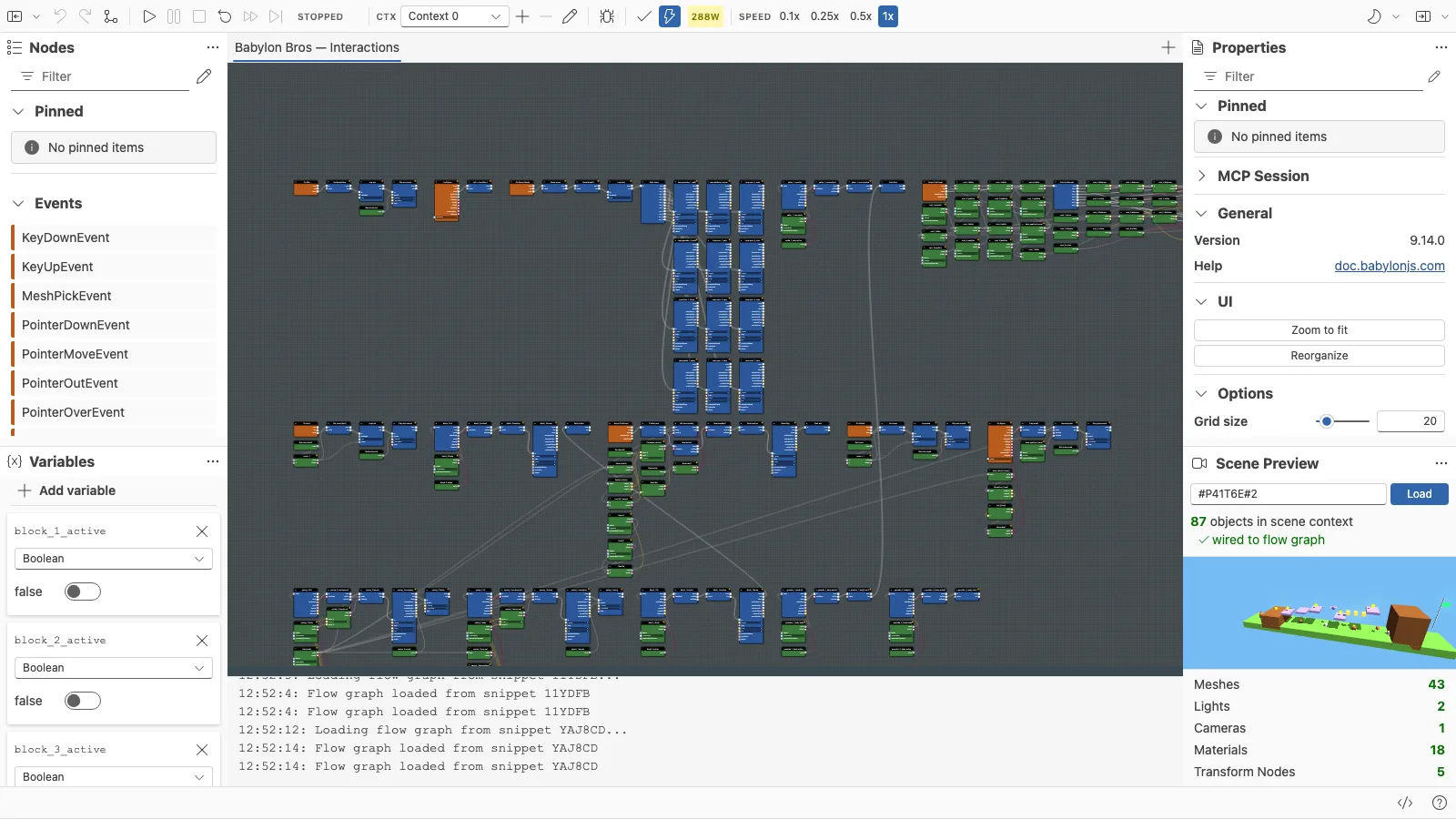
Load It From A Scene
In your scene code, parse the coordinator from the snippet and start it:
import { ParseFlowGraphCoordinatorFromSnippetAsync } from "@babylonjs/core/FlowGraph/flowGraphParser";const coordinator = await ParseFlowGraphCoordinatorFromSnippetAsync("HUA46E", { scene });coordinator.start();Because the scene does nothing on its own, this single graph is what brings it to life - movement, jumping, coins, springs, enemies, and the win condition all come from the flow graph.
See It Together
The full demo is the complete scene plus the graph:
Babylon Bros - FinishedWhere To Go Next
- Reopen any step in the editor and experiment: change jump force, coin scoring, or enemy behavior.
- Save your edits to the snippet server, then reload them to compare against
#HUA46E. - Revisit the block families for capabilities this tutorial did not use.
Further reading
Step 7 - Win Condition
Finish Babylon Bros by reaching the flag - raise it, play victory music, and lock the game as done using a custom event in the Flow Graph Editor.
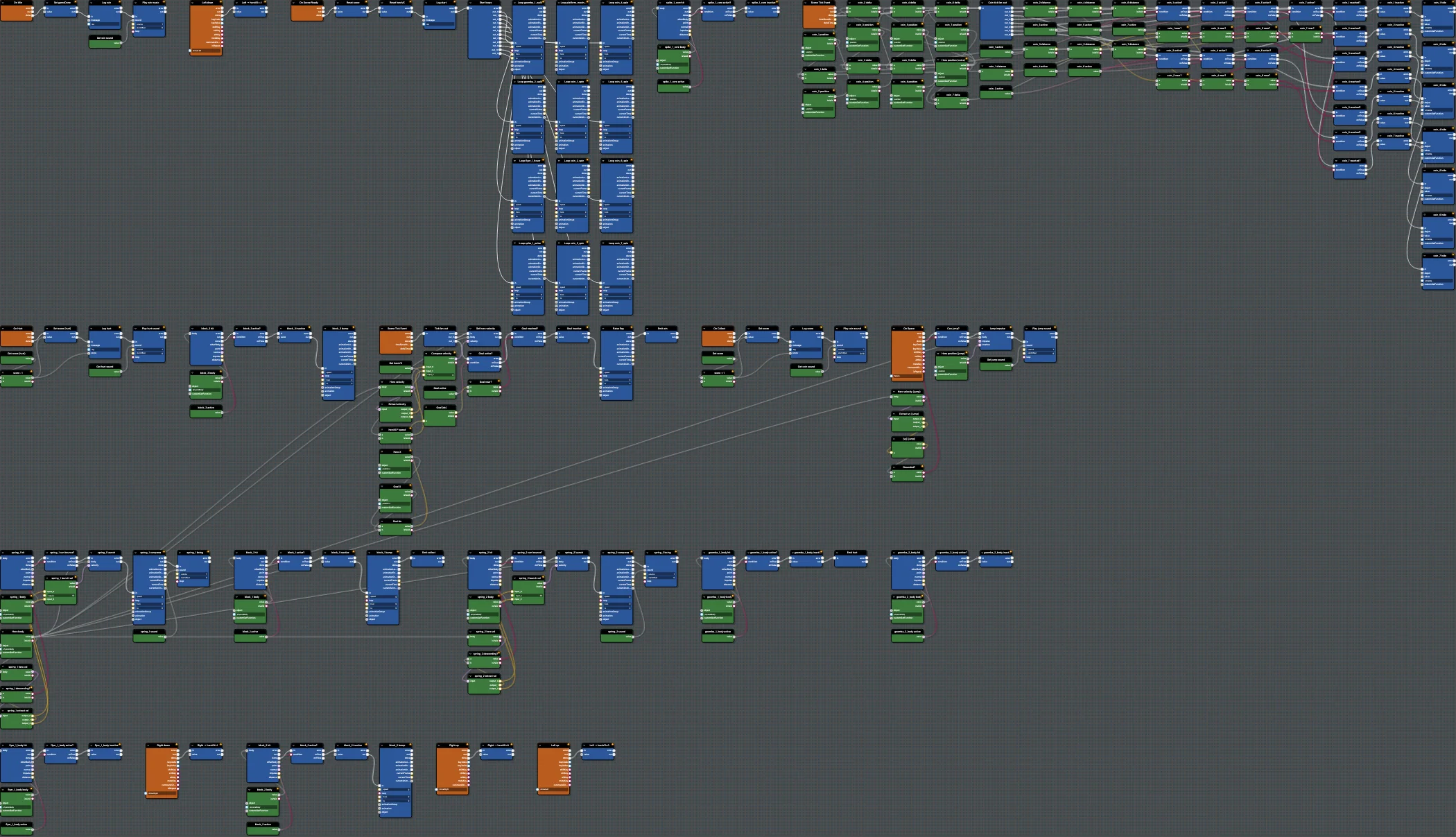
Example - Babylon Bros Platformer
A complete, physics-driven flow graph demo that powers a Mario-style platformer in Babylon.js, ready to open and edit in the Flow Graph Editor.
