Step 4 - Collect Coins
Goal
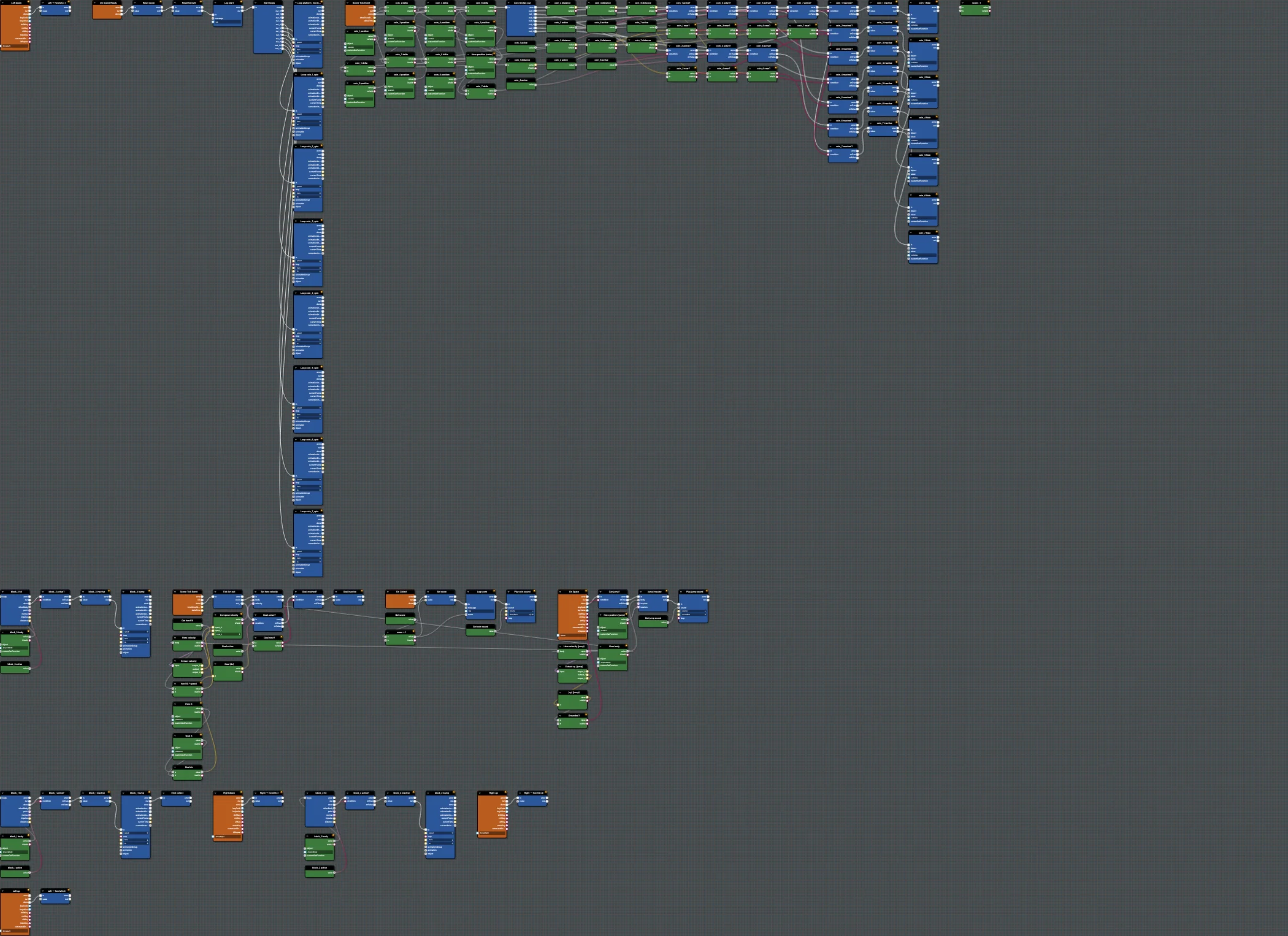
When the hero collects a coin, increase the score, log it, and play a sound. This introduces custom events, which let you keep "a coin was collected" separate from "update the score".
Open this step in the editor: #W0H5RG (scene P41T6E#2).
Run this step:
Babylon Bros - CoinsBlocks Used
PhysicsCollisionEvent(per question block / coin)Branchwith an "active?" variable so each coin can only be collected onceSendCustomEvent/ReceiveCustomEvent(collect)GetVariable,Add,SetVariable(score)PlaySound,ConsoleLog
Step By Step
1. Central Collect Handler
Add ReceiveCustomEvent named On Collect. Wire it into score + 1 (a GetVariable + Add + SetVariable), a ConsoleLog for the score, and PlaySound for the coin. This is the single place where the score changes.
2. Trigger From Collisions
For each block, add a PhysicsCollisionEvent on its body and a Branch that tests an active variable so it fires once. Set active to false, run the bump animation with PlayAnimation, then SendCustomEvent collect.
3. Reuse The Pattern
Build the first block fully, group it (Ctrl/Cmd+G), copy and paste it, then retarget it. Copying preserves the configuration and internal wiring; just point the new collision block at block_2 and block_3.
Editor Features
- Use execution contexts to confirm score is per run.
- Use Find (
Ctrl/Cmd+F) to jump between block clusters as the graph grows past 100 nodes.
Test And Save
Run, collect coins, watch the score log. Save; match #W0H5RG. Continue with Step 5 - Spring Bounces.
Further reading
Step 3 - Add Jumping
Add a grounded jump to Babylon Bros using a key event, a ground check branch, an upward impulse, and a sound in the Flow Graph Editor.
Step 5 - Spring Bounces
Add spring pads to Babylon Bros that launch the hero upward on collision when descending, with a compress animation and sound.
Data Access Blocks
Detailed reference for the Data Access family in the Babylon.js Flow Graph Editor.
