Frame Graph Task List
This page describes all the tasks that are implemented in the framework and are available for your own use when creating frame graphs.
Note that most of these tasks are wrappers around existing processes in Babylon.js: whenever applicable, we will provide a link to the original documentation to avoid redundant explanations.
To illustrate the use of each task, two PGs are provided:
- one using frame graph classes
- the other using a node render graph
This way, you can choose which approach best suits your needs.
Layer tasks
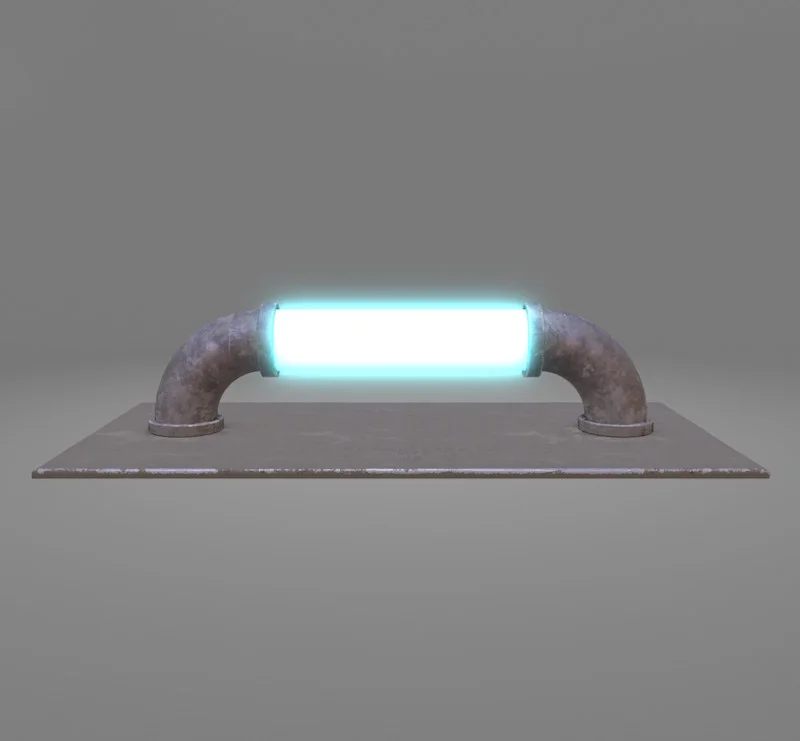
FrameGraphGlowLayerTask
Provides the same functionality as the glow layer class.
Glow layer Glow layer (NRG)Inputs:
- targetTexture. The target texture to apply the effect layer to. The effect will be blended with the contents of this texture.
- objectRendererTask. The object renderer task used to render the objects in the texture to which the layer will be applied. This is needed because the layer may have to inject code into the rendering manager used by the object renderer task.
- layerTexture (optional). The layer texture to render the effect into. If not provided, a default texture will be created, based on targetTexture size, type and format.
Properties:
- layer. Gives you access to the configuration of the glow layer itself.
Outputs:
- outputTexture. The output texture of the task (same underlying texture as targetTexture, but the handle will be different).
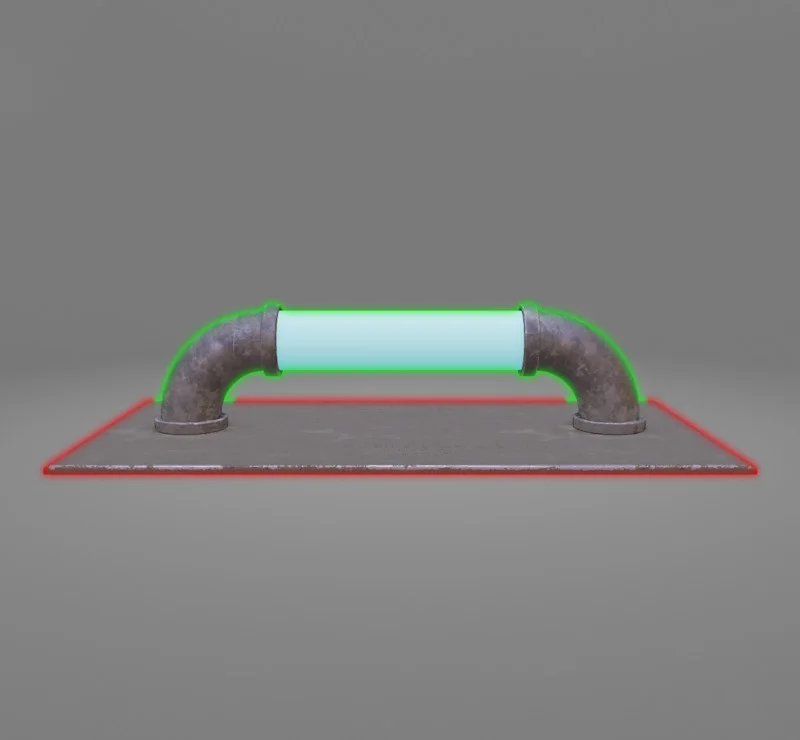
FrameGraphHighlightLayerTask
Provides the same functionality as the highlight layer class.
Highlight layer Highlight layer (NRG)Inputs:
- targetTexture. The target texture to apply the effect layer to. The effect will be blended with the contents of this texture.
- objectRendererTask. The object renderer task used to render the objects in the texture to which the layer will be applied. This is needed because the layer may have to inject code into the rendering manager used by the object renderer task.
- layerTexture (optional). The layer texture to render the effect into. If not provided, a default texture will be created, based on targetTexture size, type and format.
Properties:
- layer. Gives you access to the configuration of the highlight layer itself.
Outputs:
- outputTexture. The output texture of the task (same underlying texture as targetTexture, but the handle will be different).
Note that the objectRendererTask you define for the corresponding property must use a depth texture with a stencil aspect. An exception will be thrown if this is not the case.
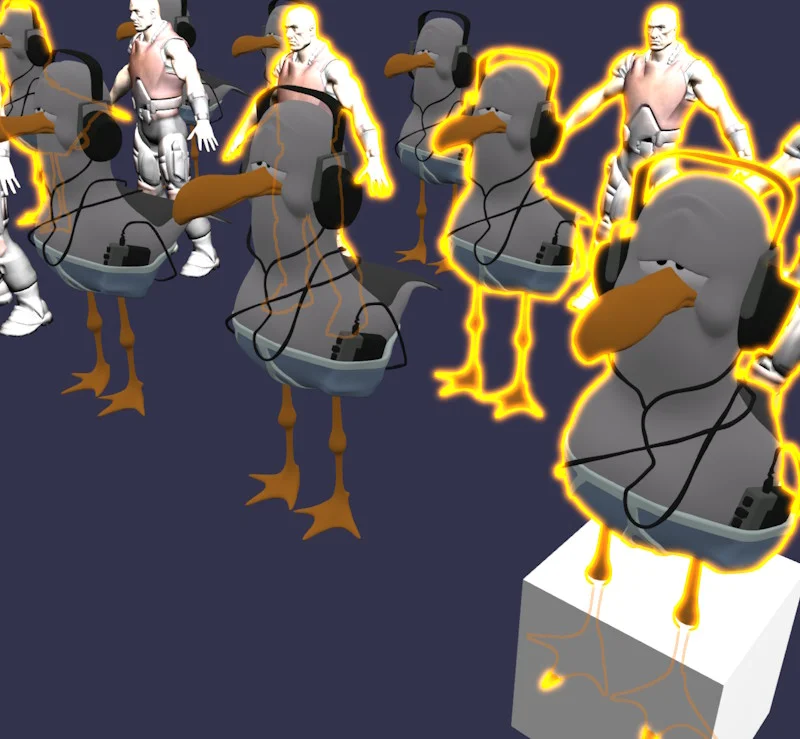
FrameGraphSelectionOutlineLayerTask
Provides the same functionality as the Selection outline layer class.
Selection outline layer Selection outline layer (NRG)Inputs:
- targetTexture. The target texture to apply the effect layer to. The effect will be blended with the contents of this texture.
- objectRendererTask. The object renderer task used to render the objects in the texture to which the layer will be applied. This is needed because the layer may have to inject code into the rendering manager used by the object renderer task.
- depthTexture. The depth texture to use when rendering the selection outline layer. It must store the scene depth in camera view space Z, normalized or not. If not normalized, the storeCameraSpaceZ option must be passed to the constructor.
- layerTexture (optional). The layer texture to render the effect into. If not provided, a default texture will be created, based on targetTexture size, type and format.
Properties:
- layer. Gives you access to the configuration of the selection outline layer itself.
Outputs:
- outputTexture. The output texture of the task (same underlying texture as targetTexture, but the handle will be different).
Miscellaneous tasks
FrameGraphComputeShaderTask
Task used to execute a compute shader (WebGPU only).
Compute shader task Compute shader task (NRG)Inputs:
- dispatchSize. Defines the dispatch size for the compute shader.
- indirectDispatch (optional). Defines an indirect dispatch buffer and offset. If set, this will be used instead of the dispatchSize property and an indirect dispatch will be performed.
- execute (optional). An optional execute function that will be called at the beginning of the task execution.
You can use the execute function to apply additional settings (uniform parameters, textures, etc.) before executing the compute shader: see the example above.
The compute shader created by the class is accessible via the computeShader getter. For ease of use, all methods of the original ComputeShader class (such as setTexture, setInternalTexture, etc.) are available directly in the FrameGraphComputeShaderTask class.
You can create uniform buffers directly via the FrameGraphComputeShaderTask class by calling the createUniformBuffer(name, description, autoUpdate) method. The advantage over creating the buffer by calling new UniformBuffer() is that, by default (see the autoUpdate parameter in createUniformBuffer), the UniformBuffer.update() method will be called automatically before the compute shader is run. Also, the buffer will be automatically disposed when the task is disposed.
FrameGraphCullObjectsTask
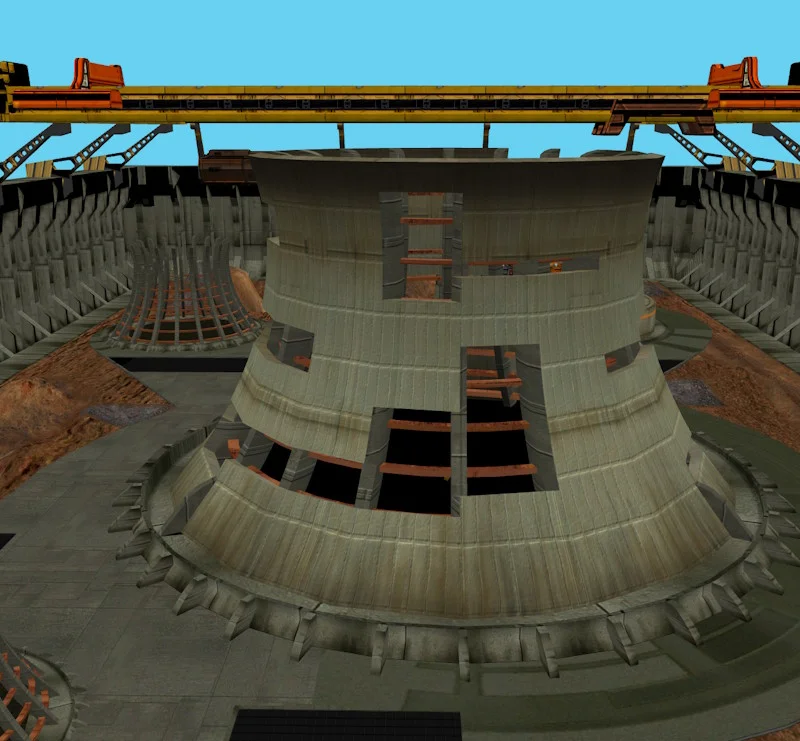
Task used to cull objects that are not visible.
Cull task Cull task (NRG)Inputs:
- objectList. The object list to cull.
- camera. The camera to use for culling.
Outputs:
- outputObjectList. The output object list containing the culled objects.
Notes:
- Only meshes are culled, not particle systems
- If meshes are frozen, culling is not performed and the last culling result before switching to frozen mode is reused
- If the task is disabled, the list of output objects (outputObjectList) is identical to the list of input objects (objectList).

FrameGraphExecuteTask
Task used to execute a custom function.
Execute task Execute task (NRG)Inputs:
- func. The function to execute when the task is enabled.
- funcDisabled (optional). The function to execute when the task is disabled. If not provided, func is also used when the task is disabled.
- customIsReady (optional). Custom readiness check.
You can use this task for any custom process you want to run during the execution of the frame graph. In the PG example above, we use it to increment a counter each time the task is executed.
FrameGraphGUITask
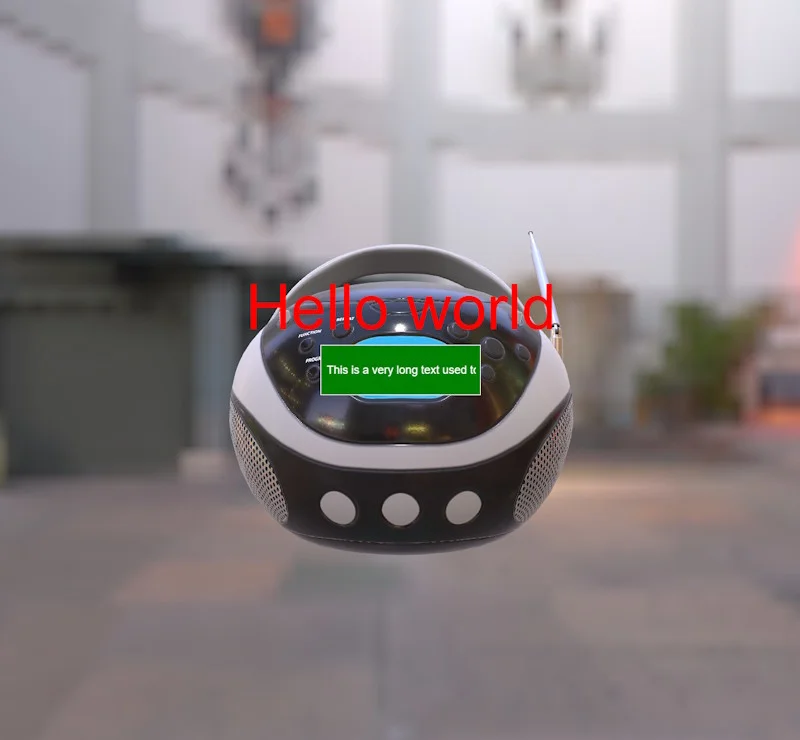
Task that renders a GUI texture.
GUI task GUI task (NRG)Inputs:
- targetTexture. The target texture to render the GUI to.
Properties:
- gui. Gets the underlying advanced dynamic texture.
Outputs:
- outputTexture. The output texture of the task. This is the same texture as the target texture, but the handles are different!
Note that you can provide an existing instance of AdvancedDynamicTexture at construction time (third parameter of the constructor), but you must ensure that the useStandalone property is set to true, as this is required for correct use in frame graphs!

FrameGraphLightingVolumeTask
Task used to create a lighting volume from a directional light's shadow generator.
Lighting volume task Lighting volume task (NRG)Inputs:
- shadowGenerator. The shadow generator used to create the lighting volume.
Properties:
- lightingVolume. The lighting volume created by this task.
Outputs:
- outputMeshLightingVolume. The output object list containing the lighting volume mesh. You can get the mesh by doing
outputMeshLightingVolume.meshes[0].
This task is typically used in conjunction with FrameGraphVolumetricLightingTask to generate volumetric lighting for a directional light.
FrameGraphMinMaxReducerTask
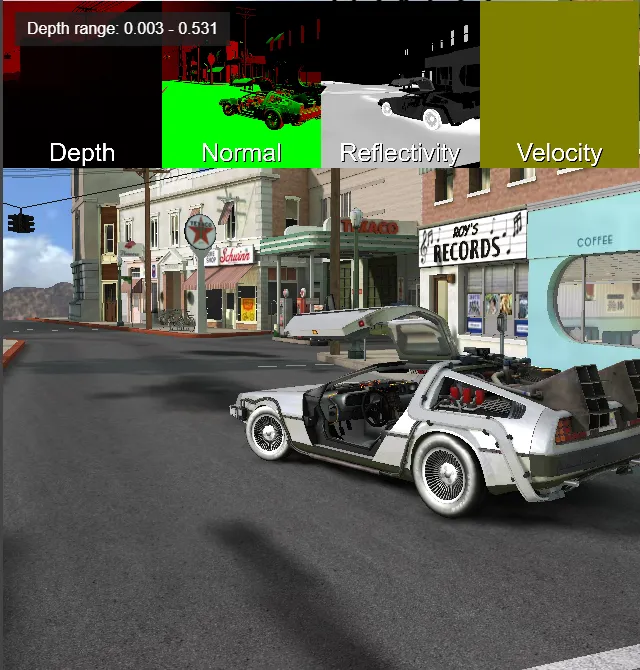
Reduces the red channel of a frame graph color texture, or the depth aspect of a WebGPU depth/stencil attachment, to its minimum and maximum values.
Min/max reducer task Min/max reducer task (NRG)Inputs:
- sourceTexture. A
FrameGraphTextureHandlefor a non-integer color texture or a supported WebGPU depth/stencil attachment produced by an earlier task.
Depth/stencil sources must be single-sampled off-screen 2D attachments on WebGPU; the initial reduction samples only the depth aspect with texture_depth_2d, not stencil. Backbuffer depth/stencil, stencil-only or unsupported depth formats, multisampled attachments, and 2D-array, cube, or 3D textures are rejected. No depth/stencil attachment is supported as a source on WebGL.
Properties:
- depthRedux. Ignores the depth clear value when reducing depth-as-color data (default:
false). Automatically enabled for depth/stencil attachments. - depthTextureType. The depth-as-color encoding when depthRedux is enabled:
DepthTextureType.NormalizedViewDepth(default),DepthTextureType.ViewDepth, orDepthTextureType.ScreenDepth. Depth/stencil attachments automatically use screen depth, with the clear value handled for both forward (1) and reverse (0) depth. - textureType. Type of the intermediate and output textures:
TEXTURETYPE_HALF_FLOAT(default),TEXTURETYPE_FLOAT, orTEXTURETYPE_UNSIGNED_BYTE. - waitForReadback. Whether to wait for WebGPU readback before notifying observers (default:
false). Whentrue, the notification is asynchronous after readback; it does not block frame execution. WebGL readback remains synchronous.
Outputs:
- outputTexture. A 1x1 RG color texture handle, with the minimum in red and maximum in green, for downstream graph tasks.
- onAfterReductionPerformed. Observable receiving
{ min, max }when subscribed. With depth reduction enabled, equal-valued depth falls back to[0, 1]. Without observers, the task does not perform CPU readback; use outputTexture if only GPU-side results are needed.
For example, after configuring a FrameGraphGeometryRendererTask to request its normalized view-depth channel and adding it to frameGraph:
const reducerTask = new FrameGraphMinMaxReducerTask("depth range", frameGraph);reducerTask.sourceTexture = geometryRendererTask.geometryNormViewDepthTexture;reducerTask.depthRedux = true;reducerTask.onAfterReductionPerformed.add(({ min, max }) => { // Use the reduced depth range after readback.});frameGraph.addTask(reducerTask);The geometry renderer task must be added before the reducer, and geometryNormViewDepthTexture is available only when that geometry channel was requested. This reuses the geometry depth-as-color output without rendering another depth map. For other depth-as-color encodings, use geometryViewDepthTexture or geometryScreenDepthTexture and set depthTextureType to match. Set depthRedux to true for depth-as-color values so the depth clear value is ignored; leave it false for ordinary color data. For WebGPU depth/stencil attachments, neither setting needs to be changed: the task enables depth reduction and infers screen depth automatically. With the default waitForReadback, a WebGPU notification may contain previous values; setting it to true notifies only after the asynchronous GPU readback, not synchronously with the current frame.
Unlike this frame graph task, the legacy MinMaxReducer.setSourceTexture accepts a RenderTargetTexture, not a frame graph texture handle. The legacy reducer also has waitForReadback with the same default and WebGPU notification behavior.
Post-process tasks
Unless otherwise specified, all post-process tasks share certain common properties.
Inputs:
- sourceTexture. The source texture to apply the post process to. It is allowed to be
undefinedif the post process does not require a source texture. In that case,targetTexturemust be provided. - sourceSamplingMode. The sampling mode to use for the source texture.
- alphaMode. The alpha mode to use when applying the post process (default is ALPHA_DISABLE).
- targetTexture (optional). The target texture to render the post process to. If not supplied, a texture with the same configuration as the source texture will be created.
- stencilState (optional). The stencil state to use for the post process.
- depthAttachmentTexture (optional). The depth attachment texture to use for the post process. Note that a post-process task never writes to the depth buffer: attaching a depth texture is only useful if you want to test against the depth/stencil aspect or write to the stencil buffer.
Properties:
- depthReadOnly. If true, the depth attachment will be read-only. This means that the post process will not write to the depth/stencil buffer. Setting depthReadOnly and stencilReadOnly to true is useful when you want to also be able to bind this same depth/stencil attachment to a shader. Note that it will only work in WebGPU, as WebGL does not support read-only depth/stencil attachments.
- stencilReadOnly. If true, the stencil attachment will be read-only. This means that the post process will not write to the stencil buffer. See above for further explanation.
- disableColorWrite. If true, color write will be disabled when applying the post process. This means that the post process will not write to the color buffer.
- drawBackFace. If true, the post process will be generated by a back face full-screen quad (CW order).
- depthTest. If depth testing should be enabled.
- viewport (optional). The viewport to use when applying the post process. If set to null, the currently active viewport is used. If undefined (default), the viewport is reset to a full screen viewport before applying the post process.
Outputs:
- outputTexture. The output texture of the post process. It is the same texture as targetTexture, but with a different handle.
- outputDepthAttachmentTexture. The output depth attachment texture. This texture will point to the same texture as the depthAttachmentTexture property if it is set. Note, however, that the handle itself will be different!
Since these properties are common to all post-process tasks, we will not repeat their description in the following sections.
In addition, all these tasks are wrappers around existing post-process classes. You should therefore refer to the documentation for these classes (for each task in the following sections, we provide a link to the corresponding post-process class) to find out which specific properties are available for each task: you can access these properties via postProcessTask.postProcess.

FrameGraphAnaglyphTask
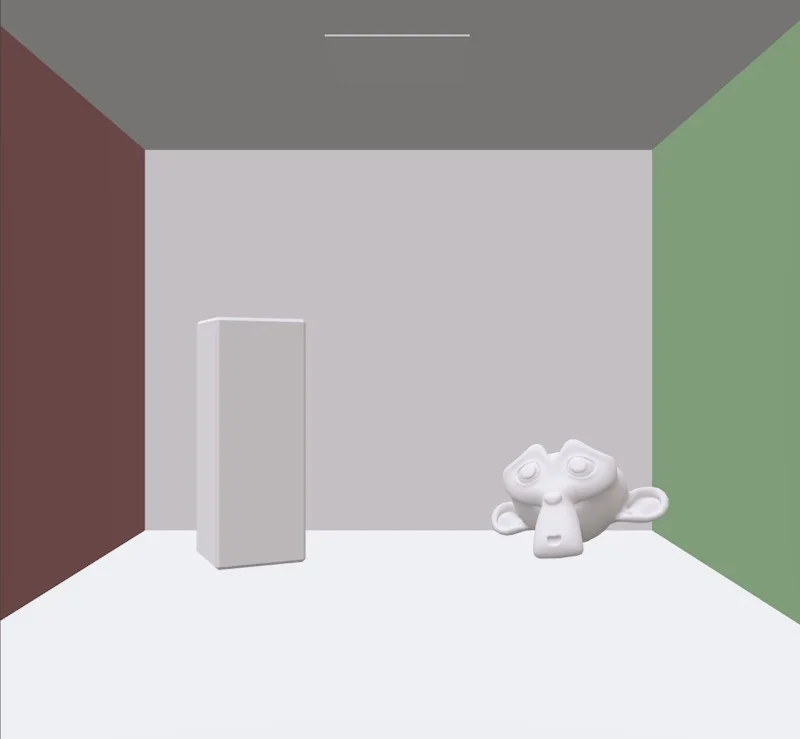
Task which applies an anaglyph post-process.
Anaglyph task Anaglyph task (NRG)Inputs:
- leftTexture. The texture to use as the left texture.
FrameGraphBlackAndWhiteTask
Task which applies a black and white post-process.
Black and white task Black and white task (NRG)Properties:
- postProcess. The properties of the post-process.
FrameGraphBloomTask
Task which applies a bloom post-process.
Bloom task Bloom task (NRG)This post-process doesn't share the common properties of post-processes!
Inputs:
- sourceTexture. The source texture to apply the bloom effect on.
- sourceSamplingMode. The sampling mode to use for the source texture.
- alphaMode. The alpha mode to use when applying the bloom post process (default is ALPHA_DISABLE).
- targetTexture (optional). The target texture to render the bloom effect to. If not supplied, a texture with the same configuration as the source texture will be created.
Properties:
- hdr (read only). Whether the bloom effect is HDR. When true, the bloom effect will use a higher precision texture format (half float or float). Else, it will use unsigned byte.
- bloom. The properties of the post-process.
Outputs:
- outputTexture. The output texture of the bloom effect.
Note that you can set weight, kernel, threshold, and hdr at construction time (these are constructor parameters). You can change these values later via the bloom property, except for hdr, which is only a construction parameter.
FrameGraphBlurTask
Task which applies a blur post-process.
Blur task Blur task (NRG)Properties:
- postProcess. The properties of the post-process.

FrameGraphChromaticAberrationTask
Task which applies a chromatic aberration post-process.
Chromatic aberration task Chromatic aberration task (NRG)Properties:
- postProcess. The properties of the post-process.
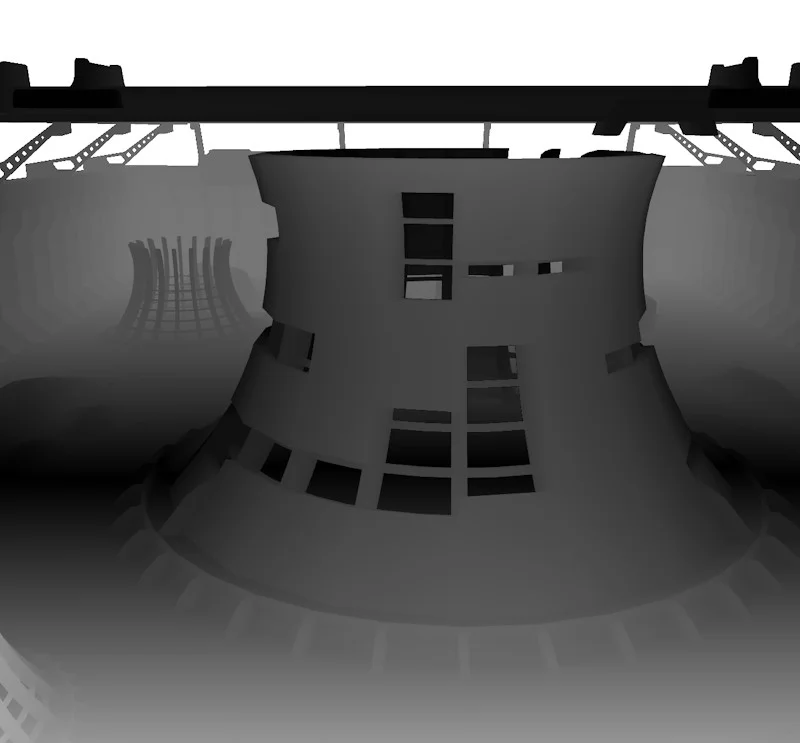
FrameGraphCircleOfConfusionTask
Task which applies a circle of confusion post-process.
Circle of confusion task Circle of confusion task (NRG)Inputs:
- depthTexture. The depth texture to use for the circle of confusion effect. It must store camera space depth (Z coordinate).
- depthSamplingMode. The sampling mode to use for the depth texture.
- camera. The camera to use for the circle of confusion effect.
Properties:
- postProcess. The properties of the post-process.
FrameGraphColorCorrectionTask
Task which applies a color correction post-process.
Color correction task Color correction task (NRG)Properties:
- postProcess. The properties of the post-process.
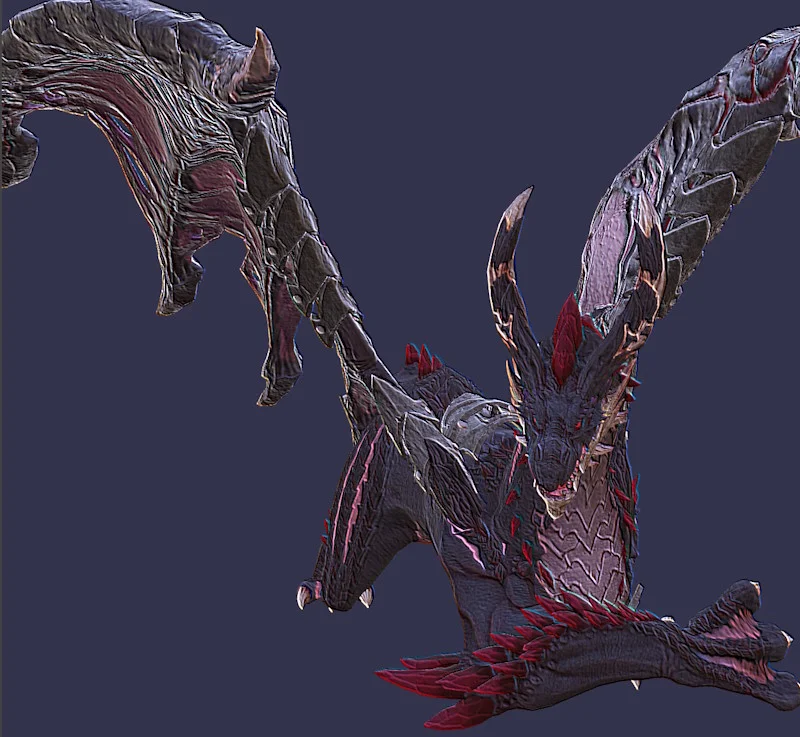
FrameGraphConvolutionTask
Task which applies a convolution post-process.
Convolution task Convolution task (NRG)Properties:
- postProcess. The properties of the post-process.

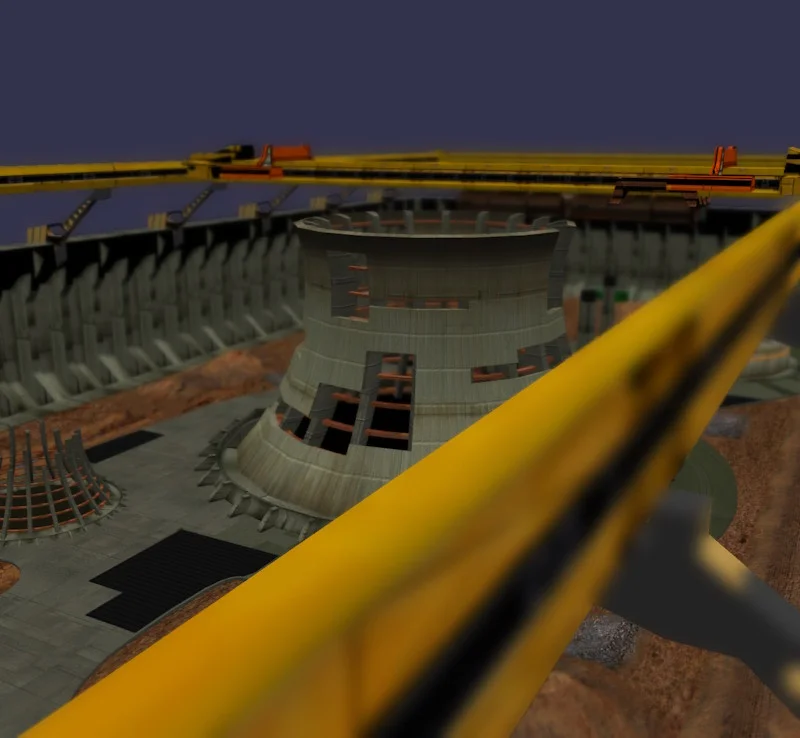
FrameGraphCustomPostProcessTask
Task which applies a custom post-process.
Custom taskInputs:
- onApplyObservable. Observable triggered when bind is called for the post process. Use this to set custom uniforms (see example playground).
FrameGraphDepthOfFieldTask
Task which applies a depth of field post-process.
Depth of field task Depth of field task (NRG)This post-process doesn't share the common properties of post-processes!
Inputs:
- sourceTexture. The source texture to apply the depth of field effect on.
- sourceSamplingMode. The sampling mode to use for the source texture.
- alphaMode. The alpha mode to use when applying the depth of field post process (default is ALPHA_DISABLE).
- depthTexture. The depth texture to use for the depth of field effect. Should store camera space depth (Z coordinate).
- depthSamplingMode. The sampling mode to use for the depth texture.
- camera. The camera used to render the scene.
- targetTexture (optional). The target texture to render the depth of field effect to. If not supplied, a texture with the same configuration as the source texture will be created.
Properties:
- hdr (read only). Whether the depth of field effect is applied on HDR textures. When true, the depth of field effect will use a higher precision texture format (half float or float). Else, it will use unsigned byte.
- depthOfField. The properties of the post-process.
Outputs:
- outputTexture. The output texture of the depth of field effect.
Note that hdr can only be set at construction time (it is a constructor parameter).
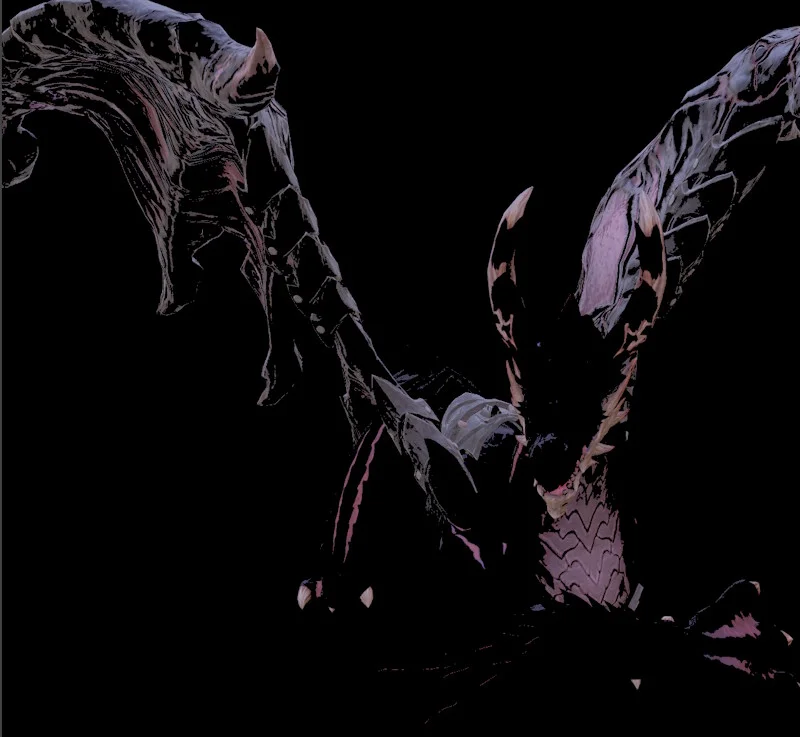
FrameGraphExtractHighlightsTask
Task which applies an extract-highlights post-process.
Extract highlights task Extract highlights task (NRG)Properties:
- postProcess. The properties of the post-process.
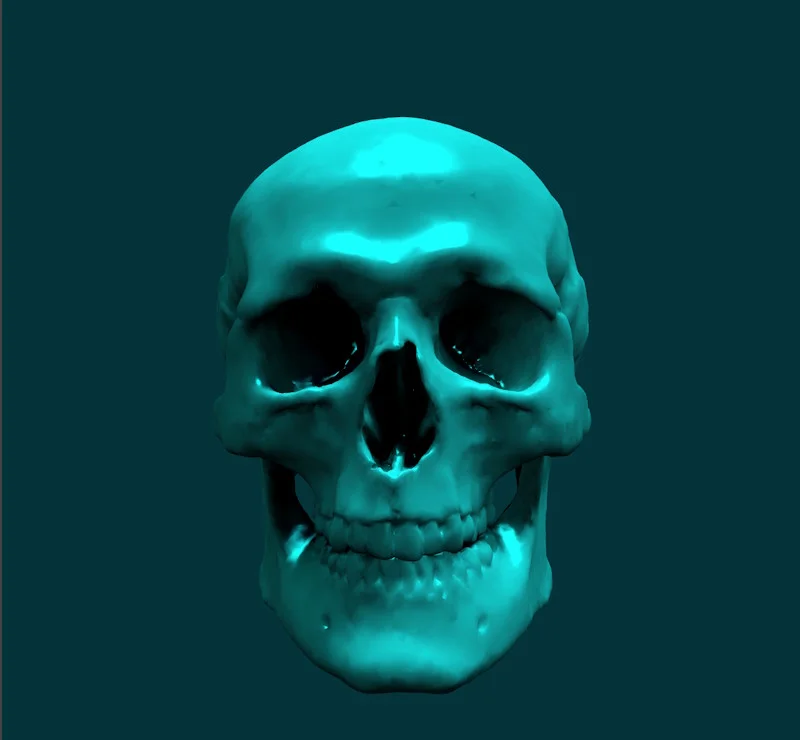
FrameGraphFilterTask
Task which applies a filter post-process.
Filter task Filter task (NRG)Properties:
- postProcess. The properties of the post-process.
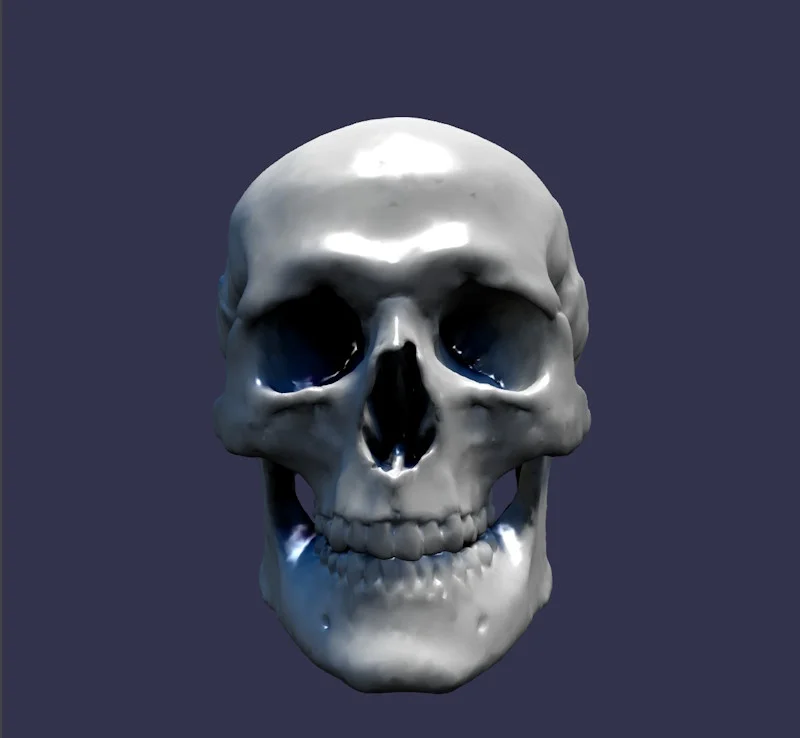
FrameGraphFXAATask
Task which applies an FXAA post-process.
FXAA task FXAA task (NRG)Properties:
- postProcess. The properties of the post-process.

FrameGraphGrainTask
Task which applies a grain post-process.
Grain task Grain task (NRG)Properties:
- postProcess. The properties of the post-process.
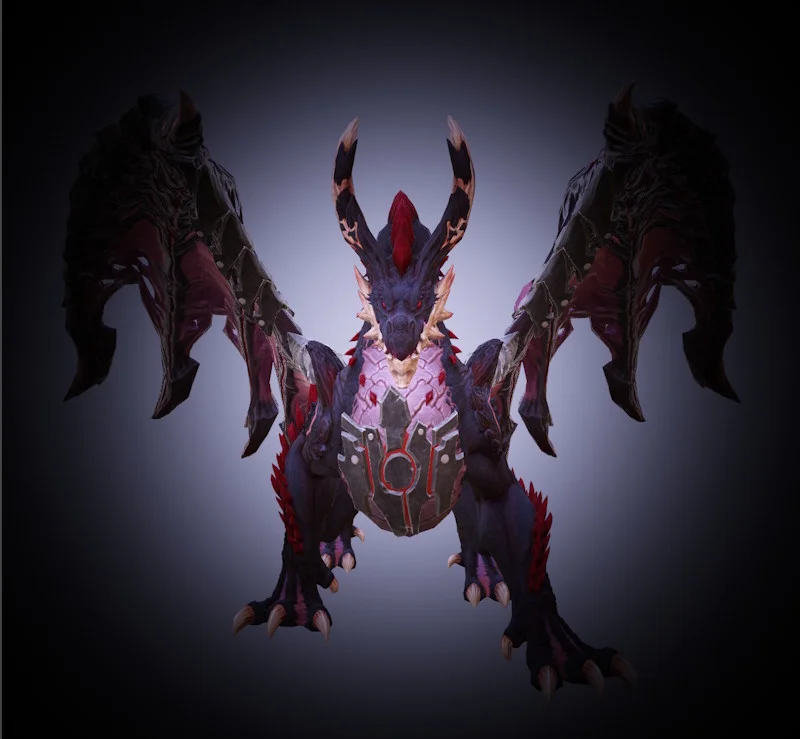
FrameGraphImageProcessingTask
Task which applies an image-processing post-process.
Image processing task Image processing task (NRG)Properties:
- postProcess. The properties of the post-process.
If you use this post-process, you will probably want to set disableImageProcessing = true on the object renderer that renders the texture to which the image processing is applied.
Alternatively, you can also set FrameGraphImageProcessingTask.postProcess.fromLinearSpace = false to indicate that the source texture is in gamma space.
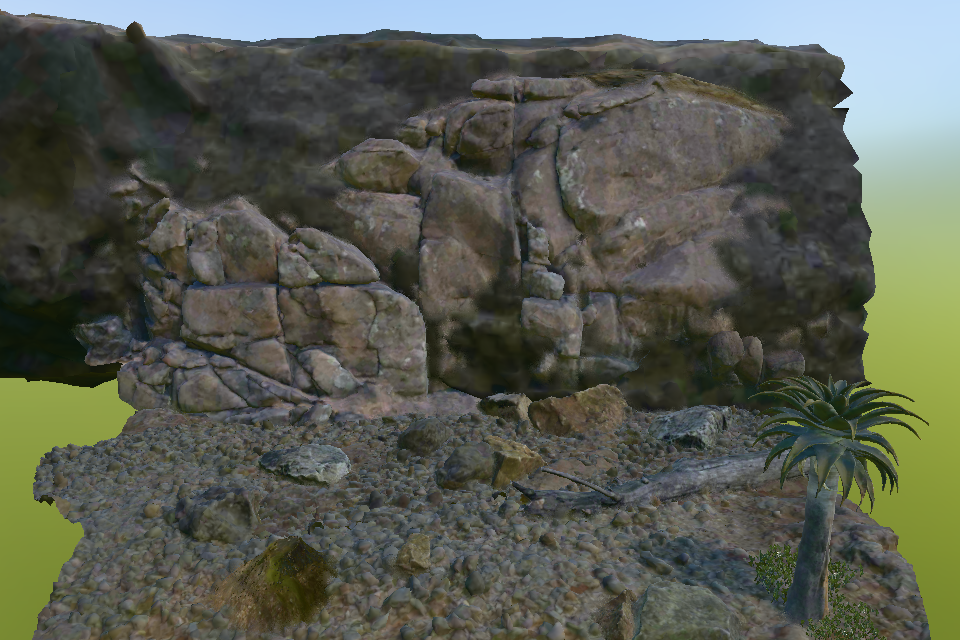
FrameGraphMeshBlendingTask
Task which softens validated contacts between meshes by blending SceneColor in screen space.
Mesh blending coastal cliff Mesh blending coastal cliff (NRG)Inputs:
- sourceTexture. SceneColor to blend.
- meshBlendTagTexture. Packed
R8UImesh tags generated byFrameGraphGeometryRendererTask. - depthTexture. View or screen depth aligned with SceneColor and the mesh tags.
- baseColorTexture (optional). Linear albedo used to attenuate transferred shadows. Omitting it compiles all shadow-estimation work out.
- camera. Camera used to project world radii and reconstruct positions.
- targetTexture (optional). Target texture for the result. If omitted, a compatible texture is created from sourceTexture.
Properties:
- quality. Compile-time quality variant.
- radiusClasses. Four world-radius and minimum-physical-pixel definitions.
- slopeFactor. Contact-slope narrowing factor. A value of
1disables narrowing. - depthType. Representation stored in depthTexture.
- debugMode. Compiled diagnostic visualization.
- postProcess. The shared thin post-process implementation.
Outputs:
- outputTexture. The blended SceneColor result.
All connected textures must have matching physical dimensions and sample counts, and must be single-sampled. The tag texture must use TEXTURETYPE_UNSIGNED_BYTE with TEXTUREFORMAT_RED_INTEGER, nearest sampling, and no mipmaps. The effect supports WebGL 2 and WebGPU.
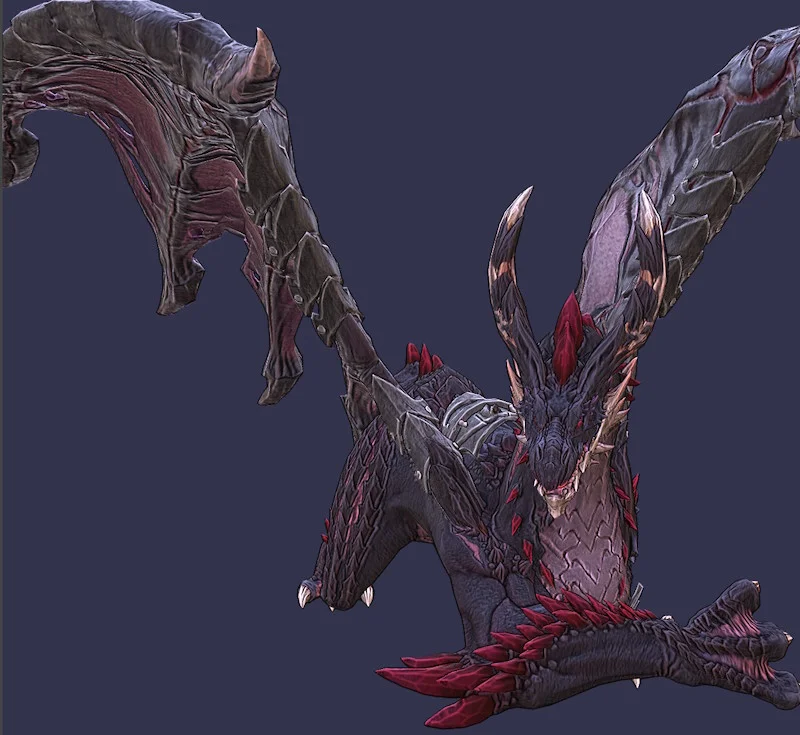
FrameGraphMotionBlurTask
Task which applies a motion blur post-process.
Motion blur task (screen based) Motion blur task (object based) Motion blur task (NRG)Inputs:
- velocityTexture (optional). The velocity texture to use for the motion blur effect. Needed for object-based motion blur.
- depthTexture (optional). The (view) depth texture to use for the motion blur effect. Needed for screen-based motion blur.
Properties:
- postProcess. The properties of the post-process.
This task requires a geometry texture as input, which depends on the type of motion blur you want to use:
- for object-based motion blur, you need to connect a geometry velocity texture
- for screen-based motion blur, you need to connect a geometry view depth texture
If the appropriate texture is not connected according to the current motion blur type, you will get an error in the console log.
Both of these textures can be generated by the FrameGraphGeometryRendererTask task (see below).
FrameGraphScreenSpaceCurvatureTask
Task which applies a screen space curvature post-process.
Screen space curvature task Screen space curvature task (NRG)Inputs:
- normalTexture. The normal texture to use for the screen space curvature effect. It must store normals in camera view space.
Properties:
- postProcess. The properties of the post-process.

FrameGraphSharpenTask
Task which applies a sharpen post-process.
Sharpen task Sharpen task (NRG)Properties:
- postProcess. The properties of the post-process.
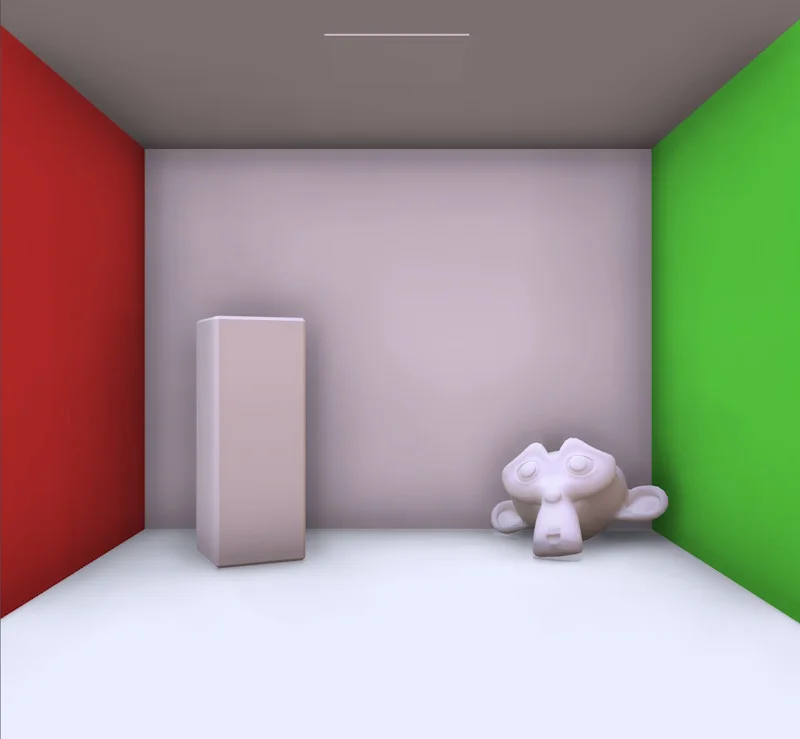
FrameGraphSSAO2RenderingPipelineTask
Task which applies a screen-space ambient occlusion post-process.
SSAO2 task SSAO2 task (NRG)This post-process doesn't share the common properties of post-processes!
Inputs:
- sourceTexture. The source texture to apply the SSAO2 effect on.
- sourceSamplingMode. The sampling mode to use for the source texture.
- alphaMode. The alpha mode to use when applying the SSAO post process (default is ALPHA_DISABLE).
- depthTexture. The depth texture used by the SSAO2 effect (Z coordinate in camera view space).
- normalTexture. The normal texture used by the SSAO2 effect (normal vector in camera view space).
- camera. The camera used to render the scene.
- targetTexture (optional). The target texture to render the SSAO2 effect to. If not supplied, a texture with the same configuration as the source texture will be created.
Properties:
- ratioSSAO (read only). The ratio between the SSAO texture size and the source texture size.
- ratioBlur (read only). The ratio between the SSAO blur texture size and the source texture size.
- textureType (read only). The texture type used by the different post processes created by SSAO2. It's a read-only property. If you want to change it, you must recreate the task and pass the appropriate texture type to the constructor.
- ssao. The properties of the post-process.
Outputs:
- outputTexture. The output texture of the ssao effect.
Note that you can set ratioSSAO, ratioBlur and textureType only at construction time (these are constructor parameters).
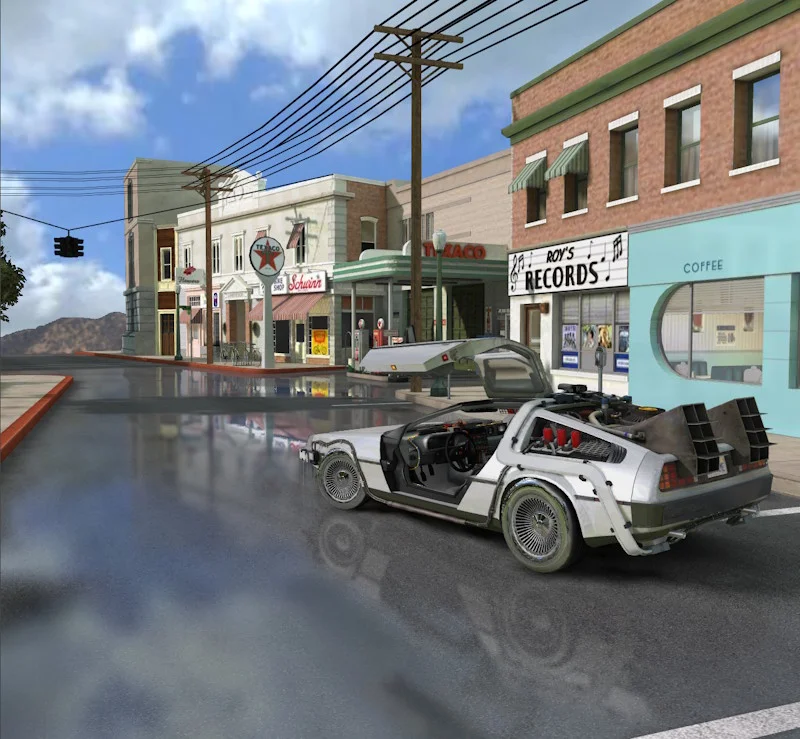
FrameGraphSSRRenderingPipelineTask
Task which applies a screen-space reflection post-process.
SSR task SSR task (NRG)This post-process doesn't share the common properties of post-processes!
Inputs:
- sourceTexture. The source texture to apply the SSR effect on.
- sourceSamplingMode. The sampling mode to use for the source texture.
- alphaMode. The alpha mode to use when applying the SSR post process (default is ALPHA_DISABLE).
- depthTexture. The depth texture used by the SSR effect. Can be a view or screen space depth texture.
- normalTexture. The normal texture used by the SSR effect. Can be a view or world space normal texture.
- backDepthTexture (optional). The back depth texture used by the SSR effect. Can be a view or screen space depth texture. This is used when automatic thickness computation is enabled. The back depth texture is the depth texture of the scene rendered for the back side of the objects (that is, front faces are culled).
- reflectivityTexture. The reflectivity texture used by the SSR effect.
- camera. The camera used to render the scene.
- targetTexture (optional). The target texture to render the SSR effect to. If not supplied, a texture with the same configuration as the source texture will be created.
Properties:
- textureType (read only). The texture type used by the different post processes created by SSR. It's a read-only property. If you want to change it, you must recreate the task and pass the appropriate texture type to the constructor.
- ssr. The properties of the post-process.
Outputs:
- outputTexture. The output texture of the ssr effect.
Note that you can set textureType only at construction time (this is a constructor parameter).
If you programmatically change the blur strength value (the FrameGraphSSRRenderingPipelineTask.ssr.blurDispersionStrength property) from 0 to a non-zero value, or vice versa, you must call the FrameGraph.build() function again to rebuild the graph! This is because the frame graph task of the SSR rendering pipeline generates blur tasks when this parameter is non-zero, and does not generate them when it is zero (for performance reasons). This means that the rendering passes generated are not the same depending on this parameter, which is why you need to call build() again when you change it.
backDepthTexture is optional, and you should only connect a texture to this input if you set FrameGraphSSRRenderingPipelineTask.ssr.enableAutomaticThicknessComputation = true. Do not connect a texture if you do not use this option, otherwise you will be penalized in terms of performance for having generated the texture when it is not used by the SSR block. If you connect something to backDepthTexture, you must connect the same type of texture as the one you connect to depthTexture: a view or a screen space depth texture. You will get an error message in the console if you mix the types. Also, don't forget to set reverseCulling = true in the geometry renderer task that generates the back depth texture, as this texture must store the depth of the back faces!
Refer to Screen Space Reflections (SSR) Rendering Pipeline for more information on SSR and the parameters you can use to adjust the effect.
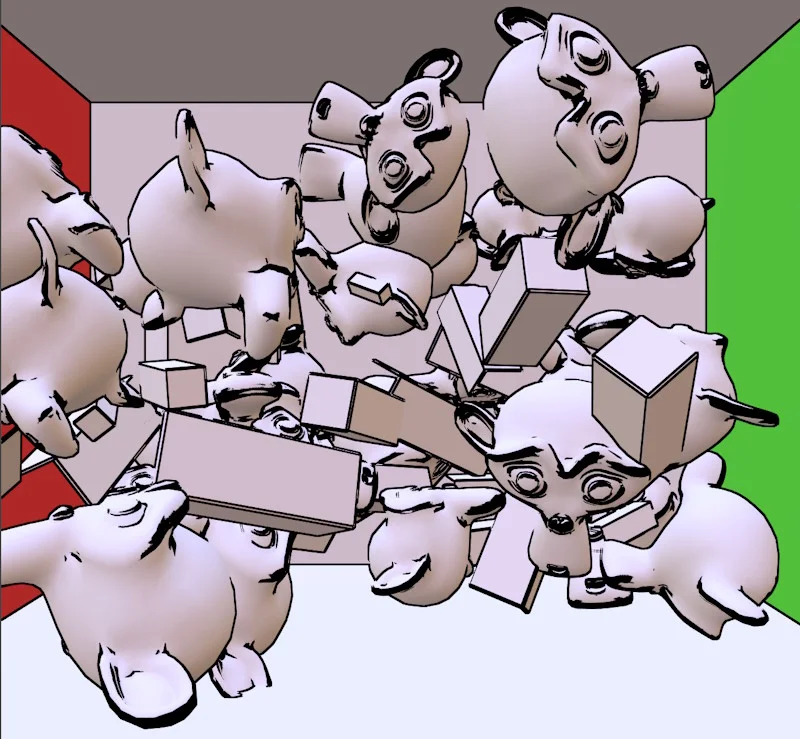
FrameGraphTAATask
Task which applies a temporal anti-aliasing post-process.
TAA taskInputs:
- objectRendererTask. The object renderer task used to render the scene objects.
- velocityTexture. The handle to the velocity texture. Only needed if postProcess.reprojectHistory is enabled. Note that you must use the linear velocity texture!
Properties:
- postProcess. The properties of the post-process.
This task is slightly different from other post-process tasks, as the source input is mandatory and the target input is not (yet) used. In addition, this task must instrument the rendering of objects, which is why you must connect a FrameGraphObjectRendererTask instance to the objectRendererTask input.
If you are using the reprojectHistory option, you must provide a velocityTexture texture. You can generate this texture using the FrameGraphGeometryRendererTask task. Note that you should not connect anything to the velocityTexture input if you are not using the reprojection history option, otherwise you may get rendering artifacts (and affect performance).
In addition, when using TAA post-processing, you probably don't want to use MSAA for the color/depth texture. So set their samples to 1.
Refer to Temporal Anti-Aliasing (TAA) Rendering Pipeline for more information on TAA and the parameters you can use to adjust the effect.

FrameGraphTonemapTask
Task which applies a tonemap post-process.
Tonemap task Tonemap task (NRG)Properties:
- postProcess. The properties of the post-process.
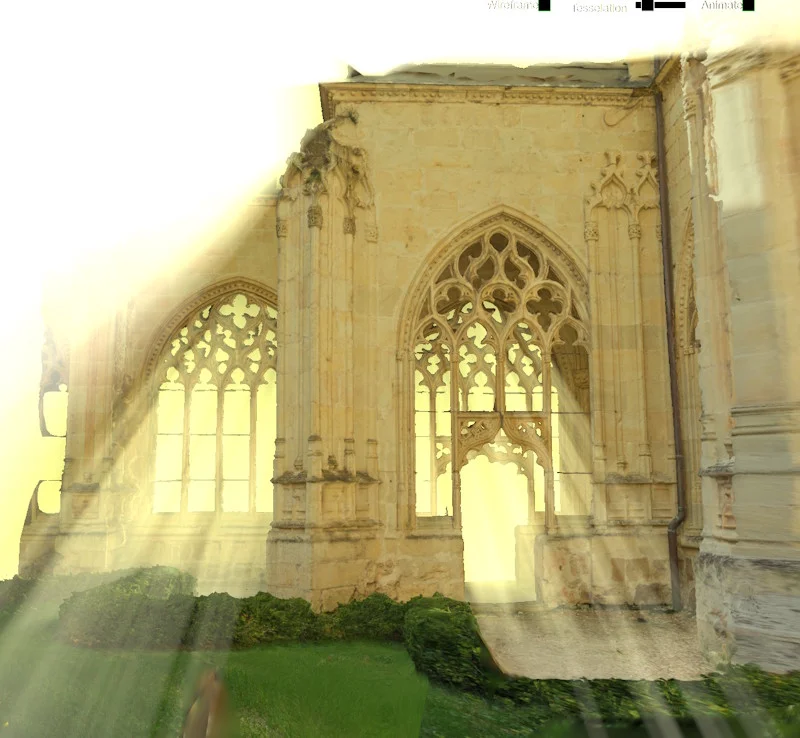
FrameGraphVolumetricLightingTask
A frame graph task that performs volumetric lighting.
Volumetric lighting task Volumetric lighting (NRG)This post-process doesn't share the common properties of post-processes!
Inputs:
- targetTexture. The target texture to which the volumetric lighting will be applied.
- sourceSamplingMode. The sampling mode to use when blending the volumetric lighting texture with targetTexture.
- depthTexture. The depth texture used for volumetric lighting calculations. It must be the depth (attachment) texture used to generate targetTexture.
- camera. The camera used for volumetric lighting calculations.
- lightingVolumeMesh. The mesh representing the lighting volume. This is the mesh that will be rendered to create the volumetric lighting effect. A common use case is to use the output of the FrameGraphLightingVolumeTask task for this mesh.
- light. The directional light used for volumetric lighting.
- lightingVolumeTexture (optional). The lighting volume texture. If not provided, a new texture will be created with the same size, format, and type as targetTexture. This is the texture that will store the volumetric lighting information before being blended into targetTexture.
Properties:
- phaseG. The phase G parameter for the volumetric lighting effect (default: 0). This parameter controls the anisotropy of the scattering. A value of 0 means isotropic scattering, while a value of 1 means forward scattering and -1 means backward scattering.
- extinction. The extinction coefficient for the volumetric lighting effect (default: (0, 0, 0) - no extinction). This parameter controls how much light is absorbed and scattered as it travels through the medium. Will only have an effect if enableExtinction is set to true in the constructor!
- lightPower. The light power/color for the volumetric lighting effect (default: (1, 1, 1)). This parameter controls the intensity and color of the light used for volumetric lighting.
Outputs:
- outputTexture. The output texture of the task. It will be the same as targetTexture.
The extinction property will only work if enableExtinction is set to true in the constructor when creating the FrameGraphVolumetricLightingTask instance. If you don't plan to set extinction to something different than (0, 0, 0), you can disable this to save some performance.
Rendering tasks
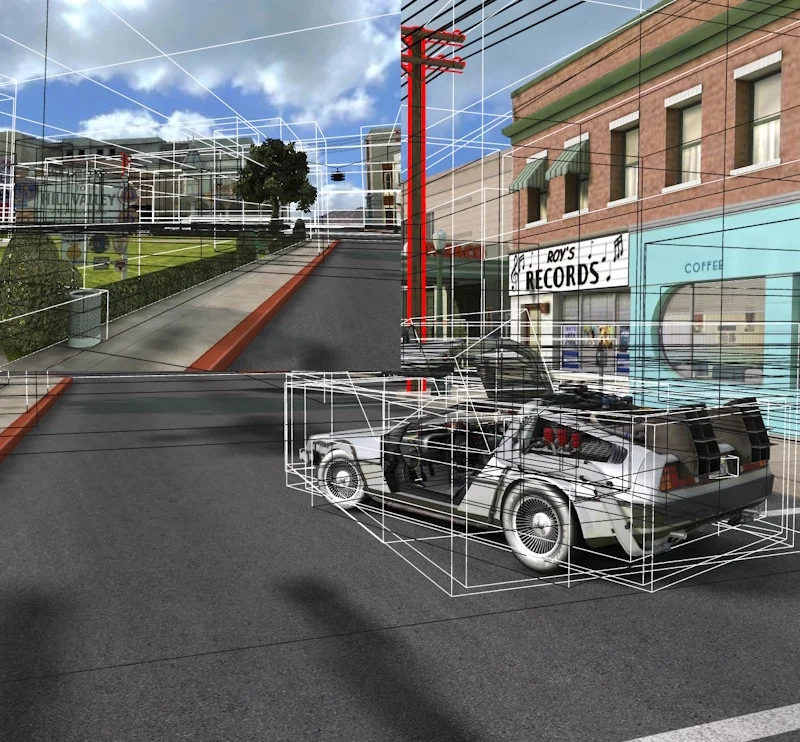
FrameGraphObjectRendererTask
Task used to render objects to a texture.
Object renderer task Object renderer task (NRG)Inputs:
- targetTexture. The target texture(s) where the objects will be rendered. Define an array of handles if you want to use multi-target rendering (see below for more details).
- depthTexture (optional). The depth attachment texture where the objects will be rendered.
- shadowGenerators (optional). The shadow generators used to render the objects.
- camera. Camera used to render the objects.
- objectList. The list of objects to render.
Properties:
- depthTest. If depth testing should be enabled (default is true).
- depthWrite. If depth writing should be enabled (default is true).
- disableShadows. If shadows should be disabled (default is false).
- disableImageProcessing. If image processing should be disabled (default is false). false means that the default image processing configuration will be applied (the one from the scene).
- isMainObjectRenderer. Sets this property to true if this task is the main object renderer of the frame graph. It will help to locate the main object renderer in the frame graph when multiple object renderers are used. This is useful for the inspector to know which object renderer to use for additional rendering features like wireframe rendering or frustum light debugging. It is also used to determine the main camera used by the frame graph: this is the camera used by the main object renderer.
- renderMeshes. Defines if meshes should be rendered (default is true).
- renderDepthOnlyMeshes. Defines if depth only meshes should be rendered (default is true). Always subject to the renderMeshes property, though.
- renderOpaqueMeshes. Defines if opaque meshes should be rendered (default is true). Always subject to the renderMeshes property, though.
- renderAlphaTestMeshes. Defines if alpha test meshes should be rendered (default is true). Always subject to the renderMeshes property, though.
- renderTransparentMeshes. Defines if transparent meshes should be rendered (default is true). Always subject to the renderMeshes property, though.
- useOITForTransparentMeshes. Defines if Order Independent Transparency should be used for transparent meshes (default is false).
- oitPassCount. Defines the number of passes to use for Order Independent Transparency (default is 5).
- renderParticles. Defines if particles should be rendered (default is true).
- renderSprites. Defines if sprites should be rendered (default is true).
- forceLayerMaskCheck. Forces checking the layerMask property even if a custom list of meshes is provided (i.e. if renderList is not undefined). Default is true.
- enableBoundingBoxRendering. Enables the rendering of bounding boxes for meshes (still subject to
Mesh.showBoundingBoxorscene.forceShowBoundingBoxes). Default is true. - enableOutlineRendering. Enables the rendering of outlines/overlays for meshes (still subject to
Mesh.renderOutline/Mesh.renderOverlay). Default is true. - resolveMSAAColors. If true, targetTexture will be resolved at the end of the render pass, if this/these texture(s) is/are MSAA (default: true).
- resolveMSAADepth. If true, depthTexture will be resolved at the end of the render pass, if this texture is provided and is MSAA (default: false).
- objectRenderer. The object renderer used to render the objects.
Outputs:
- outputTexture. The output texture. This texture will point to the same texture as the targetTexture property. Note, however, that the handle itself will be different!
- outputDepthTexture. The output depth attachment texture. This texture will point to the same texture as the depthTexture property if it is set. Note, however, that the handle itself will be different!
This is the main task used to render objects on a texture. You can consider it as the equivalent of RenderTargetTexture when you want to create a render pass programmatically.
The shadowGenerators input is optional and can be used if you want to generate shadows at the same time as you render objects. This input expects an array of FrameGraphShadowGeneratorTask instances. This way, you can generate shadows from multiple lights at once.
If you enable Order Independent Transparency (OIT - useOITForTransparentMeshes = true), the target/depth texture(s) must NOT use MSAA! So, number of samples must be 1 for these textures. If you want to get rid of anti-aliasing artifacts, you can use a FXAA or TAA post-process after the rendering pass.
Note that this class supports multi-target rendering, which means you can render to multiple textures at once. To enable it, simply provide an array of texture handles for the targetTexture property instead of a single handle. For this mode to work, all textures must have the same dimensions and the same number of MSAA samples (if applicable). In this mode, outputTexture remains a single texture handle: it is the first texture in the array that you passed to targetTexture.
To illustrate the use of this mode, here are two playgrounds:
Object renderer task (multi RTT) Object renderer task (multi RTT) (NRG)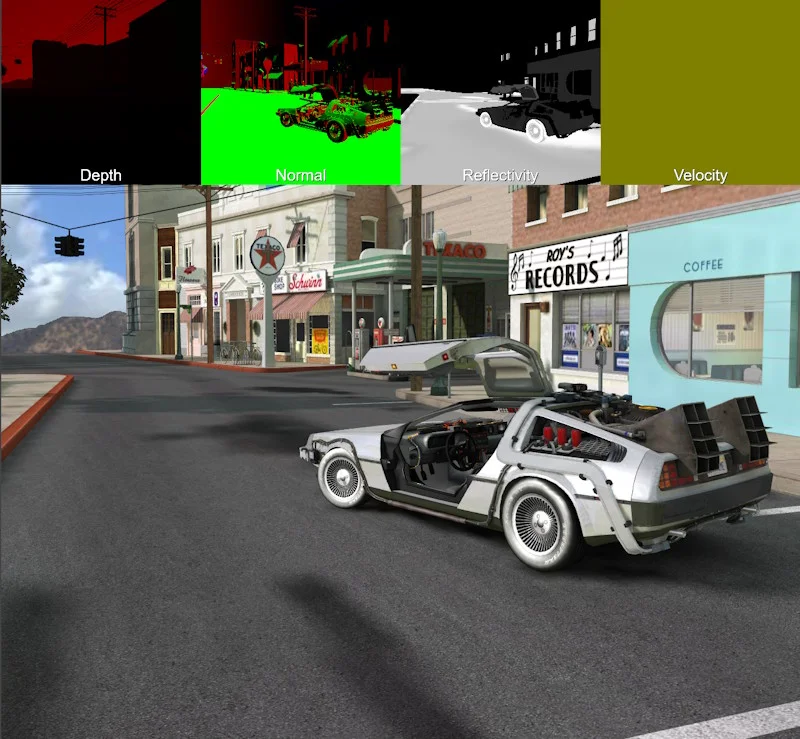
FrameGraphGeometryRendererTask
Task used to render geometry to a set of textures.
Geometry renderer task Geometry renderer task (NRG)This class is a superset of FrameGraphObjectRendererTask: it can render a scene (with some restrictions, see below) and generate geometry textures.
This means that all inputs, properties, and outputs described above are supported, as well as:
Properties:
- size. The size of the output textures (default is 100% of the back buffer texture size).
- sizeIsPercentage. Whether the size is a percentage of the back buffer size (default is true).
- samples. The number of samples to use for the output textures (default is 1).
- reverseCulling. Whether to reverse culling (default is false).
- dontRenderWhenMaterialDepthWriteIsDisabled. Indicates if a mesh shouldn't be rendered when its material has depth write disabled (default is true).
- disableDepthPrePass. Indicates whether the depth pre-pass is disabled (default is true). Materials that require depth pre-pass (
Material.needDepthPrePass == true) don't work with the geometry renderer, that's why this setting is true by default. However, if the geometry renderer doesn't generate any geometry textures but only renders to the main target texture, then depth pre-pass can be enabled. - textureDescriptions. The list of texture descriptions used by the geometry renderer task. Only geometry textures described in this array will be generated. See below for more information.
Methods:
excludeSkinnedMeshFromVelocityTexture(skinnedMesh: AbstractMesh). Excludes the given skinned mesh from computing bones velocities. Computing bones velocities can have a cost. The cost can be saved by calling this function and by passing the skinned mesh to ignore.removeExcludedSkinnedMeshFromVelocityTexture(skinnedMesh: AbstractMesh). Removes the given skinned mesh from the excluded meshes list.
Outputs:
- geometryIrradianceTexture. The irradiance output texture. Will point to a valid texture only if that texture has been requested in textureDescriptions!
- geometryViewDepthTexture. The depth (in view space) output texture. Will point to a valid texture only if that texture has been requested in textureDescriptions!
- geometryNormViewDepthTexture. The normalized depth (in view space) output texture. Will point to a valid texture only if that texture has been requested in textureDescriptions! The normalization is
(d - near) / (far - near), where d is the depth value in view space and near and far are the near and far planes of the camera. - geometryScreenDepthTexture. The depth (in screen space) output texture. Will point to a valid texture only if that texture has been requested in textureDescriptions!
- geometryViewNormalTexture. The normal (in view space) output texture. Will point to a valid texture only if that texture has been requested in textureDescriptions!
- geometryWorldNormalTexture. The normal (in world space) output texture. Will point to a valid texture only if that texture has been requested in textureDescriptions!
- geometryLocalPositionTexture. The position (in local space) output texture. Will point to a valid texture only if that texture has been requested in textureDescriptions!
- geometryWorldPositionTexture. The position (in world space) output texture. Will point to a valid texture only if that texture has been requested in textureDescriptions!
- geometryAlbedoTexture. The albedo output texture. Will point to a valid texture only if that texture has been requested in textureDescriptions!
- geometryReflectivityTexture. The reflectivity output texture. Will point to a valid texture only if that texture has been requested in textureDescriptions!
- geometryVelocityTexture. The velocity output texture. Will point to a valid texture only if that texture has been requested in textureDescriptions!
- geometryLinearVelocityTexture. The linear velocity output texture. Will point to a valid texture only if that texture has been requested in textureDescriptions!
This task is primarily used to generate geometry textures, i.e. textures containing special data such as depths in view/screen space, normals in view/world space, reflectivity, etc. Here is a list of all outputs that this task can generate. The clear values below apply to the color components present in each texture's format, before any objects are drawn:
- geometryIrradianceTexture: irradiance color, normally written by the material's geometry rendering shader. Cleared to zero.
- geometryViewDepthTexture: depth in camera view space. This is the Z component of the vertex coordinate in the camera's view space and is a value between near and far, the camera's near and far clipping planes. Cleared to zero.
- geometryNormViewDepthTexture: normalized depth in camera view space. Identical to the value above, but with values between 0 and 1, calculated using the formula
normViewDepth = (viewDepth - near) / (far - near). Cleared to one. - geometryScreenDepthTexture: depth in screen space. This is the depth written to the depth buffer (
gl_FragCoord.z) and is a value between 0 and 1. Cleared to one, or to zero when reverse depth buffering is enabled. - geometryViewNormalTexture: normal in camera view space. This is the normal to the vertex in camera view space. The vector is normalized before being written to the texture. Cleared to zero.
- geometryWorldNormalTexture: normal in world space. This is the normal at the vertex in world space. The vector is normalized before being written to the texture. It is also scaled and offset by 0.5 to generate components between 0 and 1. Cleared to zero.
- geometryLocalPositionTexture: position in local space. This is the position of the vertex in the object model space, i.e., before any camera or world transformations. Cleared to zero.
- geometryWorldPositionTexture: position in world space. This is the position of the vertex in world space. Cleared to zero.
- geometryAlbedoTexture: albedo color. This is the albedo/diffuse color of the vertex. Cleared to zero.
- geometryReflectivityTexture: reflectivity color. This is the reflectivity color of the vertex (used by SSR, for example). Cleared to zero.
- geometryVelocityTexture: velocity vector in screen space. See Motion blur by object for more details on what a velocity texture is. geometryVelocityTexture is a texture constructed with the optimization described in the “Format and precision” section to improve accuracy when using an unsigned byte texture type. Cleared to zero.
- geometryLinearVelocityTexture: linear velocity vector in screen space. It is identical to the one above, but without the optimization, so without the
pow()call. The coordinates are multiplied by 0.5, so that they are between [-0.5, 0.5] instead of [-1, 1]. Cleared to zero.
Using an existing channel for custom geometry data: If your graph does not need one of the supported PREPASS_* outputs for its original purpose, you can use its attachment to carry application-defined per-object data. For example, request the irradiance channel with a format and type appropriate for your data:
import { Constants } from "@babylonjs/core/Engines/constants";import { FrameGraphGeometryRendererTask } from "@babylonjs/core/FrameGraph/Tasks/Rendering/geometryRendererTask";const geomRendererTask = new FrameGraphGeometryRendererTask("customGeometry", frameGraph, scene);geomRendererTask.objectList = { meshes: [mesh], particleSystems: [] };geomRendererTask.camera = camera;geomRendererTask.textureDescriptions.push({ type: Constants.PREPASS_IRRADIANCE_TEXTURE_TYPE, textureFormat: Constants.TEXTUREFORMAT_RGBA, textureType: Constants.TEXTURETYPE_HALF_FLOAT,});frameGraph.addTask(geomRendererTask);// Connect this handle to a downstream task's texture input.const customGeometryTexture = geomRendererTask.geometryIrradianceTexture;Here frameGraph, scene, camera, and mesh are from your existing graph setup; provide depthTexture if your pass needs one. The handle becomes a usable texture when the graph is built; requesting or consuming the output does not write your data into it. Every material/shader contributing objects to that texture must explicitly write the custom value at the matching PREPASS_IRRADIANCE_INDEX, after any built-in irradiance write. For example, in the fragment shader of a material whose prepass/MRT declarations provide WRITE_GEOMETRY_FRAGMENT_OUTPUT, place this write after the material's default geometry output code:
#ifdef PREPASS_IRRADIANCE WRITE_GEOMETRY_FRAGMENT_OUTPUT(PREPASS_IRRADIANCE_INDEX, vec4(customData.rgb, 1.0));#endifHere customData is an application-provided value, not a built-in shader variable. For WGSL, use vec4f rather than vec4 and write to fragData[PREPASS_IRRADIANCE_INDEX] before the material copies that array into fragmentOutputs; if you inject code after that copy, you must instead update the corresponding fragmentOutputs.fragDataN output (N is the attachment index). The GLSL macro is not WGSL syntax. If you prefer a domain-specific guard in your own shader, you can replace the guard above with this optional alias:
#ifdef PREPASS_IRRADIANCE    #define CUSTOM_GEOMETRY_NAME#endif
// After the material's default geometry output code:#ifdef CUSTOM_GEOMETRY_NAME    WRITE_GEOMETRY_FRAGMENT_OUTPUT(PREPASS_IRRADIANCE_INDEX, vec4(customData.rgb, 1.0));#endif
CUSTOM_GEOMETRY_NAME is not generated by the engine, and a define alone does not replace the stock shader write.
Choose an attachment format/type that preserves the values and precision you need, and account for its default clear value and color/alpha conventions (the example writes alpha 1 for covered opaque pixels; untouched pixels retain the clear value). MRT outputs share the pass's attachment count, formats, dimensions, and sample settings; you cannot add arbitrary extra shader outputs just by inventing another PREPASS_* type. Do not repurpose the special object-ID or integer mesh-blend-tag channels. Other materials and built-in rendering paths may still write their usual irradiance values, so use this texture only when you control all contributing writes, or account for mixed content.
However, this task can also render a scene, similar to how FrameGraphObjectRendererTask does. There are some limitations when geometry textures and the normal texture scene (outputTexture property) are generated by FrameGraphGeometryRendererTask:
- You must set disableDepthPrePass to false if any of your materials use needDepthPrePass, in order to avoid artifacts/errors with geometry textures, but this means you may get artifacts in the normal texture scene. Again, if you need this to work, use a separate
FrameGraphObjectRendererTaskto generate the normal scene texture. - You must use the same number of MSAA samples for all textures (targetTexture, depthTexture, and FrameGraphObjectRendererTask.samples). Using MSAA textures is more demanding in terms of performance. If you don't need MSAA for geometry textures, you can use the geometry renderer only for geometry textures and use a
FrameGraphObjectRendererTaskinstance to generate the normal texture scene.
Important: If you do not plan to use outputTexture, do not set anything in the targetTexture input property! If you connect something to targetTexture, the texture will be generated, even if it is not used via outputTexture.
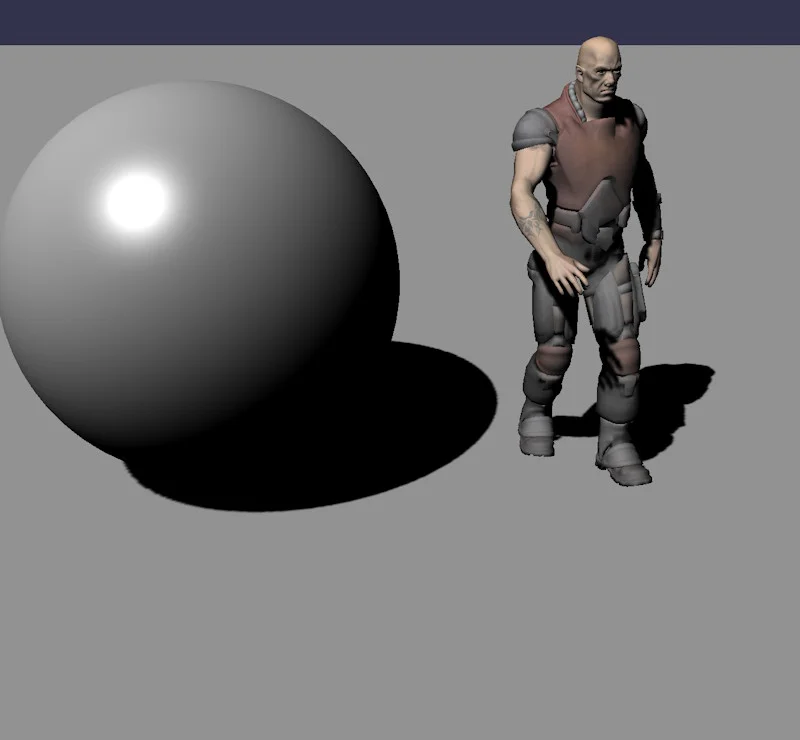
FrameGraphShadowGeneratorTask
Task used to generate shadows from a list of objects.
Shadow generator task Shadow generator task (NRG) Cascaded shadow generator task (NRG)Inputs:
- objectList. The object list that generates shadows.
- light. The light to generate shadows from.
- camera. The camera used to generate the shadows.
Inputs (specific to cascaded shadow maps):
- depthTexture (optional). The depth texture used by the autoCalcDepthBounds feature (optional if autoCalcDepthBounds is set to false). This texture is used to compute the min/max depth bounds of the scene to set up the cascaded shadow generator. The texture should contain either “view,” “normalized view,” or “screen” depth values - if possible, connect “normalized view” or “screen” for best performance. Warning: Do not set a texture if you are not using the autoCalcDepthBounds feature, to avoid generating a depth texture that will not be used.
Properties:
- mapSize. The size of the shadow map.
- useFloat32TextureType. If true, the shadow map will use a 32 bits float texture type (else, 16 bits float is used if supported).
- useRedTextureFormat. If true, the shadow map will use a red texture format (else, a RGBA format is used).
- bias. The bias to apply to the shadow map.
- normalBias. The normal bias to apply to the shadow map.
- darkness. The darkness of the shadows.
- transparencyShadow. Gets or sets the ability to have transparent shadows.
- enableSoftTransparentShadow. Enables or disables shadows with varying strength based on the transparency.
- useOpacityTextureForTransparentShadow. If this is true, use the opacity texture's alpha channel for transparent shadows instead of the diffuse one.
- filter. The filter to apply to the shadow map.
- filteringQuality. The filtering quality to apply to the filter.
- shadowGenerator (read only). The shadow generator.
Properties (specific to cascaded shadow maps):
- numCascades. The number of cascades.
- debug. Indicates whether the shadow generator should display the cascades.
- stabilizeCascades. Indicates whether the shadow generator should stabilize the cascades.
- lambda. Lambda parameter of the shadow generator.
- cascadeBlendPercentage. Cascade blend percentage.
- depthClamp. Indicates whether the shadow generator should use depth clamping.
- autoCalcDepthBounds. Indicates whether the shadow generator should automatically calculate the depth bounds.
- autoCalcDepthBoundsRefreshRate. Defines the refresh rate of the min/max computation used when autoCalcDepthBounds is set to true. Use 0 to compute just once, 1 to compute on every frame, 2 to compute every two frames and so on...
- shadowMaxZ. Maximum shadow Z value. If 0, will use camera.maxZ.
Outputs:
- outputTexture. The shadow map texture.
Use this task when you want to generate shadows from a light. The light must be a “shadow light”, i.e. any light except area lights and hemispherical lights.
You may be surprised to see a camera input, because the scene is rendered from the point of view of the light to generate the shadow map, not from the point of view of a camera. This camera is necessary to:
- split the camera frustum when using a
FrameGraphCascadedShadowGeneratorTaskblock - calculate the LOD of the meshes. The LOD of the meshes is defined according to the distance from a camera, not from a light.
Refer to Shadows for general information about shadows, and Cascaded Shadow Maps for specific information about cascaded shadow maps.

FrameGraphUtilityLayerRendererTask
Task used to render a utility layer.
Utility layer renderer task Utility layer renderer task (NRG)Inputs:
- targetTexture. The target texture of the task.
- camera. The camera used to render the utility layer.
Properties:
- layer. The utility layer renderer.
Outputs:
- outputTexture. The output texture of the task. This is the same texture as the target texture, but the handles are different!
This class is a wrapper around UtilityLayerRenderer and allows you to use gizmos with frame graphs: see the PGs above for some examples.
Texture tasks
FrameGraphClearTextureTask
Task used to clear a texture.
No specific example: the clear texture task is used in all the PG on this page!
Inputs:
- targetTexture (optional). The color texture to clear.
- depthTexture (optional). The depth attachment texture to clear.
Properties:
- color. The color to clear the texture with.
- clearColor. If the color should be cleared.
- convertColorToLinearSpace. If the color should be converted to linear space (default: false).
- clearDepth. If the depth should be cleared.
- clearStencil. If the stencil should be cleared.
- stencilValue. The value to use to clear the stencil buffer (default: 0).
Outputs:
- outputTexture. The output texture (same as targetTexture, but the handle will be different).
- outputDepthTexture. The output depth texture (same as depthTexture, but the handle will be different).
The inputs target and depth are optional, but you must provide at least one of them (otherwise there is no reason to use a clear task!).
FrameGraphCopyToBackbufferColorTask
Task which copies a texture to the backbuffer color texture (the screen).
No specific example: the copy to backbuffer color task is used in all the PG on this page!
Inputs:
- sourceTexture. The source texture to copy to the backbuffer color texture.
FrameGraphCopyToTextureTask
Task used to copy a texture to another texture.
Playground: see the PG for the Geometry renderer task
Inputs:
- sourceTexture. The source texture to copy from.
- targetTexture. The target texture to copy to.
Properties:
- viewport (optional). The viewport to use when doing the copy. If set to null, the currently active viewport is used. If undefined (default), the viewport is reset to a full-screen viewport before performing the copy.
- lodLevel. The LOD level to copy from the source texture (default: 0).
Outputs:
- outputTexture. The output texture (same as targetTexture, but the handle may be different).
FrameGraphGenerateMipMapsTask
Task which generates mipmaps for a texture.
Generate mipmaps task Generate mipmaps task (NRG)Inputs:
- targetTexture. The texture to generate mipmaps for.
Outputs:
- outputTexture. The output texture (same as targetTexture, but the handle may be different).
Note that in a frame graph, mipmaps are not generated automatically; you must use a FrameGraphGenerateMipMapsTask task to do so.