The Meshes Library
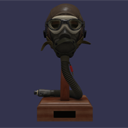
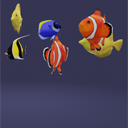
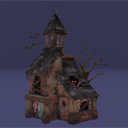
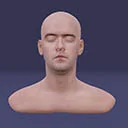
Available Meshes for Importing into Playground
All the Playground examples are loaded using the default environment and default camera methods. The meshes are different sizes, and using the default methods places the camera at a distance where the whole image can be seen clearly. To find values for other cameras, you can use the Playground scene inspector.
Meshes with a large file size can take some time to load, so please be patient.
Some meshes appear in both file locations.
From the Playground Scenes Folder
These files are in the GitHub repo scenes folder for the Playground and are available for use.
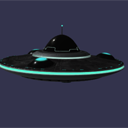
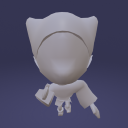
When using a scene method to append or import scenes or meshes, the rootUrl parameter has the form scenes/ or scenes/folder/, and the filename parameter is as given below. The Playground will show the actual terms required.

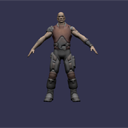

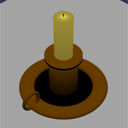
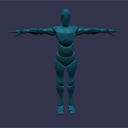
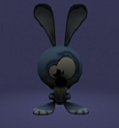
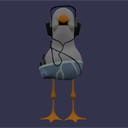
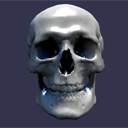
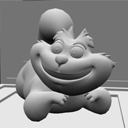
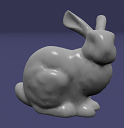
From the Assets Library
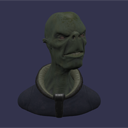
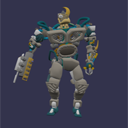
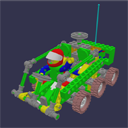
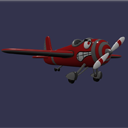
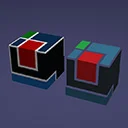
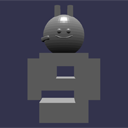
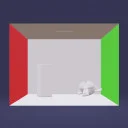
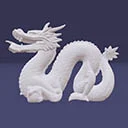
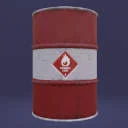
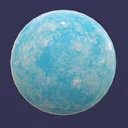
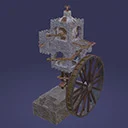
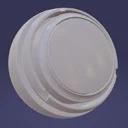
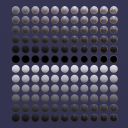
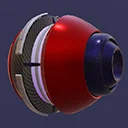
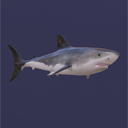
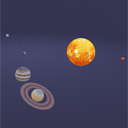
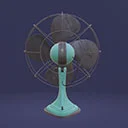
This list of files is a small subset of the available models in the asset library from the GitHub repo. When using a scene method to append or import scenes or meshes, the rootUrl parameter uses the Asset Librarian like this: Assets.meshes.meshname.rooturl, and the filename parameter is similar: Assets.meshes.meshname.filename. See the Playgrounds below for examples.





Finding Camera Values
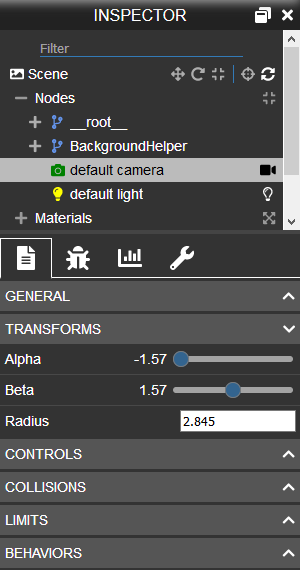
To check the camera's distance from the displayed mesh, find the radius value by accessing the camera menu from the Playground scene inspector toolbar. Other useful values are angles, position, and the minZ and maxZ ranges.
Further reading
Loading Any File Type
Learn how to import any file type in Babylon.js.

The Texture Library
Learn about the free available textures in the Babylon.js texture library.

Using External Assets In the Playground
Learn how to use external assets in the playground in Babylon.js.