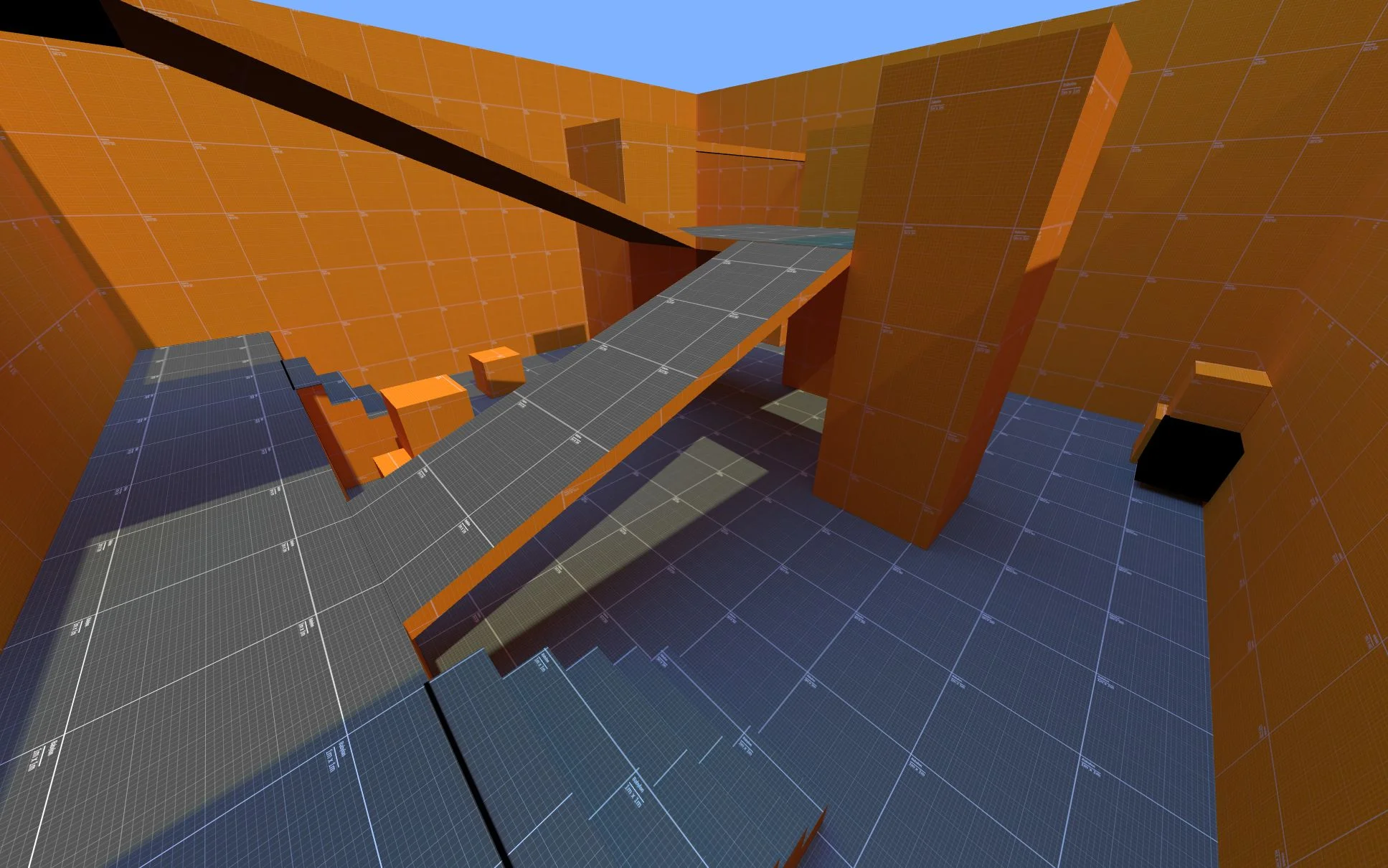
Level prototyping using baked lightmaps
The following steps will guide you through baking lightmaps for your test level with Blender. Lightmaps can help you make unique levels by tweaking lighting and making it look good independently of the hardware. This tutorial was made for Blender because it's easily available, but most steps can be adapted to Maya or 3DSMax.
Modeling
Model the room using cubes.
Remove the roof.
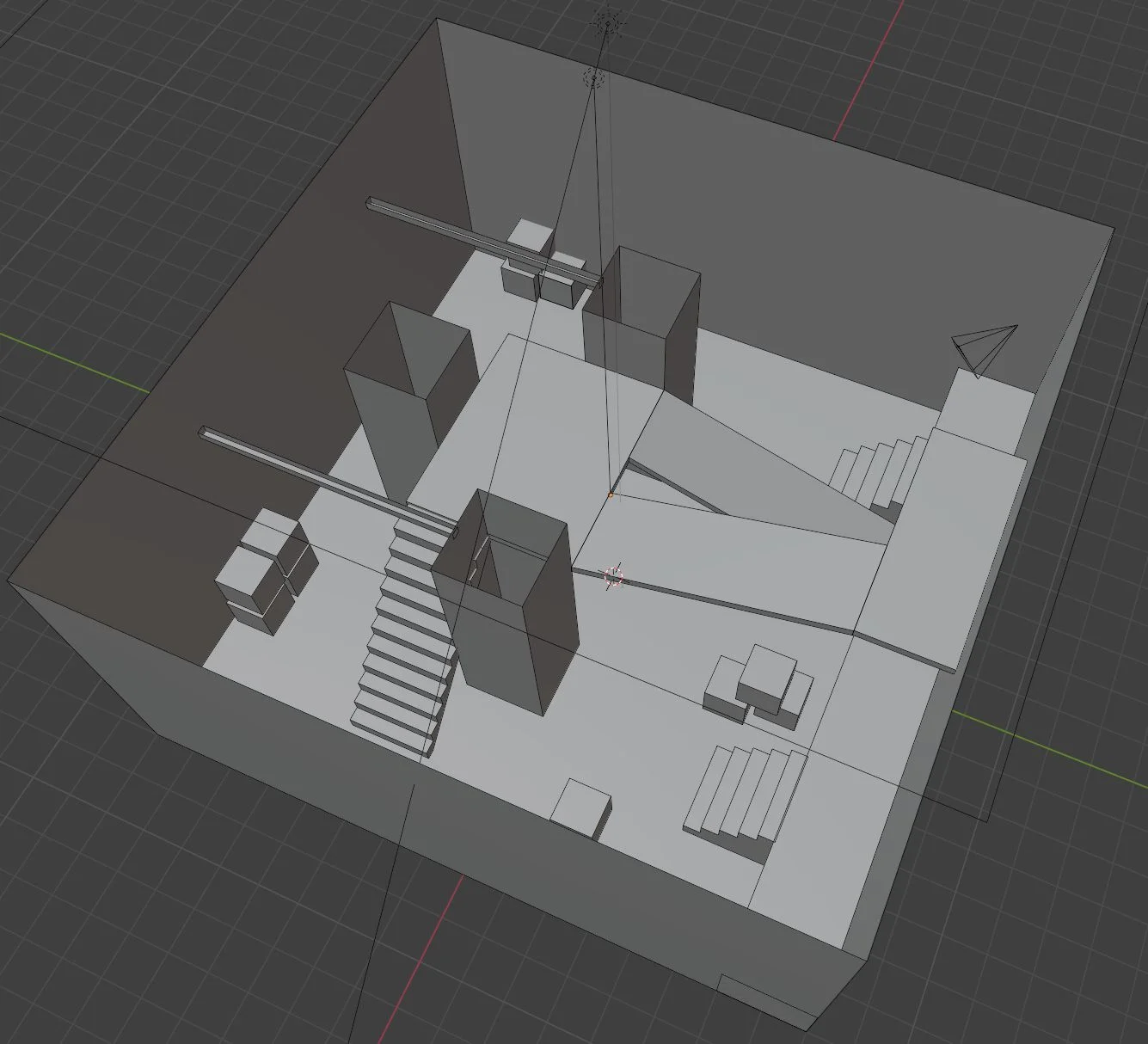 Model stairs in less than 40 seconds: https://www.youtube.com/watch?v=J4T256mVkS0
Material and textures
Create 2 materials: 1 for walls and 1 for the ground.
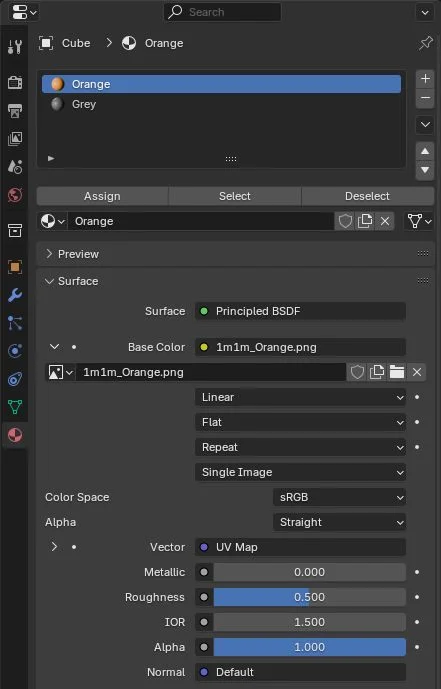 Select the faces in edit mode, then click the Apply button.
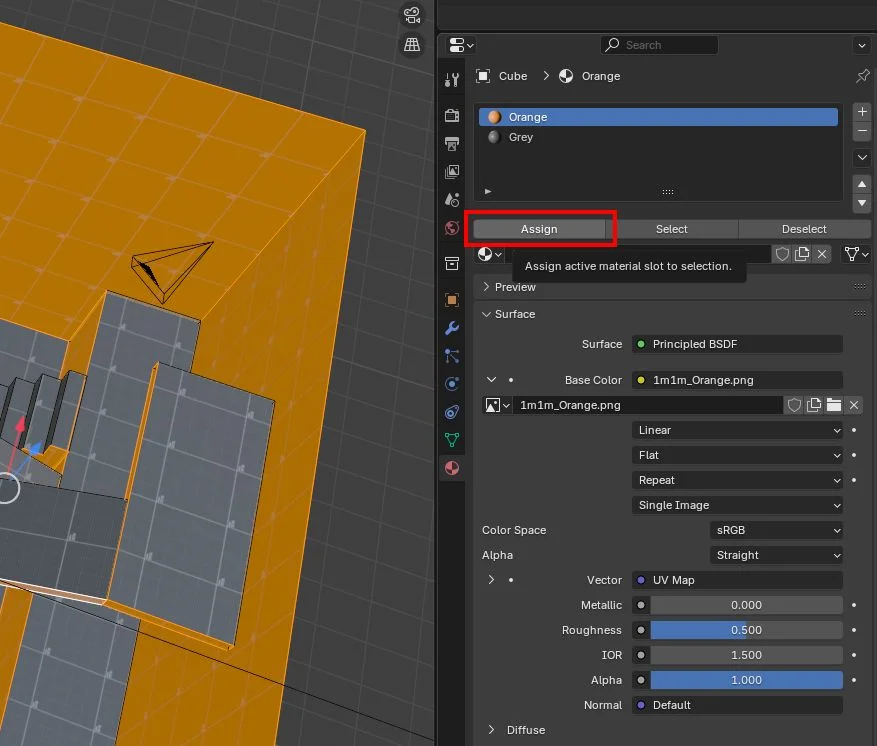
Lighting
Add sun light.
 Add an area light that covers the whole scene.
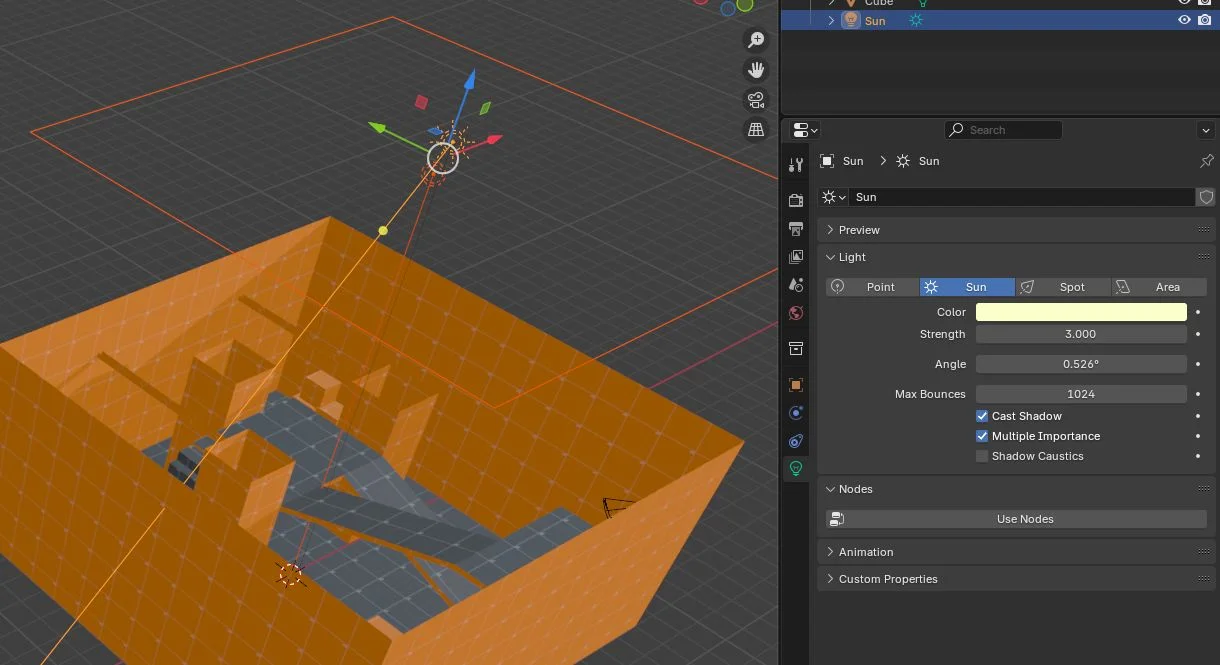
UV set
Select all faces in edit mode. Apply a box UV projection.
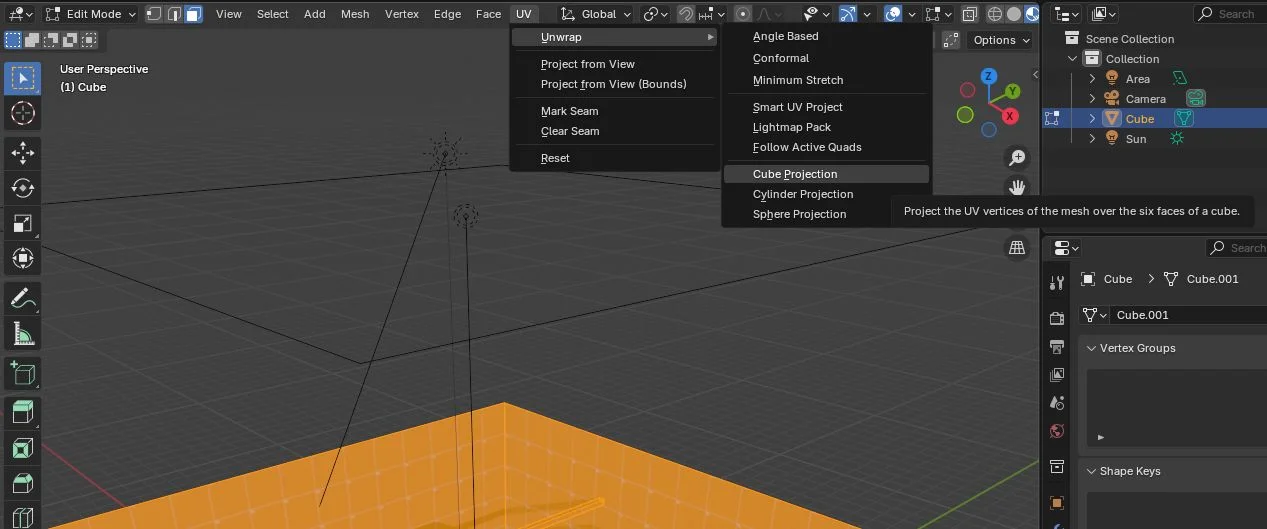 Go to UV edit mode. Scale the UVs up until the pixel density is good.
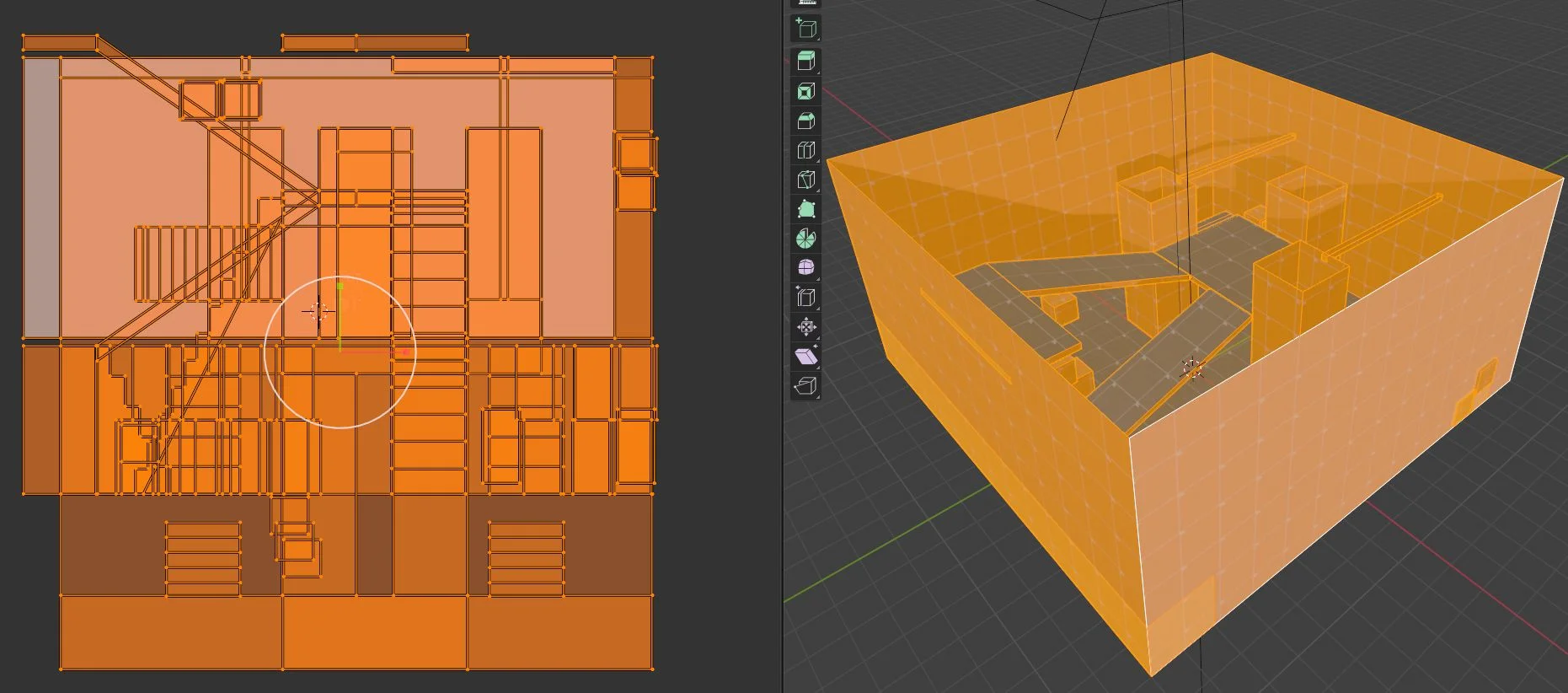
2nd UV set
Add a new UV set and set it as active.
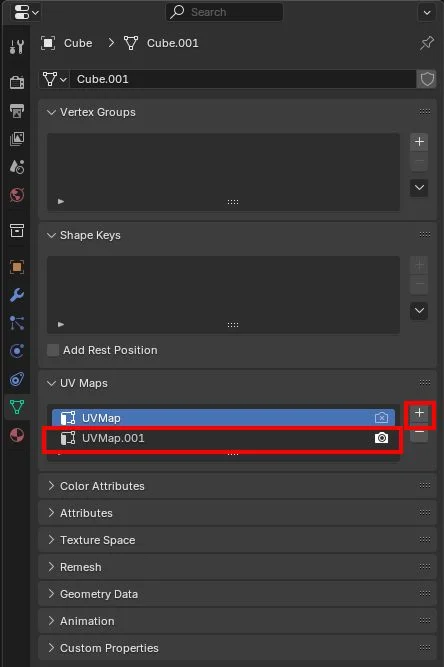 Select all faces and Lightmap Pack menu option.
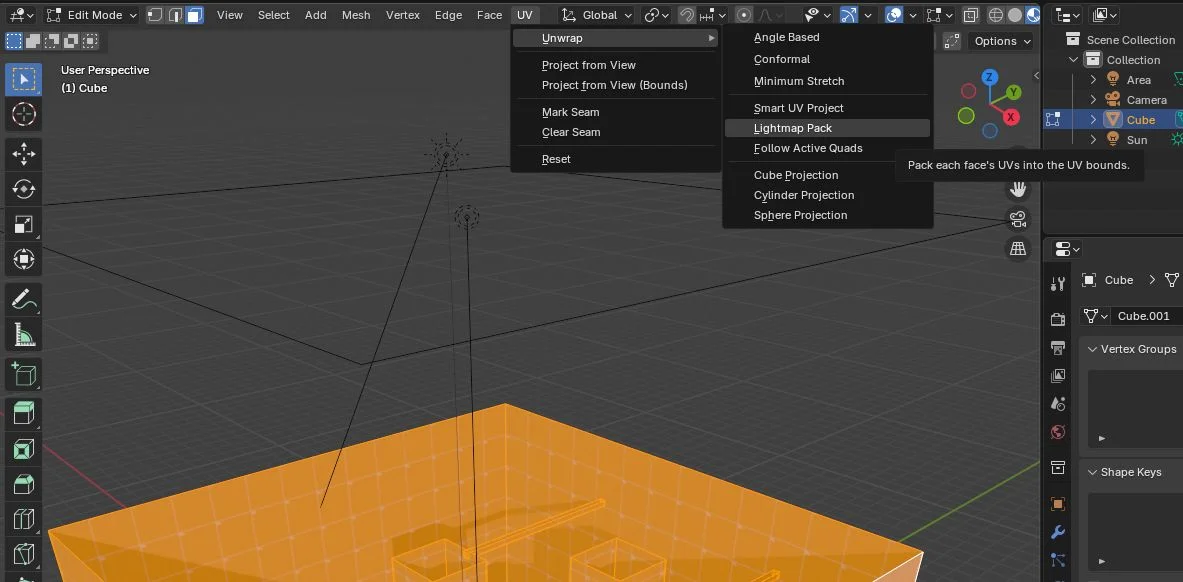
Preparing shading
Add 2 UV maps: the first for the default UV set and the second for the lightmap set.
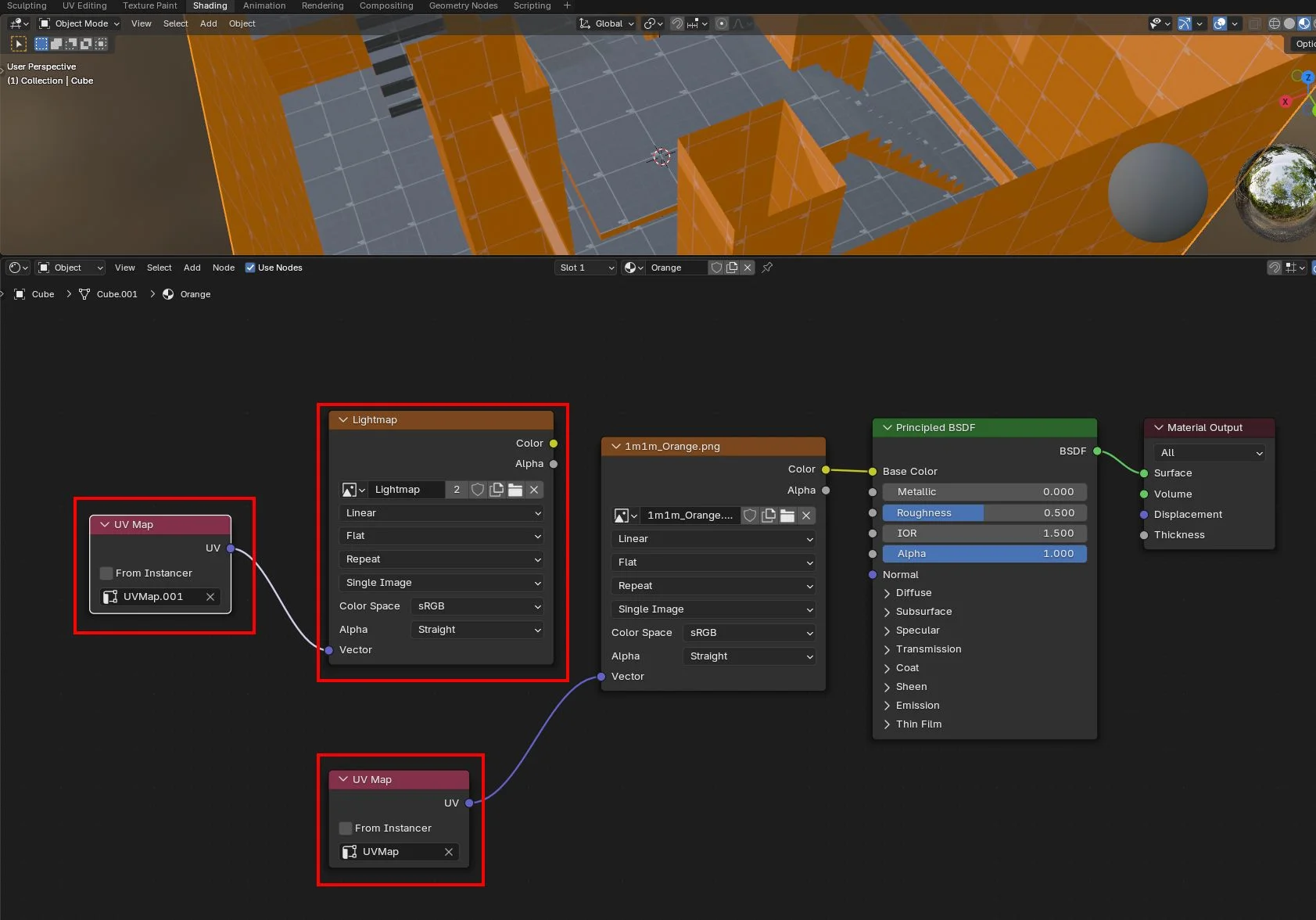
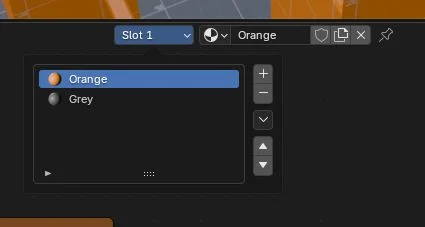 Create a new lightmap image with an appropriate size.
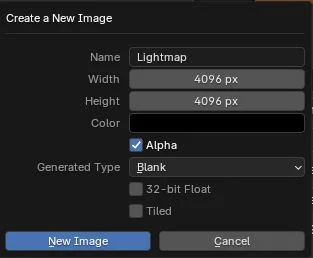
Baking
With Cycles renderer: Diffuse lighting without color.
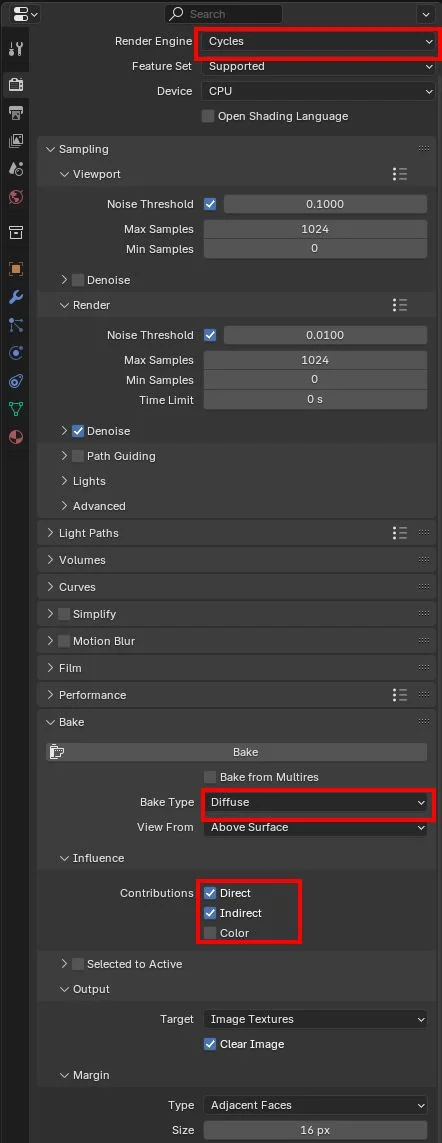 Do not forget to save the baked image as a lightmap.
Test Playground
Export the scene as a glb and upload it so it's available online.
Make a new Playground and copy-paste the code.
Apply the lightmap to every mesh.