Getting Started - Chapter 9 - Your First Physics Scene
Add a Physics Engine
Babylon.js connects to a separate physics engine through a plugin. In this example, we use the recommended Physics V2 API with Havok. Havok calculates gravity, movement, and collisions while Babylon.js renders the result.
The Babylon.js Playground loads and initializes Havok for you. There, creating the plugin and enabling physics takes two lines:
import { Vector3 } from "@babylonjs/core/Maths/math.vector";import { HavokPlugin } from "@babylonjs/core/Physics/v2/Plugins/havokPlugin";const havokPlugin = new HavokPlugin();scene.enablePhysics(new Vector3(0, -9.81, 0), havokPlugin);The vector passed to enablePhysics is gravity. Its negative Y value pulls dynamic bodies downward.
In an application of your own, install both Babylon.js and Havok:
npm install @babylonjs/core @babylonjs/havokThen initialize Havok's WebAssembly module before creating the plugin:
import HavokPhysics from "@babylonjs/havok";import { HavokPlugin, Vector3 } from "@babylonjs/core";
const havokInstance = await HavokPhysics();const havokPlugin = new HavokPlugin(true, havokInstance);scene.enablePhysics(new Vector3(0, -9.81, 0), havokPlugin);
Because initialization is asynchronous, the function that creates your scene must also be asynchronous. For more setup options, including script tags and CDN usage for small experiments, see Using Havok and the Havok Plugin.
Create Something to Fall
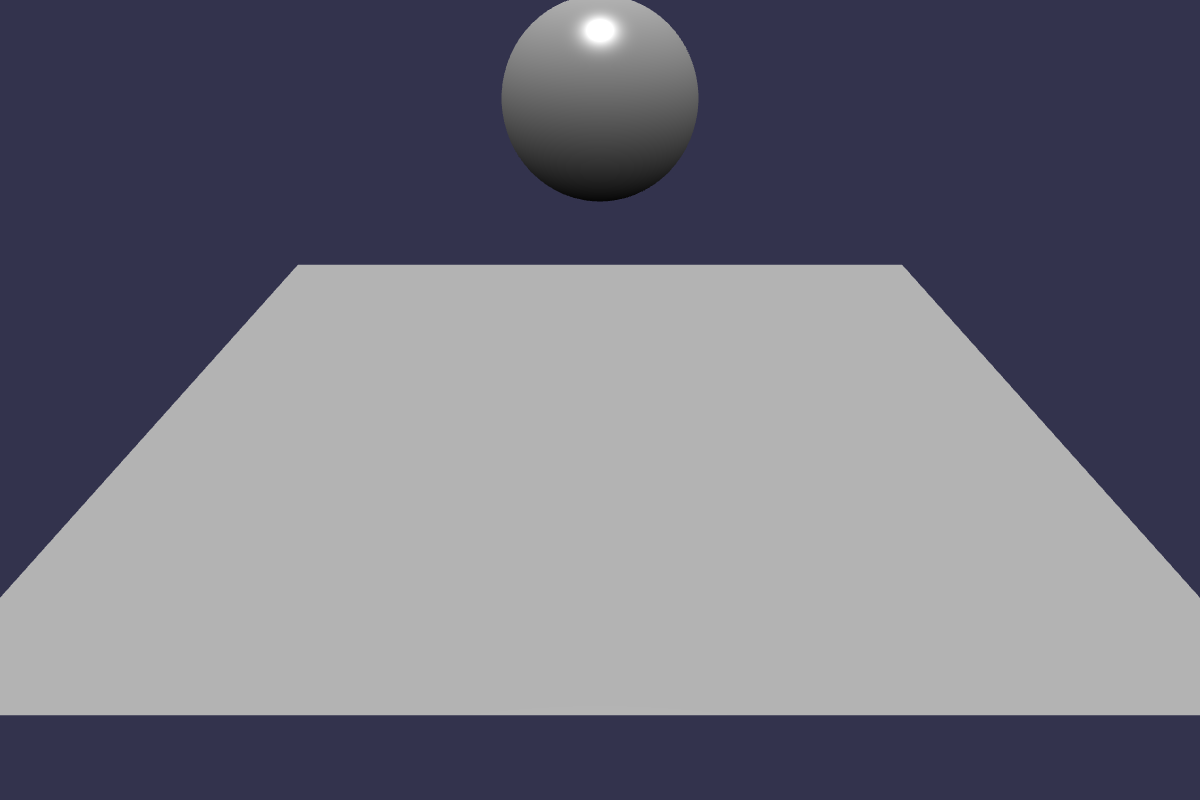
We first create a box for the ground and a sphere above it:
import { MeshBuilder } from "@babylonjs/core/Meshes/meshBuilder";const ground = MeshBuilder.CreateBox("ground", { width: 10, depth: 10, height: 0.5,}, scene);ground.position.y = -0.25;const sphere = MeshBuilder.CreateSphere("sphere", { diameter: 2,}, scene);sphere.position.y = 6;These meshes describe what we see, but the physics engine also needs bodies and collision shapes. A PhysicsAggregate creates both for a mesh:
import { PhysicsShapeType } from "@babylonjs/core/Physics/v2/IPhysicsEnginePlugin";import { PhysicsAggregate } from "@babylonjs/core/Physics/v2/physicsAggregate";const groundAggregate = new PhysicsAggregate(ground, PhysicsShapeType.BOX, { mass: 0 }, scene);const sphereAggregate = new PhysicsAggregate(sphere, PhysicsShapeType.SPHERE, { mass: 1, restitution: 0.6 }, scene);The ground has a mass of 0, so it is static and stays in place. The sphere has a nonzero mass, so it is dynamic: gravity moves it, and it collides with the ground. The sphere's restitution controls how bouncy the collision is; 0.6 gives us an easy-to-see bounce.
Press Run in the Playground to restart the simulation and watch the sphere fall.
Your First Physics SceneWhere to Go Next
You now have the essential parts of a physics scene: an enabled engine, a static body, and a dynamic body. The Physics V2 overview introduces the full system. Continue with Physics Aggregates to adjust bodies and shapes, or learn how to apply forces and impulses to make bodies move.
Further reading
Physics
Learn all about the powerful physics capabilities of Babylon.js.

Using Havok and the Havok Plugin
Learn how to use the Havok plugin offered by Babylon.js.
Aggregates
How to use Physics Aggregate for fast and easy physics scene creation.