Scene
The scene is somewhat like the stage on which all the meshes, cameras, and lights are placed so they can be viewed. Of course, a good scene includes more than meshes, cameras, and lights; for example, it may also include a user interface. There are also special effects that can make the environment more realistic. If you want to overlap two or more scenes, that is possible as well.
If you want to build a scene with a minimum of code, fast build is for you.
What else might you expect of your scene? You might expect to be able to
- have the scene react to clicks and touches;
- have your own design displayed when your scene is loading;
- optimise your scene to maintain a good speed;
- output images of particular views of your scene.
Coming next
In-Depth layerMask
Learn how the layerMask property works across the library

Scene
Learn how to quickly build a world in a "scene" within Babylon.js.
Interacting With Scenes
Begin learning about how to develop interactions for your Babylon.js scenes.
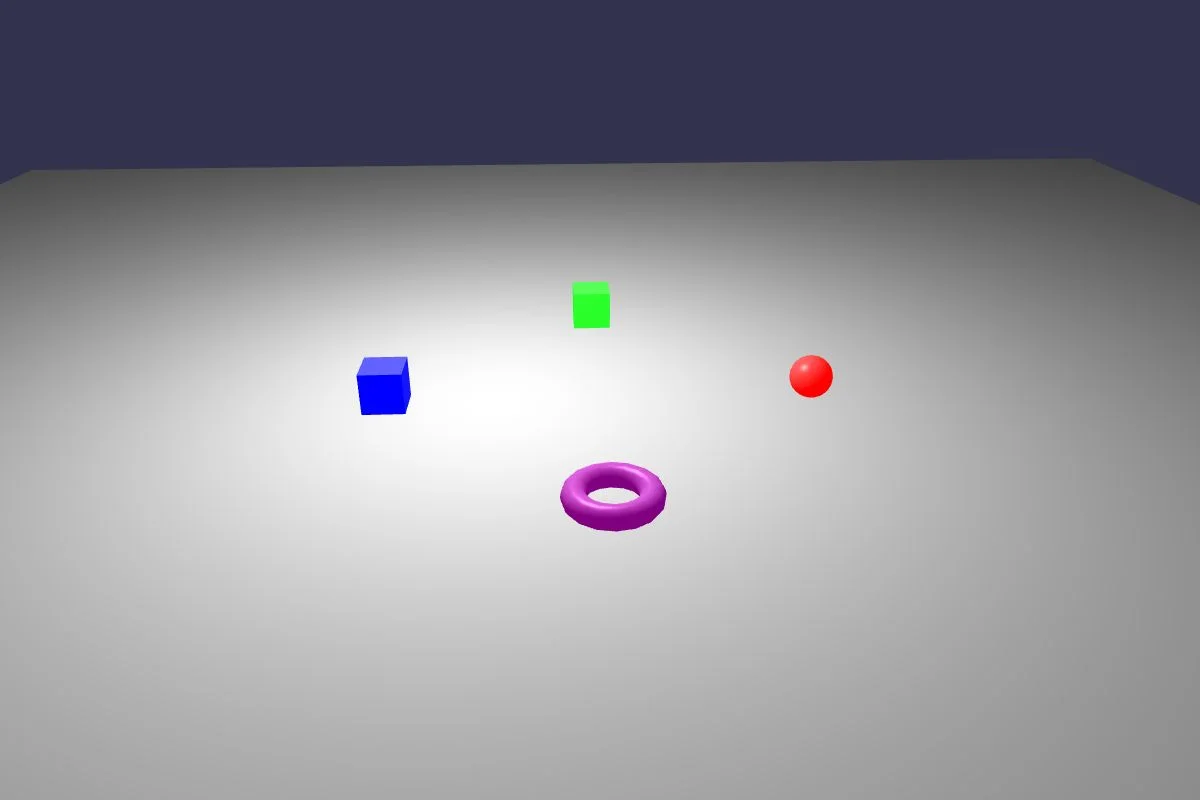
Using Multiple Scenes
Learn about using multiple scenes at the same time in Babylon.js.
Using Multiple Canvases
Learn about using multiple canvases at the same time in Babylon.js.
Applying Delta Changes To A Scene
Learn about using the delta system in Babylon.js to save and reload changes made to your scenes.
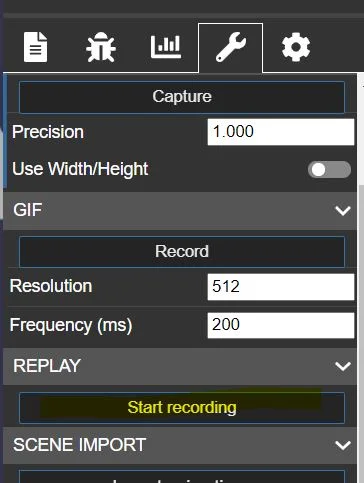
Creating Custom Loading Screens
Learn how to create custom loading screens in Babylon.js.
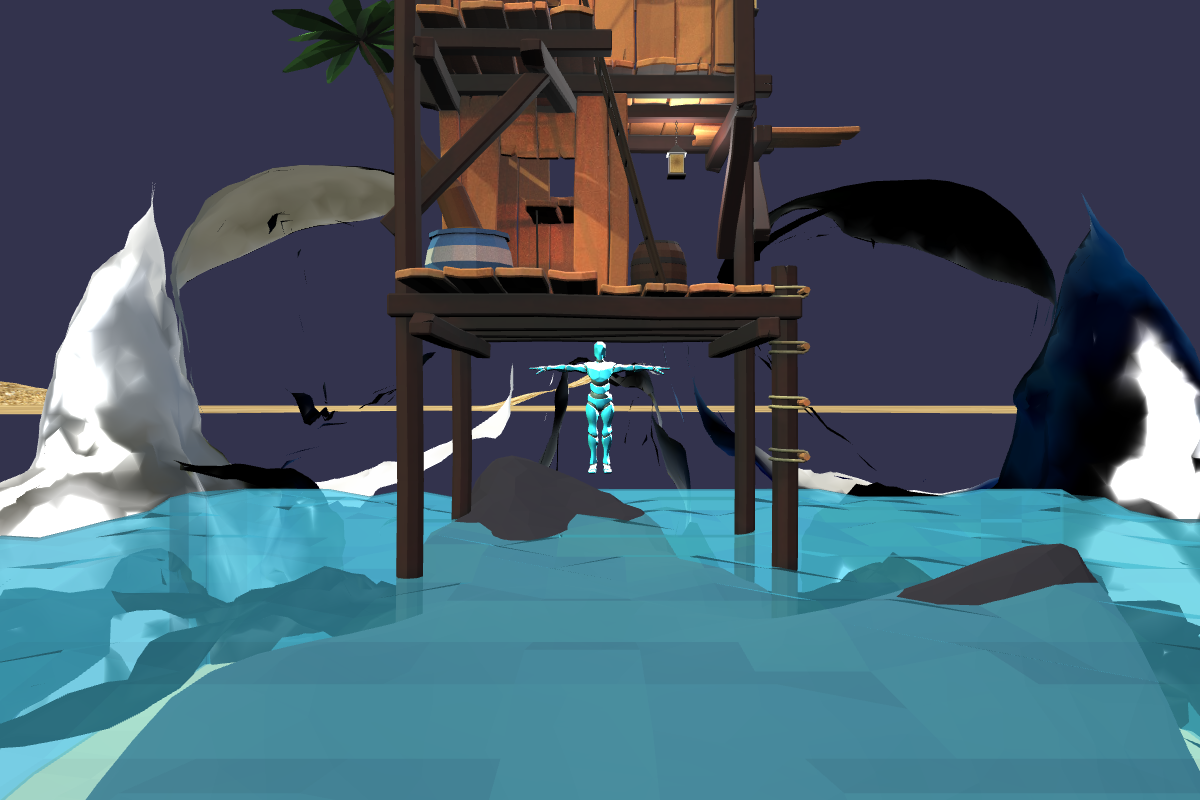
Optimizing Your Scene
Learn how to optimize your scene in Babylon.js.
The Scene Optimizer
Learn all about the scene optimizer in Babylon.js.
Optimizing With Octrees
Learn how to optimize your scene using octrees in Babylon.js.
Optimizing Using Cached Resources
Learn how to optimize your scene using cached resources in Babylon.js.
Floating Origin (Huge Scenes Support)
Learn how to manage huge scenes using the floating-origin trick.
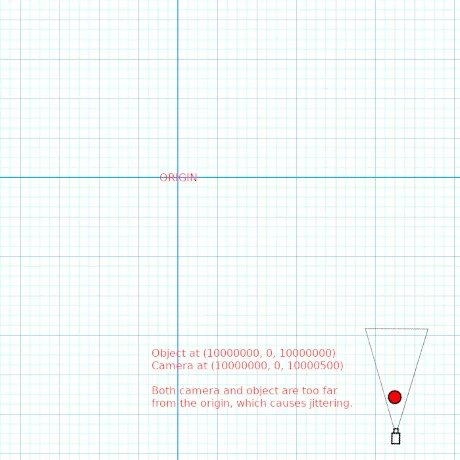
Large World Rendering / Floating Origin
Learn how to use Babylon.js's floating origin system to render large worlds without floating point precision issues.
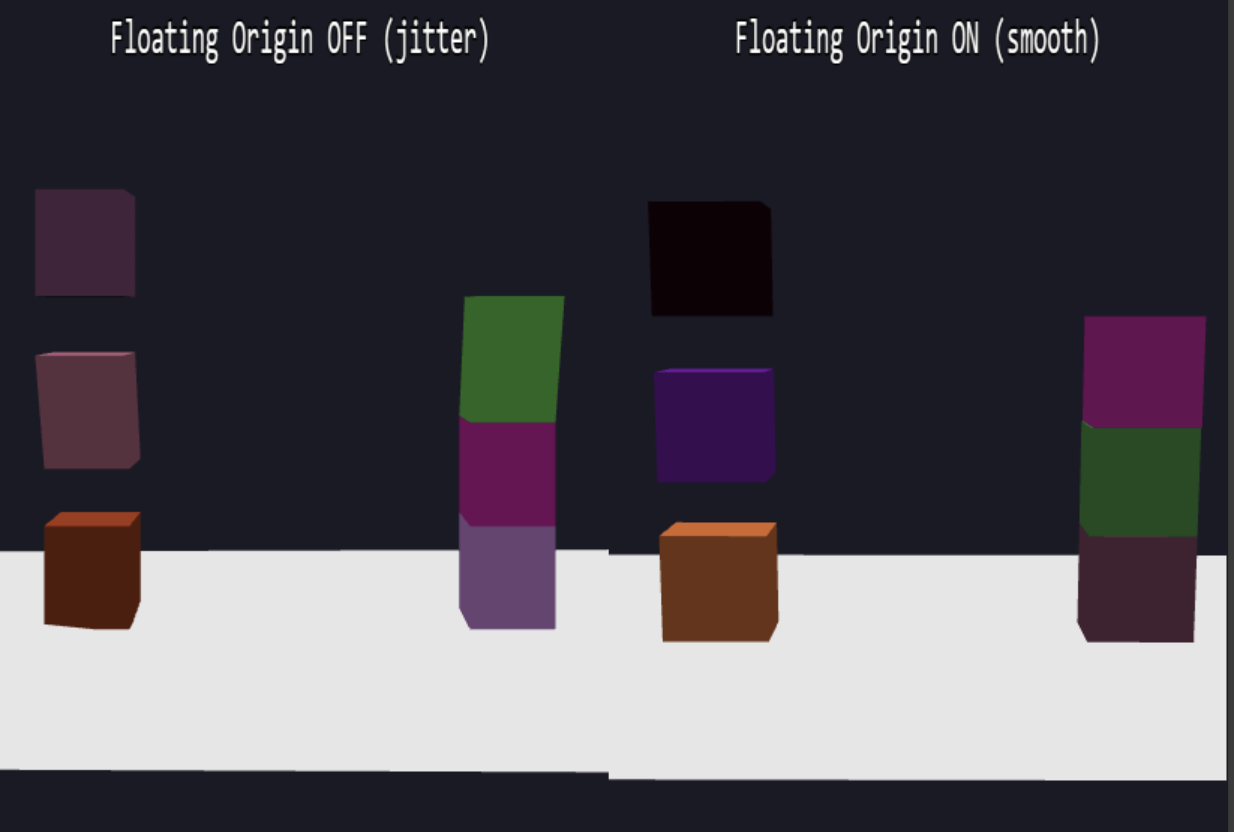
Reducing Memory Footprint
Learn how to reduce the memory footprint of scenes in Babylon.js.
Offscreen Canvas
Learn all about the offscreen canvas in Babylon.js.
Render Scenes To .png Files
Learn how to render scenes to .png files.

Render Scenes To Video.
Learn how to render scenes to video files.
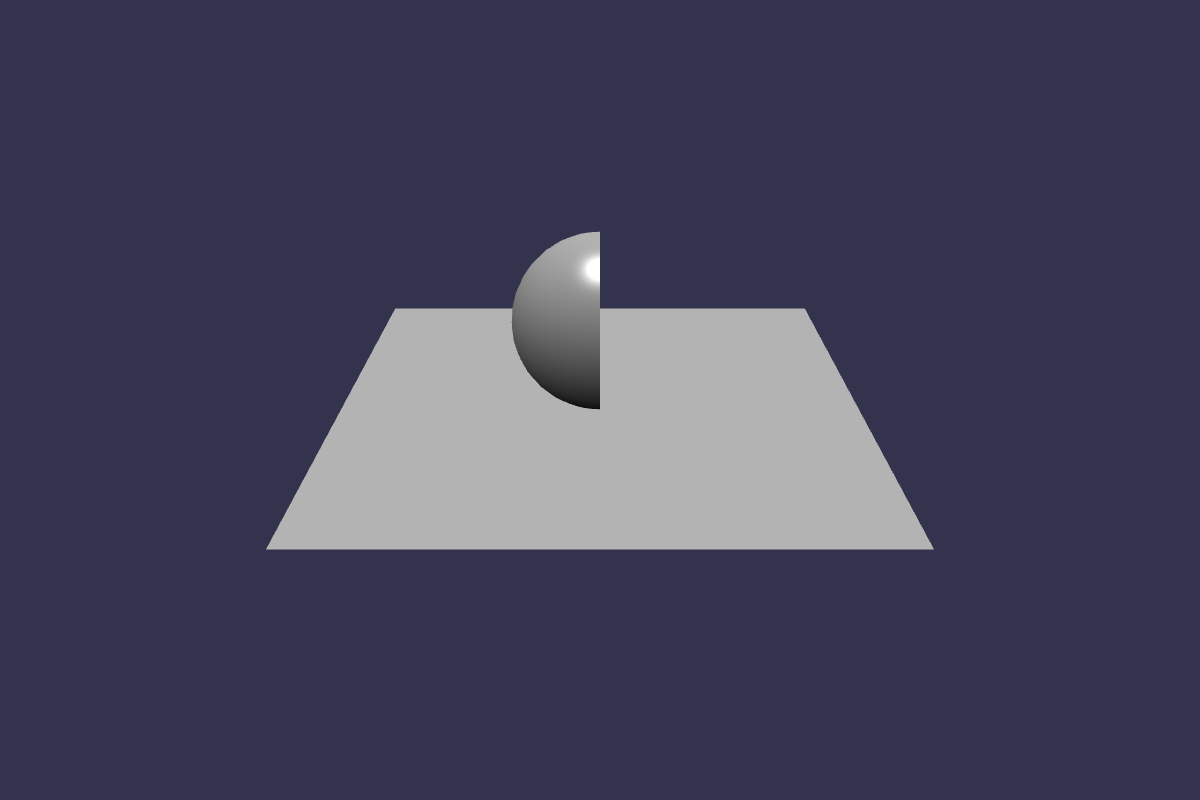
Using Clipping Planes
Learn all about clipping planes in Babylon.js.
Rendering Scenes On A Remote Server
Learn how to render scenes on a remote server and take screenshots.