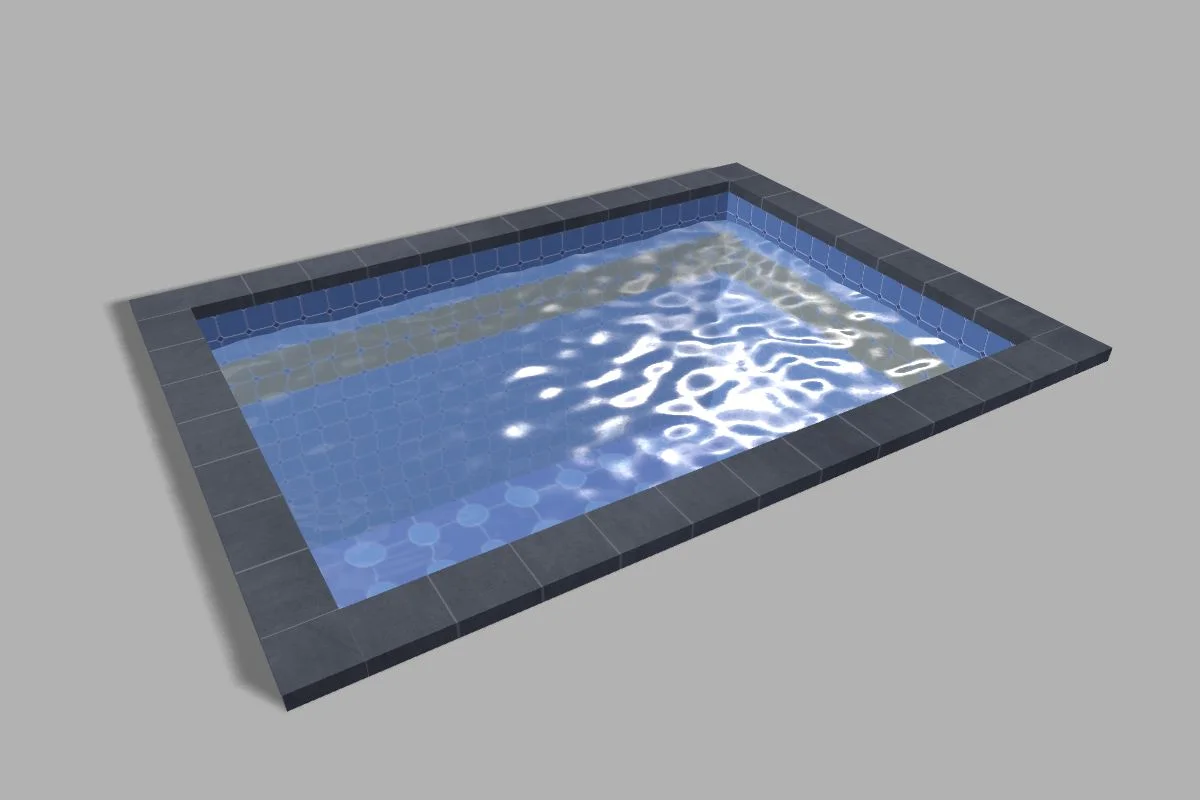
Post Processes
Post processes allow you to create 2D effects on top of your scene. A post process is linked to a camera and can be part of a chain of post processes, where each post process uses the result of the previous one as input for its own processing.
Coming next
How To Use A Post Process Render Pipeline
Learn how to use a post process render pipeline in Babylon.js.
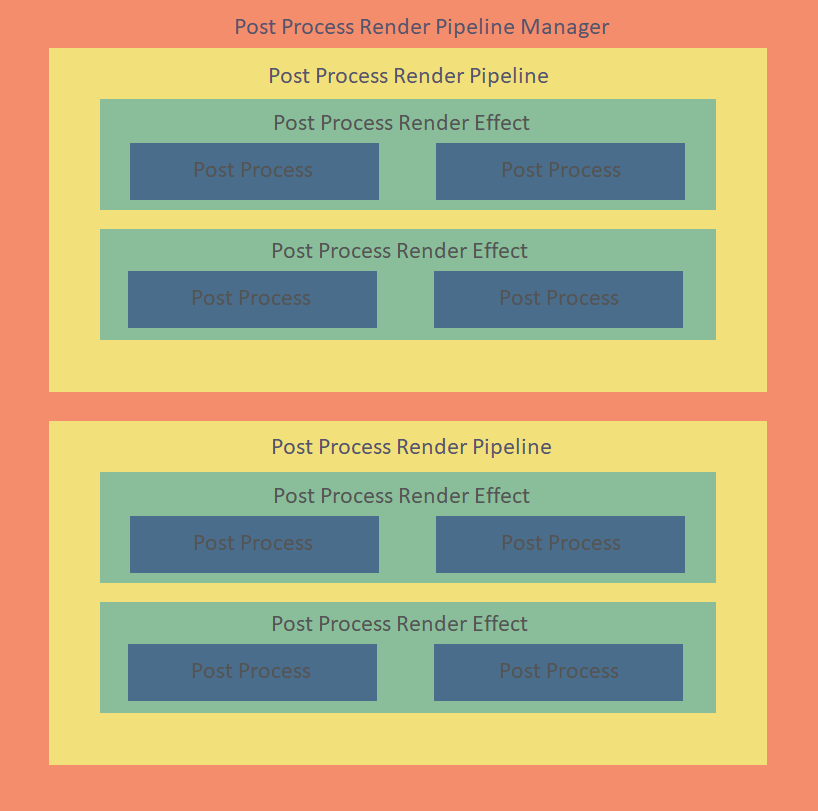
How To Use Post Processes
Learn how to use post process effects in Babylon.js.

Using the SSAO Rendering Pipeline
Learn how to use the SSAO Rendering Pipeline in Babylon.js.

Using the Standard Rendering Pipeline (deprecated)
Learn about the standard rendering pipeline in Babylon.js.

Using the Default Rendering Pipeline
Learn about the default rendering pipeline in Babylon.js.
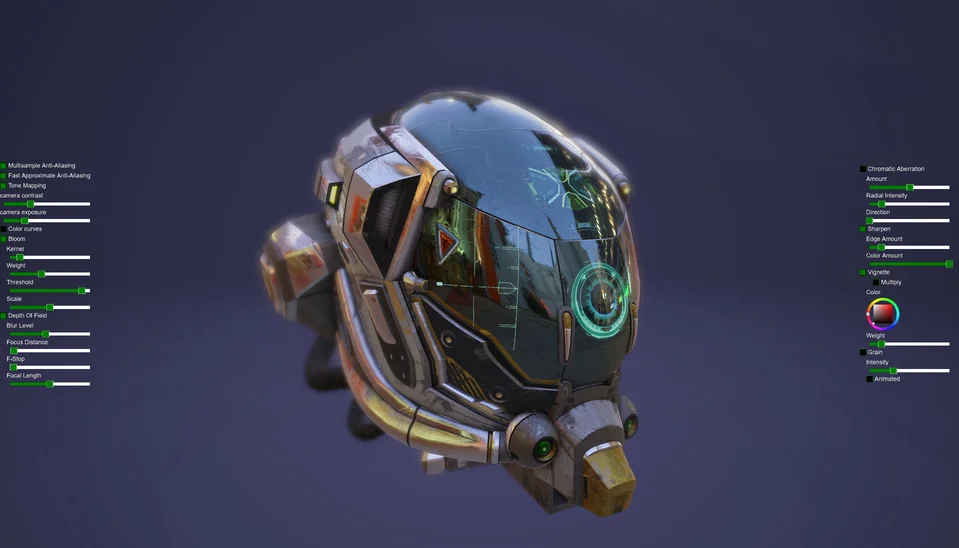
Depth of Field and Other Lens Effects
Learn how to use depth of field and other lens effects in Babylon.js.
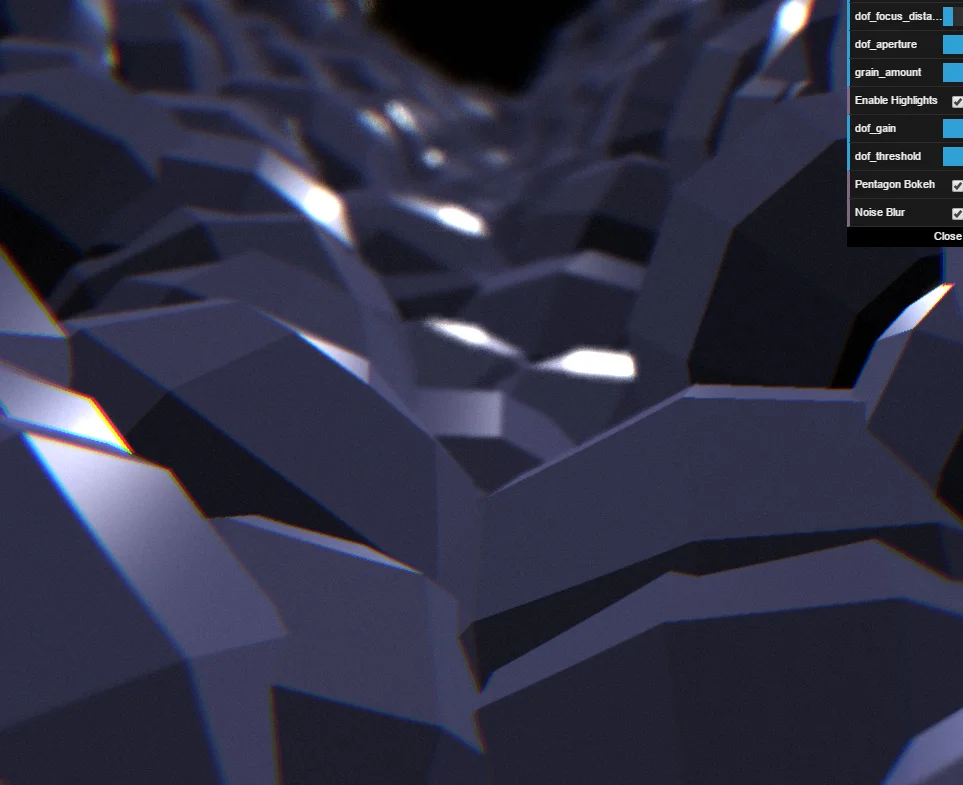
Image-based Lighting Shadows Rendering Pipeline
Learn about the IBL shadows rendering pipeline in Babylon.js.
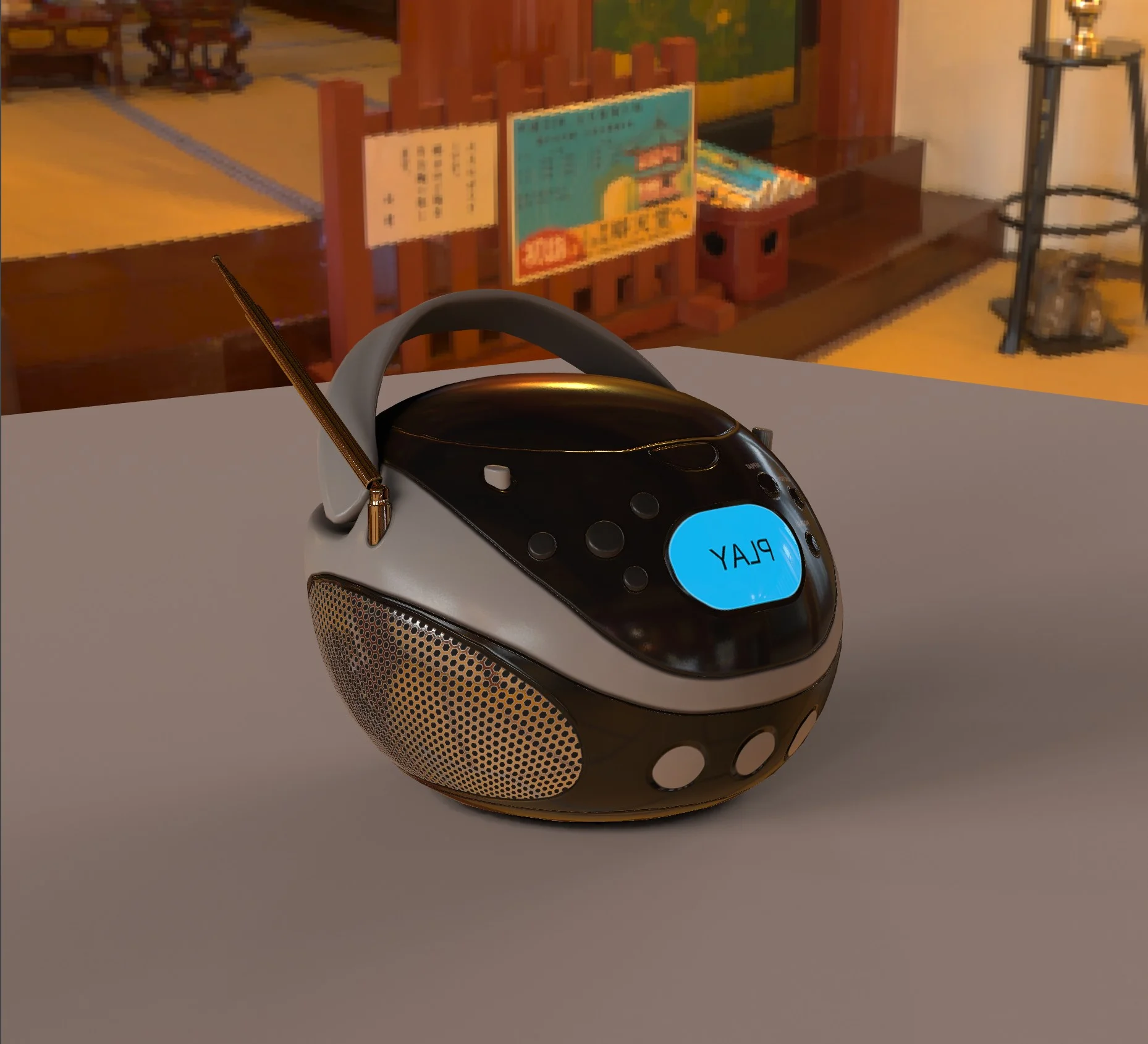
Motion Blur Post Process
Learn how to use the motion blur post process in Babylon.js.
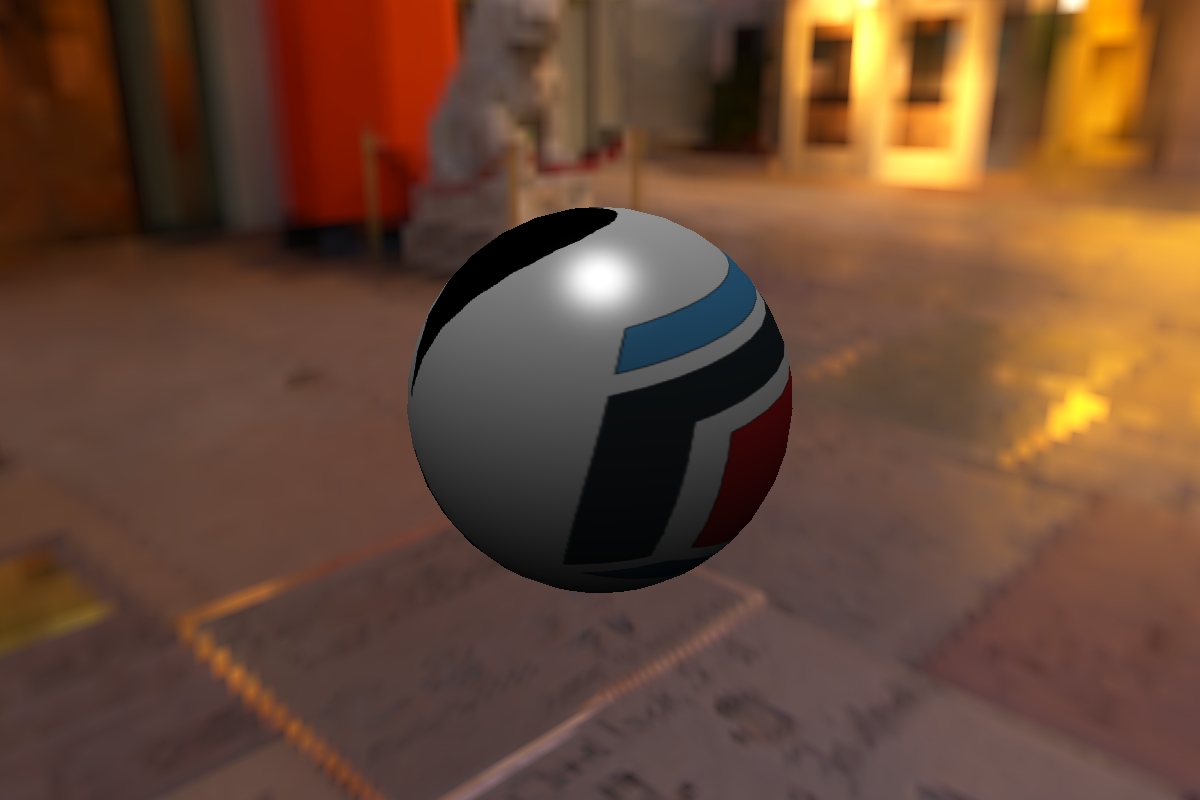
Mesh Blending
Learn how to soften visible contacts between meshes with the Babylon.js screen-space mesh blending post-process.
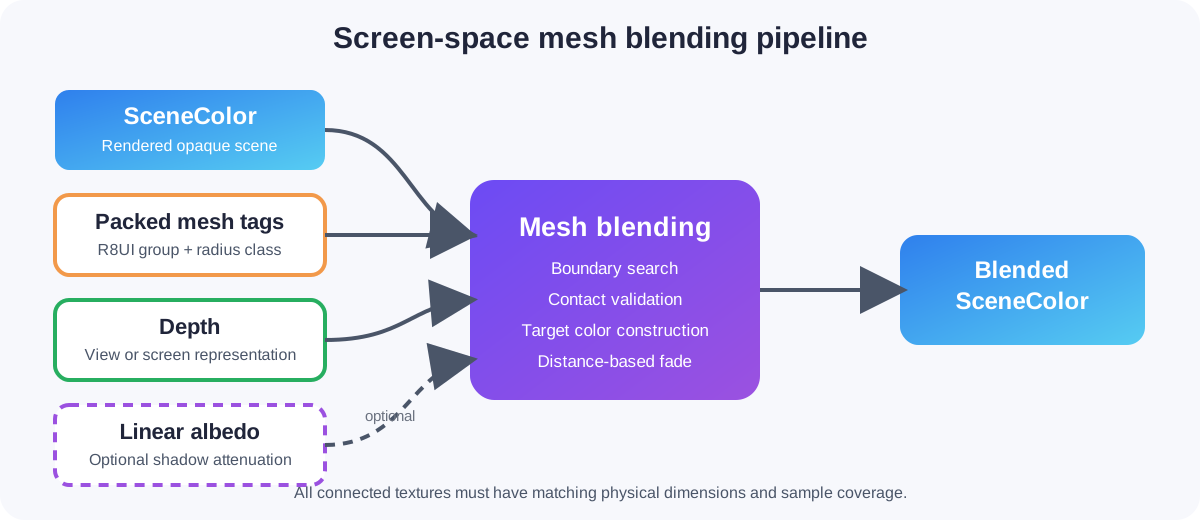
Screen Space Reflections (SSR) Rendering Pipeline
Learn about the screen space reflection rendering pipeline in Babylon.js.
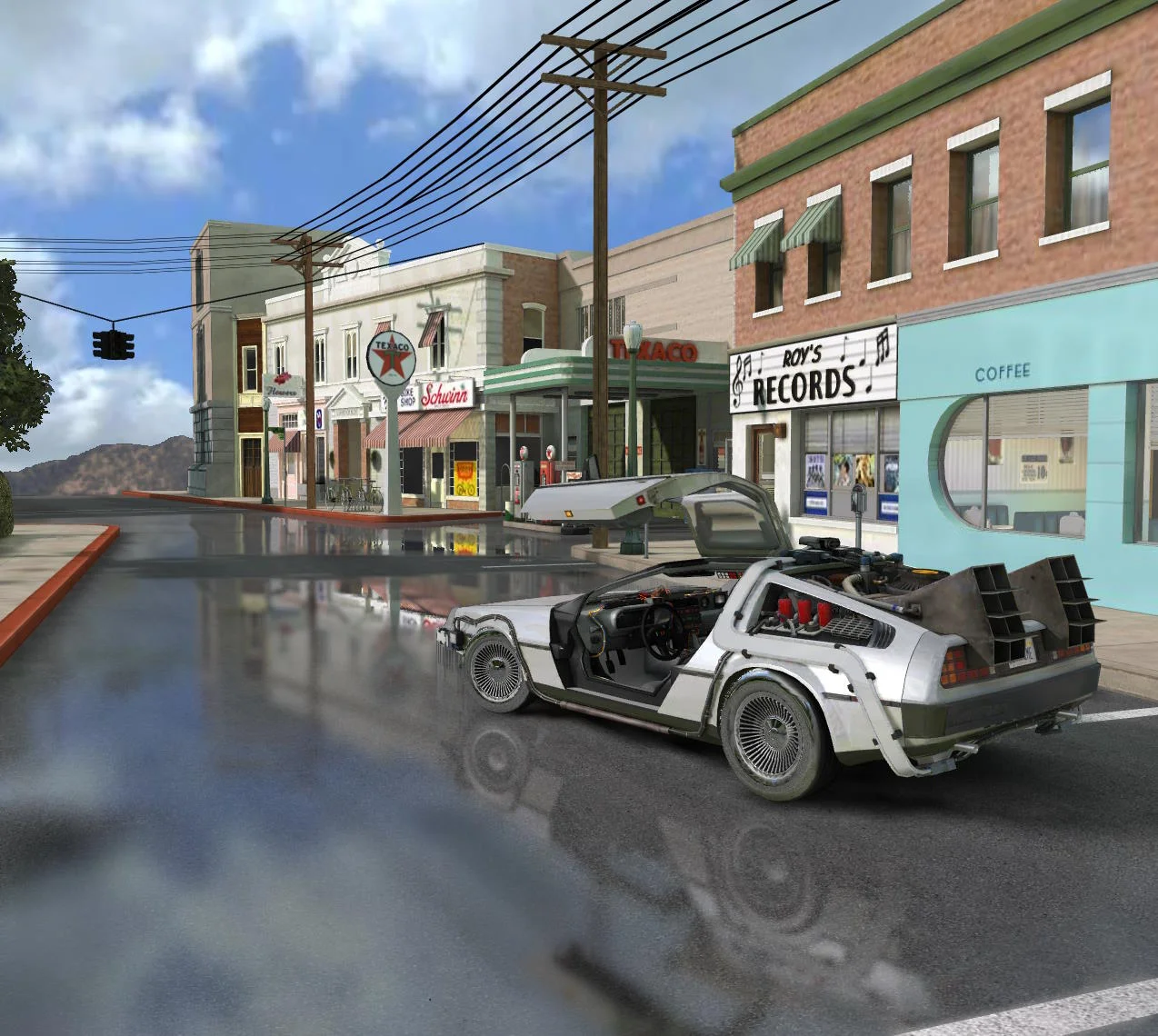
Screen Space Reflections (SSR) Post Process
Learn about the screen space reflection post process in Babylon.js.
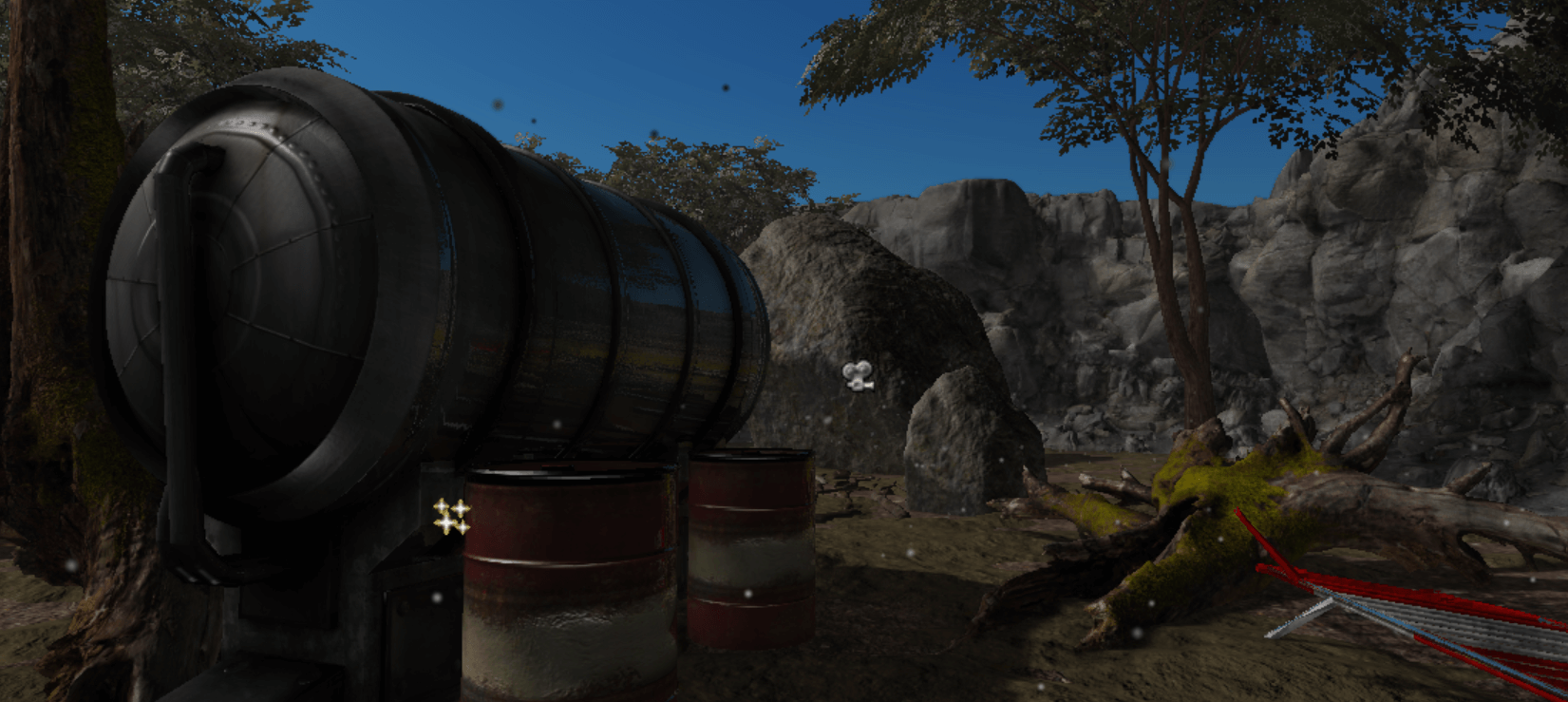
Temporal Anti-Aliasing (TAA) Rendering Pipeline
Learn about the temporal anti-aliasing rendering pipeline in Babylon.js.
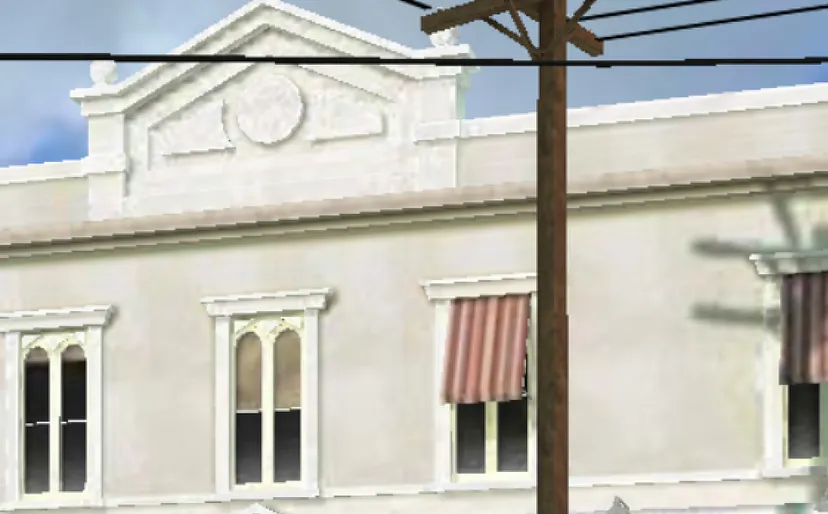
FidelityFX Super Resolution (FSR 1) Rendering Pipeline
Learn about the AMD FidelityFX Super Resolution 1 rendering pipeline in Babylon.js.
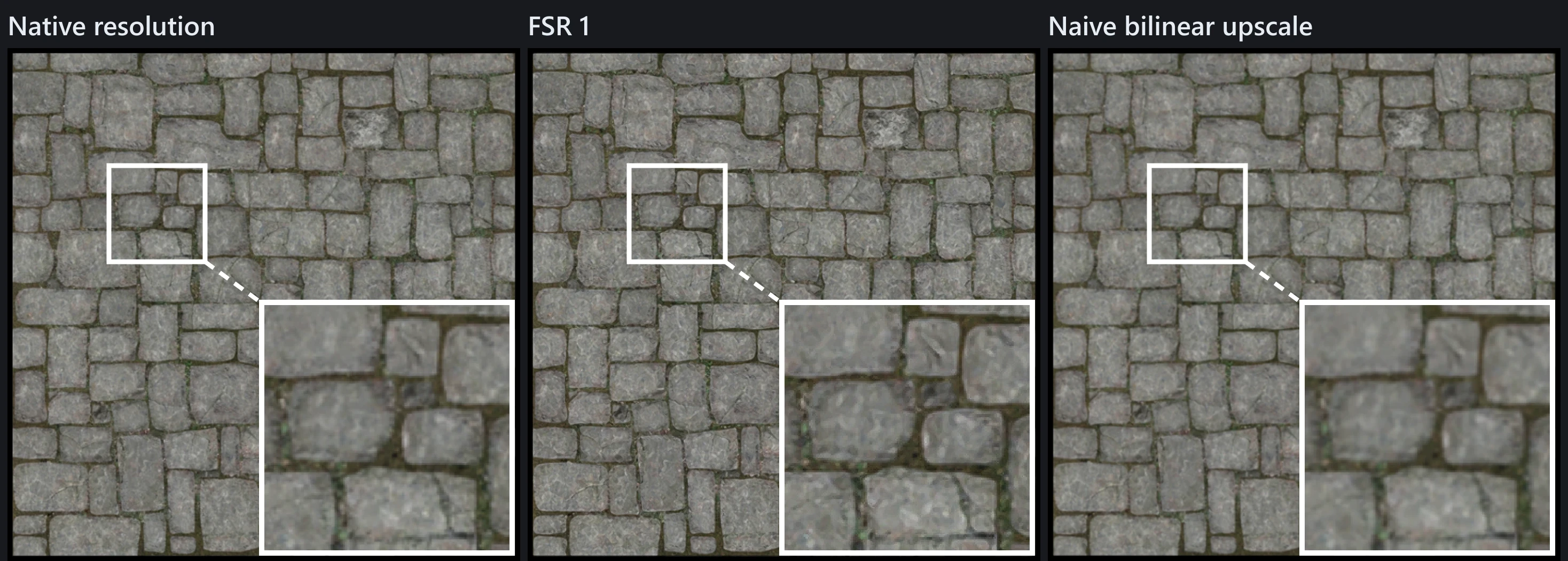
Render Target Texture With Multiple Passes
Learn about the render target texture and running multiple passes in Babylon.js.