Texture Repetition
The Problem
When the same texture is tiled many times across a large surface, the human eye picks up the repetition very quickly — what should look like a continuous patch of grass, sand, or rock turns into an obvious grid pattern. The screenshot below shows this: a 5×5 tiling of the same grass.png texture, with the grid clearly visible.
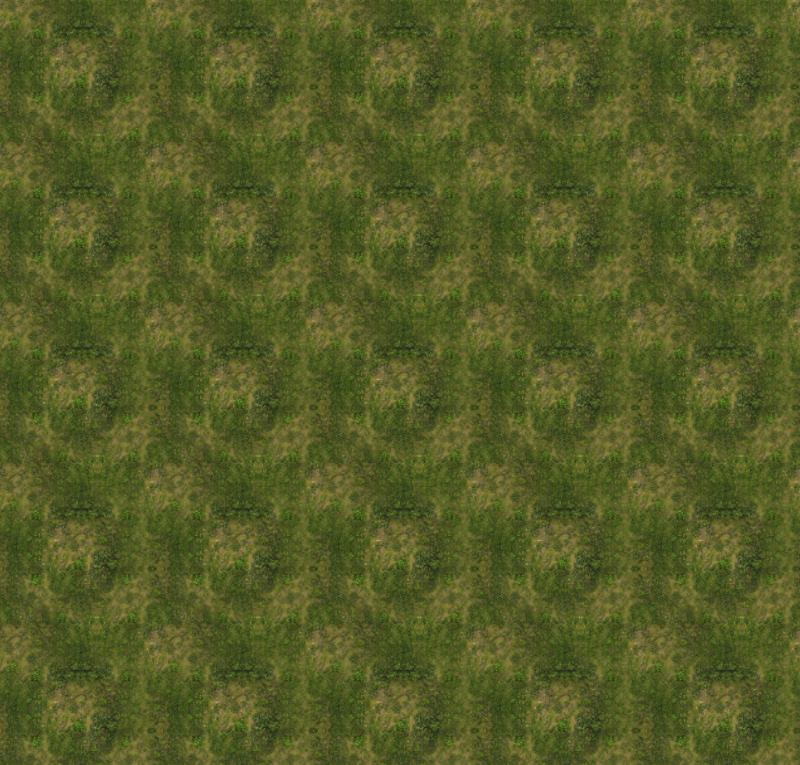
Starting with Babylon.js v9.7.0, every material exposes a textureRepetitionMode property that can apply one of four repetition-breaking techniques to all the surface textures (albedo / diffuse, bump, ambient, specular, emissive, etc.) sampled by the material.
Quick Start
import { Constants } from "@babylonjs/core/Engines/constants";import { PBRMaterial } from "@babylonjs/core/Materials/PBR/pbrMaterial";import { Texture } from "@babylonjs/core/Materials/Textures/texture";const mat = new PBRMaterial("mat", scene);mat.albedoTexture = new Texture("textures/grass.png", scene);mat.albedoTexture.uScale = 5;mat.albedoTexture.vScale = 5;// Enable hex tiling — a good default that works on most texturesmat.textureRepetitionMode = Constants.TEXTURE_REPETITION_HEX_TILING;That single property change is enough to break the visible repetition.
Available Modes
The property is a numeric enum on the Constants class. Modes are ordered by GPU cost (number of texture fetches per pixel):
| Constant | Fetches | Visual character |
|---|---|---|
TEXTURE_REPETITION_NONE | 1 | Default tiling, no breaking. |
TEXTURE_REPETITION_NOISE_BLEND | 3 | Two virtual offset patterns selected by a low-frequency noise lookup. Cheapest breaking mode. |
TEXTURE_REPETITION_HEX_TILING | 3 | Hex-tile grid with per-tile rotation and luminance-weighted blending. Best visual quality for the cost. |
TEXTURE_REPETITION_TILE_RANDOMIZATION | 4 | Per-tile random offset and mirror, blended at borders. |
TEXTURE_REPETITION_VORONOI_BOMBING | 9 | Smooth Voronoi pattern with Gaussian-weighted blending. Highest quality. |
Visual comparison
All shots below use the same UV scale, same camera, and same lighting.
| Mode | Grass | Rock |
|---|---|---|
| None | | 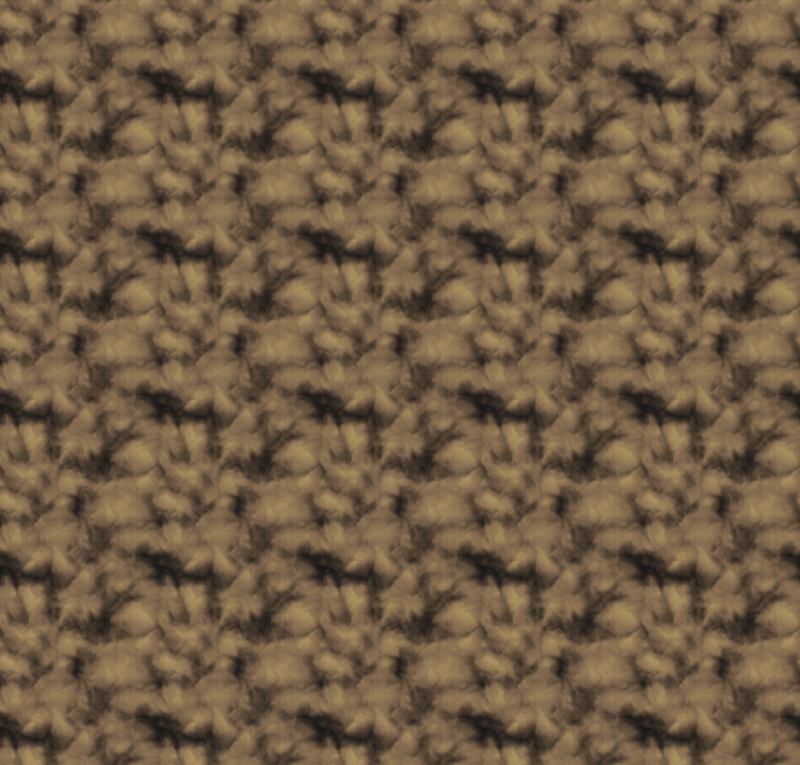 |
| Noise blend | 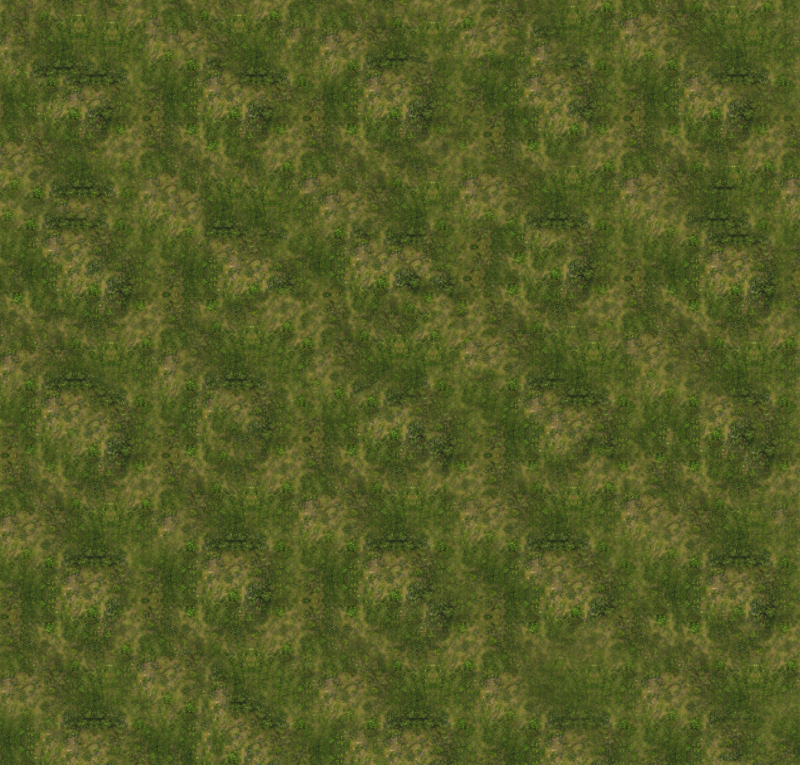 | 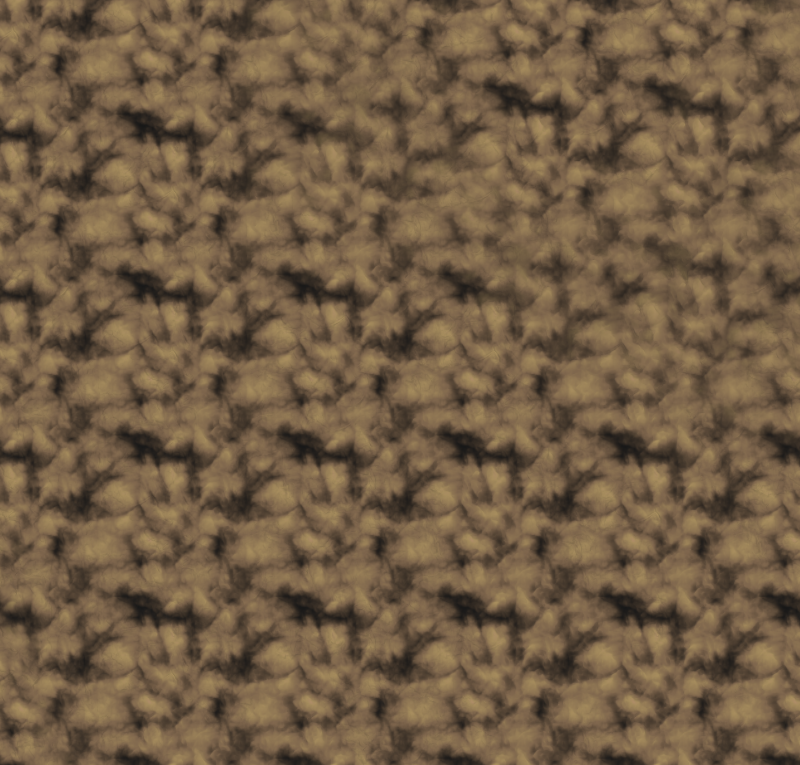 |
| Hex tiling | 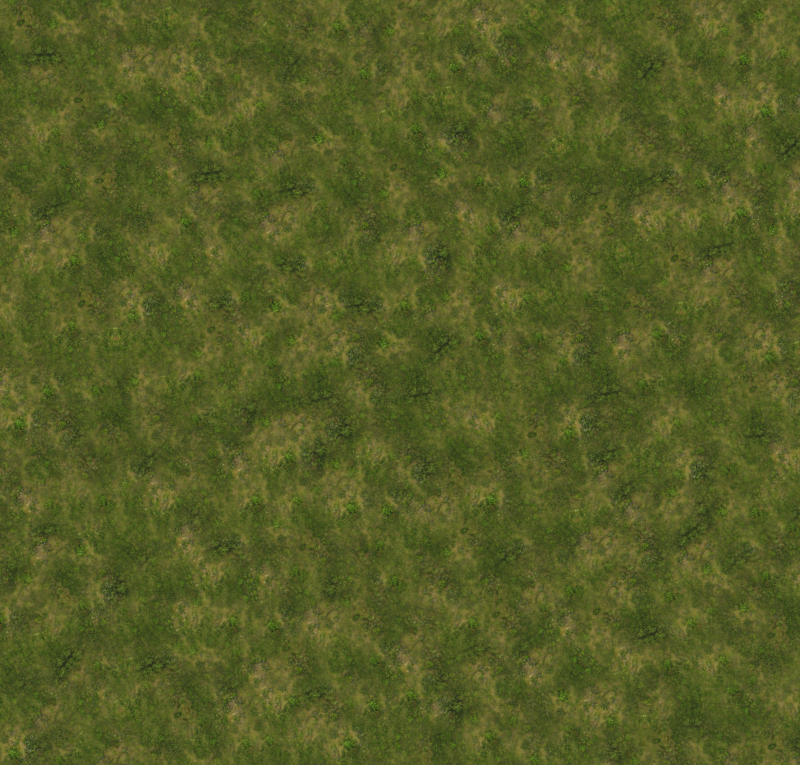 | 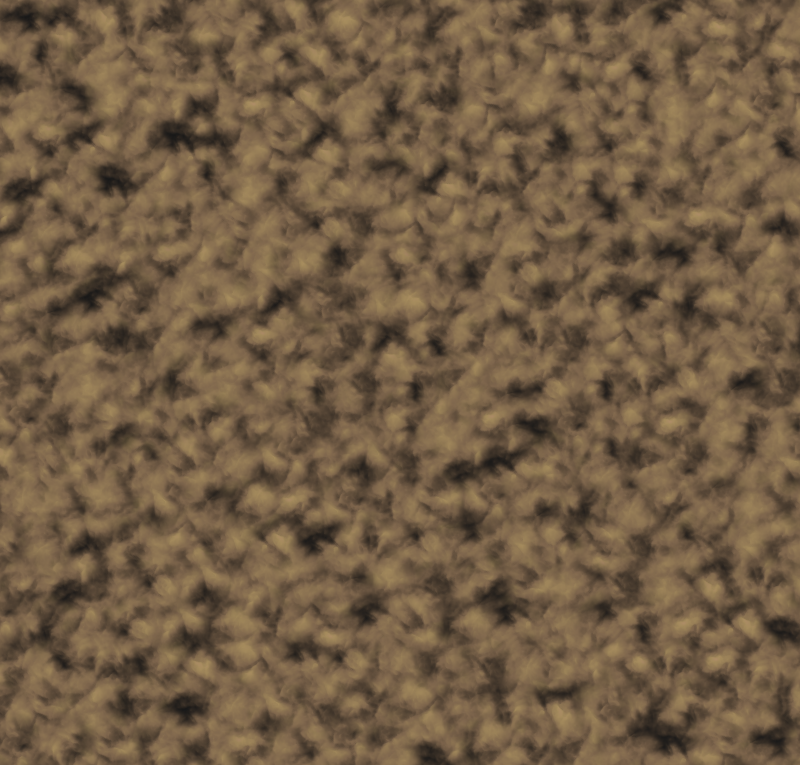 |
| Tile randomization | 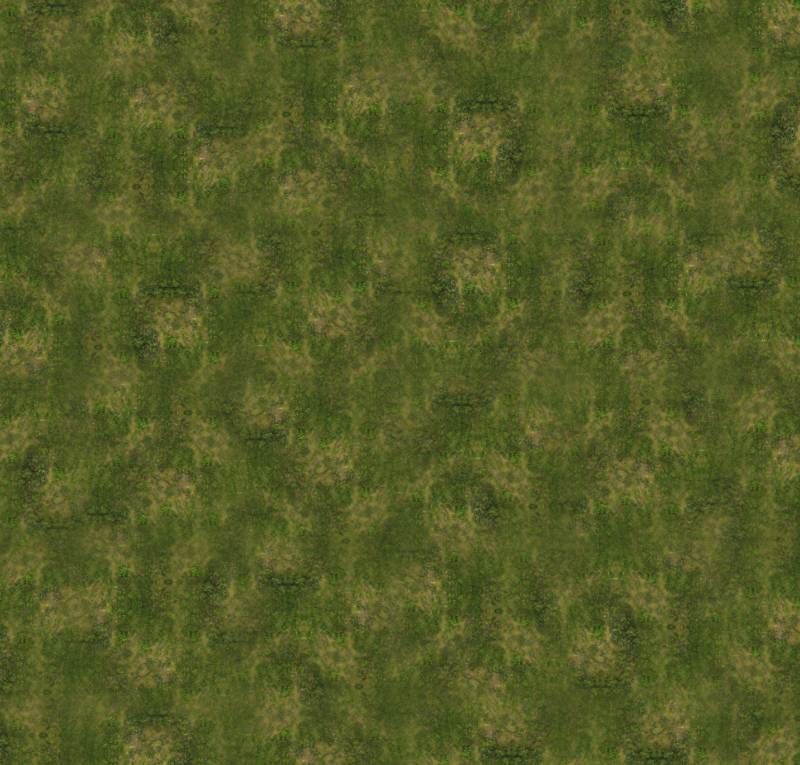 | 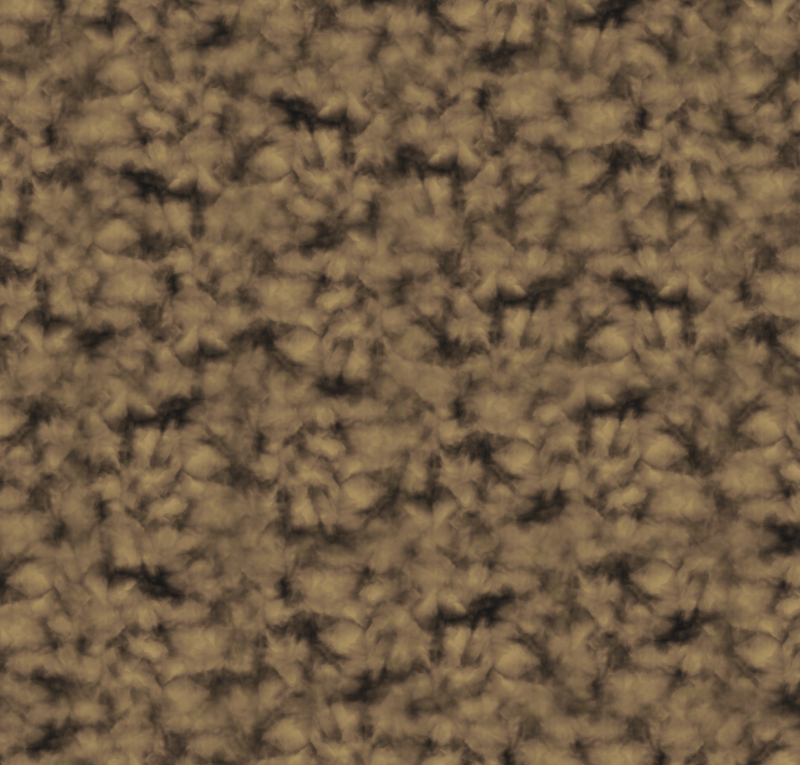 |
| Voronoi bombing | 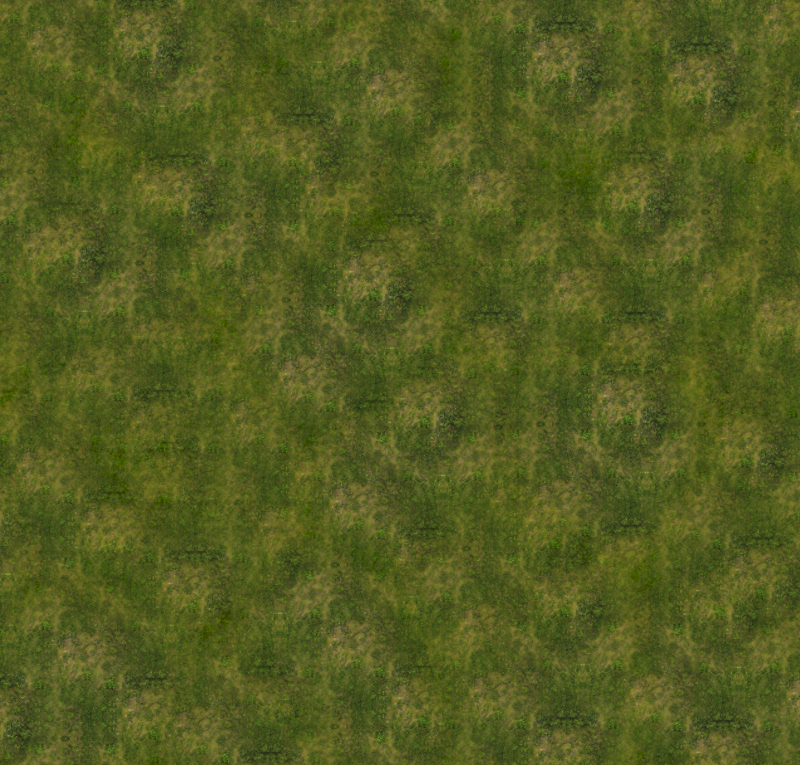 | 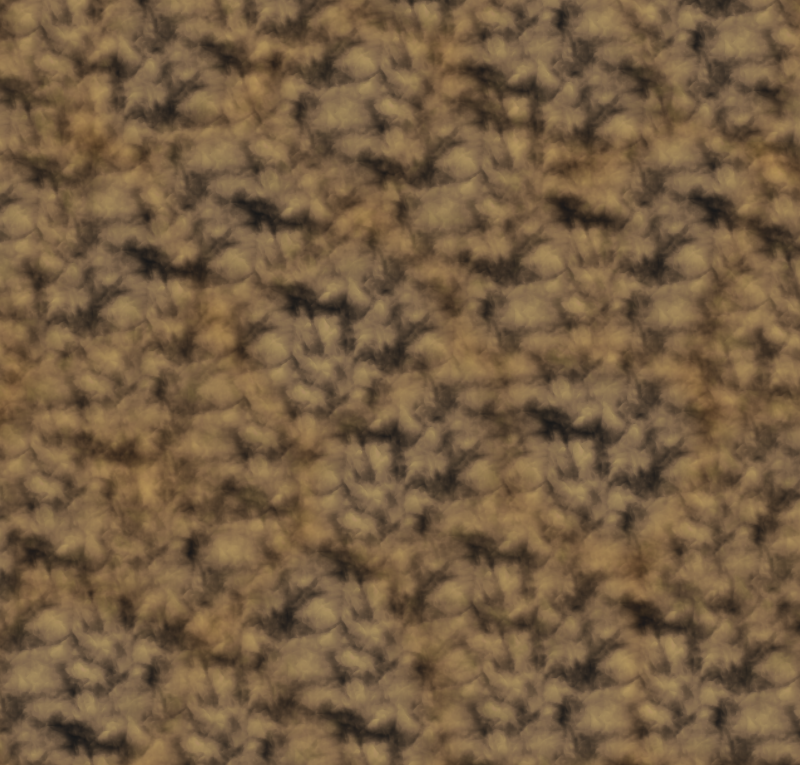 |
Hex Tiling Parameters
The hex tiling mode (TEXTURE_REPETITION_HEX_TILING) is the only mode with user-configurable parameters. They are exposed as a single 4-component array, material.textureRepetitionHexTilingParams:
| Index | Parameter | Range | Default | Description |
|---|---|---|---|---|
[0] | Rotation strength | 0..1 | 1.0 | How much each hex tile is rotated. 0 disables per-tile rotation. |
[1] | Fall-off contrast | 0..1 | 0.6 | How much the local luminance affects the blending weight at tile borders. Higher values produce sharper transitions. |
[2] | Exponent | 1..20 | 7.0 | Sharpness of the weight falloff between adjacent tiles. Higher values make tile boundaries more distinct. |
[3] | Contrast | 0..1 | 0.5 | Boosts the blending contrast (0.5 = neutral, >0.5 = higher contrast). |
import { Constants } from "@babylonjs/core/Engines/constants";mat.textureRepetitionMode = Constants.TEXTURE_REPETITION_HEX_TILING;mat.textureRepetitionHexTilingParams = [1.0, 0.6, 7.0, 0.5];The other three modes have no user-configurable parameters.
Materials Supported
The feature is implemented on the base Material class, but the actual shader work is done in:
StandardMaterial— affectsdiffuseTexture,bumpTexture,ambientTexture,specularTexture,emissiveTexture,opacityTexture,lightmapTexture.PBRMaterialandPBRBaseMaterialsubclasses — affects all surface textures includingalbedoTexture,bumpTexture,metallicTexture,reflectivityTexture, sheen, clear coat, anisotropy, iridescence, sub-surface, etc.OpenPBRMaterial— same coverage as PBR plus OpenPBR-specific layers (coat, fuzz, thin film, transmission, sub-surface).
The following textures are intentionally not affected, even when a non-default mode is active:
decalTexture— decals are placed at specific positions, blending them across tiles would break that.detailMap(the detail texture plugin) — it is itself a tiling-breaking helper; running it through another tiling-breaking pass is counter-productive.- The bump/parallax sampling for height (the
.wchannel of the bump texture used by parallax occlusion) — this read is structural, not surface color. - Reflection / refraction / environment cube samplers.
Live Demo
Texture Repetition Breaking — Interactive DemoThe demo lets you switch:
- Material Type — Standard, PBR, OpenPBR.
- Texture Set — grass, rock, or rocky ground (the rocky ground set's metalness/roughness map is only used by PBR / OpenPBR; Standard ignores it).
- Repetition Mode — applied only to the right side of the split.
- UV Scale — to see how the breaking holds up at different repetition densities.
- Hex tiling parameters — when hex tiling is selected.
Drag the yellow vertical line with the mouse to slide the comparison.
Limitations
- Normal maps with hex tiling: per-tile UV rotation is applied to the lookup, but the sampled normal vectors are not rotated to match. This can cause subtle directional artifacts on normal-mapped surfaces under strong directional lighting. The other modes (which don't rotate UVs) are unaffected.
- WebGL 1: this feature is not supported on WebGL 1. The mode is silently forced to
TEXTURE_REPETITION_NONEwhen the engine is WebGL 1. - Cost is per-pixel and per-texture: every active surface sampler in the material is replaced. A PBR material with albedo + bump + metallic + AO running in hex tiling mode performs 3× sampling work for each of those four maps. Use the cheaper modes (Noise Blend) for distant surfaces or large screens.
- Texture must be tileable: the techniques break visible repetition, but they assume the source texture itself can be sampled outside the [0..1] UV range without seams. Use textures with
wrapU/wrapVset toWRAP_ADDRESSMODE(the default).
Inspector
The Inspector v2 exposes the property under a "Texture Repetition" section in the material properties pane, including the four hex tiling parameter sliders that appear when the hex tiling mode is selected.