Using Materials
How To Use Materials
You can achieve a lot by applying the Babylon.js standard material to a mesh with a variety of textures. Beyond that, there is also a physically based rendering material that can give surfaces a more realistic appearance.
Coming next
Map Materials to Individual Mesh Faces
Learn how to apply different materials to different faces of a mesh.
Video As A Texture
Learn about how to use video as a texture in Babylon.js.
Reflections and Refractions
Learn all about reflection and refraction in Babylon.js.
Introduction To Materials
Jump into the exciting world of learning to use Babylon.js materials.
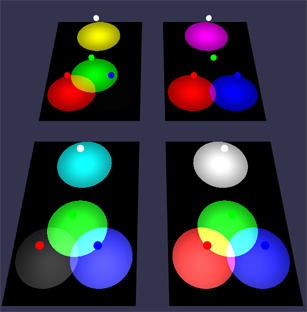
More Materials
Learn about applying bump, opacity, tiling, and detail maps in Babylon.js.
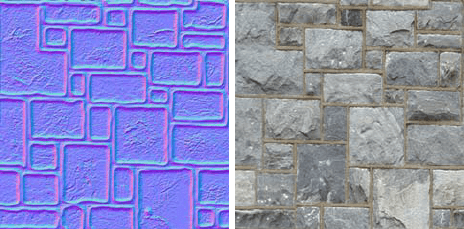
Texture Repetition
Hide visible texture tiling patterns on large surfaces with the textureRepetitionMode property.
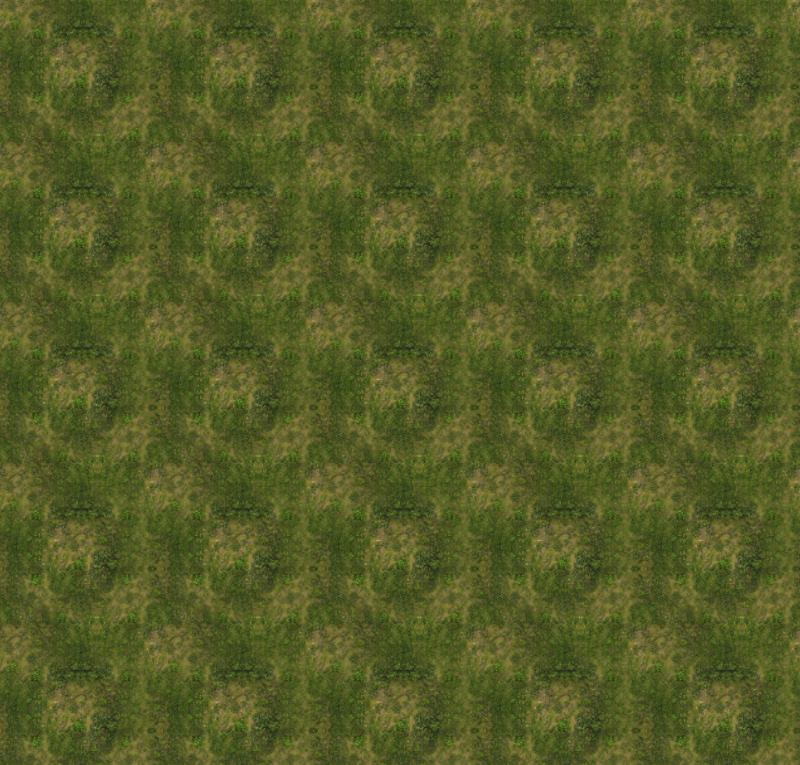
Parallax Mapping
Learn all about using parallax mapping in Babylon.js.
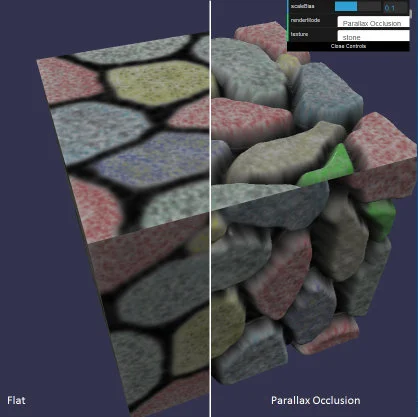
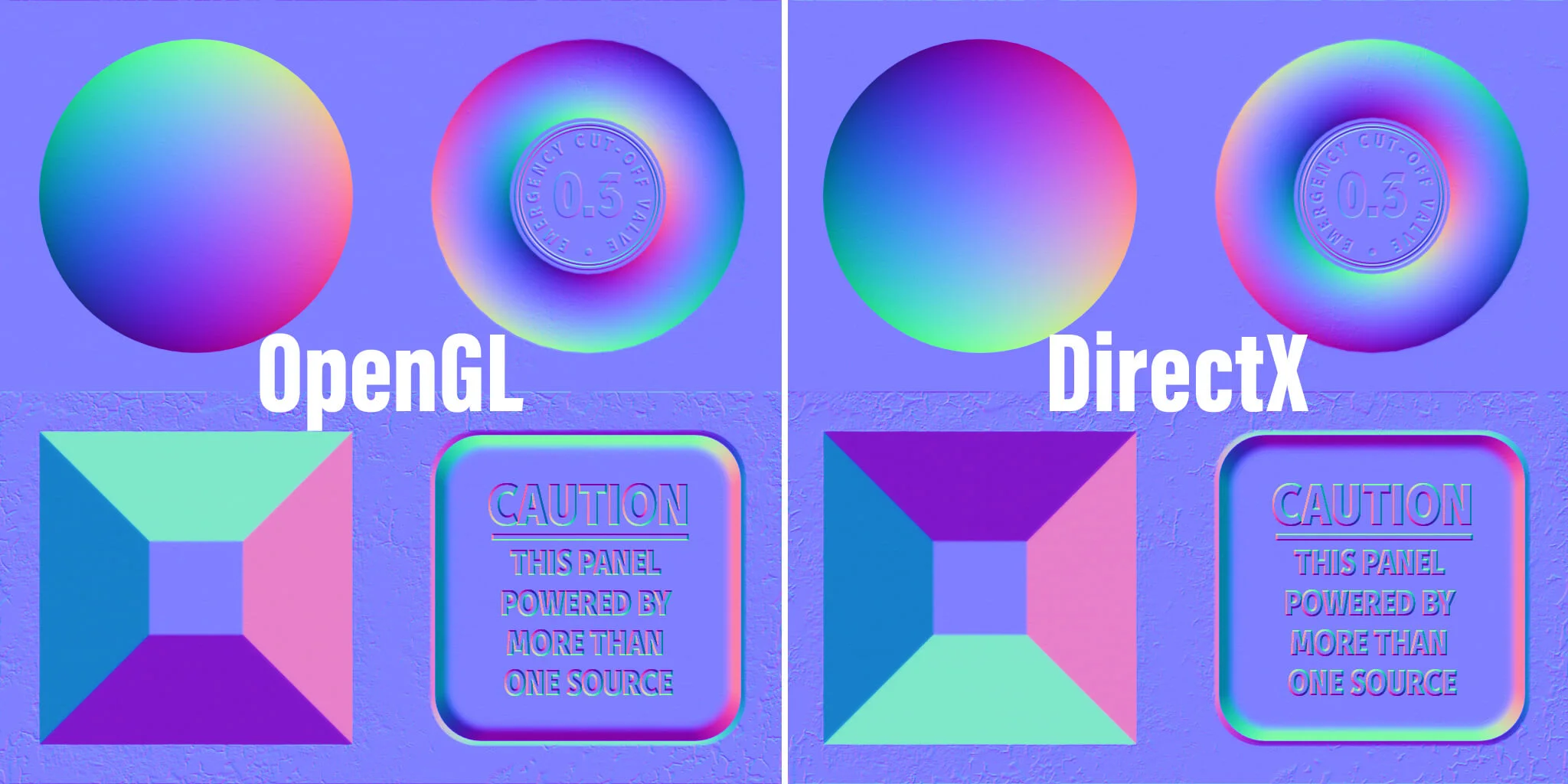
Normal Maps
Learn all about normal maps in Babylon.js.
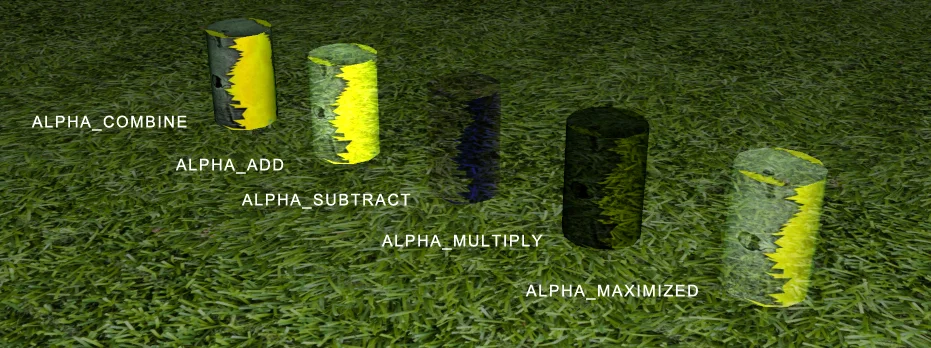
Introduction To Blend Modes
Learn blend modes and blending pixels in Babylon.js.
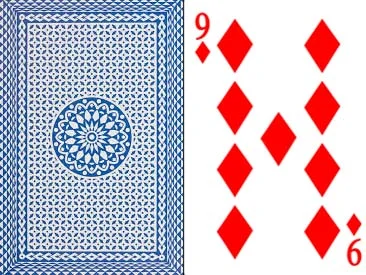
Different Textures On The Front And Back Of A Mesh
Learn how to apply different textures to the front and back of a mesh.
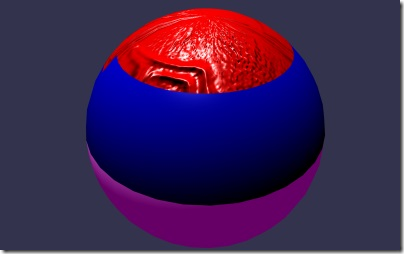
Multi-Materials
Learn how to use Babylon.js Multi-Materials.
Dynamic Textures
Learn all about dynamic textures in Babylon.js.
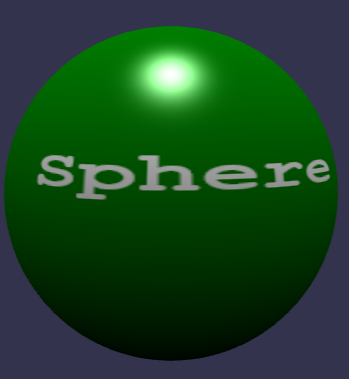
HTML Textures
Render live HTML elements into a Babylon.js texture using the WICG HTML-in-Canvas API.
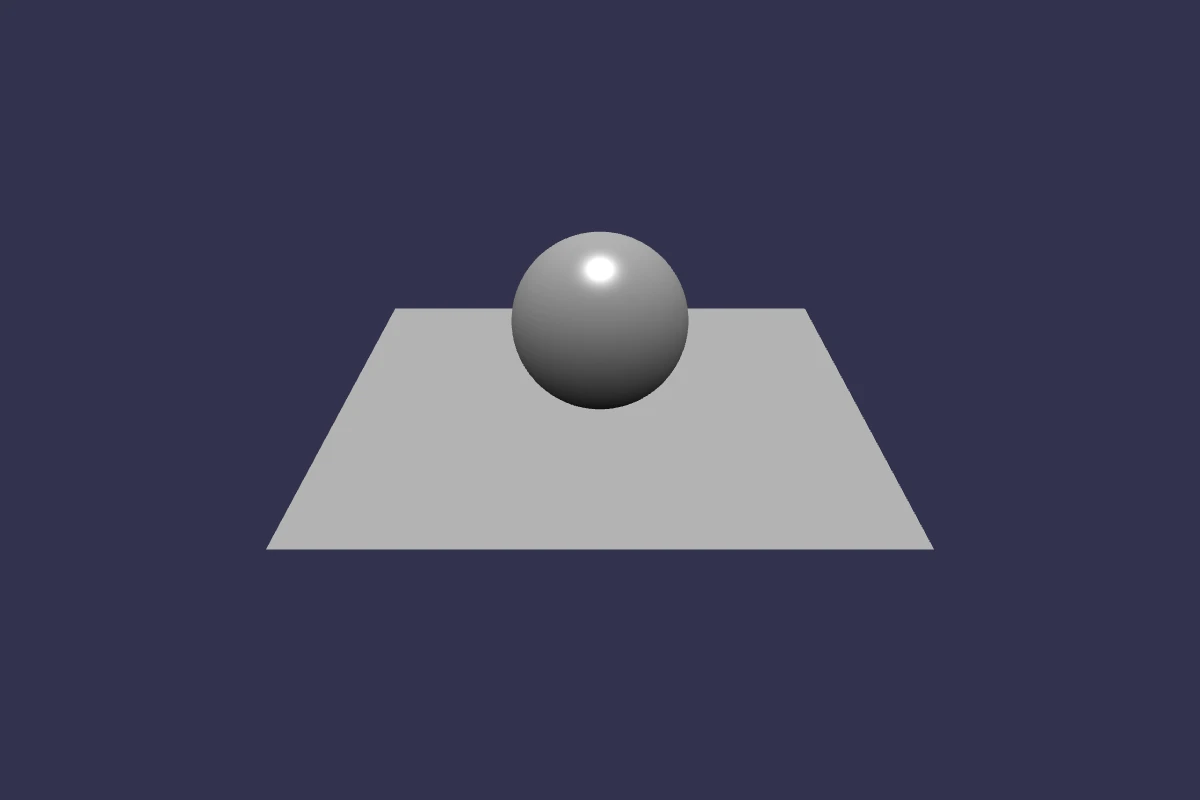
Fresnel Parameters
Learn fresnel parameters in Babylon.js.
KTX2 Compressed Textures
Learn advanced texture compression with KTX2 support in Babylon.js.

Introduction to Physically Based Rendering
Start learning about Physically Based Rendering in Babylon.js.
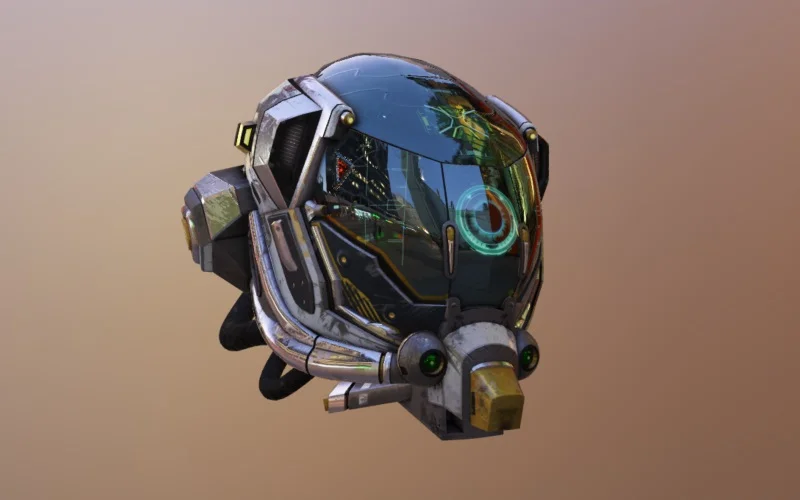
Using An HDR Environment For PBR
Learn about using an HDR Environment in your Babylon.js scene.
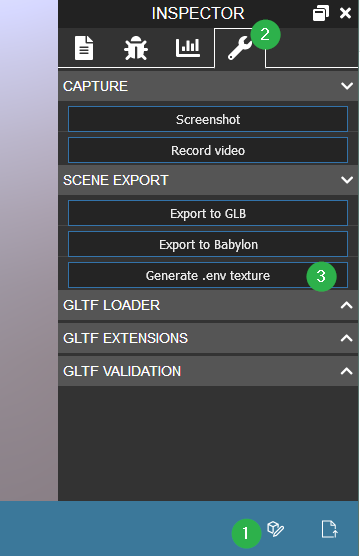
Mastering PBR Materials
Dive further into learning about PBR materials in Babylon.js.
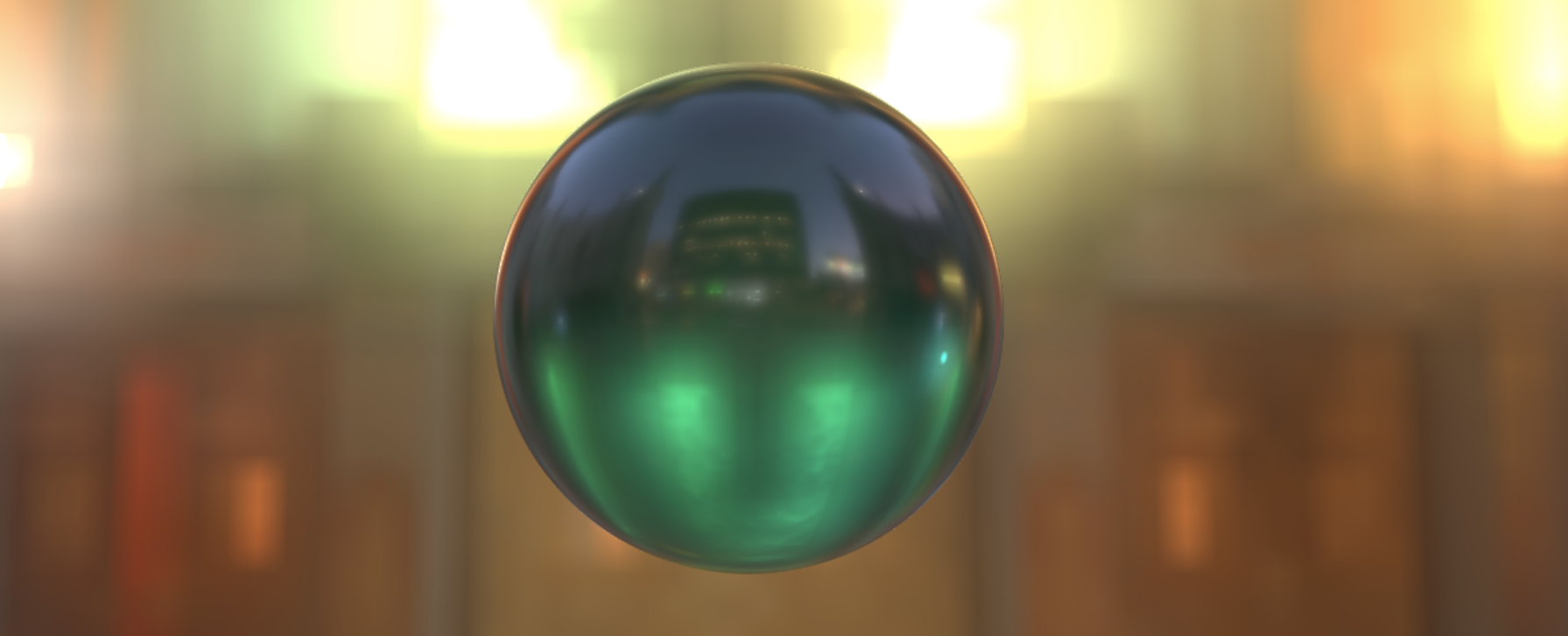
OpenPBR
Read about the support of OpenPBR in Babylon.js and learn about its features.
Procedural Textures
Learn about procedural textures in Babylon.js.
Material Plugins
Create plugins to customize shaders of existing materials