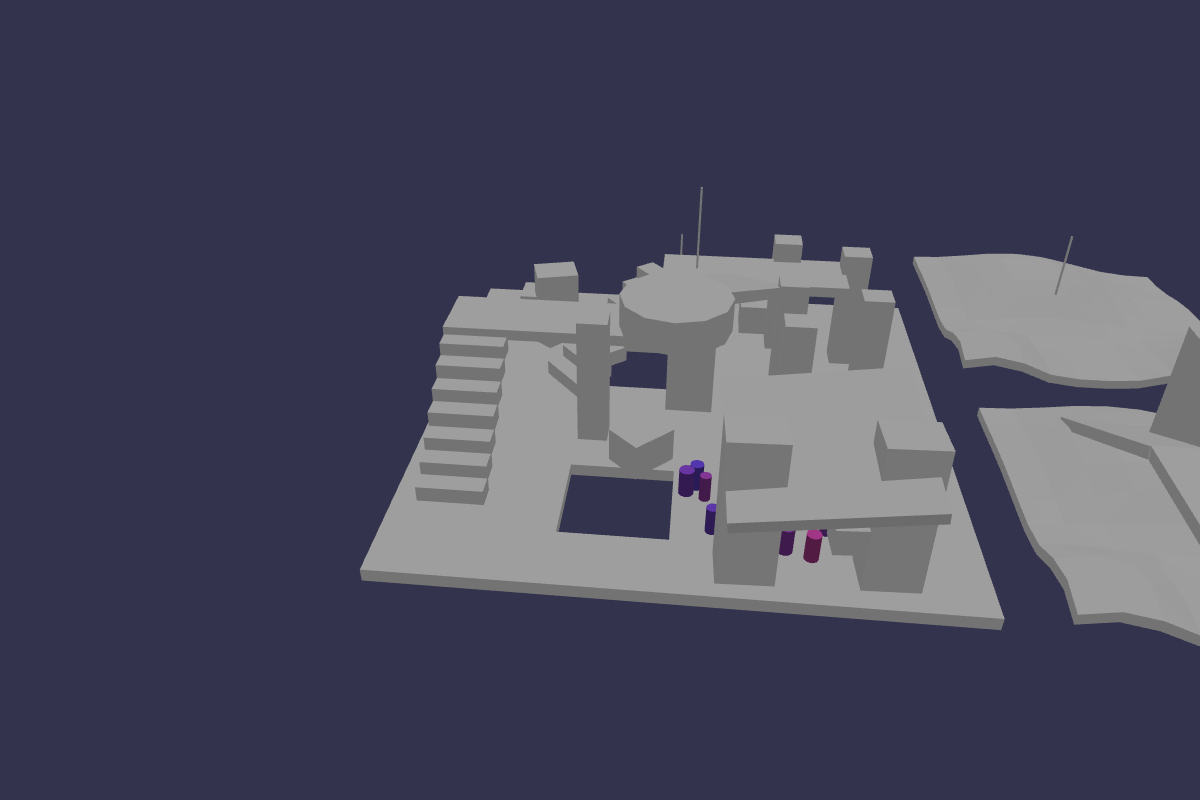
Introduction to what's new in NavigationPlugin V2
The Babylon.js Navigation Plugin V2 builds on V1 with new parameters, additional utility functions, and performance improvements.
It offers finer control over navmesh generation, per-query filtering, debugging, and path post-processing while remaining backward compatible where it matters.
Note: Get familiar with NavigationPlugin V1 before you start reading about the new features in V2. Everything in the V1 docs applies to V2 as well.
New Navigation Mesh Parameters
V2 introduces additional parameters to fine-tune navmesh generation. In addition to all parameters available in V1, you can now use these additional ones:
{ offMeshConnections: IOffMeshConnection[], keepIntermediates: boolean, maxObstacles: number, expectedLayersPerTile: number, tileCacheMeshProcess: TileCacheMeshProcess}Read more about the new parameters
The options Parameter (per-query)
Most plugin query functions accept an optional options object to pass query-specific settings down to Recast/Detour. Common properties include:
options?: { filter?: QueryFilter; halfExtents?: IVector3Like; // optionally other request-specific params depending on the function}Read more about the new options parameter
OffMeshConnections
Defines custom connections between points on the mesh. These can represent teleports, jump links, or one-way passages that agents can use.
Read more about OffMeshConnections
Exposed tileCache, navMeshQuery and intermediates
await navigationPlugin.createNavMeshAsync() returns the following type:
/** * Result of a navigation mesh creation. */export type CreateNavMeshResult = Nullable<{ /** * Navigation mesh */ navMesh: NavMesh; /** * Navigation mesh query */ navMeshQuery: NavMeshQuery; /** * Intermediates generated during the NavMesh creation process. * @remarks This is only available if the `keepIntermediates` parameter is set to true in the `INavMeshParametersV2`. * It can be used for debugging or visualization purposes. */ intermediates?: GeneratorIntermediates; /** * Tile cache generated during the NavMesh creation process. * @remarks This is only available if the `maxObstacles` parameter is set to a value greater than 0 in the `INavMeshParametersV2`. Defaults `maxObstacles` to 128. * It can be used for obstacle avoidance and dynamic navigation mesh updates. * @see {@link INavMeshParametersV2} */ tileCache?: TileCache;}>;so you can access these objects directly. They are also exposed via getters on the navigationPlugin object.
navMeshQuery
The navMeshQuery object provides pathfinding and spatial queries on a built navigation mesh.
It is the primary interface for working with agents and movement once the navmesh has been created.
What is it good for?
A NavMeshQuery is mainly used to:
- Find paths between two positions on the navmesh.
- Clamp positions to the nearest valid polygon (e.g., snap a point onto the navmesh).
- Check reachability and test whether a position lies on the navmesh.
- Perform raycasts across the navmesh to simulate line-of-sight or bullet traces.
- Query random positions on the navmesh (useful for AI wandering).
- Handle multiple agents via QueryFilter (define which areas they can walk on, and how costly each area is).
- etc.
tileCache
intermediates
The Navigation Debugger
It provides an interactive overlay for developers to better understand why agents behave the way they do, and makes tuning navmesh parameters much easier.
You can use Navigation Debugger to inspect:
- The generated navmesh (tiles & layers)
- Off-mesh connections (teleports / jump links)
- Intermediate build data (if
keepIntermediates: true)
Read more about the Navigation Debugger
Raycasting
You can now use navigationPlugin.raycast(startPoint, endPoint) to perform raycasting through a navigation mesh.
Examples of usage:
- Line-of-sight or shooting checks: for example, is there an obstacle between the player and an enemy? Can it see the player? Can the player shoot at it?
- Smooth steering: you can start to steer your agents even before they reach a non-navigable part of the navmesh.
- NPCs moving randomly can avoid starting to walk into walls.
New Utility Functions
V2 adds helper utility functions to post-process paths. You can use these functions to create L-shaped paths or smooth the curves of a path.
Read more about the new utility functions
Coming next
New navigation mesh parameters
Learn about the extended parameters for creating a navigation mesh

The options parameter
Detailed information about the options parameter added to the plugin functions
OffMeshConnections aka Teleports
Learn how to use teleports
NavMeshCreateParams
List of the NavMeshCreateParams class functions
Navigation Debugger
Learn about the Navigation Debugger
Utility functions
Detailed information about the utility functions
Examples of how to use the NavigationPlugin V2
Examples of how to use NavigationPlugin V2