Exporters
A range of 3D graphics software packages that can export files in a form that Babylon.js can import, together with hints and tips on getting the best from the export.
Coming next
3DS MAX Plugin
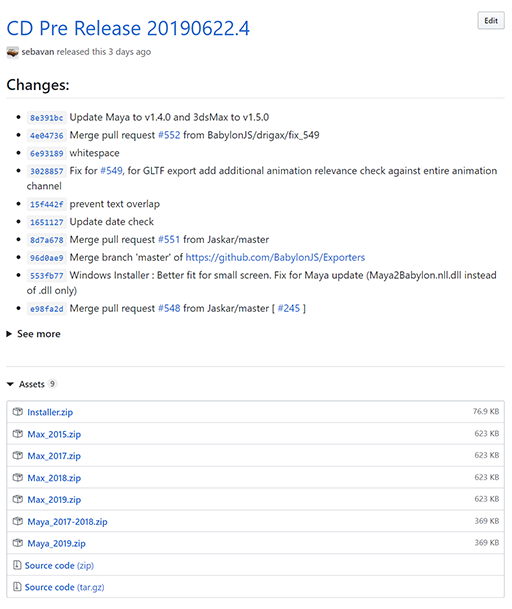
How to install the 3DS MAX plugin.
glTF Exporter
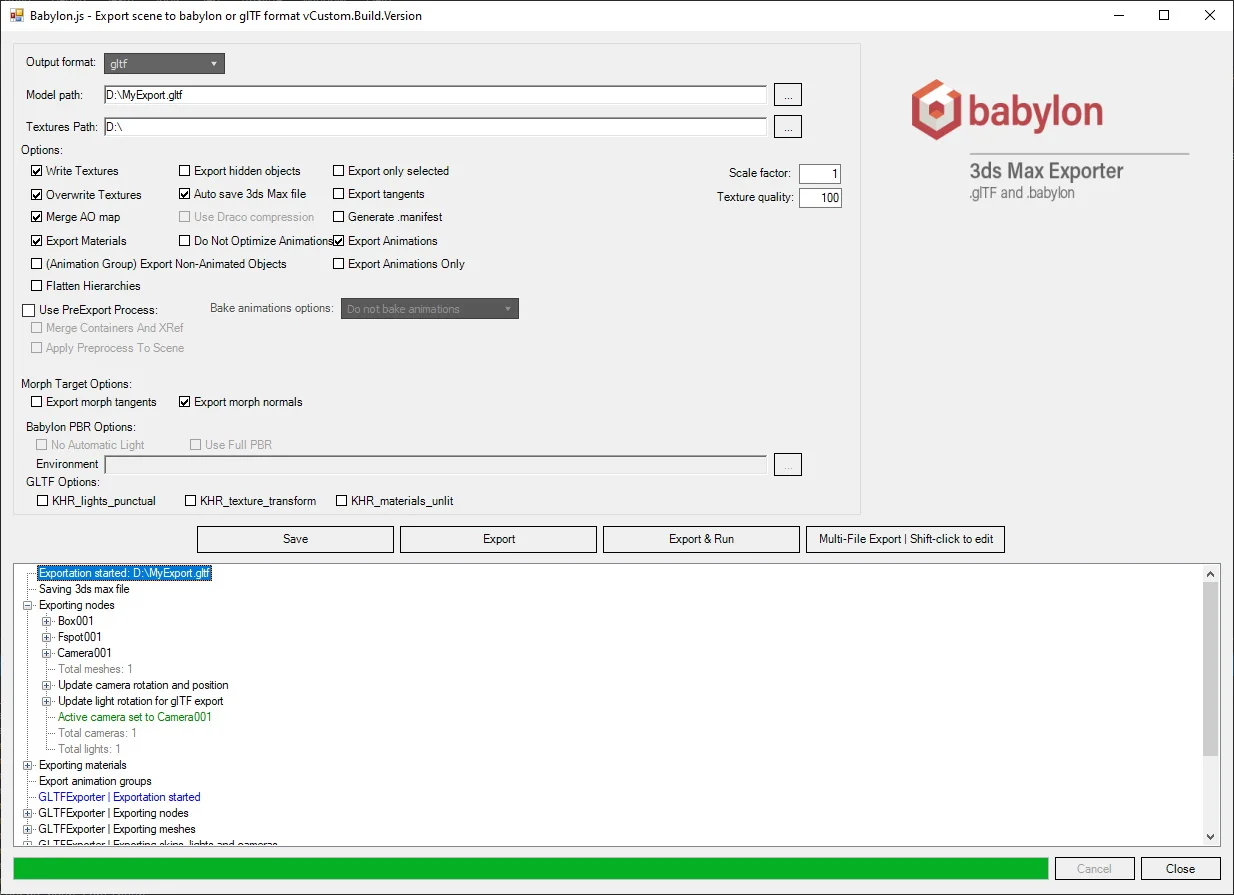
The glTF Exporter allows Babylon.js scenes to be exported to the [glTF 2.0 format]

How to export 3DS MAX scene as glTF
With the 3DS MAX plugin, you can also export your project to glTF 2.0 format.
Blender to Babylon.js exporter
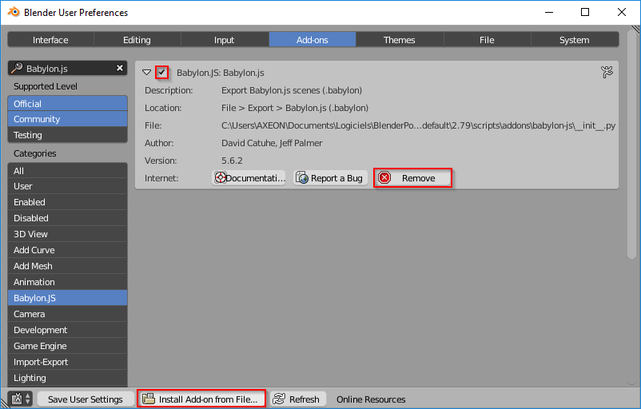
How to export from Blender to import into Babylon.js.
Blender Tips
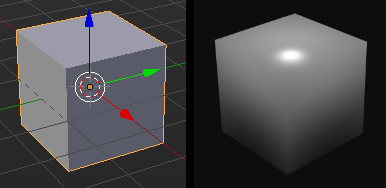
Tips on exporting from Blender.
Blender to BJS, using glTF
How to export from Blender to gltf.
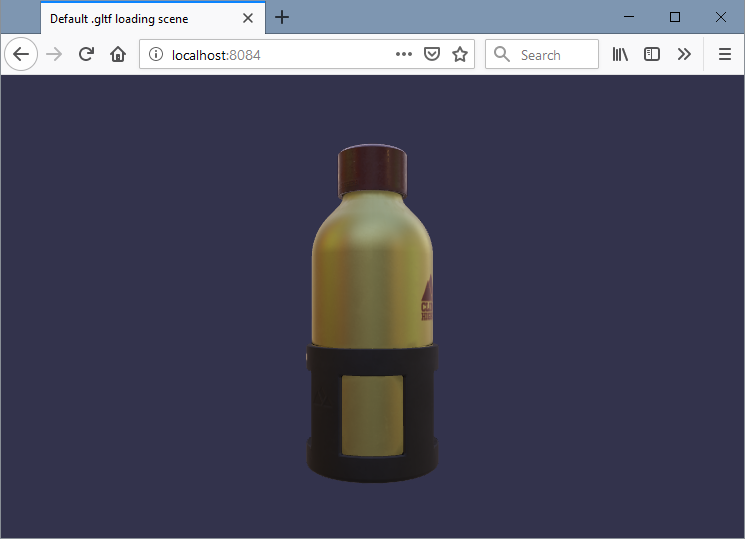
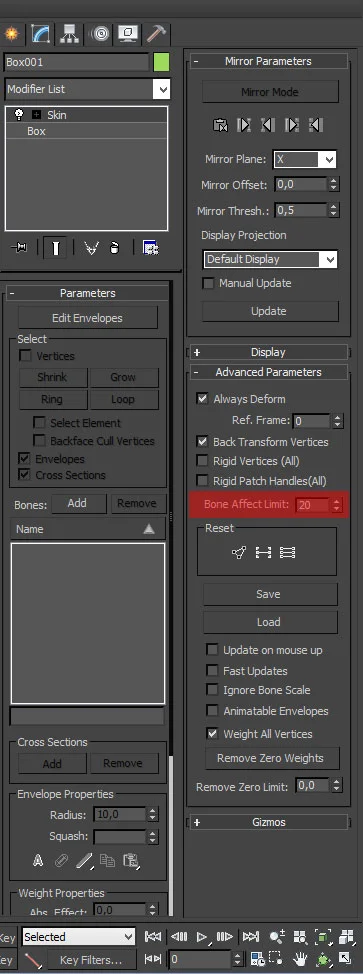
Exporting Bones from 3D MAX
Babylon.js Editor tool to preview, edit and add materials.
Export from Cheetah to Babylon.js
How to export from Cheetah to Babylon.js.
Install the Maya Plugin
How to install the Maya plug-in.
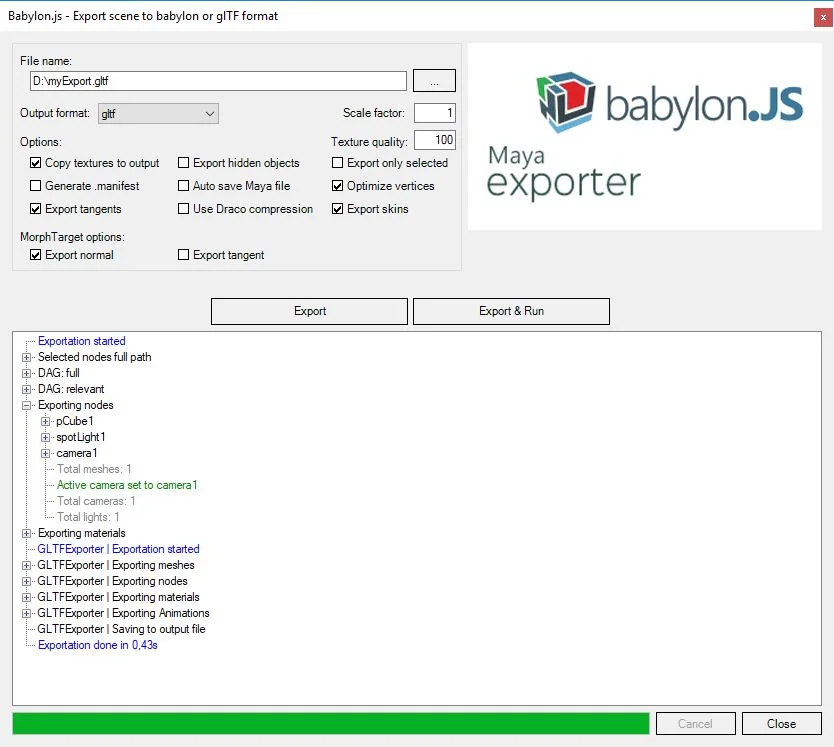
Export Maya scene as glTF
How to export a Maya scene as glTF.
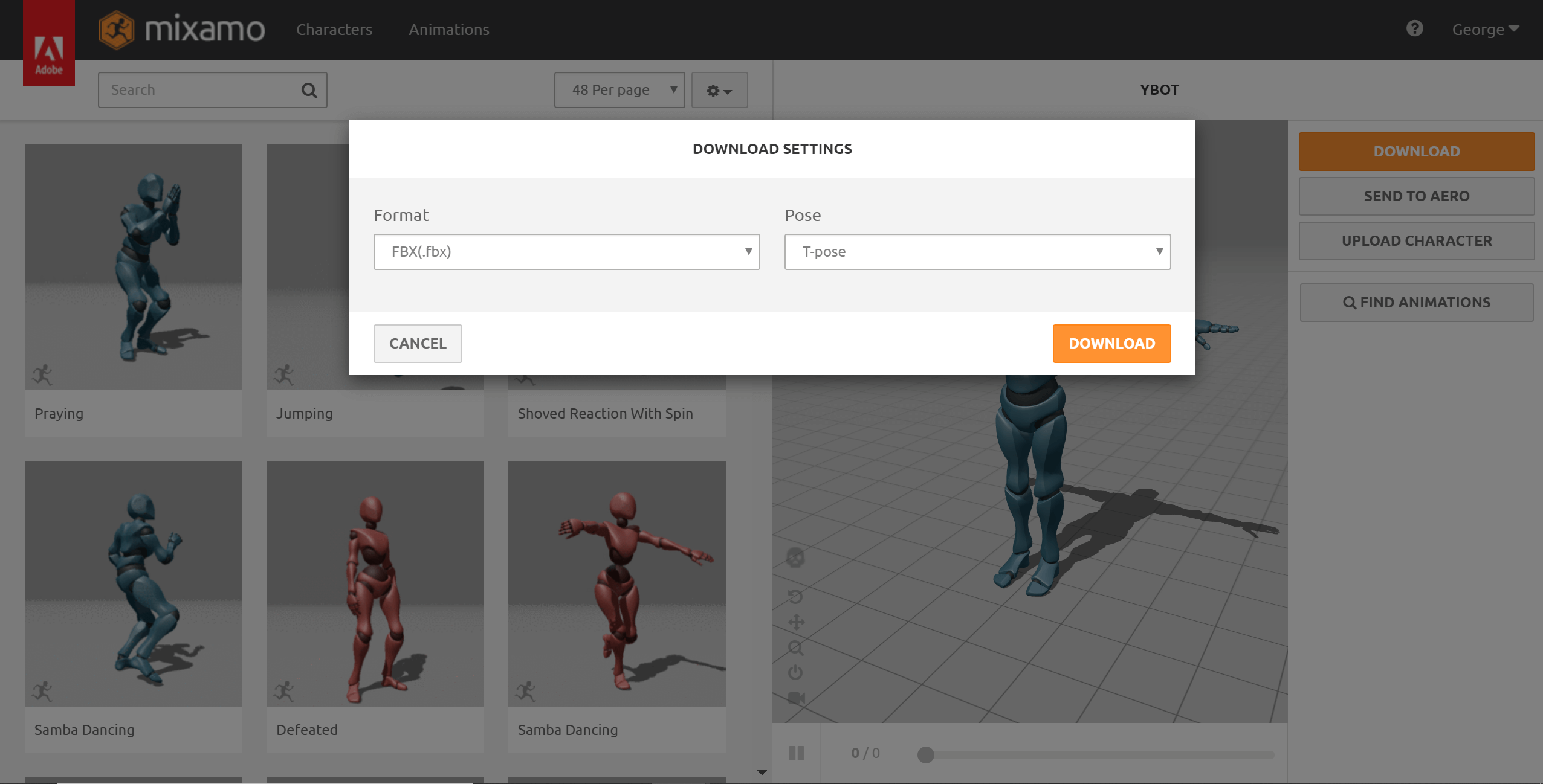
Mixamo to Blender to Babylon.js
The workflow for exporting from Mixamo to Babylon.js via Blender.
Save Your Scene or Meshes
Using the scene serializer
3MF Exporter
Documentation page for 3MF Exporter