Node Material Editor Custom Frames
Custom Frames
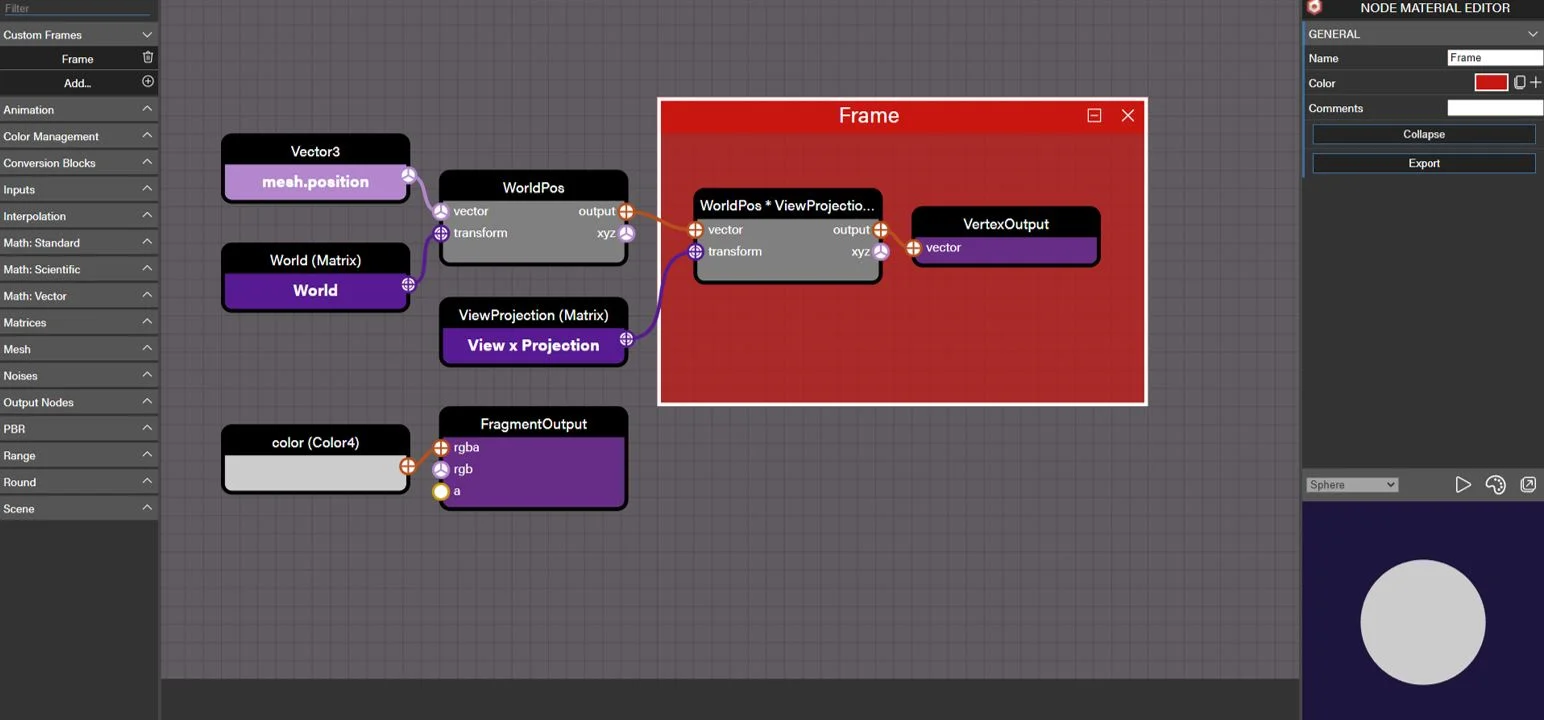
When using the Node Material Editor, we can create frames by holding Shift and dragging the mouse across nodes within the graph.
A frame is an easy way to group several nodes together and collapse them into a smaller group to declutter the graph and allow you to reuse certain node branches. We can rename the frame, change its color, and even make a note/comment about it.
When we collapse the frame, input and output ports that are linked to other nodes outside the frame will be exposed on the frame edges. (You can manually set a port to be exposed as well.) Here, we can edit the exposed ports by renaming them or even changing their order.
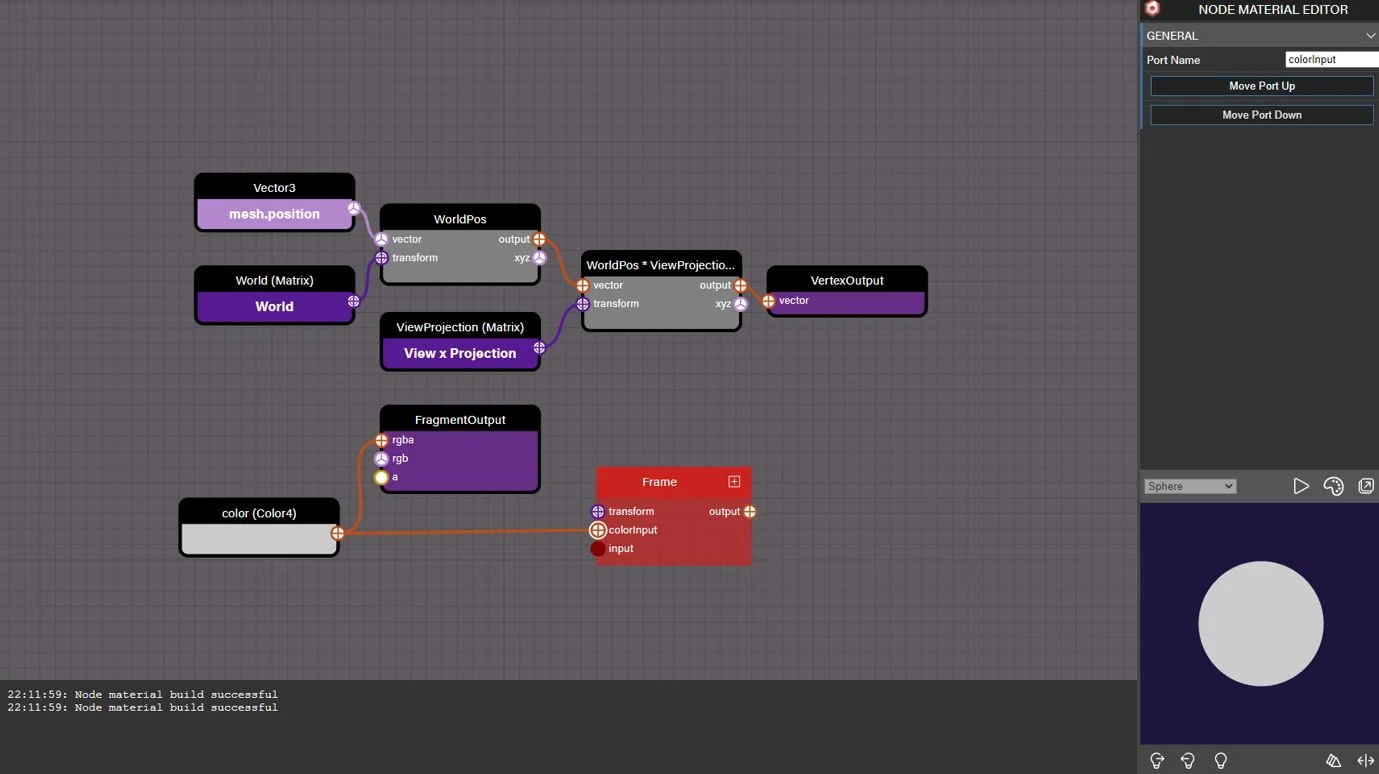
We can export a frame by using the “Export” button.
Once exported, we can load it back into our project for future use by clicking the “+” symbol on the “Custom Frames” tab of the node menu in the left panel.
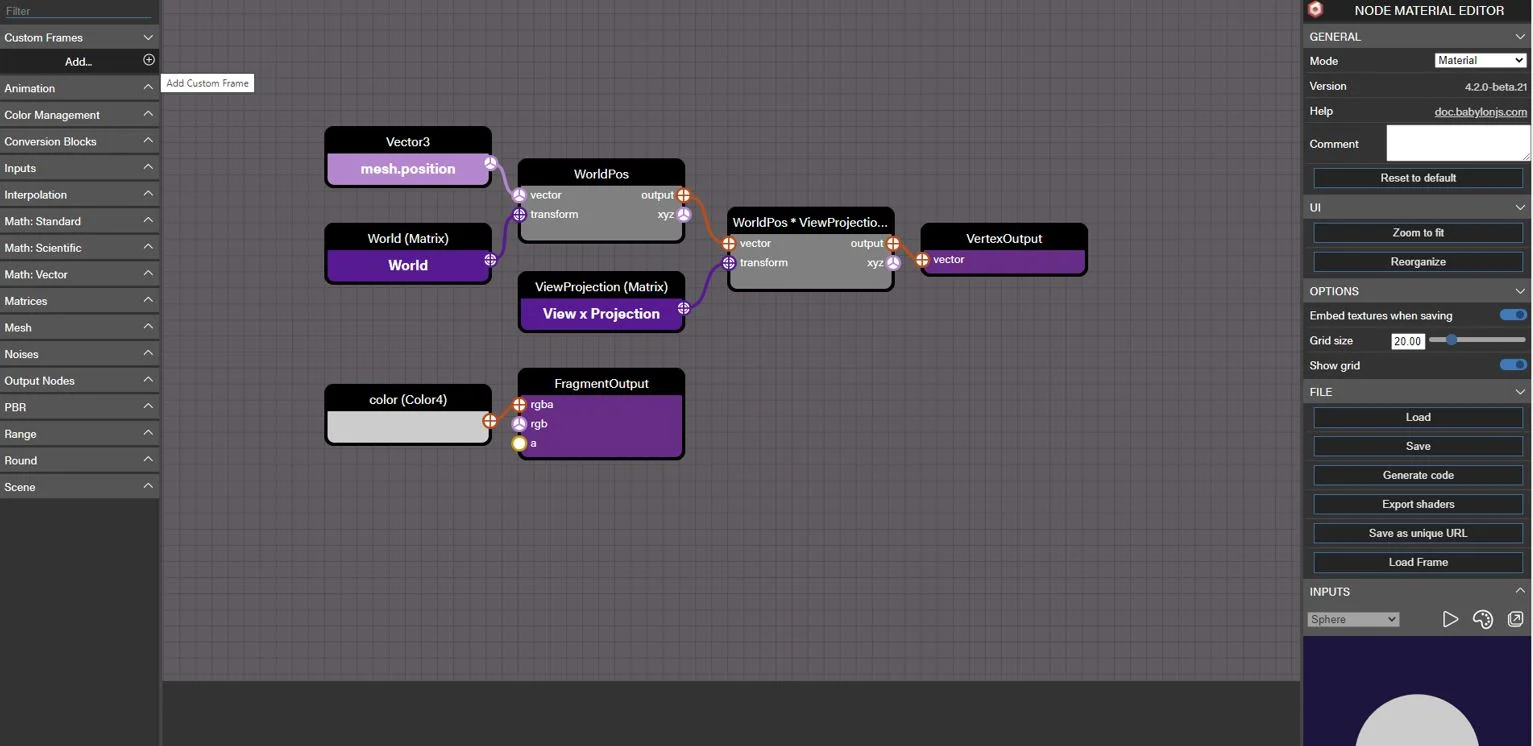
By loading a custom frame, we can reuse it quickly just like any other node block. Custom frames will stay in this menu any time you open the Node Material Editor.
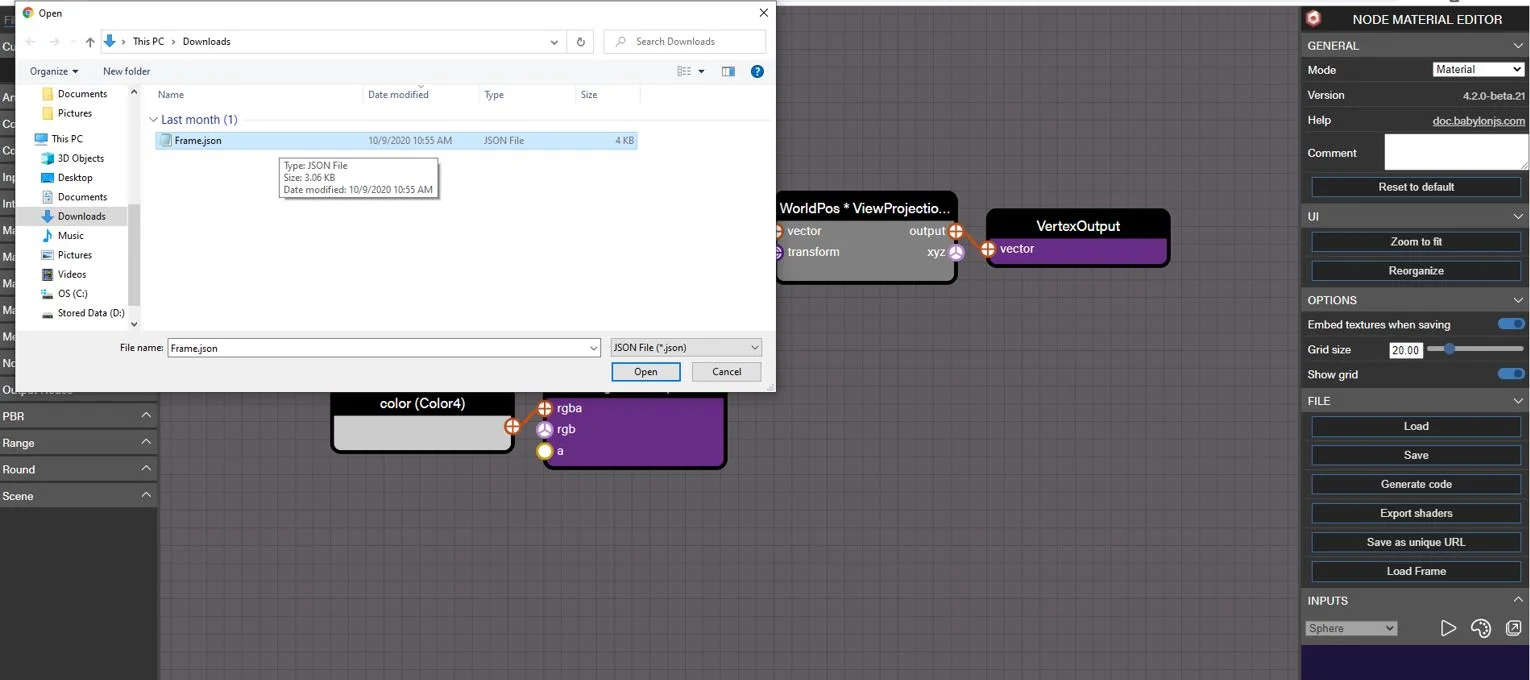
We also have a library of custom frames available for you to leverage here: https://github.com/BabylonJS/Assets/tree/master/nme/customFrames
Tile and Offset
This custom frame is primarily used to tile and/or offset UVs, but you can use it to modify any Vector2.
Example setup (you must set your texture to generate visible output):
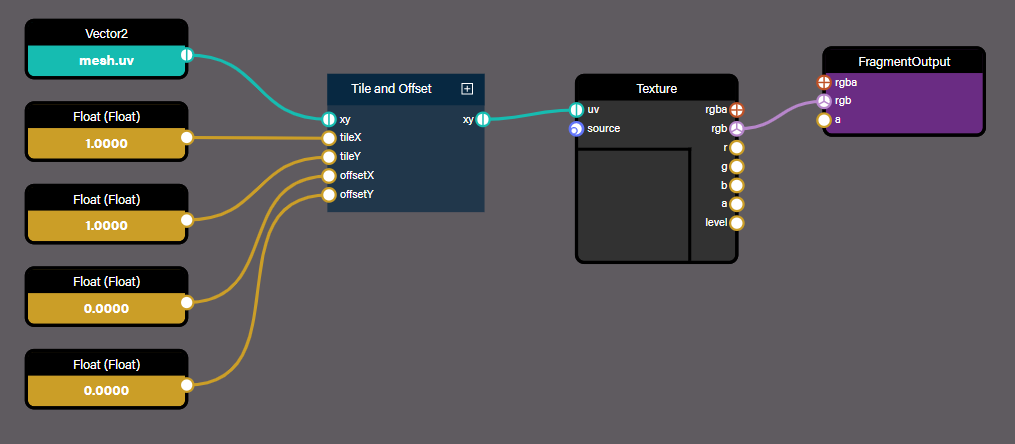
Some example values and the results are provided in the following table:
| tileX | tileY | offsetX | offsetY | result |
|---|---|---|---|---|
| 1 | 1 | 0 | 0 | 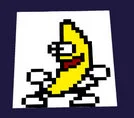 |
| 2 | 4 | 0 | 0 | 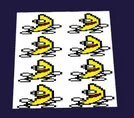 |
| 3 | 1 | 0 | 0 | 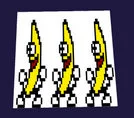 |
| 1 | 1 | 0 | 0.5 | 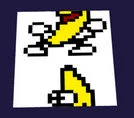 |
UV Twirl
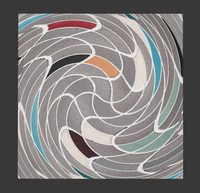
You can use this custom frame to twirl the UVs and create twirled textures.
Connect the custom frame:
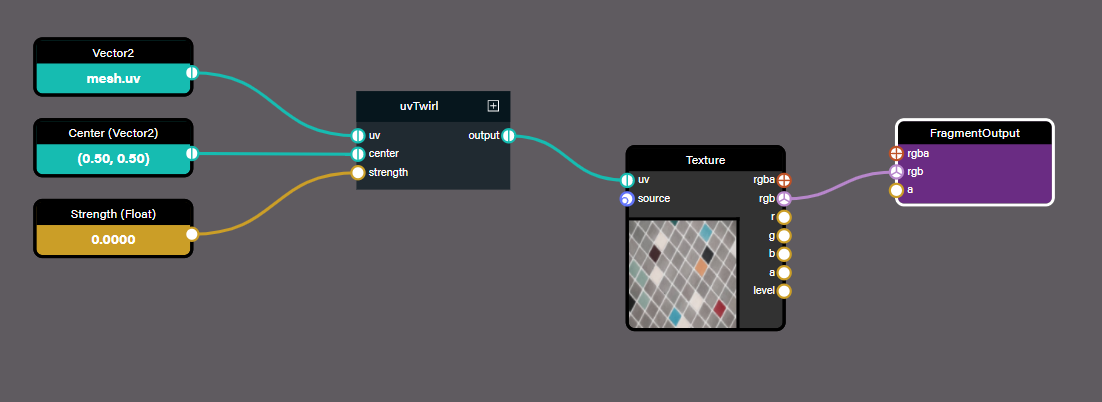
The output is the original texture:
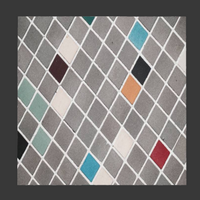
By changing the strength value, the image gets twirled around the center:
Screen Position
A normalized screen position from 0,0 (bottom left) to 1,1 (top right)
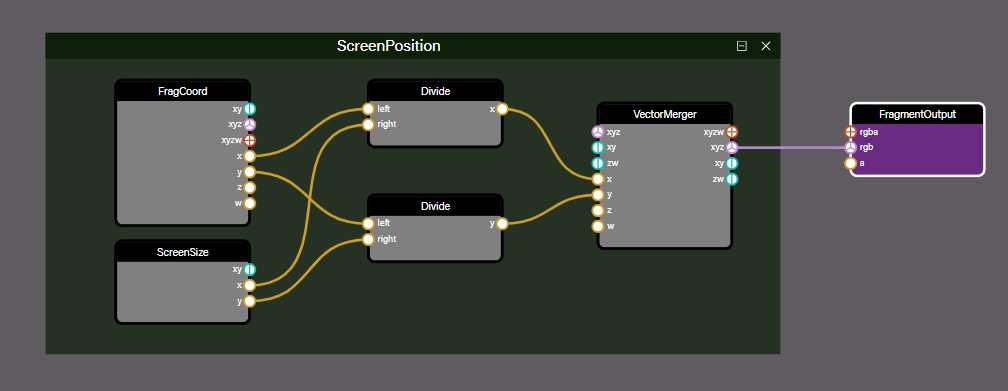
produces this output: