Sky Material
Introduction
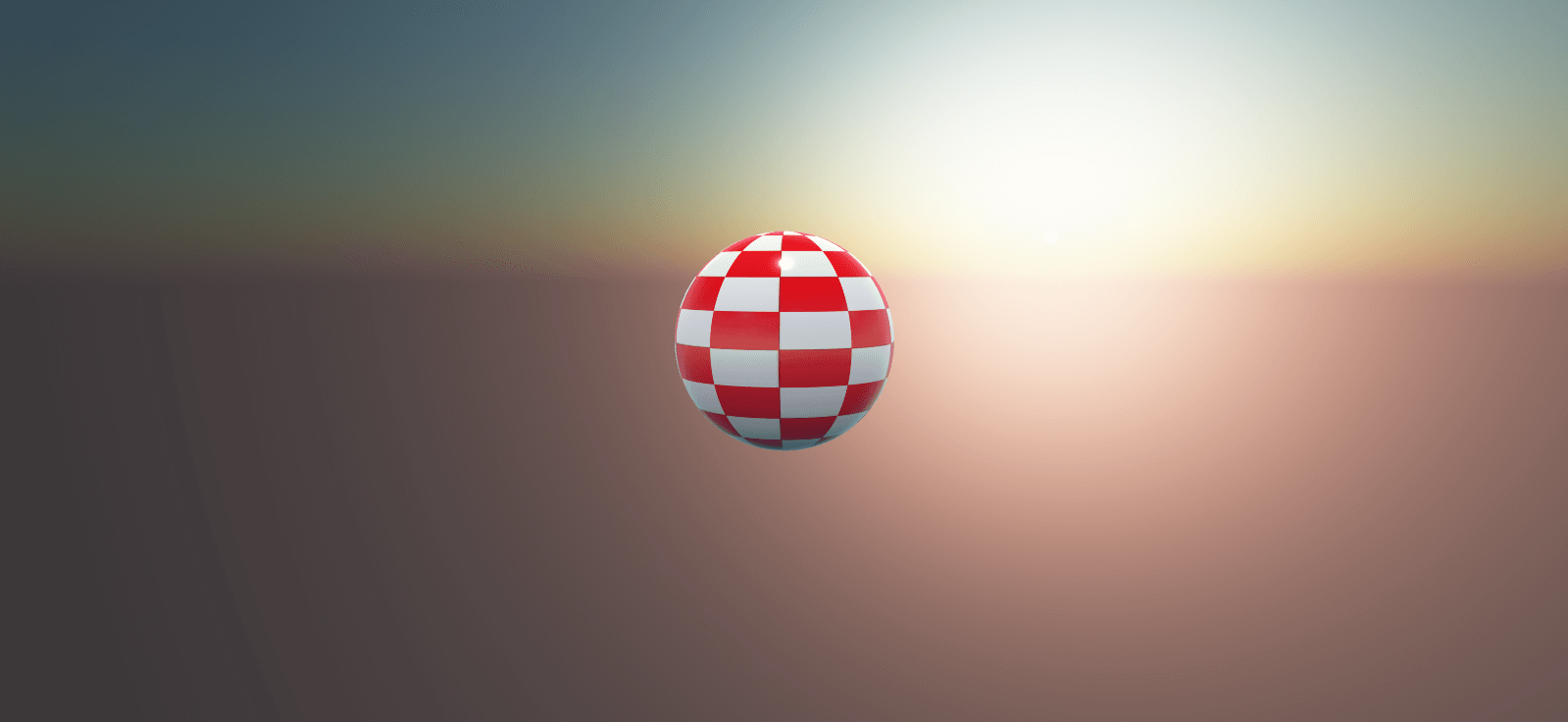
The sky material allows you to create dynamic and texture-free effects for skyboxes.
This work is based on "A Practical Analytic Model for Daylight". It was first implemented by Simon Wallner, improved by Martin Upitis, and finally implemented in Three.js by zz85.
The challenge for skyboxes is to reproduce and configure the sky while accounting for the state of the atmosphere. In other words, it means determining, for example, how light from the sun is scattered by particles.
Playground example
Just press the following keys:
- 1: Set Day
- 2: Set Evening
- 3: Increase Luminance
- 4: Decrease Luminance
- 5: Increase Turbidity
- 6: Decrease Turbidity
- 7: Move horizon to -50
- 8: Restore horizon to 0
How to use?
Simply create a skybox and assign a new instance of the Sky Material:
import { MeshBuilder } from "@babylonjs/core/Meshes/meshBuilder";import { SkyMaterial } from "@babylonjs/materials/sky/skyMaterial";const skyMaterial = new SkyMaterial("skyMaterial", scene);skyMaterial.backFaceCulling = false;const skybox = MeshBuilder.CreateBox("skyBox", { size: 1000.0 }, scene);skybox.material = skyMaterial;That's all!
Configuring the Sky Material
You can customize the appearance of the sky, including the time of day. The properties are:
skyMaterial.turbidity = 1; // Represents the amount (scattering) of haze as opposed to molecules in atmosphere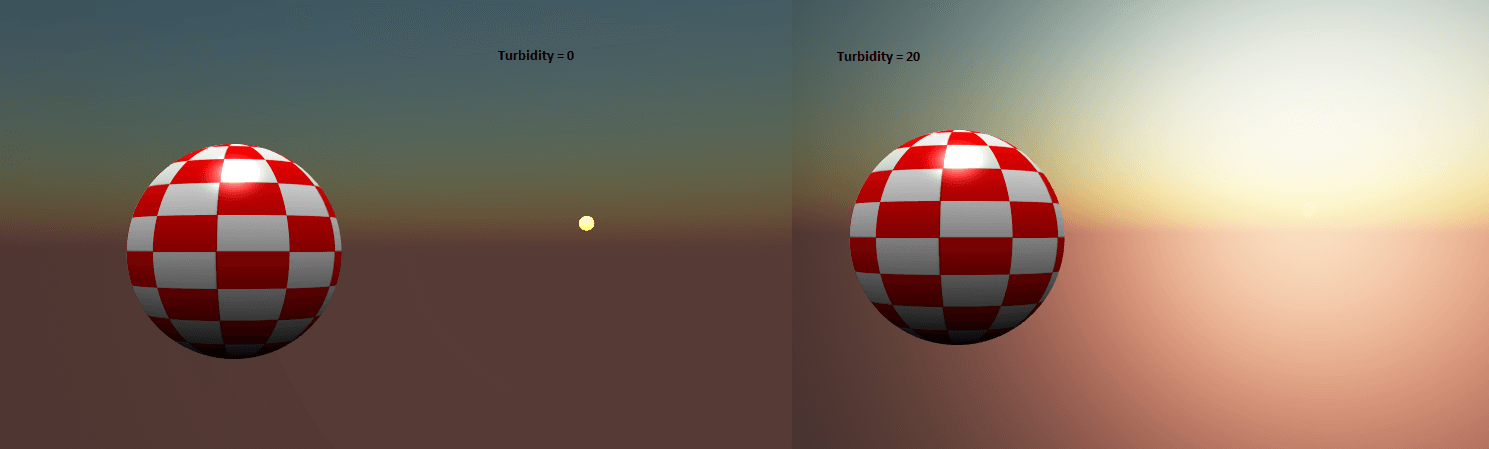
skyMaterial.luminance = 1; // Controls the overall luminance of sky in interval [0, 1190]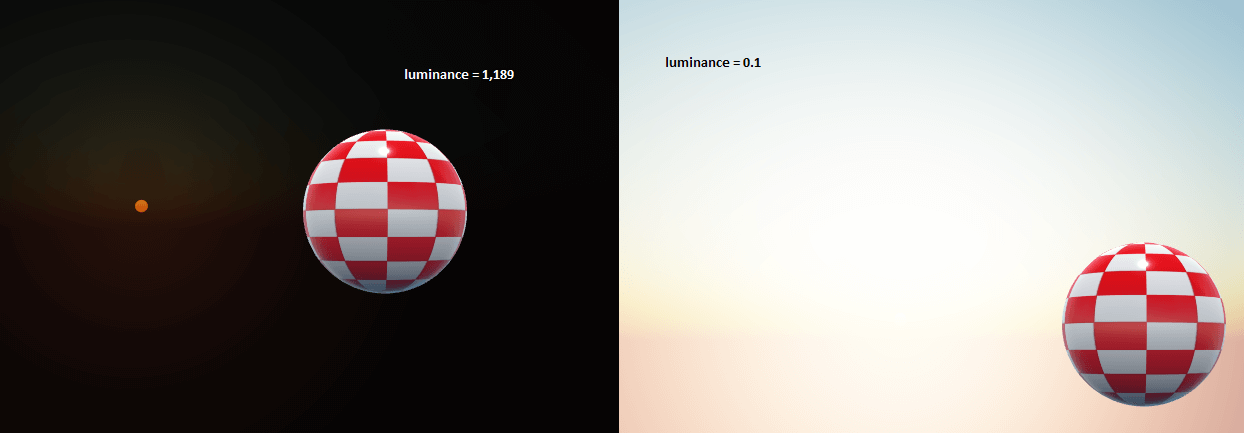
// Control the planet's orientation over the sunskyMaterial.inclination = 0.5; // The solar inclination, related to the solar azimuth in interval [0, 1]skyMaterial.azimuth = 0.25; // The solar azimuth in interval [0, 1]Otherwise, if you want to configure the sun position with a BABYLON.Vector3, you can set:
import { Vector3 } from "@babylonjs/core/Maths/math.vector";// Manually set the sun positionskyMaterial.useSunPosition = true; // Do not set sun position from azimuth and inclinationskyMaterial.sunPosition = new Vector3(0, 100, 0);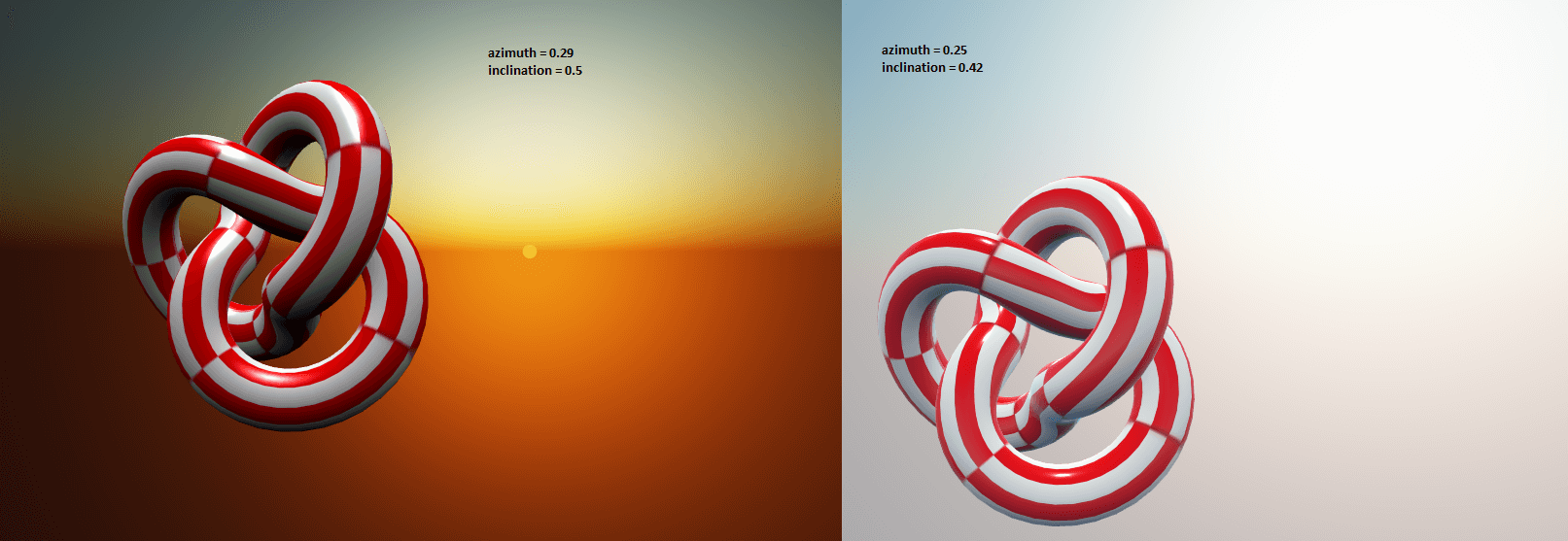
skyMaterial.rayleigh = 2; // Represents the sky appearance (globally)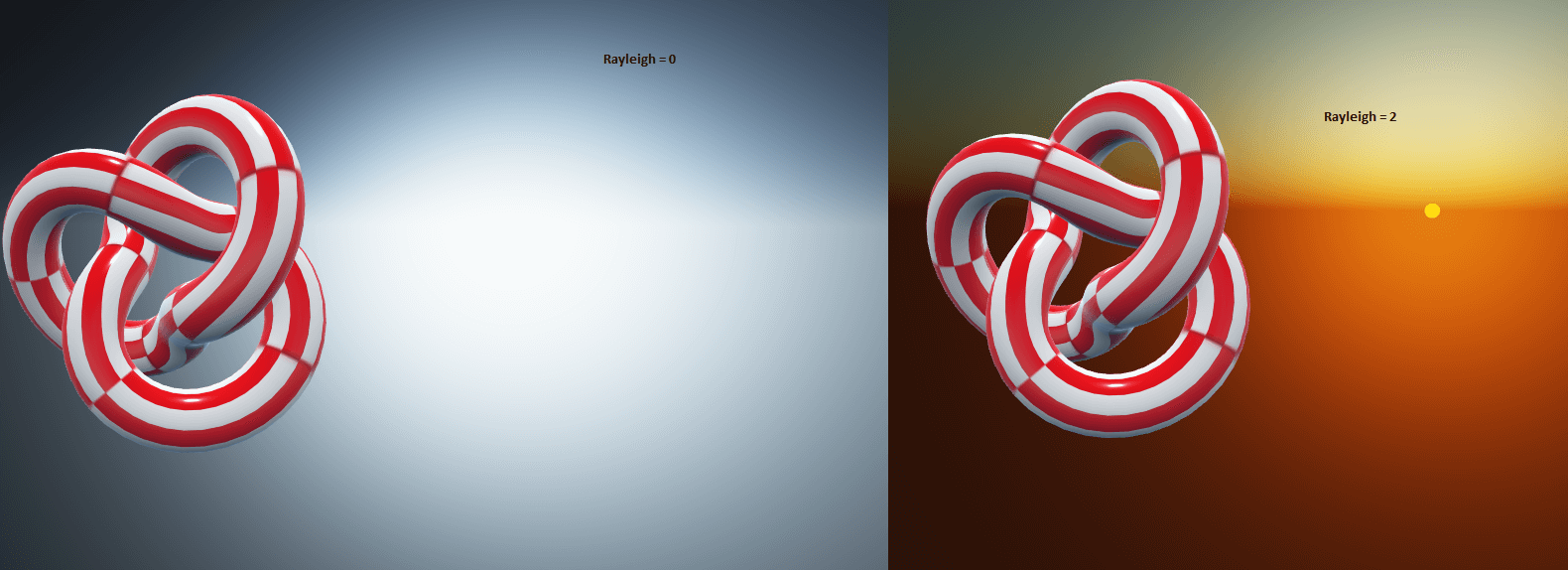
// Mie scattering (from [Gustav Mie](https://en.wikipedia.org/wiki/Gustav_Mie))// Related to the haze particles in atmosphere
// The amount of haze particles following the Mie scattering theoryskyMaterial.mieDirectionalG = 0.8;
skyMaterial.mieCoefficient = 0.005; // The mieCoefficient in interval [0, 0.1], affects the property skyMaterial.mieDirectionalG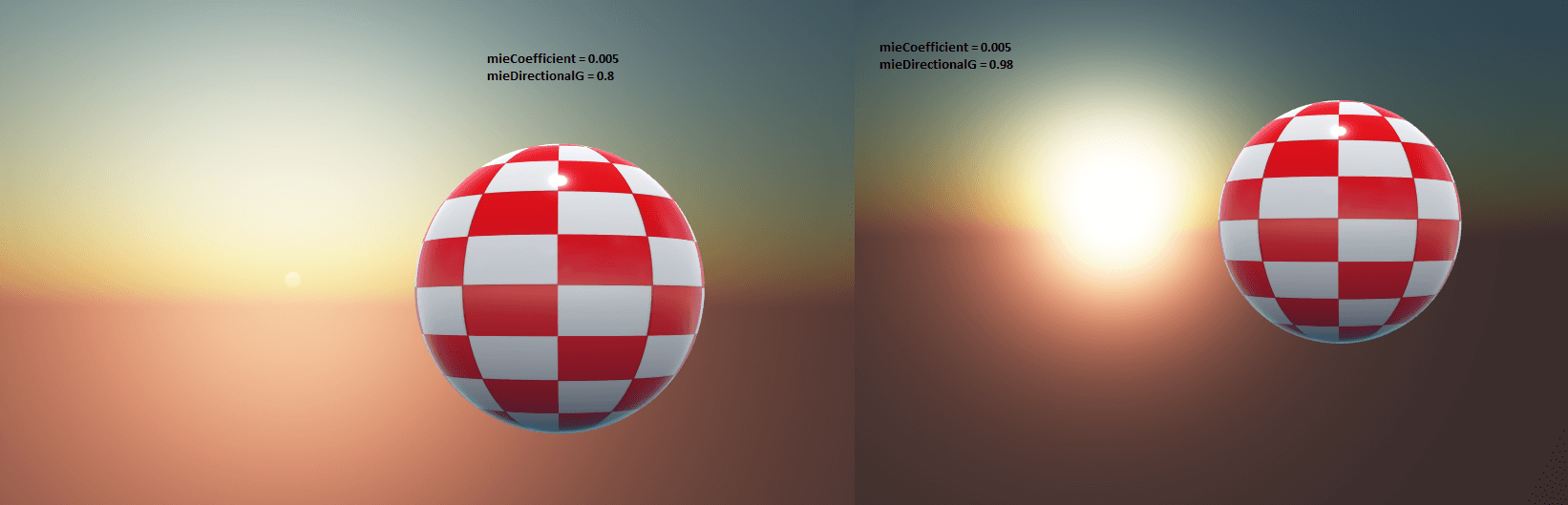
Keeping the horizon relative to the camera elevation
In some cases, you would like to keep the horizon's "position" relative to the camera's position (typically a game where you can fly very high).
To do that, the material exposes a vector (.cameraOffset) that you can customize.
Typically:
// Set the horizon elevation relative to the camera positionskyMaterial.cameraOffset.y = scene.activeCamera.globalPosition.y;Note: this will not modify the sun position, as it is considered far enough away, even when the camera is very high.
Using the sky material to create a reflection texture
A common technique is to use the result of the sky material to reflect the environment, for example when using a PBR material.
The technique consists of creating a reflection probe (which is a cube texture) and rendering the sky mesh with the sky material assigned to it. For example: PG: Sky Material