Normal Material
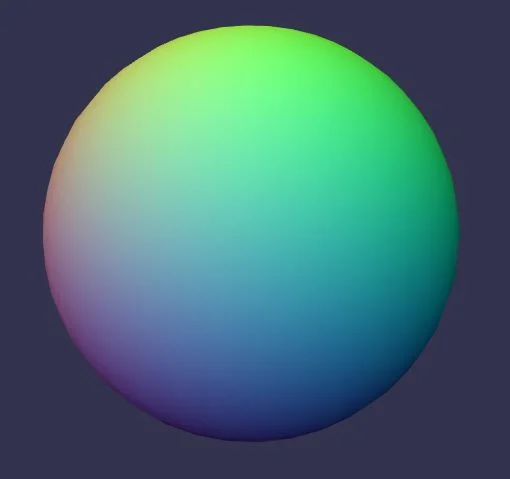
Playground Example
Using the normal material
It's very simple:
import { MeshBuilder } from "@babylonjs/core/Meshes/meshBuilder";import { NormalMaterial } from "@babylonjs/materials/normal/normalMaterial";var ground = MeshBuilder.CreateGround("ground", { width: 512, height: 512, subdivisions: 32 }, scene);var normalMaterial = new NormalMaterial("normal", scene);ground.material = normalMaterial;Customize the normal material
You can also add a diffuse texture to the normal material. The normal colors will be mixed with the texture color.
import { Texture } from "@babylonjs/core/Materials/Textures/texture";normalMaterial.diffuseTexture = new Texture("textures/amiga.jpg", scene);