Mix Material
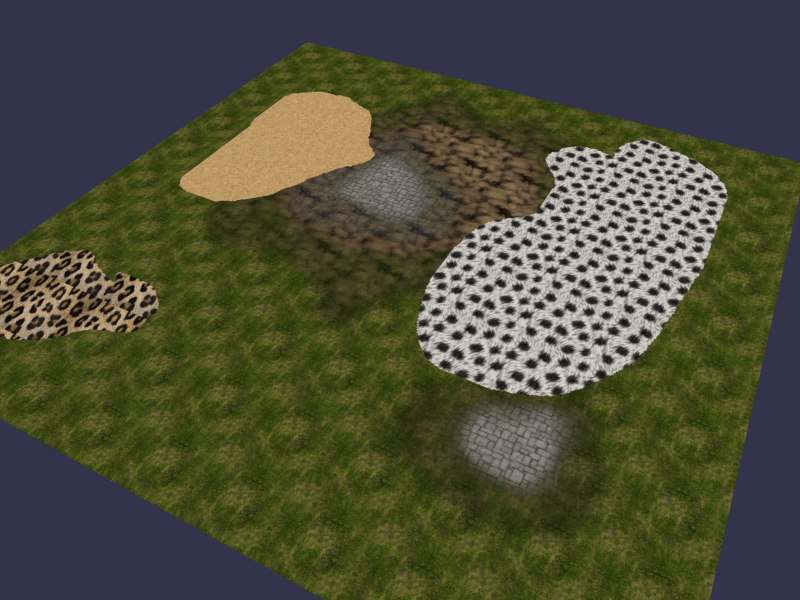
Playground example
Using the mix material
The mix material is based on the terrain material but works with up to 8 diffuse textures. It is composed of:
- 8 Diffuse textures. (at least 4 required)
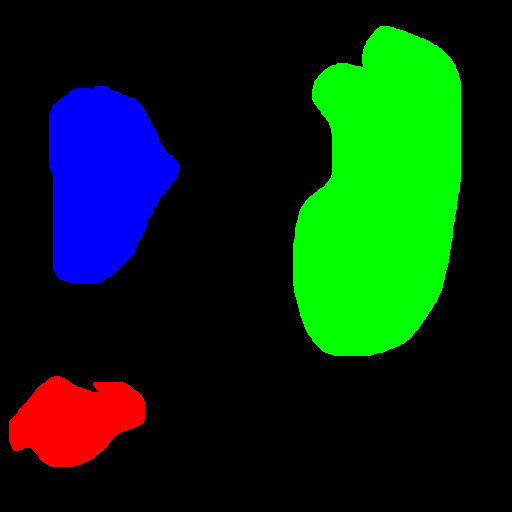
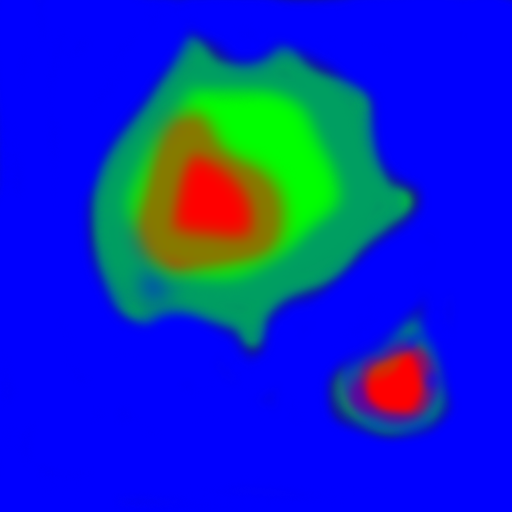
- 2 Mixmap textures: represent the intensity of each diffuse texture according to the channels R (red), G (green), B (blue), and A (alpha). (at least one required)
Note 1: the alpha channel is inverted to help create the mix map textures. In other words, the less alpha you have, the more visible the diffuse texture attached to the alpha channel will be.
Note 2: the mix material doesn't support bump mapping, for instance.
import { Texture } from "@babylonjs/core/Materials/Textures/texture";import { MeshBuilder } from "@babylonjs/core/Meshes/meshBuilder";import { MixMaterial } from "@babylonjs/materials/mix/mixMaterial";// Create a terrainvar terrain = MeshBuilder.CreateGroundFromHeightMap("terrain", "heightMap.png", { width: 100, height: 100, subdivisions: 100, minHeight: 0, maxHeight: 10 }, scene);// Create the mix materialvar mix = new MixMaterial("mix", scene);// Mix texture 1 (RGBA) is requiredmix.mixTexture1 = new Texture("/playground/textures/mixMap.png", scene);// Mix texture 2 (RGBA) is optionalmix.mixTexture2 = new Texture("/playground/textures/mixMap_2.png", scene);// Diffuse textures (RGBA) attached to the "mixTexture1"mix.diffuseTexture1 = new Texture("/playground/textures/floor.png", scene);mix.diffuseTexture2 = new Texture("/playground/textures/rock.png", scene);mix.diffuseTexture3 = new Texture("/playground/textures/grass.png", scene);mix.diffuseTexture4 = new Texture("/playground/textures/floor.png", scene);// Diffuse textures (RGBA) attached to the "mixTexture2"mix.diffuseTexture5 = new Texture("/playground/textures/leopard_fur.jpg", scene);mix.diffuseTexture6 = new Texture("/playground/textures/fur.jpg", scene);mix.diffuseTexture7 = new Texture("/playground/textures/sand.jpg", scene);mix.diffuseTexture8 = new Texture("/playground/textures/crate.png", scene);// Apply the materialterrain.material = mix;That's all!
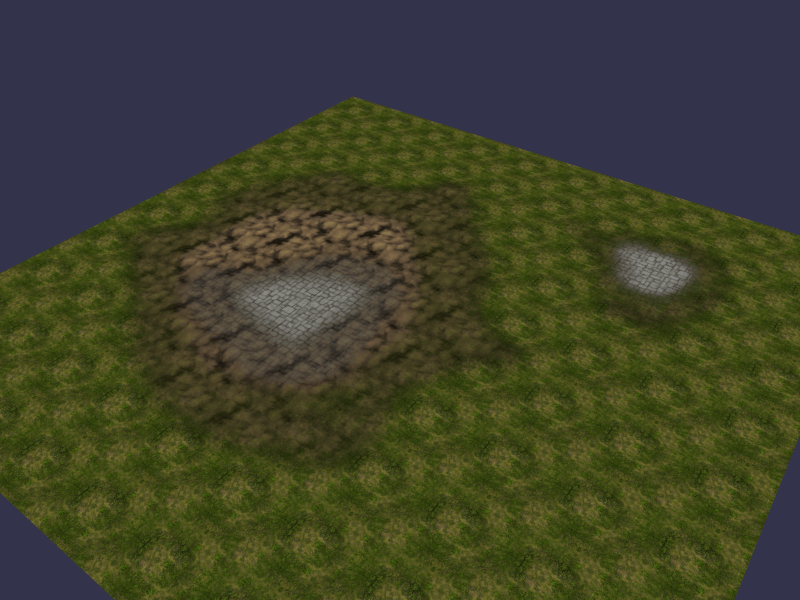
Result with only the mix texture 1
With mix.mixTexture2 undefined or null, the material will only apply mix texture 1:
Result with both mix textures 1 & 2
With mix.mixTexture2 = new BABYLON.Texture("/playground/textures/mixMap_2.png", scene), the material continues by mixing mix texture 1 with mix texture 2. You can then mix up to 8 diffuse textures: