Gradient material
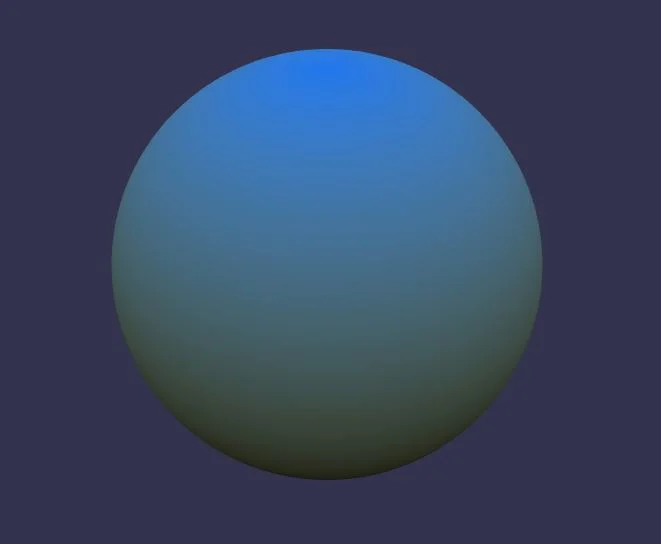
You can get the gradient material by:
- Using npm with npm install --save babylonjs babylonjs-materials
- With a direct reference to: https://cdn.babylonjs.com/materialsLibrary/babylonjs.materials.min.js
Using the gradient material
The material creates a smooth gradient with two colors:
import { Color3 } from "@babylonjs/core/Maths/math.color";import { MeshBuilder } from "@babylonjs/core/Meshes/meshBuilder";import { GradientMaterial } from "@babylonjs/materials/gradient/gradientMaterial";var sphere = MeshBuilder.CreateSphere("sphere", { segments: 32, diameter: 2 }, scene);var gradientMaterial = new GradientMaterial("grad", scene);gradientMaterial.topColor = Color3.Red(); // Set the gradient top colorgradientMaterial.bottomColor = Color3.Blue(); // Set the gradient bottom colorgradientMaterial.offset = 0.25;sphere.material = gradientMaterial;The gradient material can be configured with:
topColorandbottomColorare the two colors used in this gradient materialoffsetis a number used to offset the color on the Y axisscaleis a number used to scale the color on the Y axissmoothnessis a number (between 0 and 10) that can be used to define the speed of the color change along the Y axis (1 by default)