Fire Material
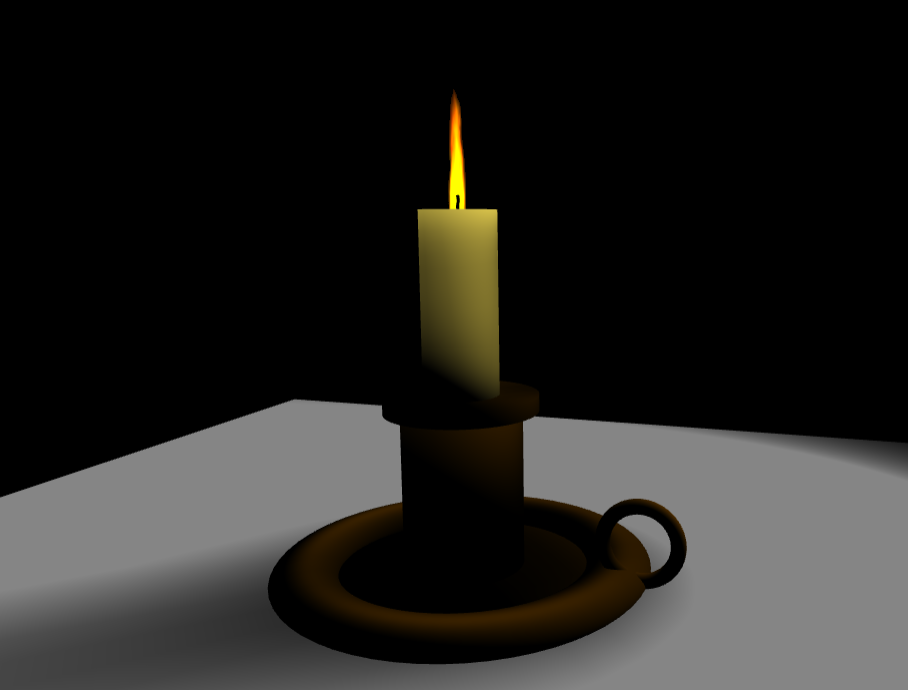
Using the fire material
Fire material can be found here: https://cdn.babylonjs.com/materialsLibrary/babylon.fireMaterial.js
A demo can be found here: PG: Fire Material
The fire material works with 3 textures:
- The diffuse texture (fire texture)
- The distortion texture (to create perturbations in the diffuse texture)
- The opacity texture (black and white)
Note: The fire material doesn't work with lighting. So, shadow maps are also disabled.
import { Texture } from "@babylonjs/core/Materials/Textures/texture";import { MeshBuilder } from "@babylonjs/core/Meshes/meshBuilder";import { FireMaterial } from "@babylonjs/materials/fire/fireMaterial";var fireMaterial = new FireMaterial("fireMaterial", scene);fireMaterial.diffuseTexture = new Texture("diffuse.png", scene);fireMaterial.distortionTexture = new Texture("distortion.png", scene);fireMaterial.opacityTexture = new Texture("opacity.png", scene);var plane = MeshBuilder.CreatePlane("fireplane", { size: 1.0 }, scene);plane.material = fireMaterial;The speed of the flames can be customized like this:
fireMaterial.speed = 5.0; // Default is 1.0