Tools And Resources
This section contains all sorts of helpful information for developing with Babylon.js. From tools that make development easier to free asset libraries you can use in your scenes, it is designed to help you create beautiful experiences as quickly and efficiently as possible.
Coming next
Accessibility
An overview of the accessibility features in Babylon.js

Babylon.js MCP Servers
Learn how to configure Babylon.js Model Context Protocol servers in MCP-compatible AI clients and connect them to Babylon.js editors.
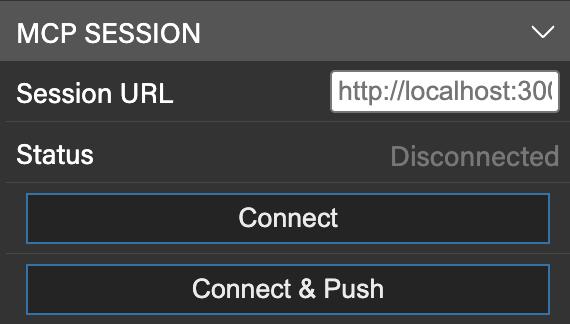
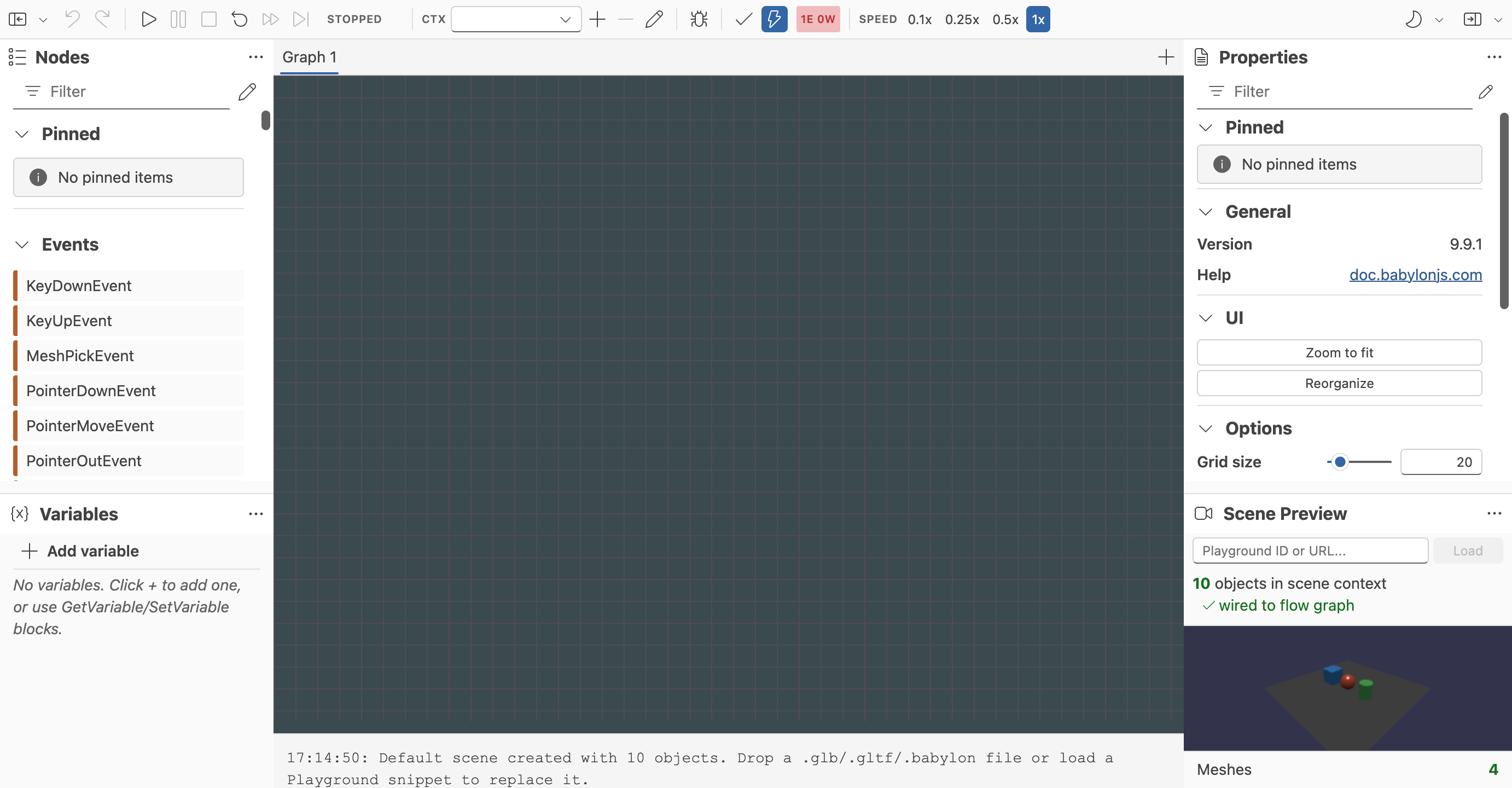
Flow Graph Editor
Build Babylon.js flow graphs visually with a UI-first editor for interactive scenes.
The Node Material Editor
Learn all about the powerful Node Material Editor in Babylon.js.
Viewer Configurator
Learn about the Viewer Configurator, a tool to simplify configuring the Babylon Viewer.
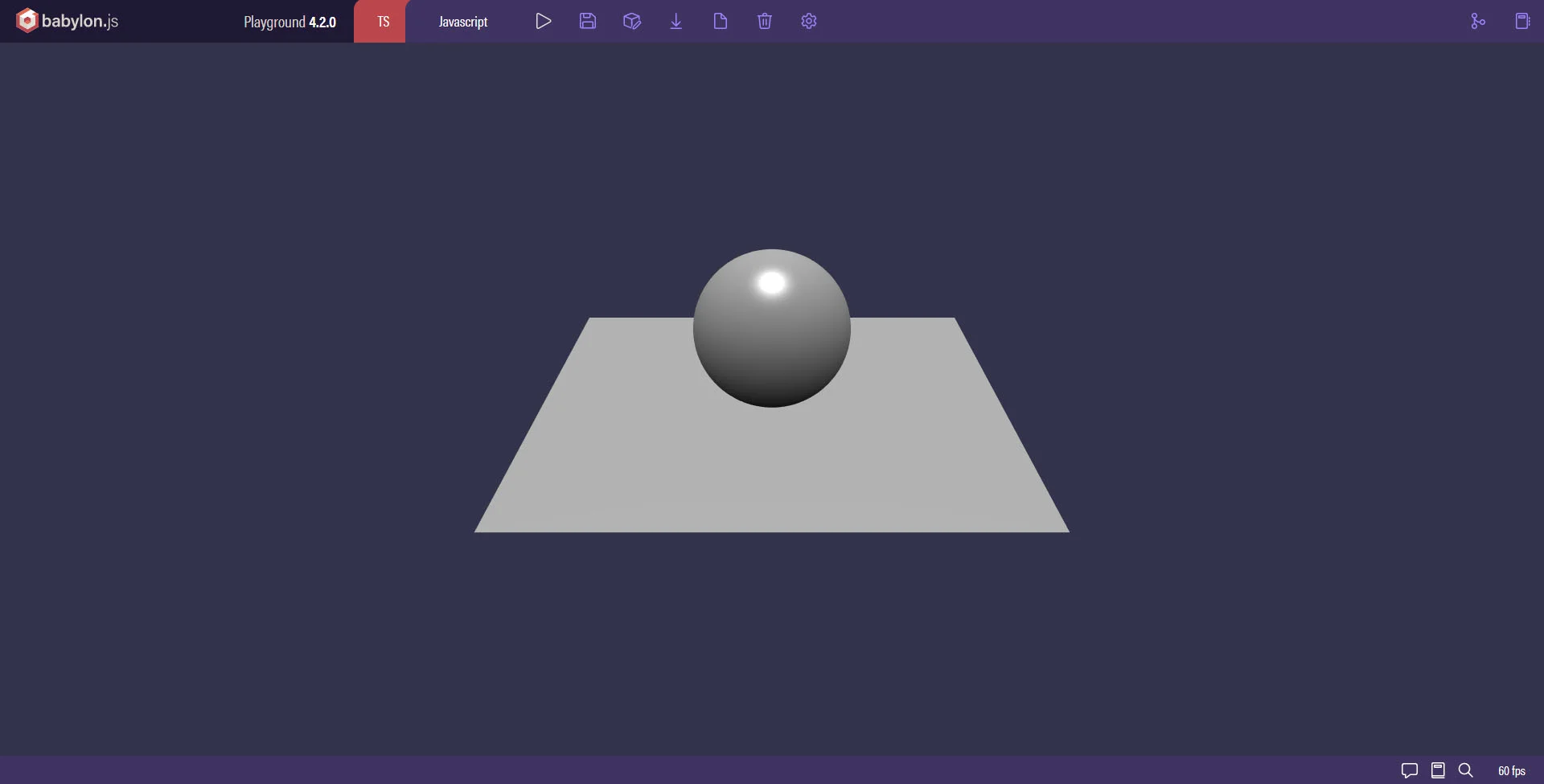
Playground
Learn about the incredibly powerful playground, the online Babylon.js IDE.
Sandbox
Learn about the incredibly powerful sandbox, an asset viewer and debugging tool for Babylon.js.
Inspector V2
Learn all about the incredibly powerful debug layer called "The Inspector" in Babylon.js.
The GUI Editor
Learn all about the simple and easy GUI Editor in Babylon.js.

Node Geometry Editor
Learn how use the Node Geometry Editor
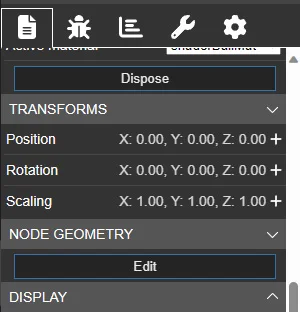
Node Particle Editor
Learn how to use the Node Particle Editor
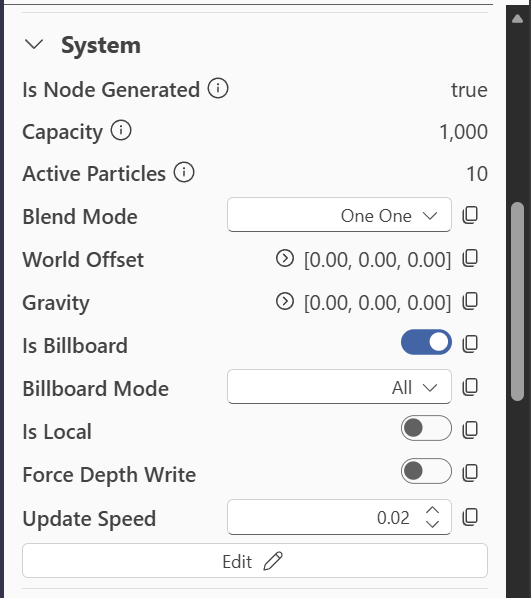
The Asset Librarian
Learn how to easily add free open source assets to your Babylon.js scene.
Asset Libraries
Learn all about the Babylon.js asset libraries.
Utilities
Learn about some handy JavaScript functions that you can add to any project, called Utilities.
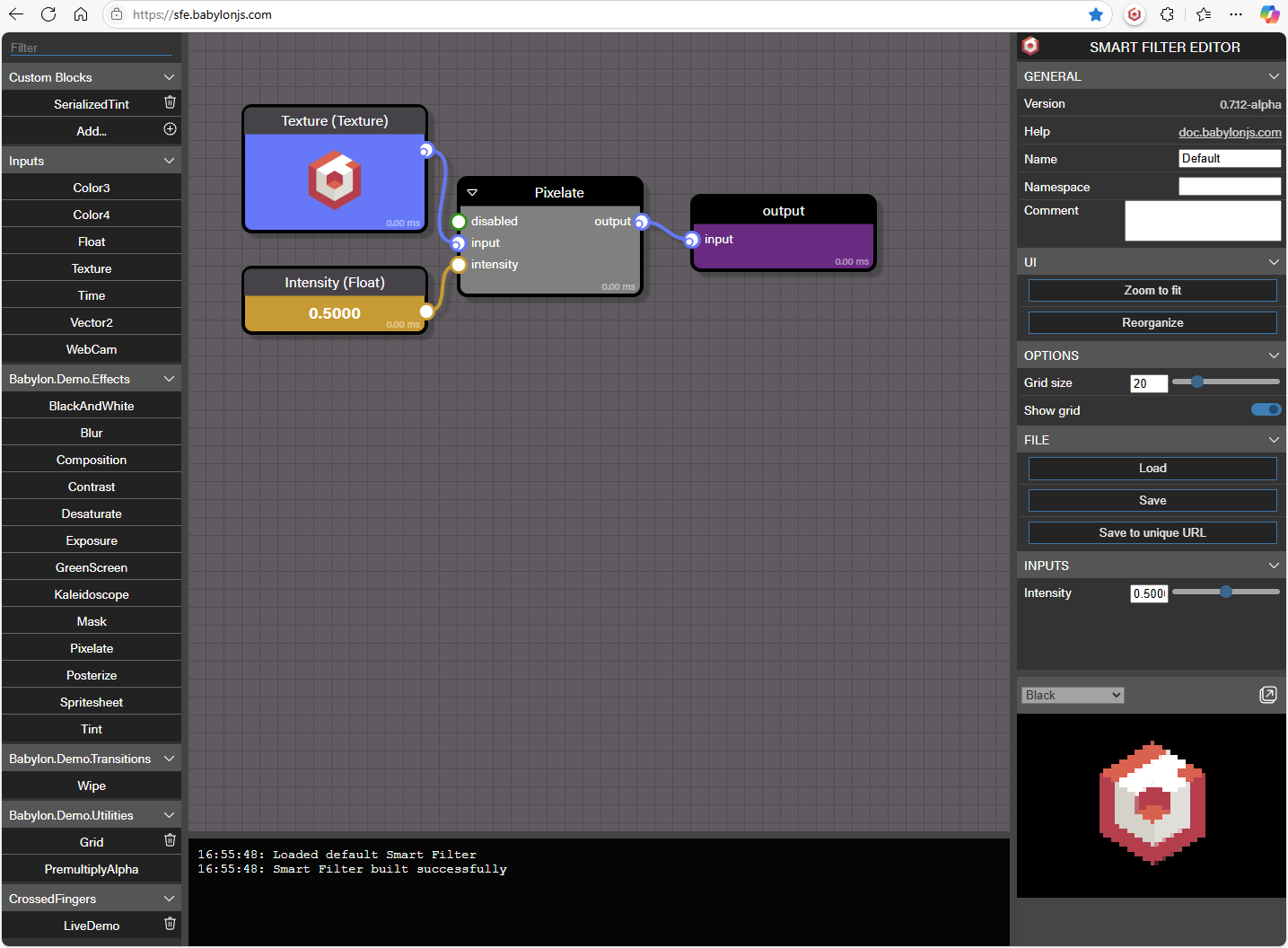
Smart Filter Editor
Learn how to use the Smart Filter Editor