3D Commerce Certified Viewer
This page will walk you through the 3D Commerce Viewer Certification Program, what it is, and how to get a certified viewer version based on the Babylon.js engine.
3D Commerce Viewer Certification Program
3D visualization technologies, initially developed for gaming and visual effects, are beginning to transform online retail experiences, advertising, and even physical retail experiences with AR/VR. 3D Commerce is a standardization working group within the Khronos Group that aims to remove the barriers to deploying 3D in e-commerce.
The Viewer Certification Program enables 3D viewers across the industry to demonstrate that they can accurately and consistently display 3D products, clearing the way for reliable 3D and AR-powered shopping across multiple platforms and devices.
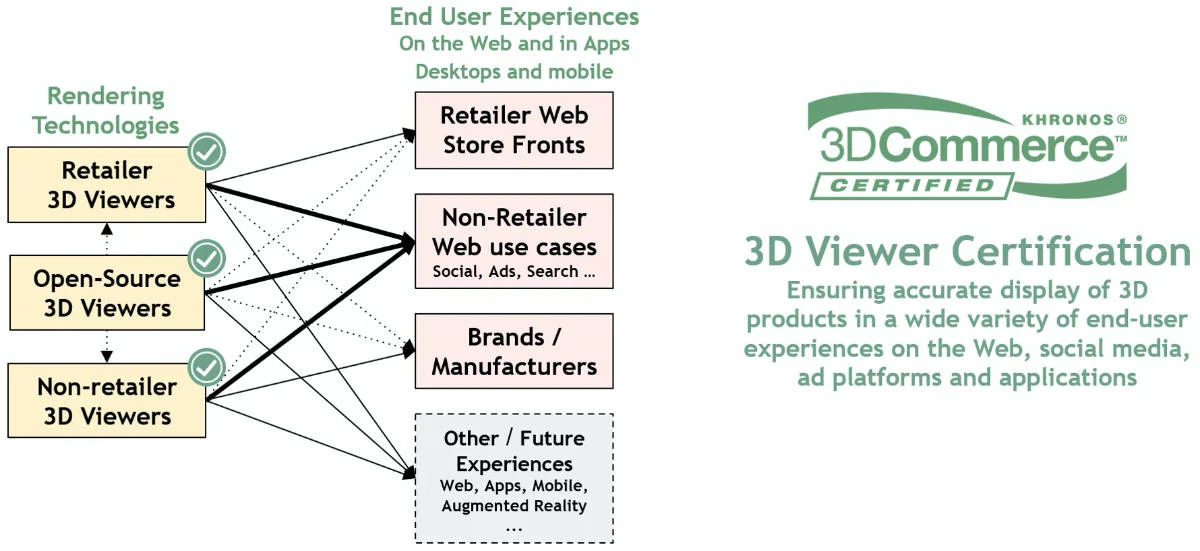
This program is still in its early days, and as a member of this working group, the Babylon.js team is fully engaged in helping to develop it and support its adoption. More info is available on the 3D Commerce website.
Babylon.js Sandbox - certified version
A special version of the Babylon.js Sandbox has been certified because some parameters have to be set differently than the default engine values (which cannot be changed for backward compatibility reasons):
-
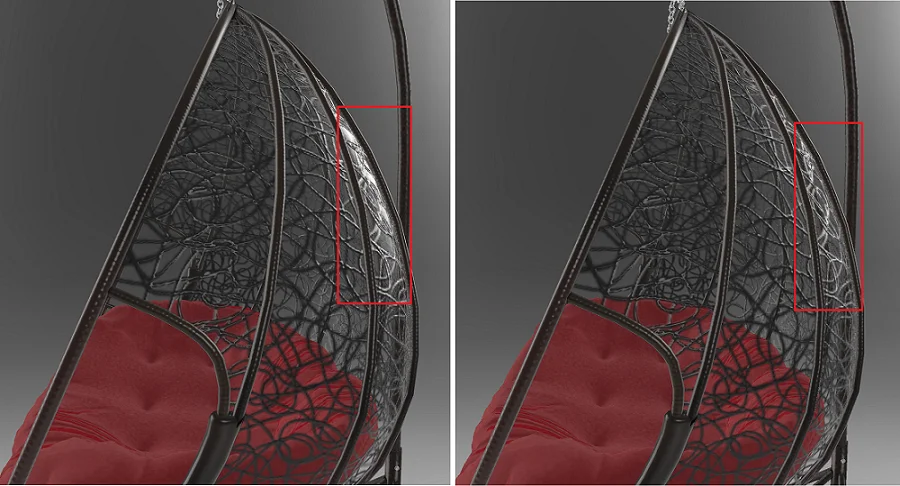
Specular over alpha has to be turned off (right side of the picture below). It was being used to render glass before the apparition of dedicated glTF extensions such as transmission and volume.
-
Tone mapping is enabled using
Khronos PBR Neutral. See here for more info about this tone mapping technique.
This 3D Commerce certified Babylon.js Sandbox is accessible here: https://3dcommerce.babylonjs.com
Certified viewer version based on Babylon.js engine
If you have an existing viewer, or are developing one, based on the Babylon.js engine, you can get a certified viewer version by:
-
Setting a flag in the glTF loader to enable transparency as coverage which will turn off specular over alpha:
SceneLoader.OnPluginActivatedObservable.add((plugin) => {if (plugin.name === "gltf") {const loader = plugin as GLTFFileLoader;loader.transparencyAsCoverage = true;}}); -
Enabling the
Khronos PBR Neutraltone mapping for a scene:scene.imageProcessingConfiguration.toneMappingEnabled = true;scene.imageProcessingConfiguration.toneMappingType = ImageProcessingConfiguration.TONEMAPPING_KHR_PBR_NEUTRAL;
The certification program will likely evolve with the glTF format and with new extensions being taken into account. If some changes are not backward compatible, we'll make sure to continue documenting them on this page.