Developing With and For Babylon.js
For those of you who want to know more about the organization and structure of Babylon.js so you can either build well-structured projects of your own or contribute to it, you have come to the right place. Here you will find where to obtain Babylon.js in full or just the modules you need to import into your JavaScript or TypeScript application.
Even the best developers need help from time to time, and the Babylon.js forum is there to help. To make the best use of the forum, check out the first page of this section.
Contributions can come in many forms. Answering questions on the forum is a useful contribution. Others may spot spelling errors in the documentation or find ways to improve it. Potential contributors to Babylon.js come from many different backgrounds. For some of you, version control systems, repositories, package managers, and task runners are second nature, and all you need to know are the requirements set by the Babylon.js core team for a pull request to be accepted. For others, especially those who just want to explore the world of 3D, they can feel like a series of confusing hurdles. This section therefore contains details that many of you can ignore as obvious. For others, those details may be the difference between making a contribution and not making one.
Coming next
A Local Webserver for Babylon.js
A simple local webserver for running Babylon.js.

3D Commerce Certified Viewer
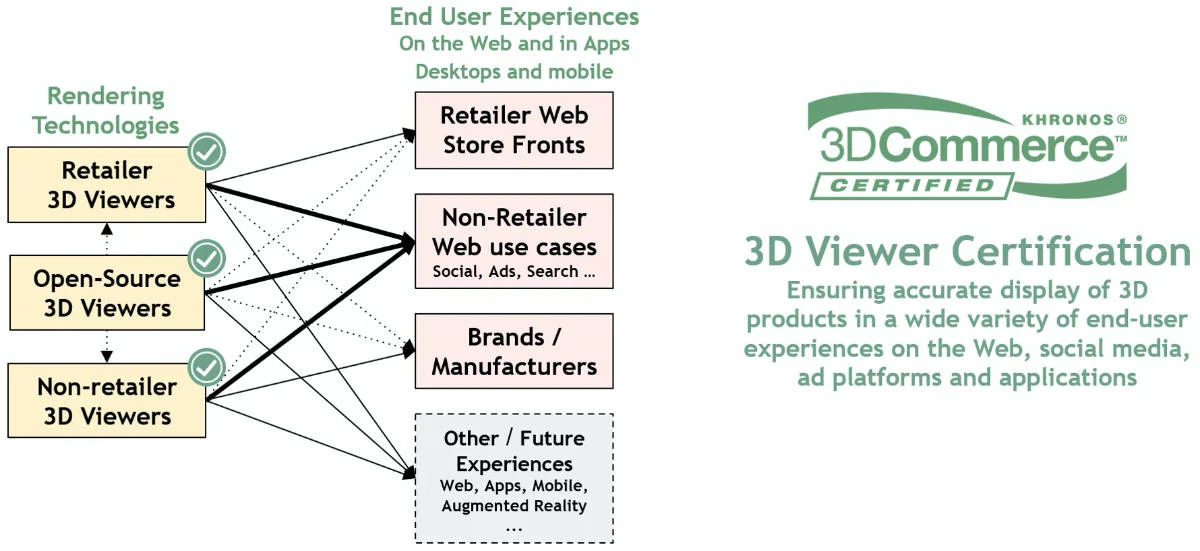
Learn how to get a 3D Commerce certified viewer version based on the Babylon.js engine.
Workloads (legacy)
Learn about the legacy workload system in Babylon.js.
Using Visual Studio Code (VSCode)
Learn how to use the popular oss IDE VSCode for Babylon.js development.

The .babylon File Format
Dive deep into the inner workings of the .babylon file format.
Creating The Minified Version of Babylon.js
Learn how to create the minified version of Babylon.js.
WebGL2 Support
Dive into understanding the full scope of support for WebGL2 in Babylon.js.

WebGPU Support
Dive into understanding the full scope of support for WebGPU in Babylon.js.

Running Babylon.js On A Server
Learn how to run Babylon.js on a server.
Code splitting and Chunks using known bundlers
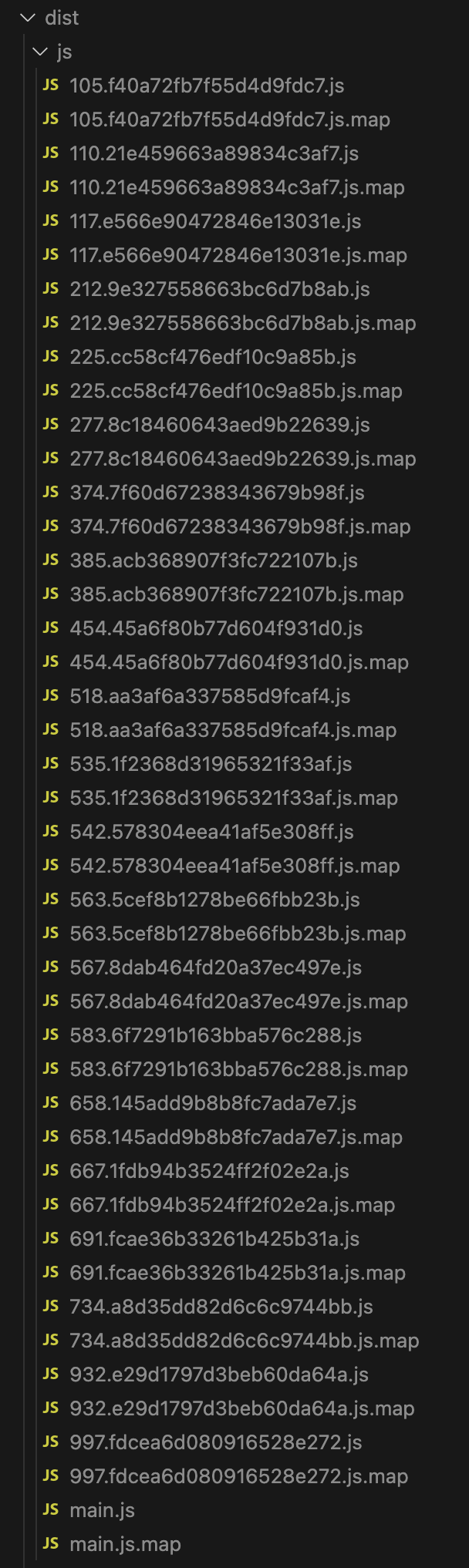
Learn how to control code splitting in Babylon.js, when using bundlers like webpack or rollup
Debugging and Profiling with PIX
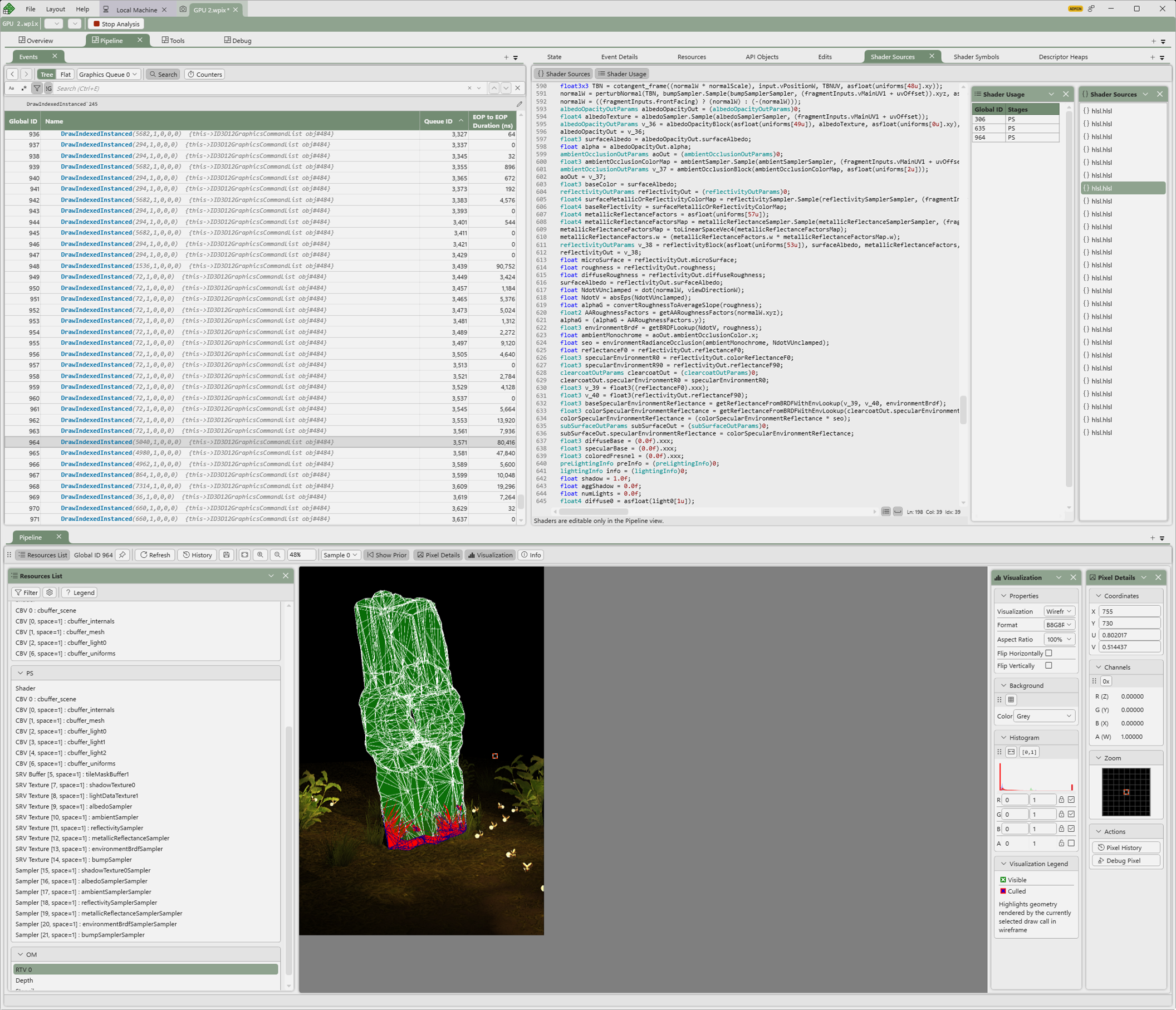
Learn how to use PIX to debug and profile your Babylon.js application.