> Learn to add a skybox to your scene.
Source: https://doc.babylonjs.com/features/introductionToFeatures/chap5/sky
# Getting Started - Skies Above
We can simulate the appearance of a sky by applying six suitable images to the insides of a large [skybox](https://doc.babylonjs.com/features/featuresDeepDive/environment/skybox) cube. (Images are a lot easier and faster to render than 3D objects, and just as good for far-distant scenery.)
Skybox images are usually loaded with [CubeTexture](https://doc.babylonjs.com/typedoc/classes/babylon.cubetexture). CubeTexture's constructor takes a base URL and (by default) appends "\_px.jpg", "\_nx.jpg", "\_py.jpg", "\_ny.jpg", "\_pz.jpg", and "\_nz.jpg" to load the +x, -x, +y, -y, +z, and -z facing sides of the cube.
|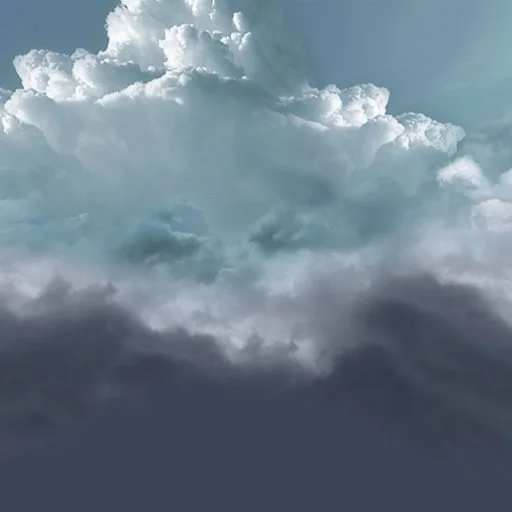|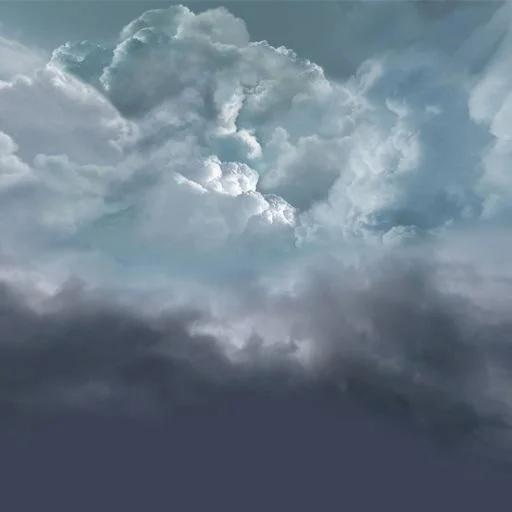|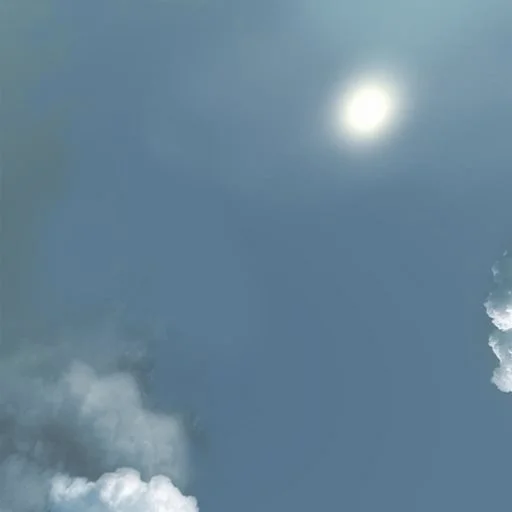||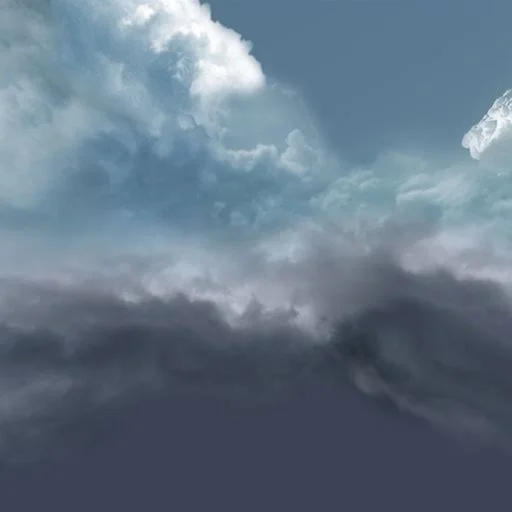|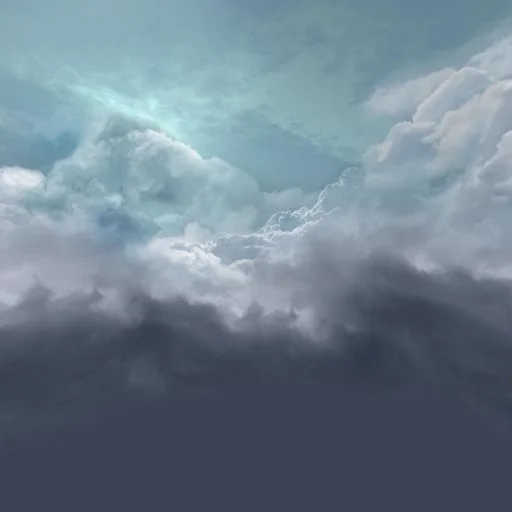|
|:---:|:---:|:---:|:---:|:---:|:---:|
|skybox\_px.jpg|skybox\_nx.jpg|skybox\_py.jpg|skybox\_ny.jpg|skybox\_pz.jpg|skybox\_nz.jpg|
Cube textures must be applied using [reflectionTexture](https://doc.babylonjs.com/features/featuresDeepDive/materials/using/reflectionTexture) even though the skybox is not a reflection map. Setting [coordinatesMode](https://doc.babylonjs.com/typedoc/classes/babylon.texture#coordinatesmode) to SKYBOX\_MODE paints the texture directly on the cube rather than simulating reflections.
```javascript
const skybox = BABYLON.MeshBuilder.CreateBox("skyBox", {size:150}, scene);
const skyboxMaterial = new BABYLON.StandardMaterial("skyBox", scene);
skyboxMaterial.backFaceCulling = false;
skyboxMaterial.reflectionTexture = new BABYLON.CubeTexture("textures/skybox", scene);
skyboxMaterial.reflectionTexture.coordinatesMode = BABYLON.Texture.SKYBOX_MODE;
skyboxMaterial.diffuseColor = new BABYLON.Color3(0, 0, 0);
skyboxMaterial.specularColor = new BABYLON.Color3(0, 0, 0);
skybox.material = skyboxMaterial;
```
We also restrict the camera so that it cannot move below ground level.
```javascript
camera.upperBetaLimit = Math.PI / 2.2;
```
- [Playground: Adding a Skybox](https://playground.babylonjs.com/#KBS9I5#88) - Add a skybox to your scene.
After making a sky, the next environmental improvement is to [grow some trees](https://doc.babylonjs.com/features/introductionToFeatures/chap5/trees).
## Further reading
- [Skyboxes](https://doc.babylonjs.com/features/featuresDeepDive/environment/skybox)