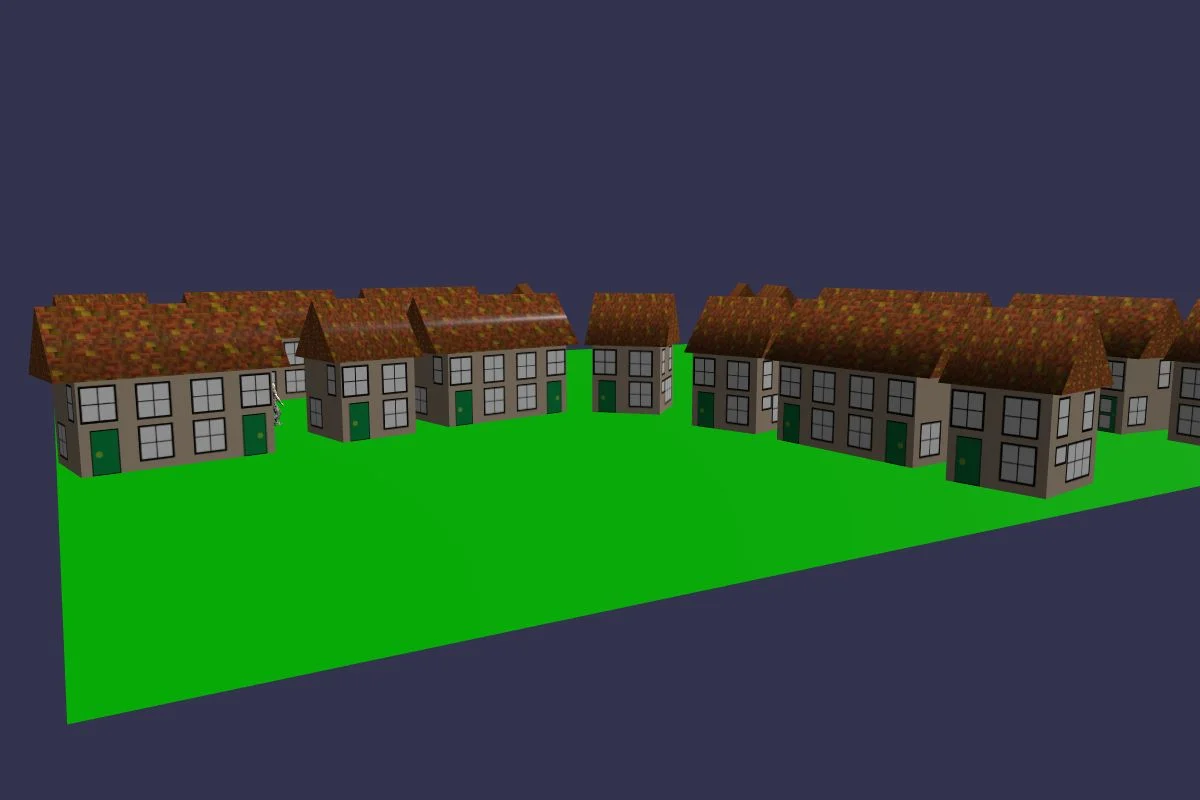
Getting Started - Chapter 3 - Village Animation
Animating the Village
Our village is not very lively at the moment, so let's add some animation. We are still in the early stages of learning Babylon.js and nowhere near adding a Sims family. The parents and children you are about to meet are the silent type: a way of linking meshes so that changes to a parent mesh are also applied to its child meshes. We are going to animate a very simple car with wheels that are children of the parent car body. Unlike a real car, it is the car body that takes the wheels with it. There is one way that our mesh parents and children behave like a real family: the children can act independently of the parent. Which is just as well, because we do not want the car to rotate with the wheels.
Of course, you do not have to build an animation of your own. You can import a ready-made one, and we will show you the basics of importing an animated character and having it move around the village.
Coming next
Getting Started - Chapter 3 - Mesh Parents
Learn the basics of parenting objects in your scene.
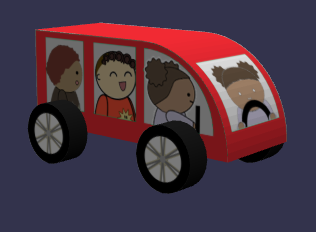
Getting Started - Chapter 3 - Extruding Polygons
Learn to create your own meshes by extruding mesh faces.
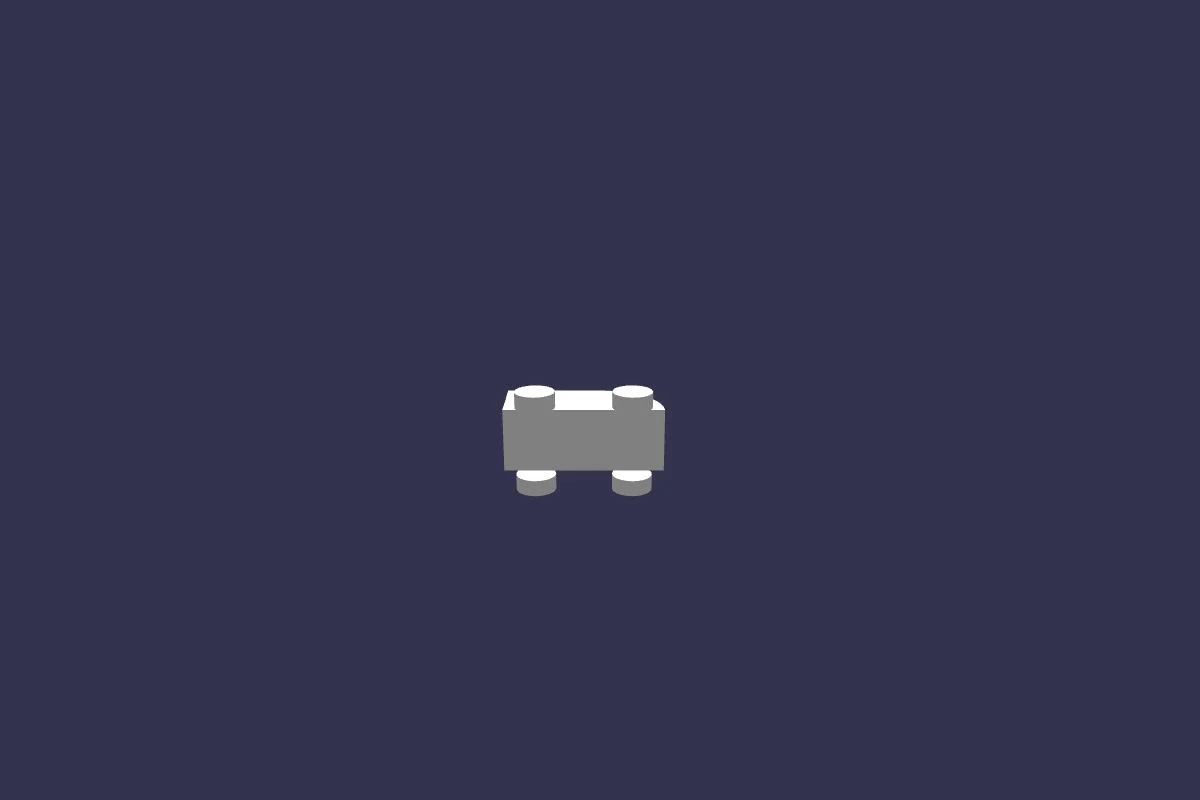
Getting Started - Chapter 3 - Car Materials
Learn to add materials to extruded meshes.
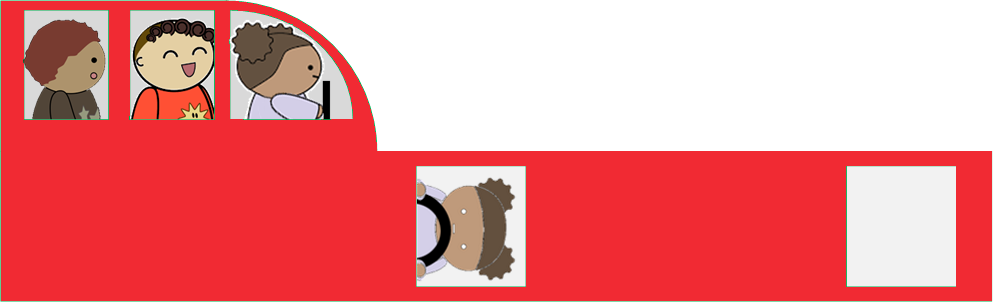
Getting Started - Chapter 3 - Wheel Animation
Learn the basics of animations in Babylon.js.
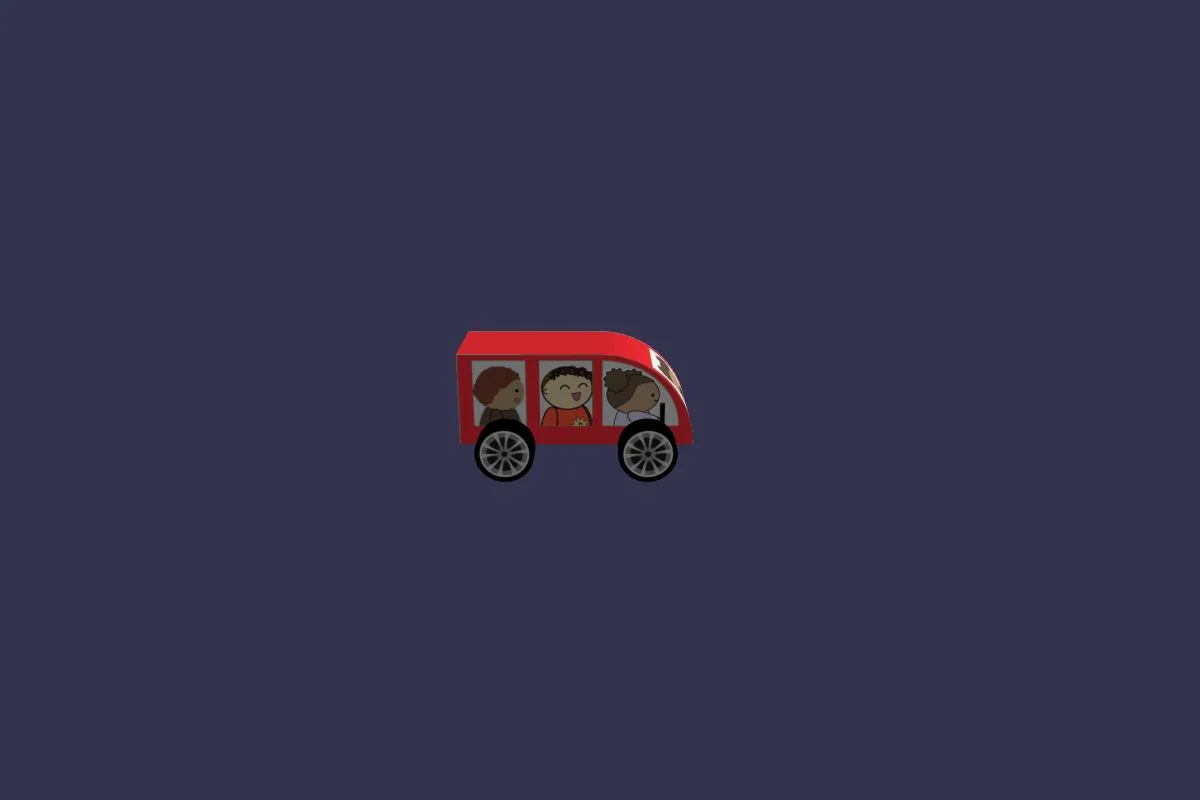
Getting Started - Chapter 3 - Car Animation
Continue learning about animations in Babylon.js.
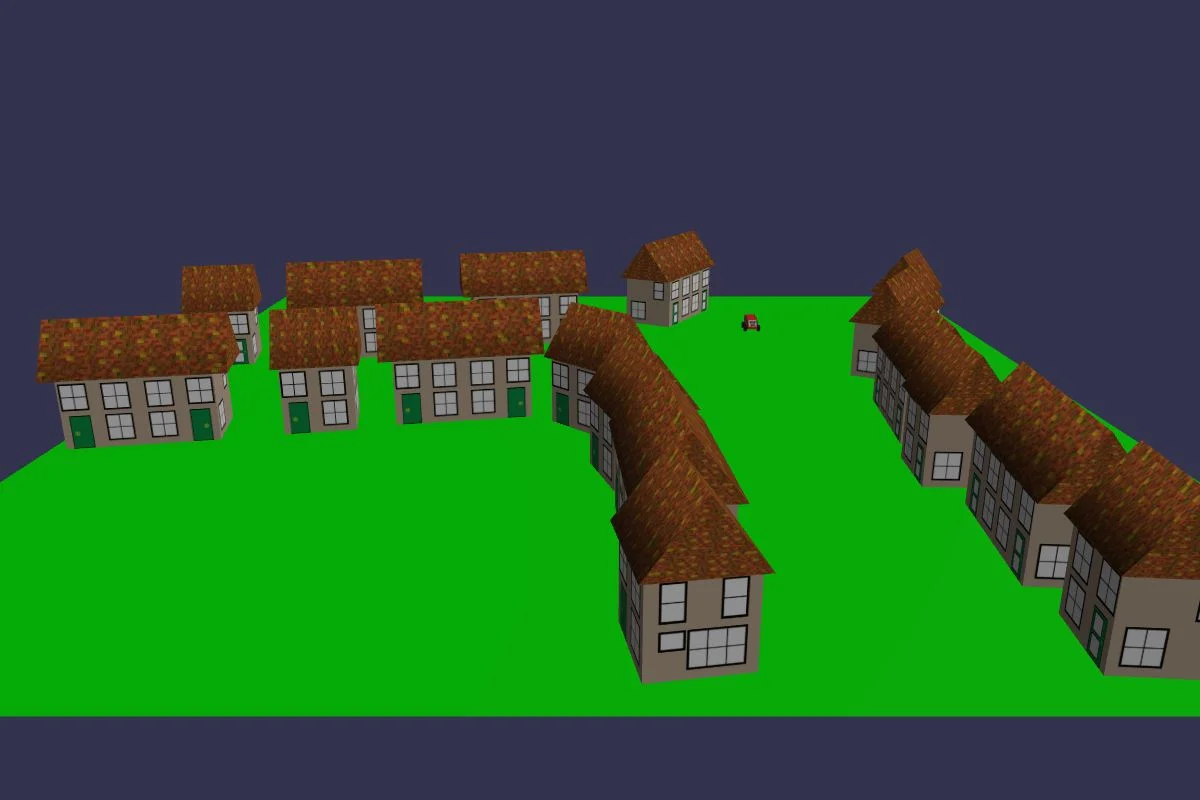
Getting Started - Chapter 3 - Character Animation
Learn to load objects with animation, into your scene.

Getting Started - Chapter 3 - A Walk Around The Village
Learn to move an animating object through your scene.