Getting Started - Chapter 2 - Build A Village
From One to Many
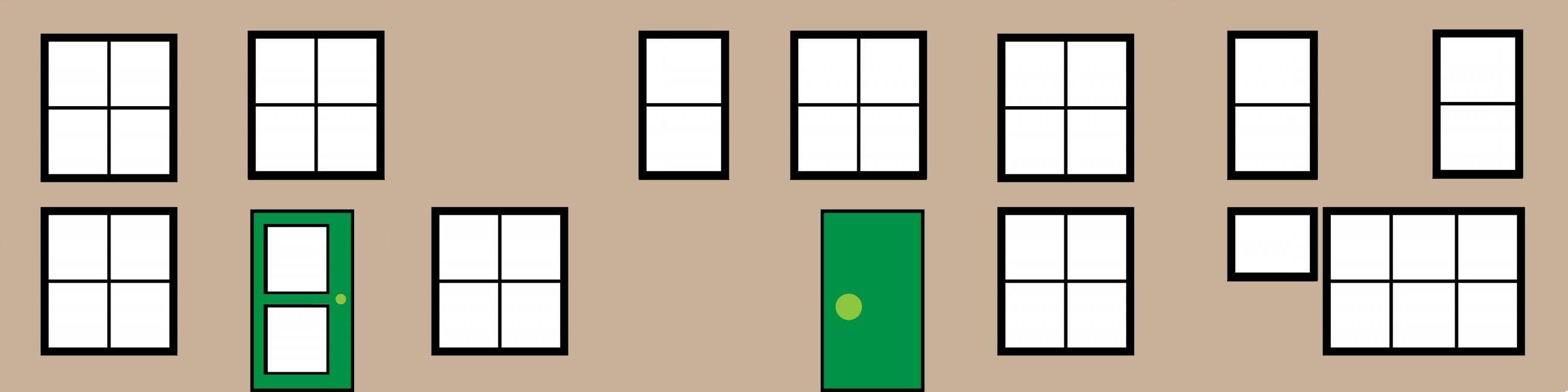
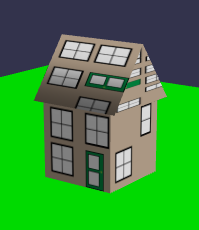
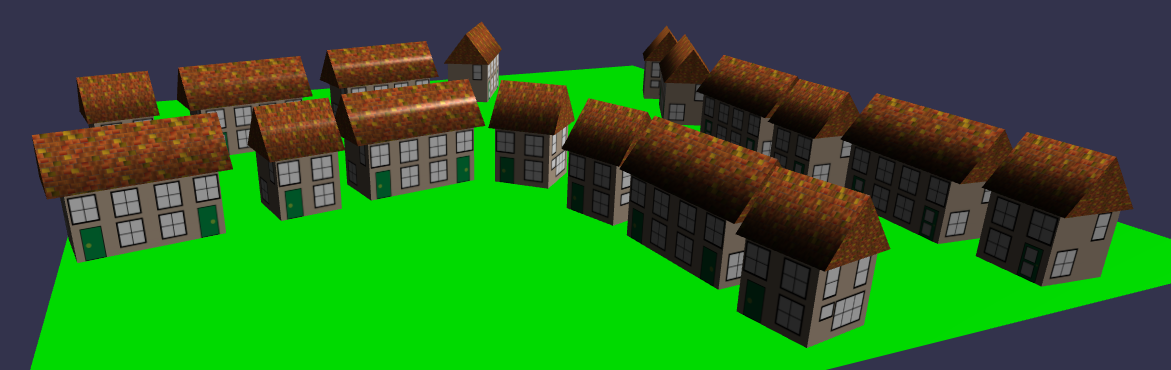
Now we take a big step as we turn the simple box into a house, or even two. Since houses do not float, we will create some ground and then see how we can position, rotate, and resize the house and place it on the ground. Since a blank box still looks like a blank box, we will add texture to give it the appearance of windows and doors. To keep the rain out, let's add a roof mesh and merge the two meshes together. Of course, a couple of houses do not make a village, so we will see how we can copy a mesh as many times as we wish. Since builders are noisy workers, we will also show you how to include sounds and then silence them immediately, as anything other than the sounds you want to work with can be distracting.
Coming next
Getting Started - Chapter 2 - Sound
Continue your Babylon.js learning by adding sound to your scene.
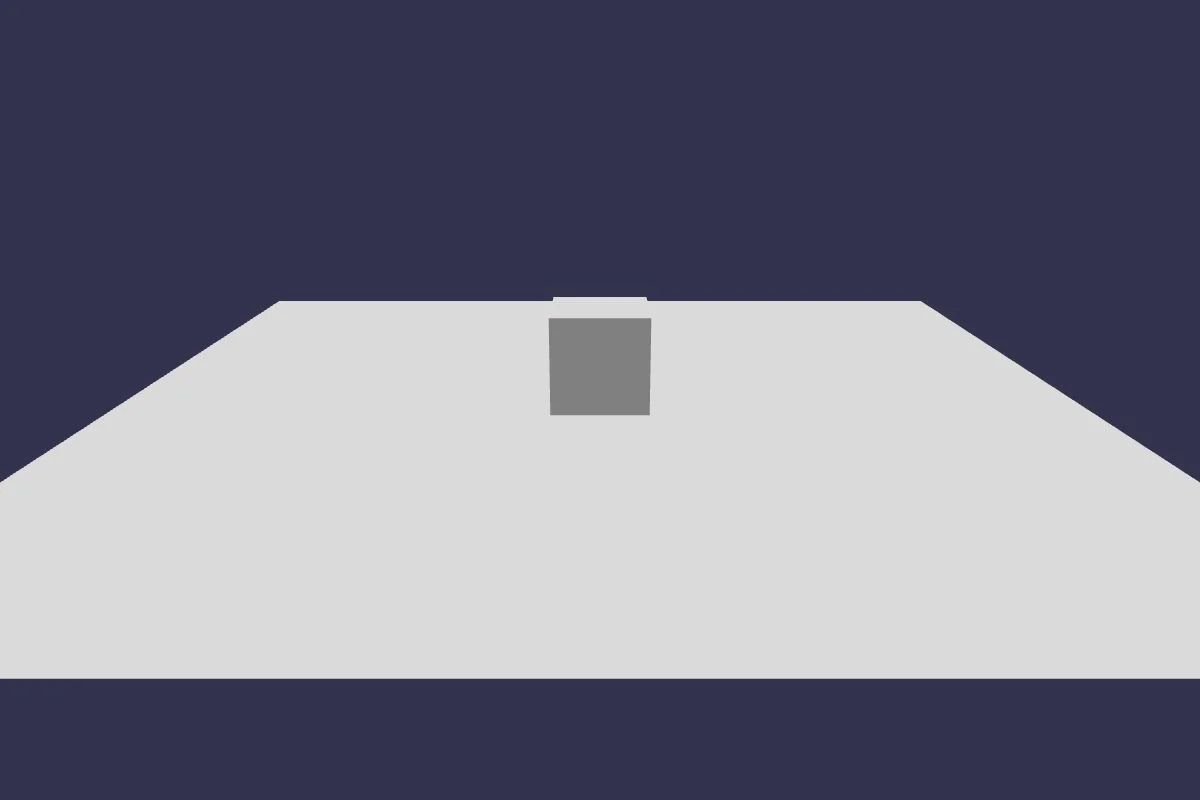
Getting Started - Chapter 2 - Ground
Continue your Babylon.js learning by adding a ground plane to your scene.

Getting Started - Chapter 2 - Mesh Placement
Continue your Babylon.js learning by placing and positioning meshes in your scene.
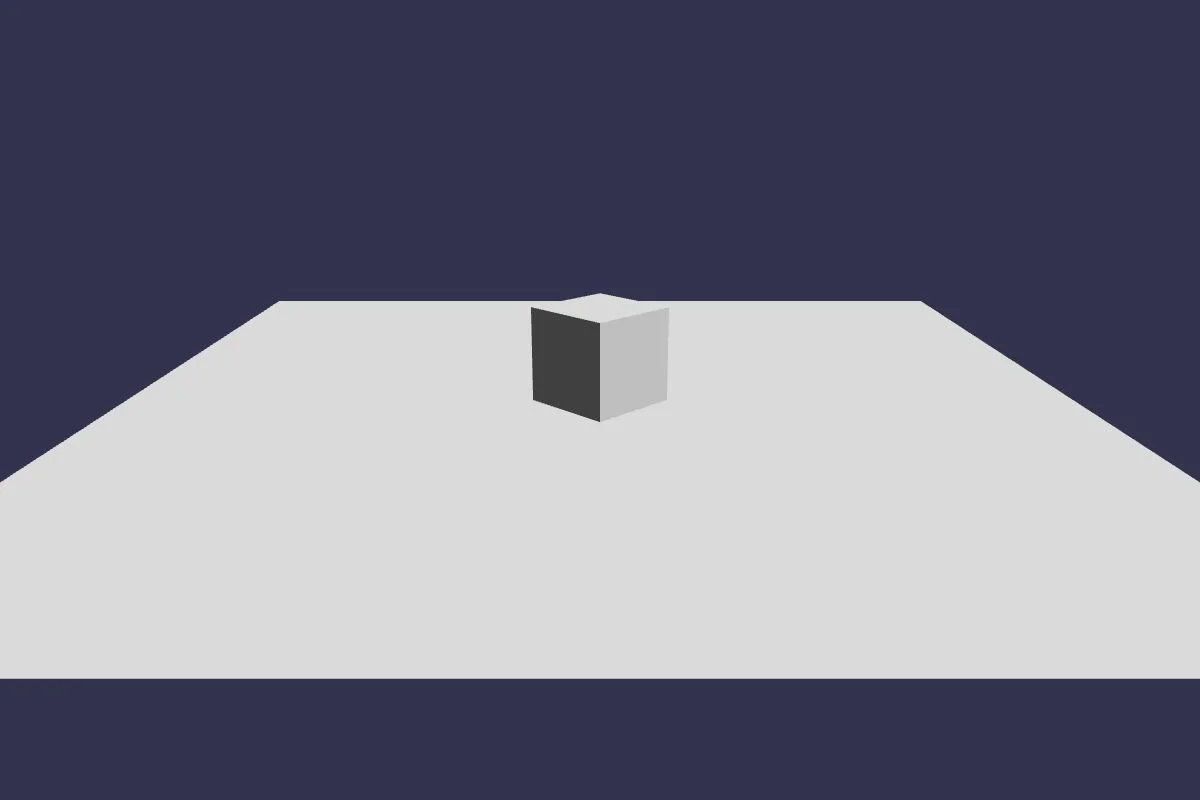
Getting Started - Chapter 2 - Basic House
Continue your Babylon.js learning by adding a new mesh type to your scene.
Getting Started - Chapter 2 - Texture
Continue your Babylon.js learning by adding materials to the objects in your scene.
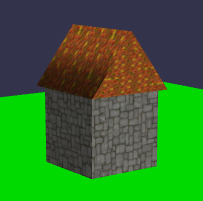
Getting Started - Chapter 2 - Face Materials
Continue your Babylon.js learning by adding materials to individual faces of the meshes in your scene.
Getting Started - Chapter 2 - Combining Meshes
Continue your Babylon.js learning by combining meshes in your scene.
Getting Started - Chapter 2 - Making Copies
Continue your Babylon.js learning by making copies of meshes.
Getting Started - Chapter 2 - The Viewer
Continue your Babylon.js learning by using the Babylon.js viewer to view a model.

Getting Started - Chapter 2 - Web App Layout
Continue your Babylon.js learning by transforming your progress into a web app.