Particle Snippet Server
Starting with Babylon.js v4.2, you can save, load, and edit particle systems using the Inspector. These code snippets are saved on the Babylon.js snippet server. Make a note of the snippet ID shown when you save it.
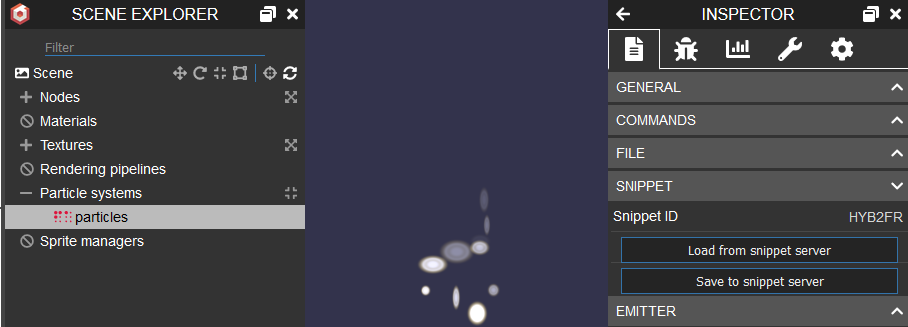
When you have a snippet ID, you can easily load the particle system using the following code:
import { MeshBuilder } from "@babylonjs/core/Meshes/meshBuilder";import { ParticleHelper } from "@babylonjs/core/Particles/particleHelper";var sphere = MeshBuilder.CreateSphere("sphere", { diameter: 0.2, segments: 32 }, scene);ParticleHelper.ParseFromSnippetAsync("T54JV7", scene, false).then(system => { system.emitter = sphere;});Live example: Particle Snippet Server Example
You can also specify "_BLANK" for the snippet ID. In this case, the system will create an empty one for you to work on:
import { SpriteManager } from "@babylonjs/core/Sprites/spriteManager";SpriteManager.ParseFromSnippetAsync("_BLANK", scene);