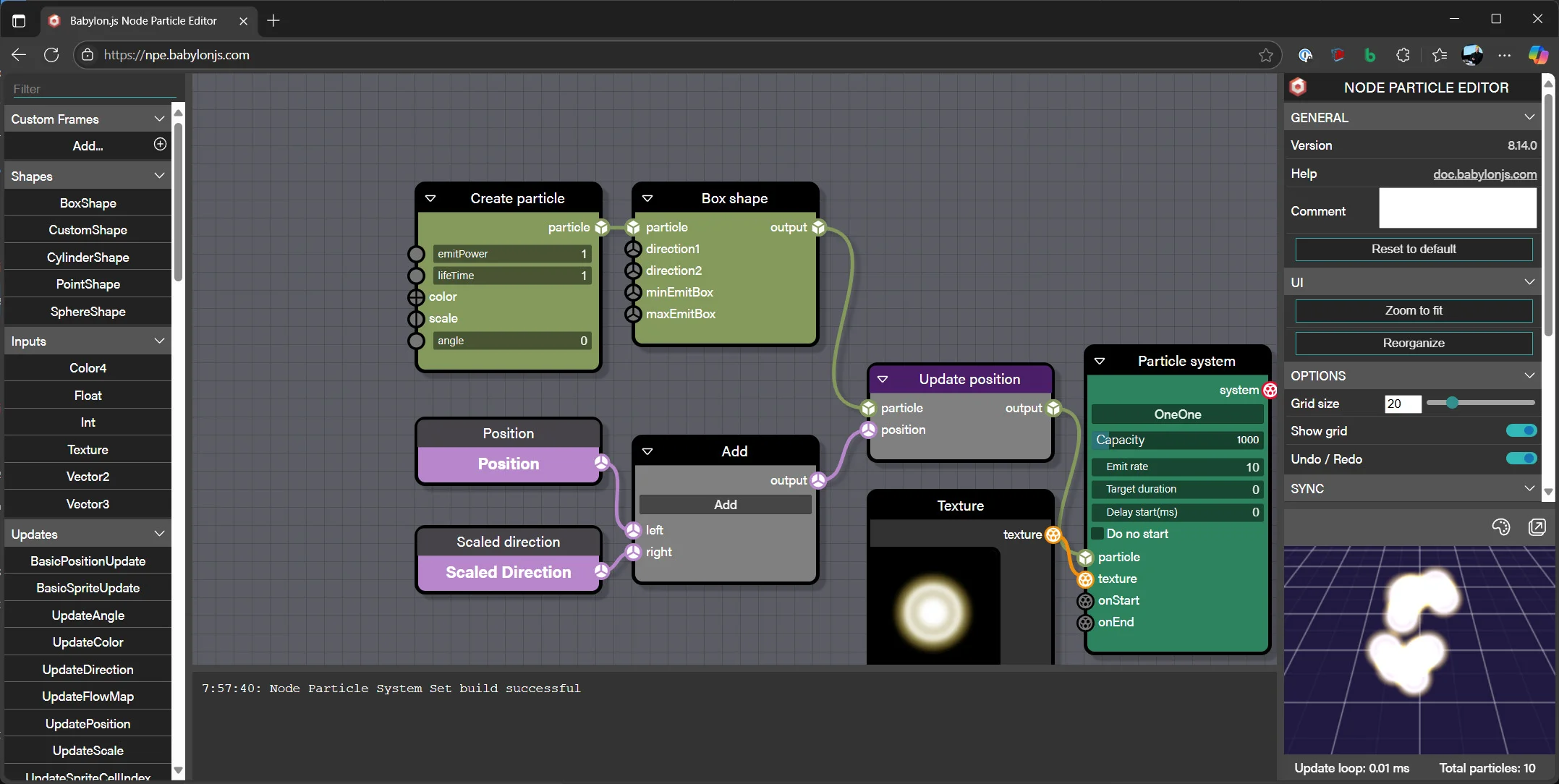
Particle System
The particle system uses small 2D sprites that may be animated and always face the camera to simulate effects such as smoke or abstract visual forms such as glitter and fairy dust. The clouds of particles produced can be controlled with a wide range of properties including size, lifetime, emission rates, region, and power. Gravity can also be added to the particles.
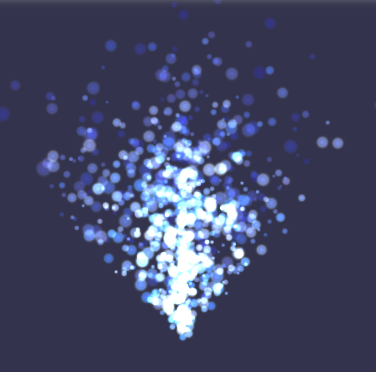
From Babylon.js v3.2, when the browser supports WebGL2, GPU particles are available. These make full use of the GPU, though there are some restrictions on their use. When WebGL2 is not available, the GPUParticleSystem will fall back to the ParticleSystem automatically.
Coming next
Particle System Intro
Scratch the surface of how particles and particle systems work in Babylon.js.

Basic Particle Properties
Learn all about tuning basic particle properties in Babylon.js.
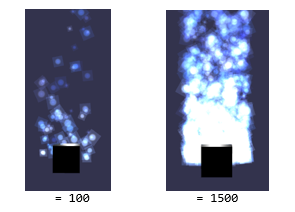
Changing Particle Properties Over Time
Learn how to change particle properties over time in Babylon.js.
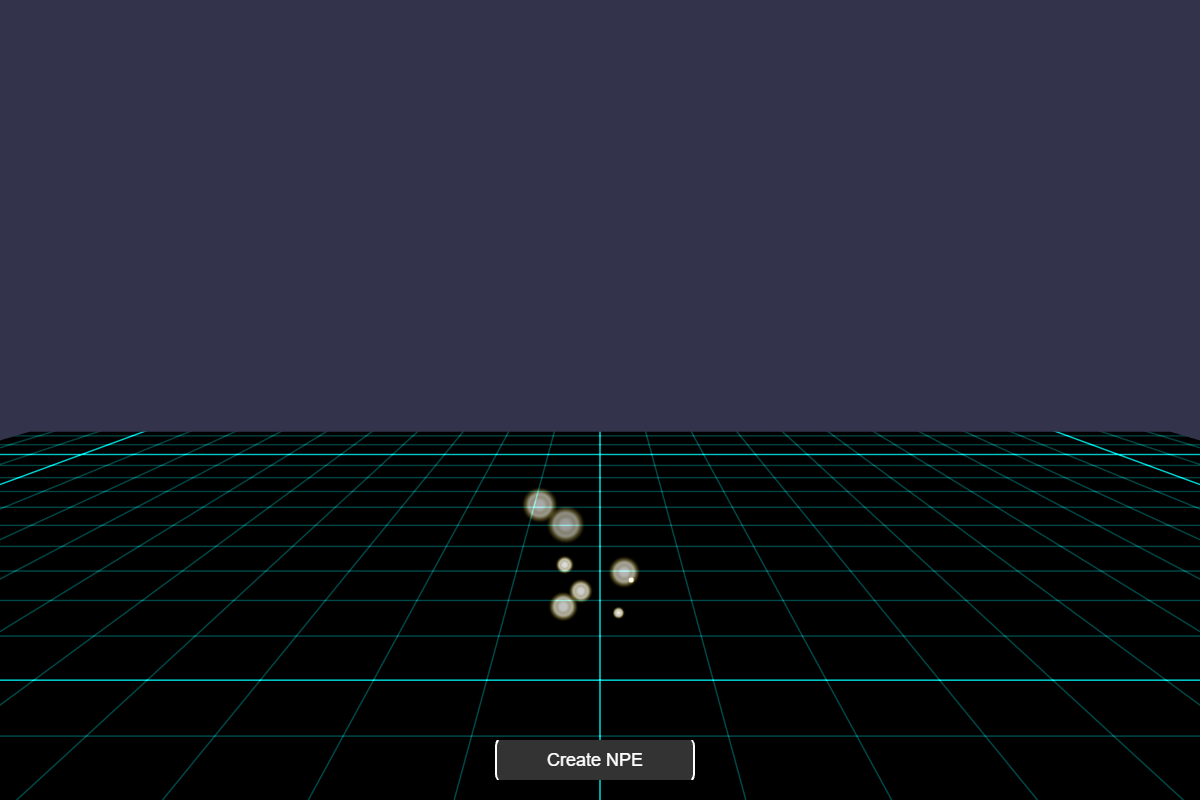
Shape Emitters
Learn about Particle System Shape Emitters in Babylon.js.
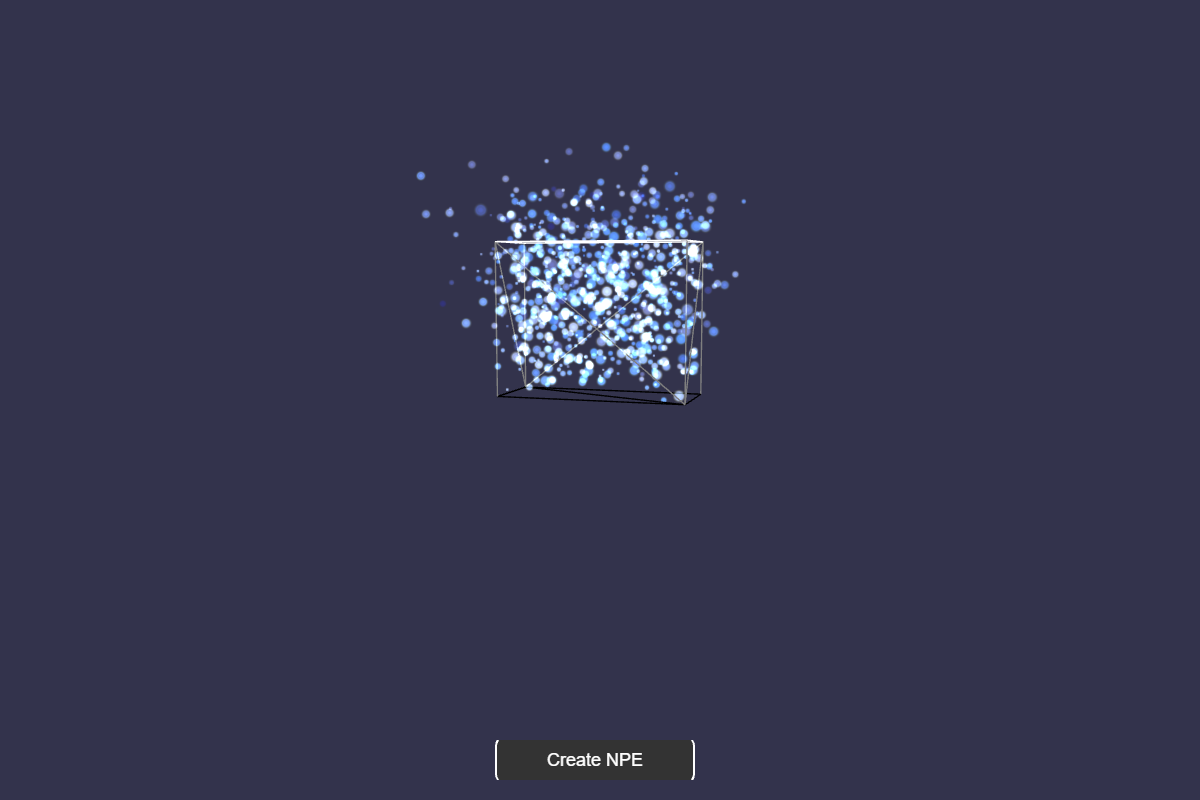
Animating Particles
Learn how to animate particles in Babylon.js.

Customizing Particles
Learn how to customize particles in Babylon.js.

The Particle Helper
Learn all about the fabulous particle helper in Babylon.js.
Color Ramps, Blends, and Billboard Mode
Learn about color ramps, blends, and particle billboard mode in Babylon.js.

Attractors
Documentation page for Attractors

Flow Maps
Documentation page for Flow Maps
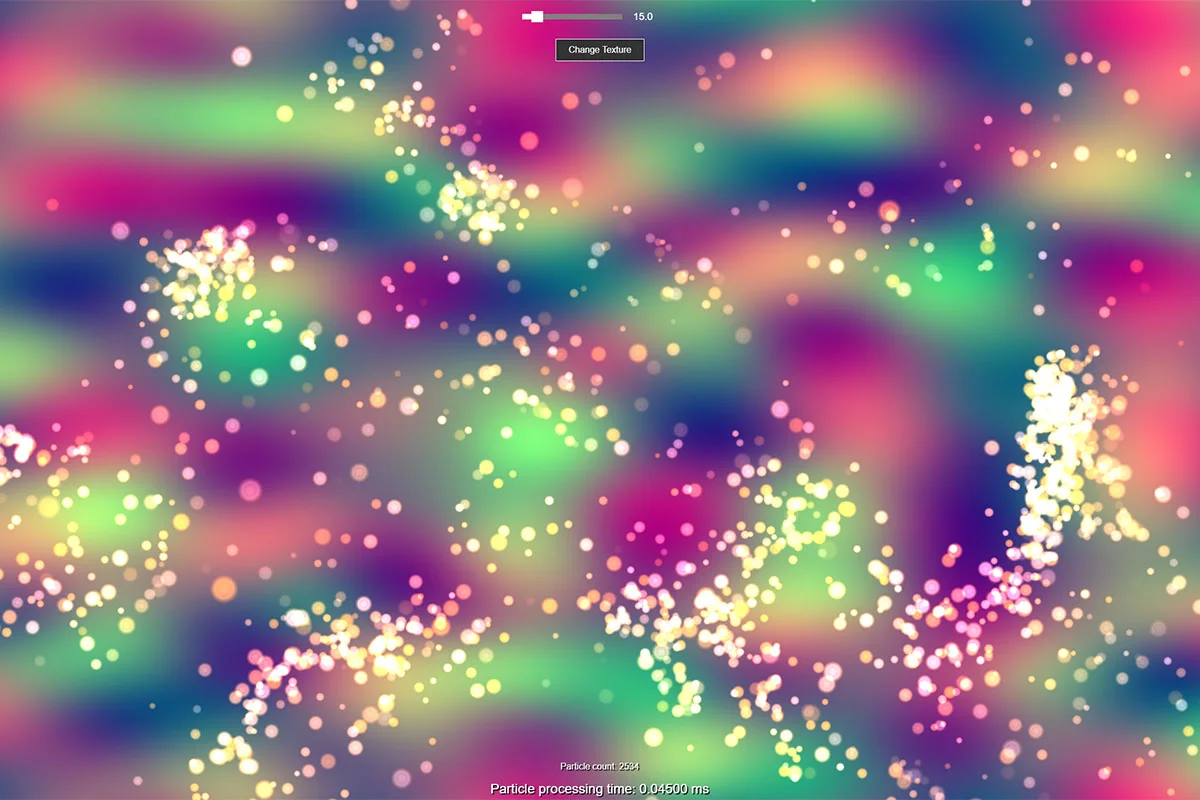
Sub Emitters
Learn about sub emitters in Babylon.js.

GPU Particles
Learn all about GPU particles in Babylon.js.
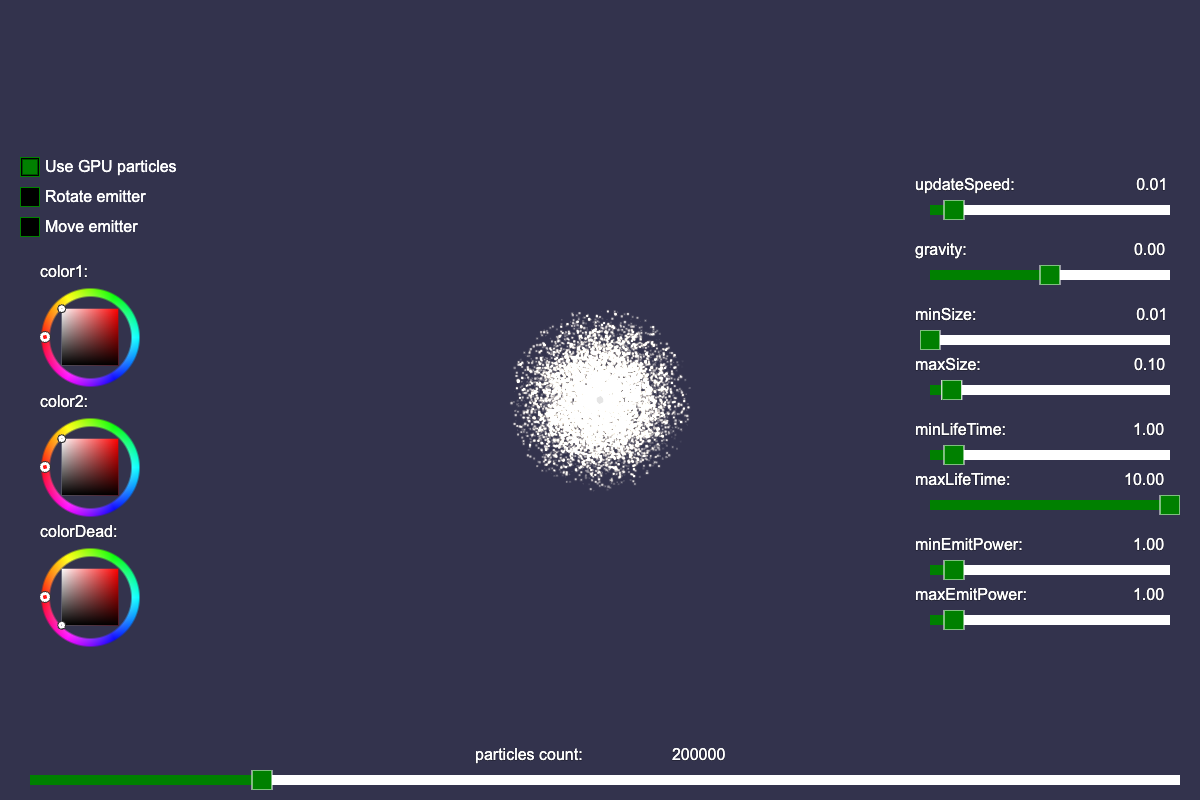
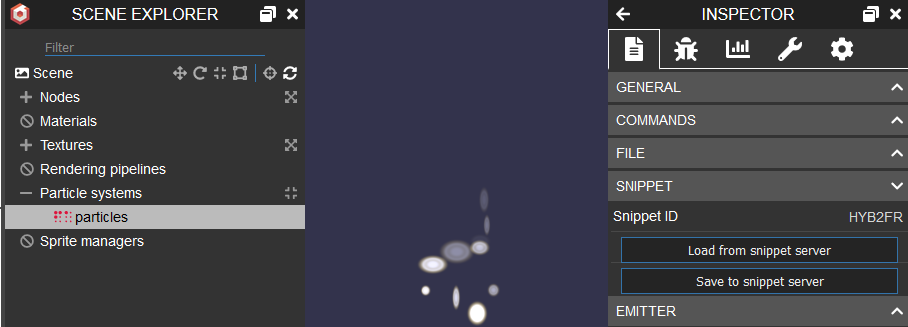
Particle Snippet Server
Learn how to save particle systems to the Babylon.js snippet server.
Loading Particle Systems from a JSON File
Learn how to load and parse particle systems from a local JSON file.
Node Particle Editor
Documentation page for Node Particle Editor