Rendering Edges
BABYLON.EdgesRenderer is a tool used to render edges on top of a mesh. Edges are rendered between two faces if the dot product of their normals is less than epsilon.
How to use it
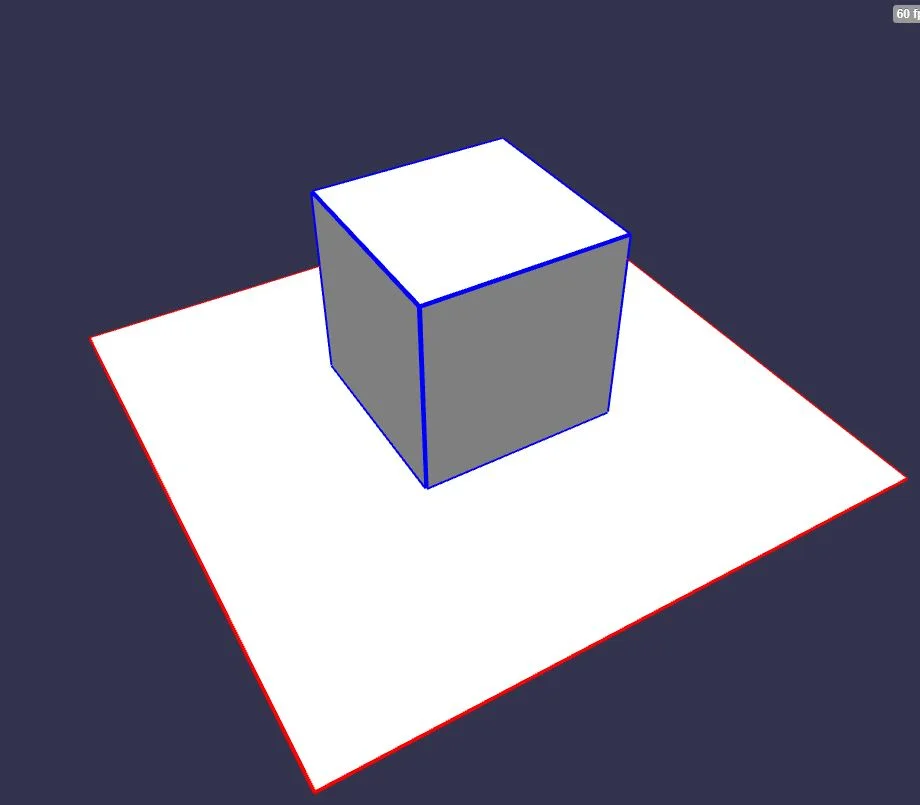
You can enable edges rendering like this:
import { Color4 } from "@babylonjs/core/Maths/math.color";import { MeshBuilder } from "@babylonjs/core/Meshes/meshBuilder";const box = MeshBuilder.CreateBox("box1", { size: 2 }, scene);box.enableEdgesRendering();box.edgesWidth = 4.0;box.edgesColor = new Color4(0, 0, 1, 1);enableEdgesRendering can be called with a custom epsilon (the default value is 0.95).
box.enableEdgesRendering(0.9999);The dot product is the cosine of the angle between the vectors, so for the default epsilon of 0.95 the angle is acos(.95) ~= 18 degrees. If the angle between two faces is less than that, no line is drawn.
If you need to turn off edges rendering:
box.disableEdgesRendering();You can try edges rendering here: Edge Rendering Example 1
If your mesh has instances, you can either use a renderer for each instance by enabling the edges rendering for each instance as explained above, or by using the source mesh renderer for all instances.
To do this, just set:
sourceMesh.edgesShareWithInstances = true;EdgesRenderer and Transparent meshes
The EdgesRenderer is the last component of a rendering group to be rendered, which can affect rendering when there are transparent meshes other than the one using the renderer. See this scene for an example:
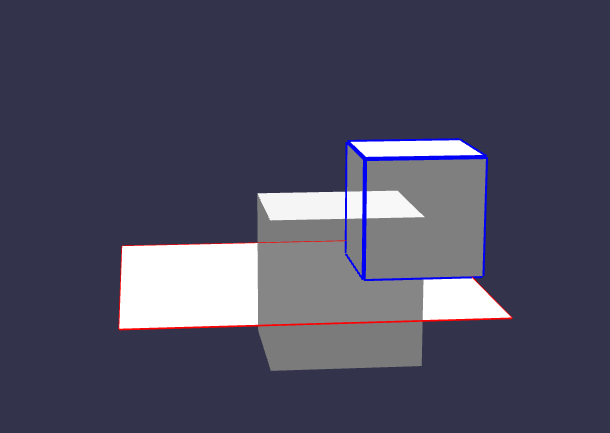
You may notice that both the back box and the ground's edge renderers are rendering on top of the front, partially transparent mesh. That happens because edge rendering occurs after all other steps in the scene, even after transparent (alpha-blended) meshes are rendered. For more information on the rendering order of meshes, check the Transparent Rendering page. There are two possible solutions to this. One is to set the transparent object's rendering group id to a higher value than the meshes with the edge renderer:
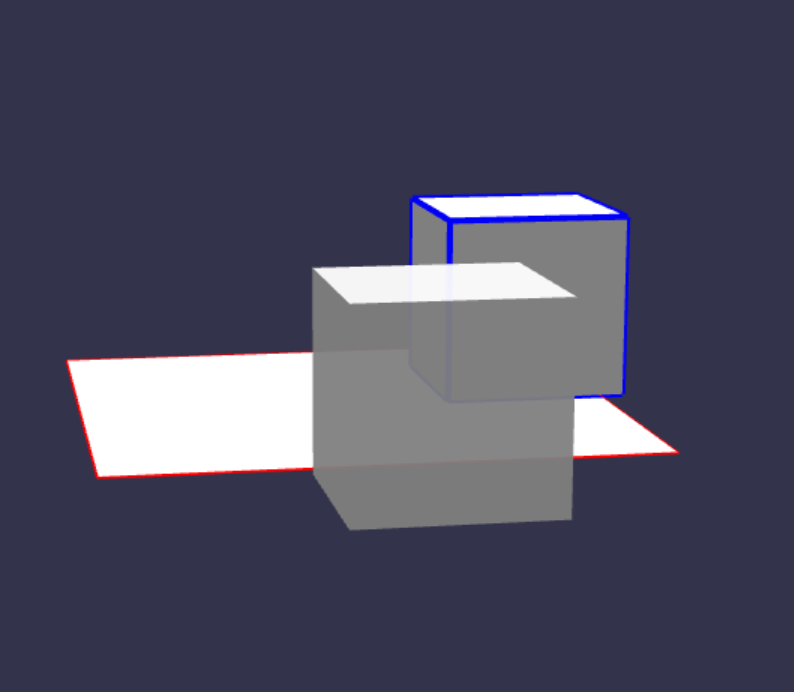
And another is to set forceDepthWrite = true on the transparent material:
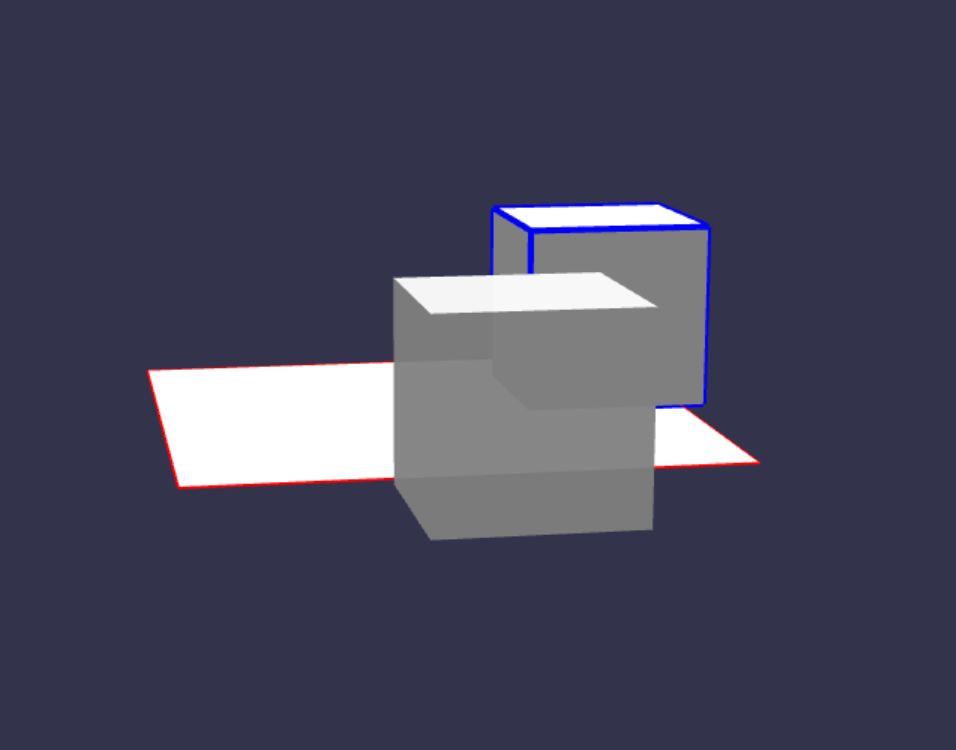
Note that in this case, the edges renderer won't show up behind the transparent mesh.