Importing Assets
The built-in file type is .babylon, and Babylon.js can load it without a plugin. All other file types require a plugin, as described in this section.
Possible file types include glTF, OpenUSD, splat, OBJ, and STL.
To help you manage imported assets, Babylon.js provides an asset manager.
Note: Since imported meshes can already have a rotationQuaternion set, set rotationQuaternion to null before applying a rotation.
Coming next
Loading Assets From Memory
Learn how to load assets directly from memory.

.glTF File Loader Plugin
Learn about the .glTF File Loader Plugin available in Babylon.js.
OpenUSD File Loader Plugin
Load composed OpenUSD stages from .usd, .usda, .usdc, and .usdz files in Babylon.js.

.stl File Loader Plugin
Learn about the .stl File Loader Plugin available in Babylon.js.
.obj File Loader Plugin
Learn about the .obj File Loader Plugin available in Babylon.js.
Asset Manager
Learn the wonderful world of the Babylon.js asset manager.
Loading Any File Type
Learn how to import any file type in Babylon.js.

Incremental Loading System
Learn about the incremental loading system in Babylon.js.
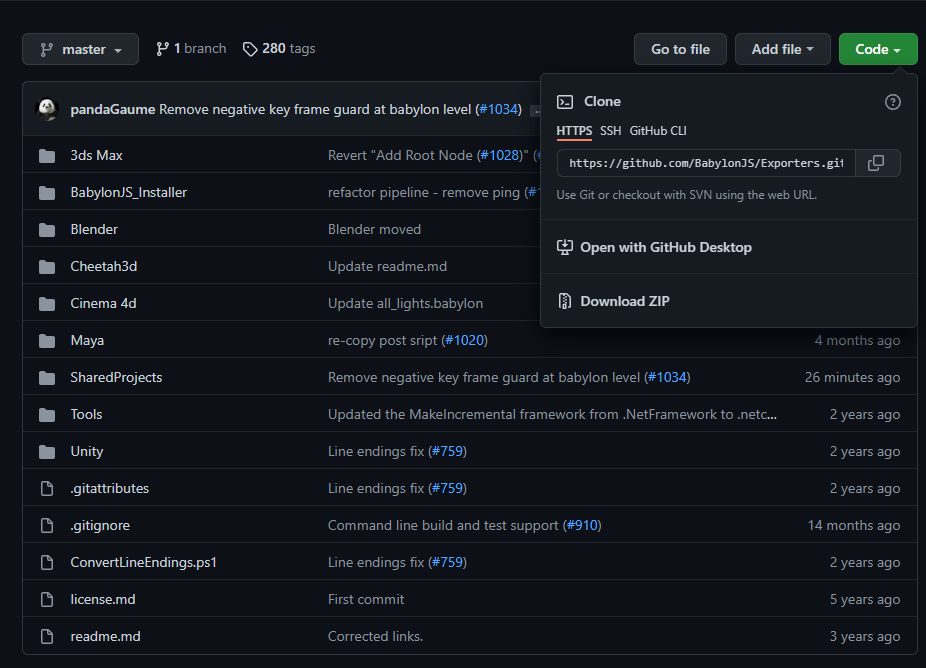
Asset Containers
Learn all about using asset containers in Babylon.js.

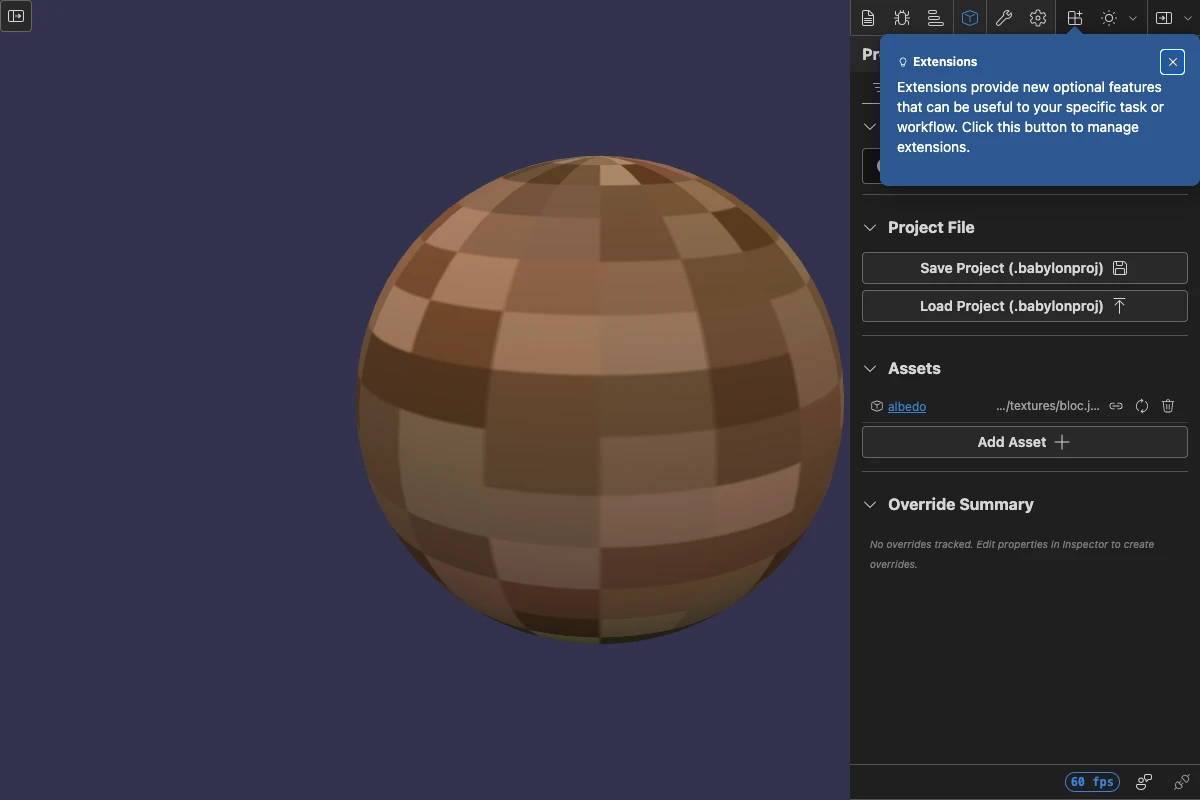
Smart Assets
A scene-level registry that maps stable keys to asset URLs so models, textures, and materials can be reloaded, swapped, and persisted independently of the runtime objects they create.
Create Your Own File Importer
Learn how to create your own file importer for Babylon.js.
SceneLoader class (legacy)
Documentation page for SceneLoader class (legacy)

Gaussian Splatting File Loader Plugin
Learn about the Gaussian Splatting File Loader Plugin available in Babylon.js.